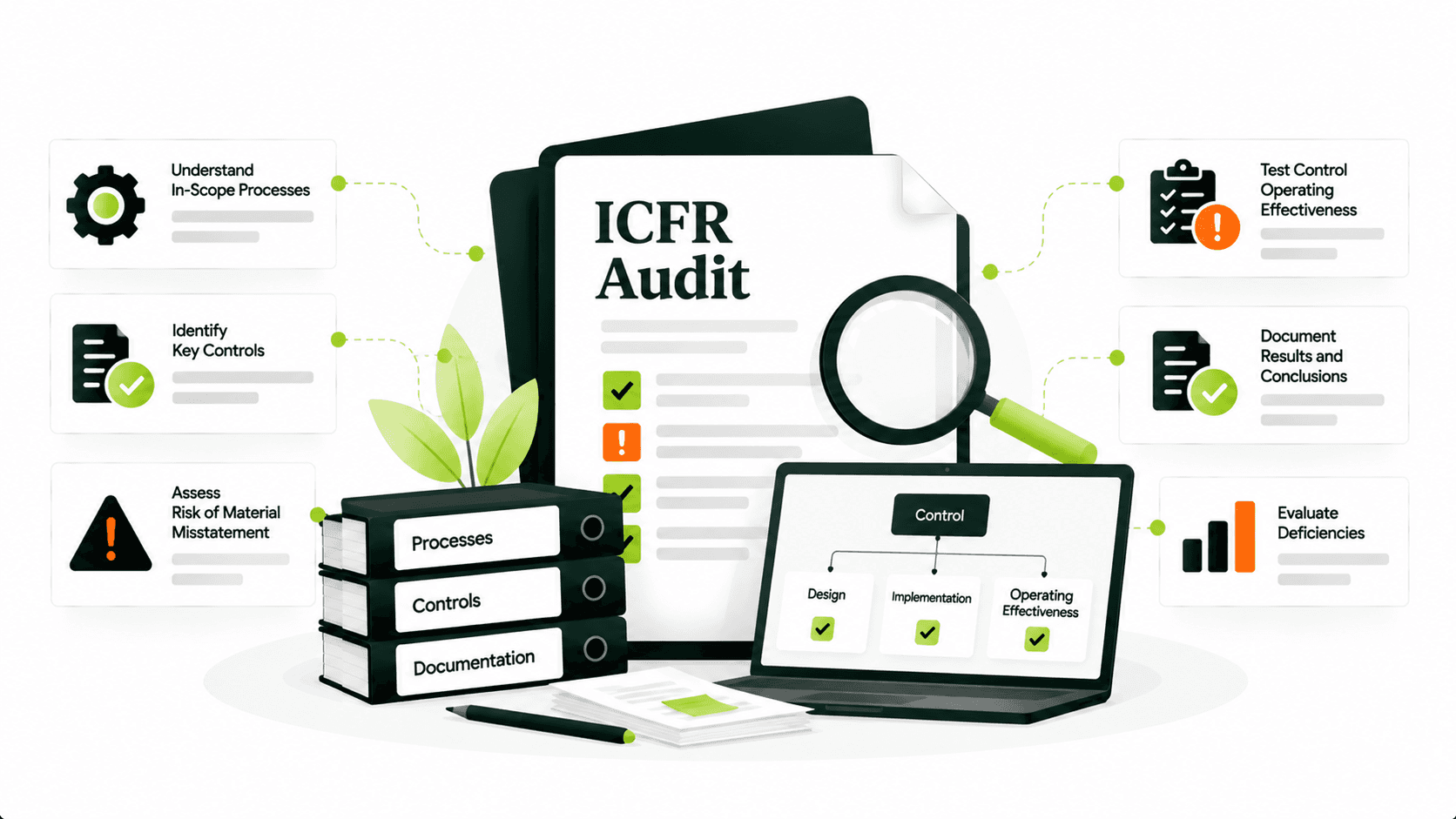
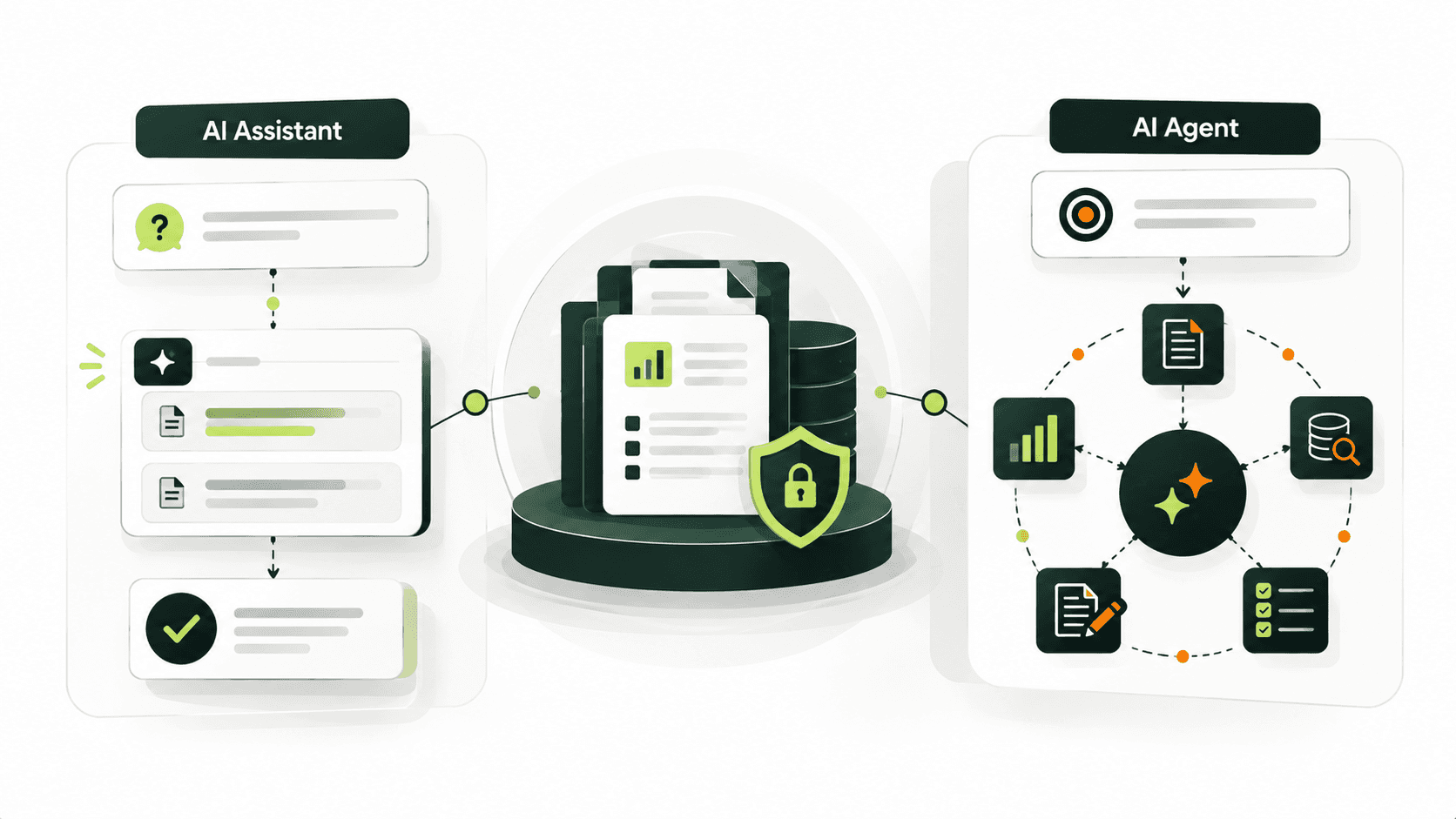
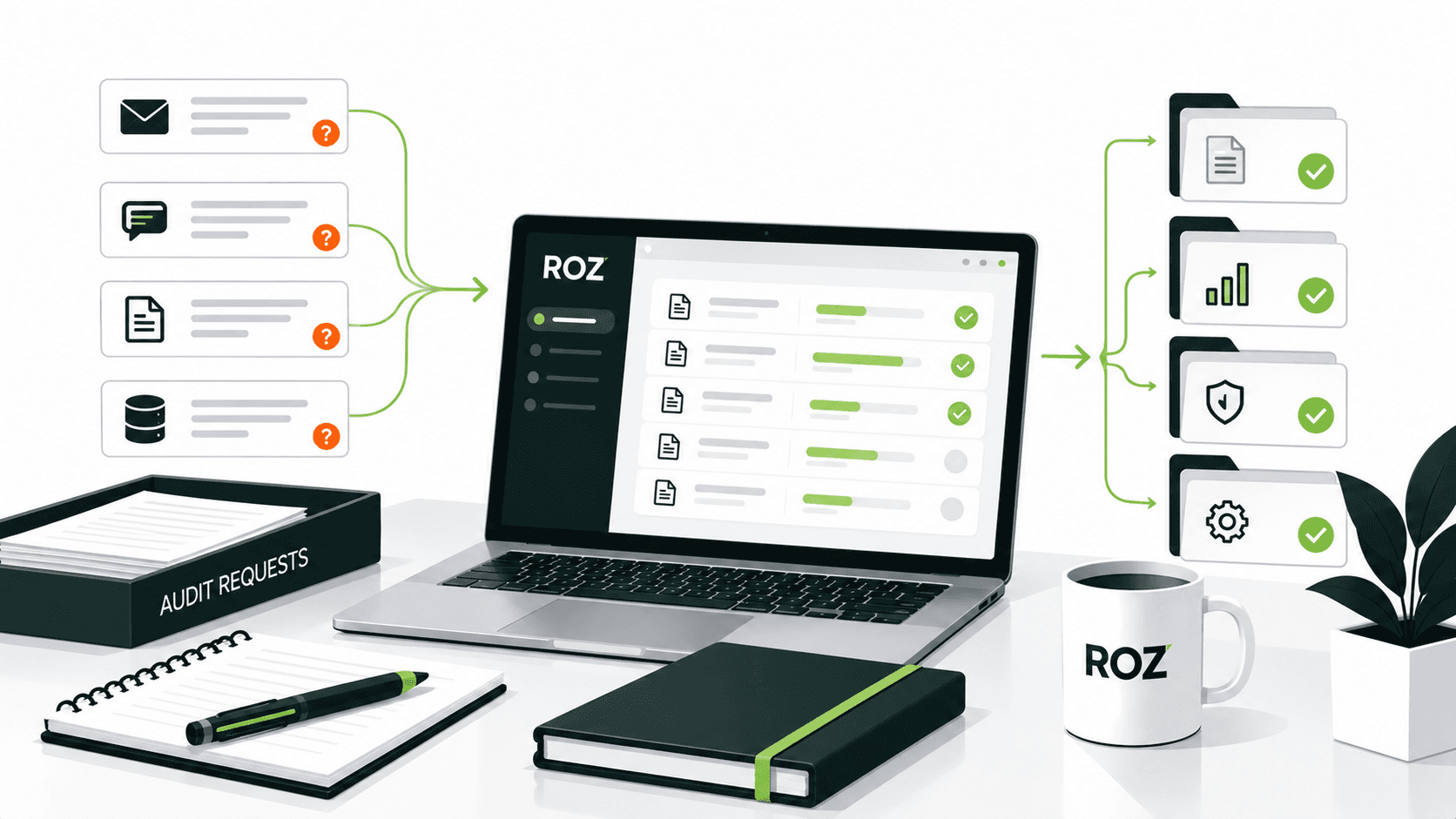
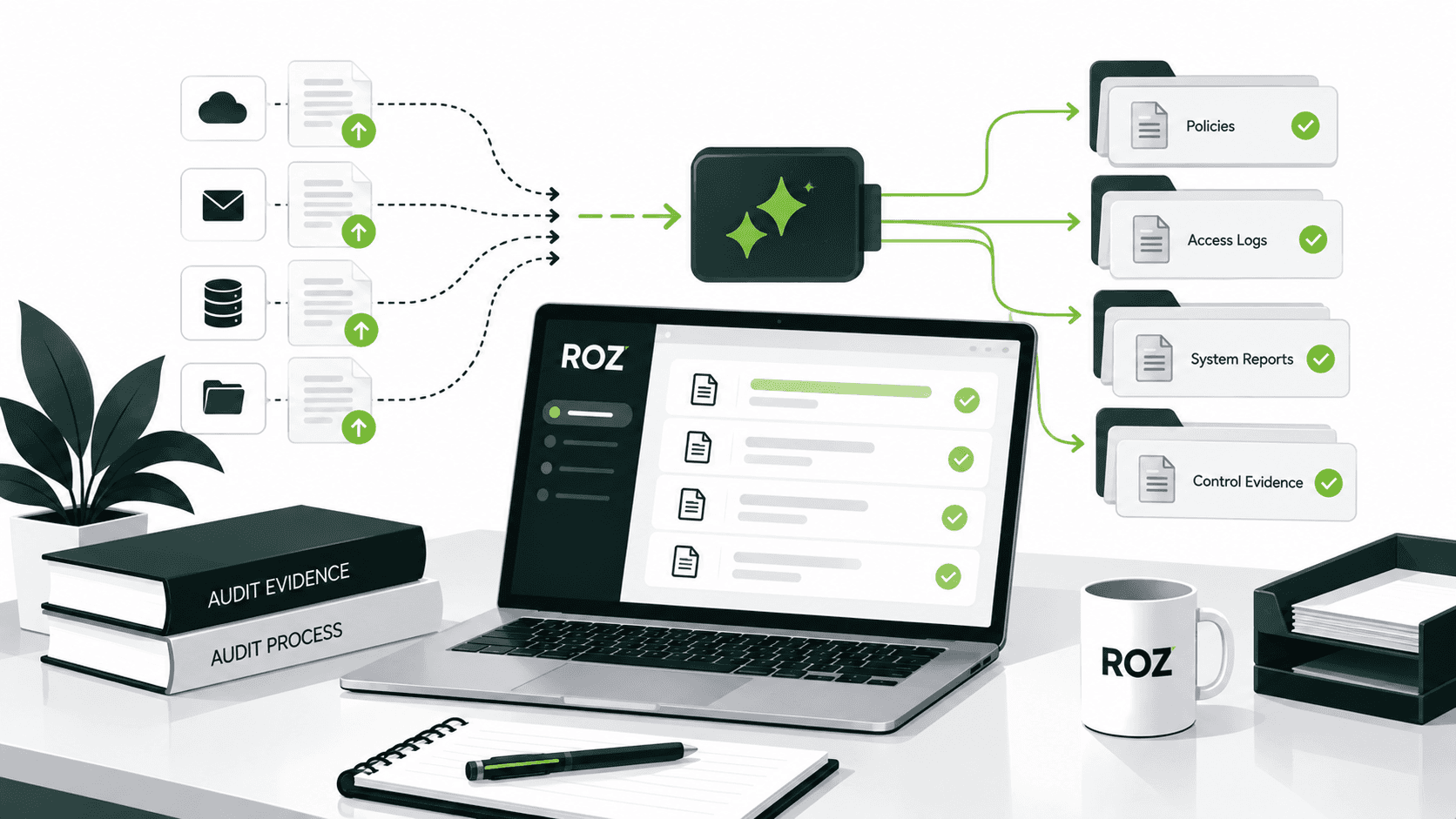
When selecting IT audit software, firms can make poor decisions by comparing feature lists without considering their actual fieldwork requirements. IT audit fieldwork tools and enterprise GRC platforms often serve different primary purposes. Fieldwork tools may focus on evidence review, control testing, and workpaper preparation, while enterprise GRC platforms typically coordinate risk, compliance, and control activities across an organization. Some platforms overlap, so firms should evaluate the capabilities they need rather than rely on product categories alone.
IT audit software can be grouped into four main categories: audit execution and control testing software; enterprise audit management software; IT activity and access monitoring software; and application control and compliance management software. These categories can also overlap.
In this article, we will compare 10 IT audit software tools and identify how they differ from broader audit management tools. We will cover factors such as evidence, workpaper quality, oversight, security, and integration.
What Is IT Audit Software?

IT audit software is designed to assist auditors in reviewing IT systems, processes, and controls. The software supports the collection of evidence, testing of controls, and the documentation of audit findings and reports. The capabilities of these tools can range from technical activity monitoring and access auditing to assisting auditors with fieldwork, including the use of artificial intelligence and audit management.
Generally, tools in this space can be categorized as follows:
AI-assisted audit fieldwork and control testing: Tools that help auditors map evidence to controls, perform first-pass testing, and identify potential exceptions or control deficiencies for further review.
Audit management and engagement workflows: Tools that assist in the management of workflows and communication for planning and scheduling audits, including the preparation of workpapers and identification of findings and remediation activities.
IT activity and access auditing: Tools that assist auditors in reviewing user access and changes to configurations and system settings by monitoring user activities.
Application access and control management: Tools that support the monitoring of controls for access and segregation of duties within business-critical applications (e.g., within Enterprise Resource Planning (ERP) applications).
Compliance and evidence management: Tools that support the documentation of evidence for compliance and controls and assist in the management of remediation activities.
Tools in this space can combine two or more of the categories mentioned above. The depth of functionality can vary across tools. For example, a tool that captures system logs to collect audit evidence may not support control testing or preparation of workpapers for auditors. Similarly, an audit management tool may be assisting the overall engagement management without focusing on technical activity monitoring.
Understanding these differences can help assess whether a tool is aligned to the methodology and documentation requirements of your firm’s audits.
IT Audit Software vs. Audit Management Software

Though the terms “IT audit software,” “internal audit software,” and “audit management software” are sometimes used interchangeably, they define different aspects of the audit workflow and sometimes overlap. IT activity monitoring software and other types of management software sometimes get grouped together with IT audit software and purported to solve the same issues. That is not always the case.
IT audit software
IT audit software is focused on technical evidence. This evidence could be user activity logs, changes made to a system, or access control information, to name a few. This is the most technical layer of the IT audit, and it is where the auditor goes to verify a control worked as intended. The breadth of features in these types of software varies from simple evidence collection to the entirety of the audit function (i.e., testing, documenting, and reporting).
Internal audit software
Internal audit software is a broader category that covers much of the audit lifecycle. Depending on the platform, it can include:
Risk assessment: Evaluating and prioritizing audit subjects.
Audit planning: Designing and creating audit plans and schedules.
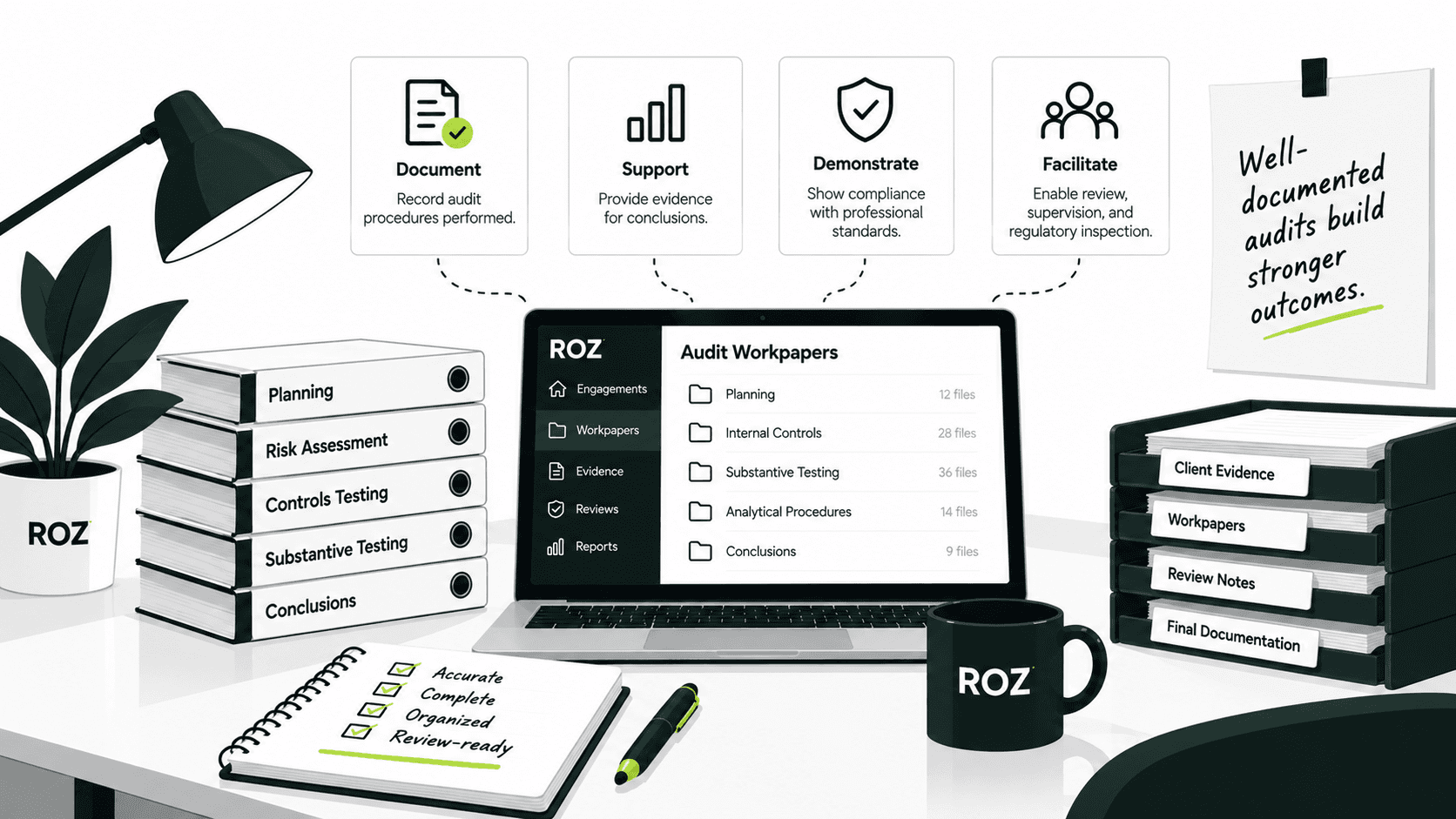
Fieldwork and workpapers: Documenting procedures, testing, and conclusions.
Findings and remediation: Tracking issues until resolved and closing.
These platforms primarily support audit planning, execution, documentation, and follow-up. They may use evidence from technical systems or integrate with tools that collect it, but their core purpose is broader audit workflow management rather than system-level activity monitoring.
Audit management software
While audit management software shares much in common with internal audit software, it focuses on the administration of engagements (e.g., scheduling and stakeholder planning and workflow) and sometimes includes risk assessment, workpapers, findings, and remediation. Vendors often create and label software products as they see fit, so it is important to focus on a program’s actual features rather than its title.
Other programs cover some or all of the categories in this report, while some focus on a very narrow aspect of audit and expect users to incorporate additional programs to fulfill the remainder of the audit function. Knowing what type of product you need before starting your review can help reduce the time you spend evaluating vendors.
10 IT Audit Software Tools to Consider
1. Roz
Best for: AI-powered control testing and audit fieldwork
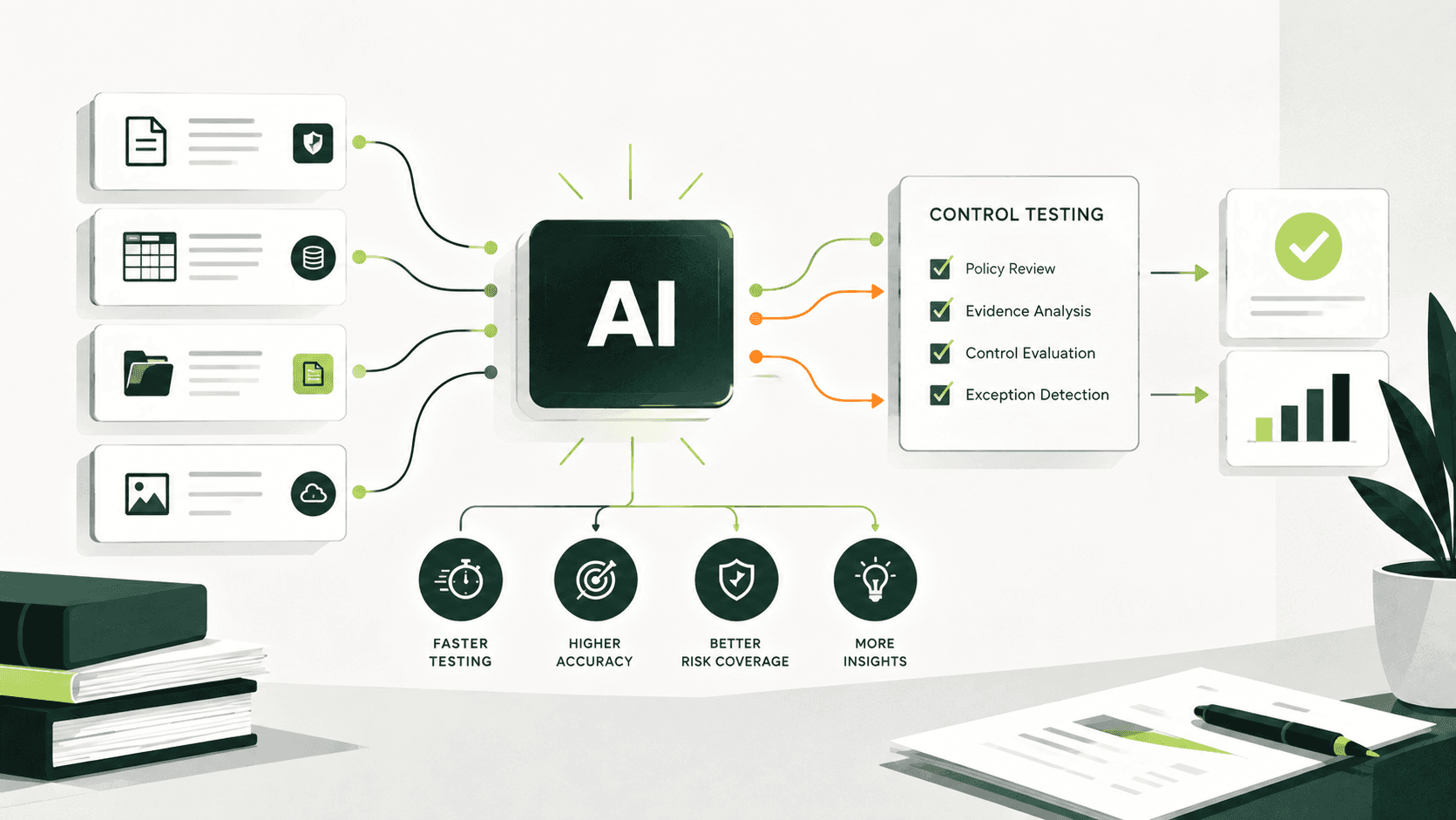
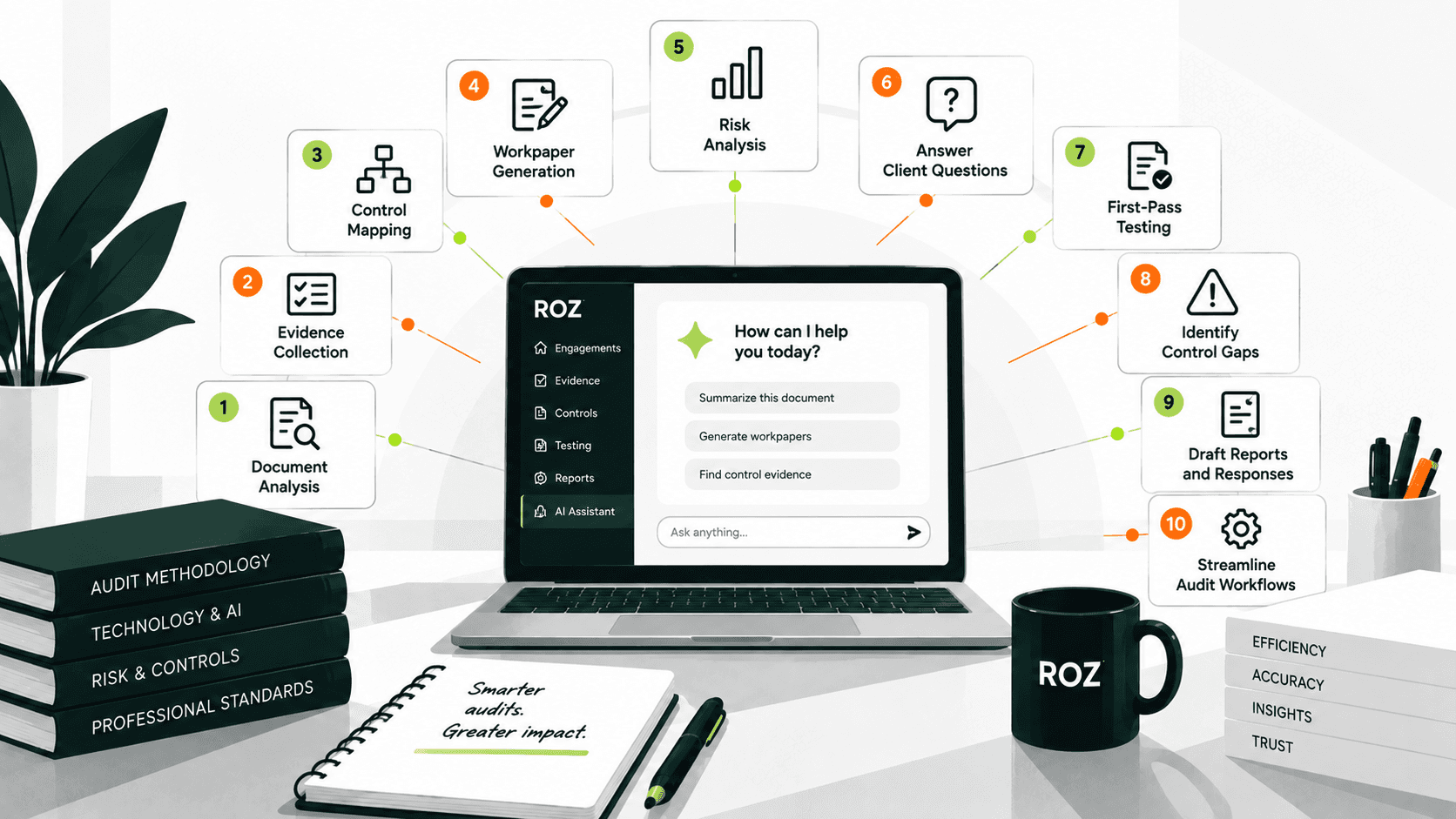
Roz is an AI-native platform built specifically for audit fieldwork. It supports evidence review and evidence-to-control mapping, evidence sufficiency checks, and first-pass control testing with PASS/FAIL/N/A/INFO outcomes. Quote highlighting links AI-generated testing results to relevant passages in source evidence, while formatted workpaper exports turn completed control activities into documentation for auditor review. Full audit trails capture test reruns, verifications, and overrides.
Roz is designed to complement broader audit management and GRC platforms rather than replace them. Consider Roz if your team wants to accelerate control testing and workpaper preparation while keeping auditors responsible for professional judgment and final conclusions.
2. Workiva
Best for: Connected audit, risk, and controls management
Workiva combines audit planning, workpaper management, controls testing, and issue management on one platform, with evidence traceability and reporting built in. It's oriented toward enterprise audit and risk workflows rather than deep control-testing fieldwork. Consider Workiva if you need a connected system for audit management alongside risk and controls data.
3. TeamMate+ Audit
Best for: End-to-end audit management and analytics
TeamMate Audit, from Wolters Kluwer, supports the full audit lifecycle: risk assessment, planning, execution, documentation, and follow-up, along with analytics capabilities. Consider TeamMate if you need standardized workflows across an established audit function with multiple engagements running at once.
4. Optro (formerly AuditBoard)
Best for: Enterprise audit and GRC management
Optro supports internal audit, risk management, and compliance workflows, including SOX and controls processes, issue tracking, and reporting. The company rebranded from AuditBoard in 2026. Consider Optro if your organization wants to connect internal audit with broader risk and compliance processes.
5. Archer Audit Management
Best for: Risk-based enterprise audit programs
Archer emphasizes risk-based planning, engagement and workpaper management, and remediation tracking, integrated with existing risk and compliance processes. Consider Archer if prioritizing audit coverage according to shifting risk conditions matters more than a static annual plan.
6. MetricStream Internal Audit Management
Best for: Complex enterprise audit programs
MetricStream offers support for enterprise governance and reporting, along with helping organizations plan and execute programs across diverse structures and functions. Consider MetricStream if your firm manages audit coverage for multiple business units.
7. SAP Audit Management
Best for: Organizations using SAP-centric business systems
SAP Audit Management helps organizations plan and execute audits, manage audit documentation, and support audit workflows within the SAP ecosystem. Consider this solution if your organization uses SAP-centric business systems and wants to align audit processes with its existing environment.
8. Onspring Internal Audit & Assurance
Best for: Configurable audit and assurance workflows
Onspring supports configurable audit workflows, workpaper processes, findings management, and risk-based planning. Consider Onspring if your audit processes require more flexibility than a rigid, out-of-the-box workflow provides.
9. Netwrix Auditor
Best for: IT activity, access, and change auditing
Netwrix Auditor provides change, access, and user activity auditing for Active Directory, file servers, and MS Office 365. It also provides out-of-the-box compliance reports for various frameworks and regulations like the GDPR, HIPAA, and SOX. Netwrix reports that its customers can reduce audit preparation time by up to 55%; treat this as a vendor-reported figure rather than an independently verified result. Netwrix does not manage audit engagements or perform control testing. Netwrix should be considered for user and system activity auditing.
10. Pathlock Cloud Platform
Best for: Application access governance and control monitoring
Pathlock does application access reviews, segregation of duties analysis, and access risk monitoring for ERP and other business applications. Pathlock should be considered for engagements around access risk and controls of enterprise applications.
How to Choose the Right IT Audit Software

1. Define Your Audit Workflow and Primary Use Case
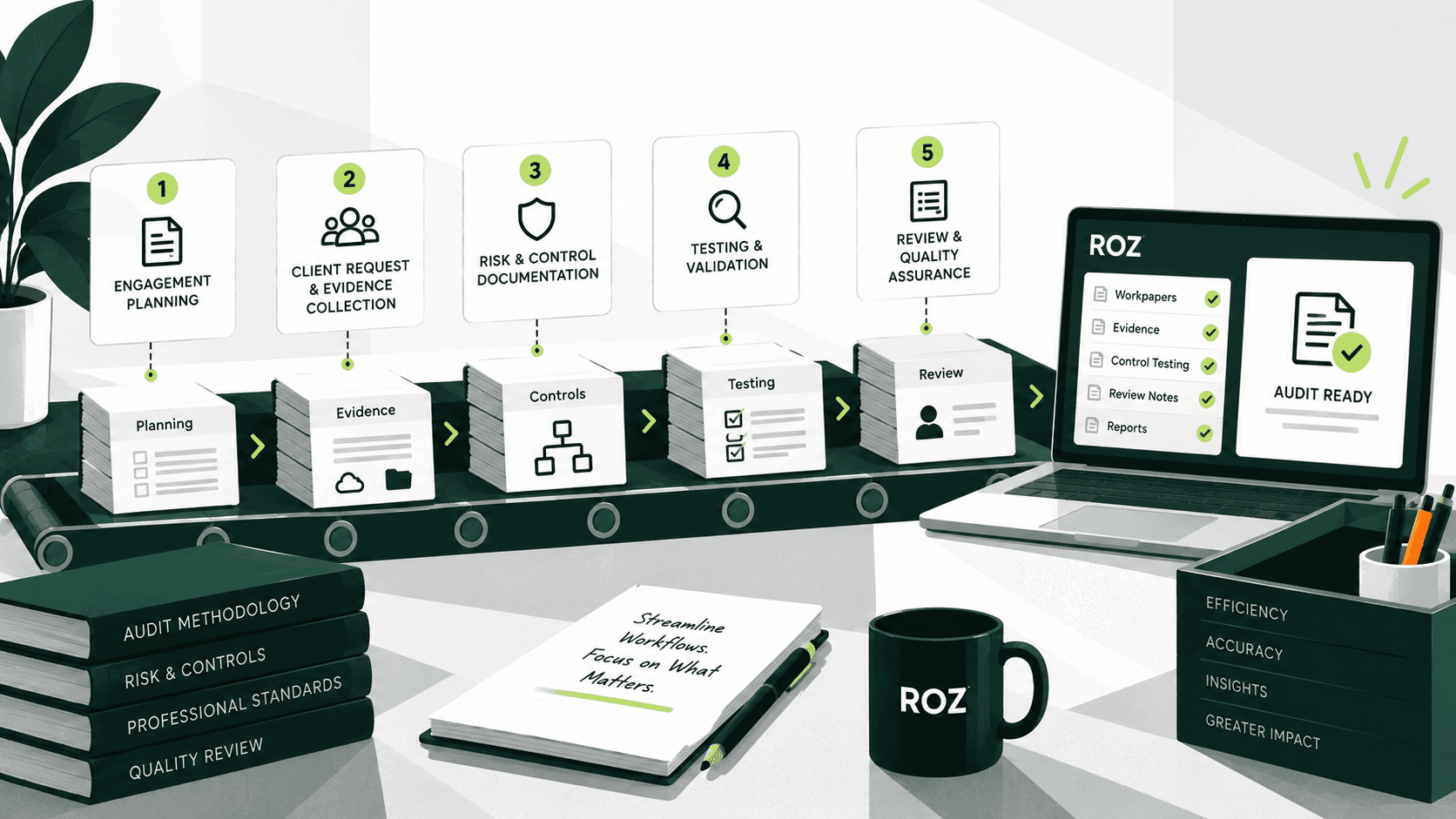
Map your workflow from evidence collection through control testing, review, workpaper preparation, and reporting to identify your primary bottlenecks. A tool built for enterprise GRC workflows may not address your main needs if your team spends most of its time reviewing evidence and preparing ITGC workpapers.
2. Evaluate Evidence Review and Control Testing
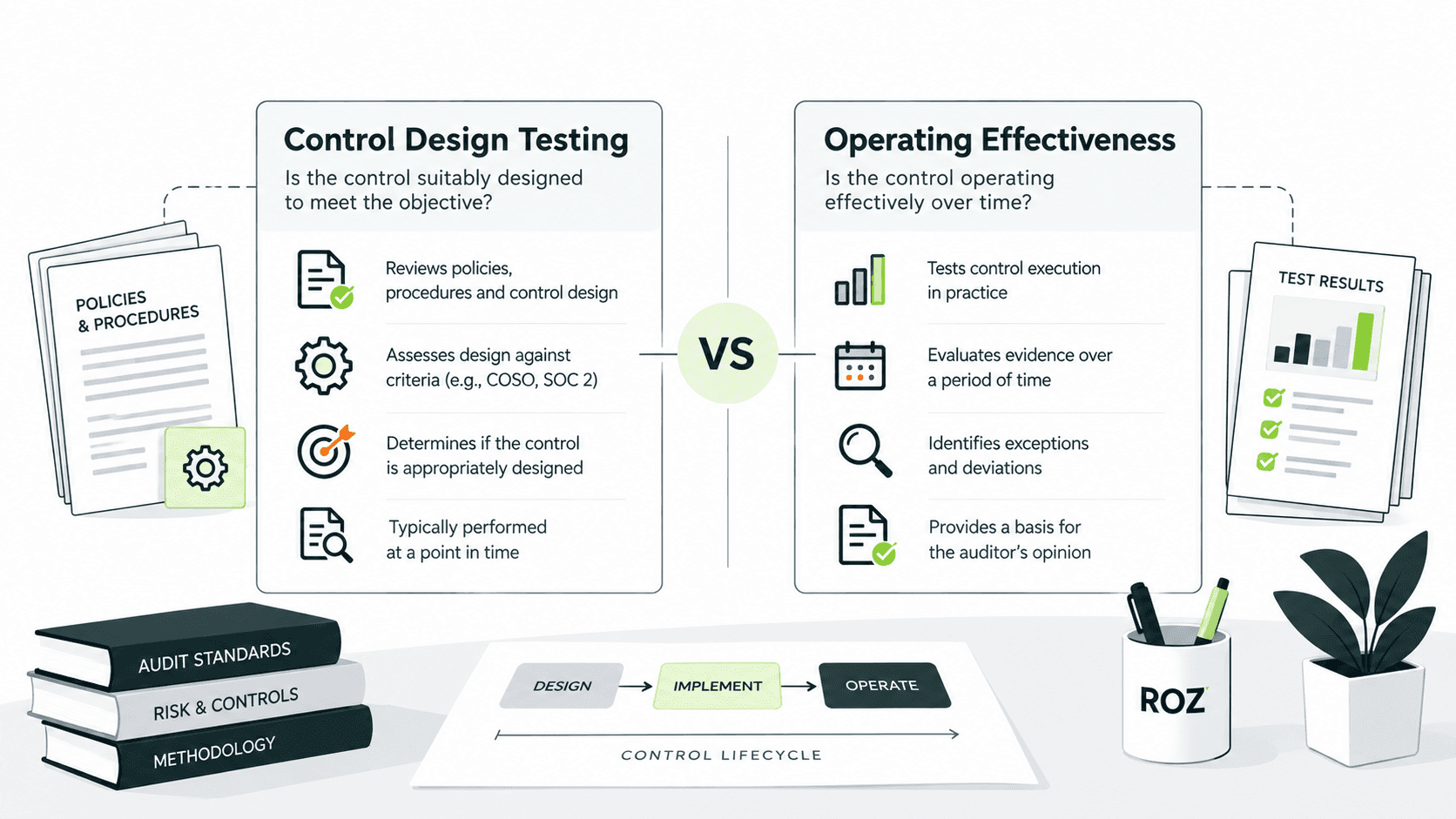
ITGC testing procedures vary by control objective and may require different types of evidence. Evaluate whether the tool can link evidence to controls, flag missing or potentially insufficient support, and explain how testing results relate to the defined procedures. The auditor remains responsible for validating the evidence and reaching conclusions.
3. Compare Workpapers and Reviewer Controls
Look for workpaper generation that follows the templates used at your firm and preserves references to the source. Verify that users can trace results to the supporting references and document changes to the templates and any overrides. Loss of those references increases the review effort.
4. Assess Security and Client Data Separation
If you manage multiple clients, workspace isolation and access control lists are critical controls. Assess how the vendor provides client data separation, manages access permissions based on an engagement, protects confidential documents, and addresses data retention and deletion.
5. Review Integrations, Implementation, and Pricing
Assess how the software connects with your firm's audit systems, document repositories, and evidence sources. Include training, licensing, support, customization, and integration in your total cost of ownership assessment. Pricing may depend on users, modules, data volume, and integration scope. Request quotes based on your actual workflow rather than comparing subscription prices in isolation.
Common Mistakes When Choosing IT Audit Software
When firms review IT audit software, there are common mistakes that lead to the selection of inappropriate software or create inefficiencies during software implementation. These common mistakes include:
Choosing by feature count instead of fit: A longer feature list doesn’t necessarily improve software’s support for a firm’s engagement model, testing procedures, or workpaper requirements. Pick software based on your firm’s actual processes and needs, and don’t just make a decision based on the number of features a software program includes.
Confusing IT monitoring with audit execution: IT monitoring software can be used to generate valuable IT evidence, such as user activity or system change logs. While these logs can be valuable, these types of software usually don’t support the entire audit workflow.
Overlooking reviewer requirements: Just because the software produces results quickly doesn't mean it supports the reviewer’s needs to validate testing procedures and exceptions or assist in the development of the audit’s conclusions. Software should support reviewers’ needs to trace conclusions to evidence and to assess testing procedures and workflows.
Assuming AI outputs are reliable: AI can assist with evidence analysis and workpaper preparation, but its outputs may contain errors or unsupported interpretations. Auditors should verify source evidence, investigate potential exceptions, and make final testing judgments themselves.
Skipping client-level data separation: If you provide IT audit services to multiple clients, ensure the software clearly separates client workspaces and controls client access and the retention of client evidence.
Conclusion
Choosing the right IT audit software starts with identifying the evidence, testing, and documentation requirements of the engagement. Firms should evaluate whether a solution supports their audit methodology, preserves evidence traceability, and provides appropriate reviewer oversight. Data security and the integrity of audit records are also important considerations.
Roz supports these workflows through AI-powered control testing, evidence-to-control mapping, and workpaper preparation. These capabilities help audit teams reduce repetitive fieldwork while keeping auditors responsible for reviewing evidence, evaluating results, and reaching final conclusions.
Frequently Asked Questions
What is the best IT audit software for audit firms?
The answer depends on your needs. If your firm focuses on control testing, evaluate evidence review and workpaper generation. If you run a larger audit function, prioritize enterprise audit management.
What is the difference between IT audit software and internal audit software?
IT audit software focuses on IT systems, technology risks, and controls. Internal audit software supports broader activities, including risk assessment, planning, fieldwork, findings, and remediation. Their capabilities often overlap.
How much does IT audit software cost?
Pricing depends on users, modules, integrations, deployment, and implementation. Request vendor quotes based on your firm's requirements.
Can IT audit software generate audit workpapers?
Some platforms generate workpapers from testing activities. You must still verify source evidence, procedures, and conclusions before finalizing them.