Audit trails and audit evidence are essential to audit documentation, control testing, and reporting. Although the two concepts are closely related, they serve distinct purposes in an audit engagement.
An audit trail helps auditors trace what happened, when it happened, and, where recorded, who performed or authorized an action. Audit evidence is the information auditors evaluate to support their findings and conclusions, including whether a control operated as intended. Confusing the two can weaken control testing and audit documentation.
Understanding the difference helps auditors evaluate evidence more rigorously, investigate exceptions more precisely, and document control testing so another reviewer can understand the procedures performed and the basis for the conclusions reached.
What Is an Audit Trail?
An audit trail is a record of activities, transactions, changes, and approvals within a system or process. It helps auditors trace what occurred, when it occurred, and, where recorded, who performed or authorized an action. Audit trails are used in financial, operational, and internal audits to trace activity and investigate unusual events.
A useful audit trail includes:
Who performed an action
What changed or happened
When the action occurred
The sequence of related events
Available approval and change history
Examples of sources of audit trails include logs or histories of transactions, approvals or changes, and workflows.
Auditors use audit trails to trace transactions, investigate unusual activities, and evaluate whether a process followed its defined workflow. For example, if a payment was released before the required approval was recorded, the audit trail can help the auditor investigate the sequence of events and determine whether further evidence is needed to assess compliance with the approval control.
The value of an audit trail depends on the system that generated it, its configuration, the completeness and reliability of the records, and the audit's goal. Incomplete and inconsistent records may require the auditor to perform additional procedures and obtain additional evidence.
What Is Audit Evidence?
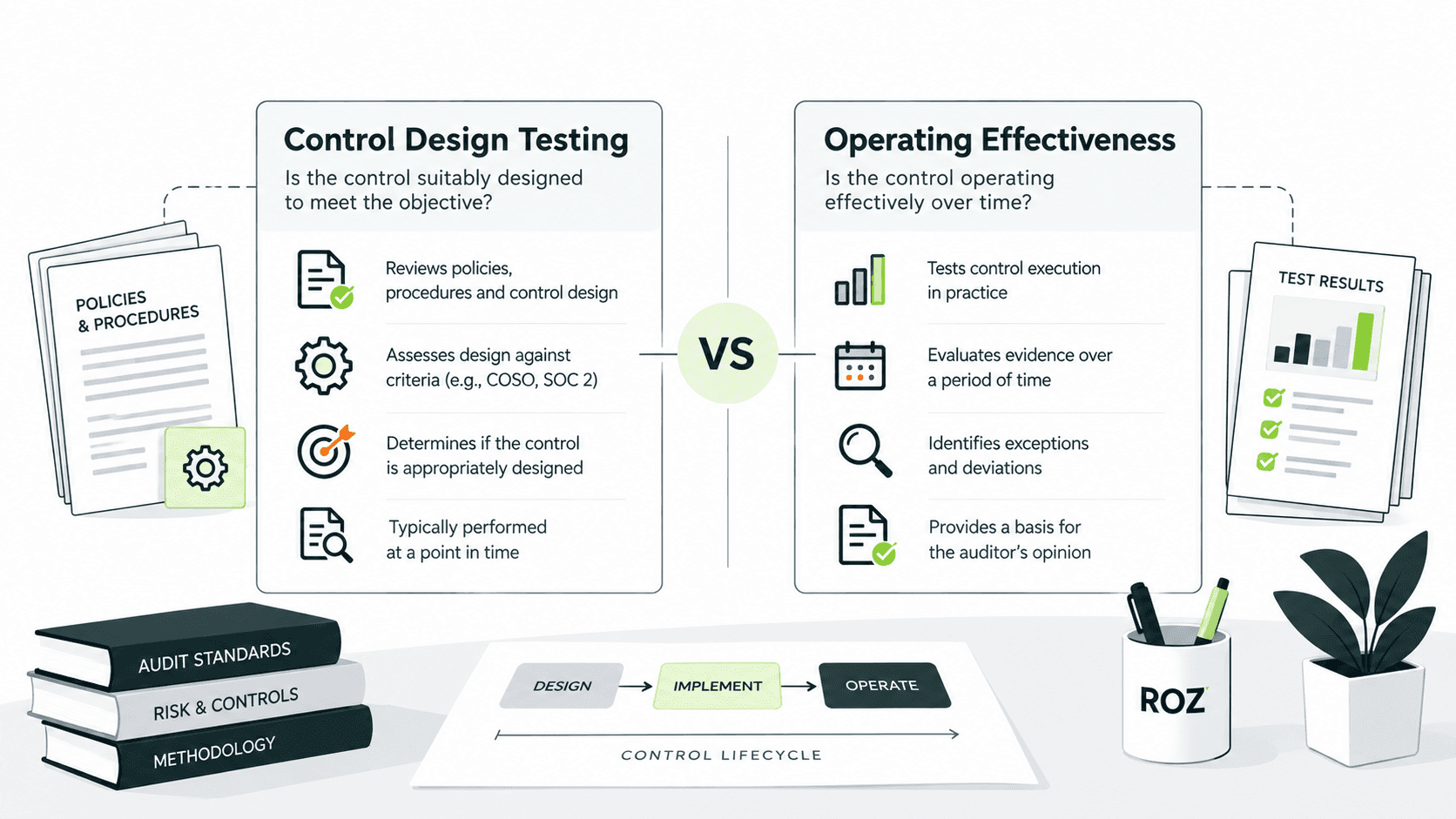
Audit evidence is the information an auditor obtains and evaluates to support audit findings and conclusions. It is used to assess risks, evaluate control design and operating effectiveness, and determine whether the results of audit procedures support the conclusions reached.
Common types of audit evidence include:
Documents and contracts
System-generated reports and transaction records
External confirmations
Observation and inspection
Reperformance and recalculation
Inquiries and explanations, corroborated where appropriate
Audit evidence is evaluated based upon two dimensions. These dimensions are sufficiency and appropriateness. Sufficiency is the quantity of evidence, and appropriateness is the quality of evidence, which includes relevance and reliability. These elements are addressed in PCAOB AS 1105. More evidence does not compensate for evidence that is not relevant and reliable.
Evidence that is gathered, retained, and used during an audit can affect the audit’s outcome. The relevance of the evidence is a primary consideration when determining the audit evidence that is gathered. The presence of evidence in the audit file does not, by itself, demonstrate that the evidence supports the conclusion that the control is operating as intended.
Audit Trail vs. Audit Evidence: Key Differences
An audit trail is a record of activities, transactions, and changes in a system or process. Audit evidence, on the other hand, is the information the auditor obtains and evaluates to support audit findings and conclusions. An audit trail may be audit evidence, but the two concepts should not be used interchangeably.
Comparison factor | Audit trail | Audit evidence |
Primary purpose | Trace activities and changes | Support findings and conclusions |
Typical format | Logs, timestamps, transaction histories | Documents, reports, confirmations, observations |
Main question | What happened, when, and by whom? | What supports the auditor's conclusion? |
Audit use | Trace transactions and investigate activity | Evaluate risks, controls, and assertions |
Reliability considerations | Record completeness, access, integrity, configuration | Relevance, reliability, sufficiency, accuracy |
Relationship | May provide evidence | May include audit trail records |
Three distinctions are worth keeping in mind:
An audit trail can be audit evidence, but not all audit evidence is an audit trail. An audit conclusion can be supported by an external confirmation, for instance, without recording system activities.
A detailed log does not, by itself, establish that a control is suitably designed or operated effectively. The auditor must evaluate what the log demonstrates and determine whether additional evidence or procedures are needed.
Evidence should be evaluated in context. Its usefulness depends on factors such as the source, reliability, relevance to the audit objective, and procedures performed—not simply the format in which it is provided.
Practical Examples of Audit Trails and Audit Evidence
These scenarios are illustrative rather than drawn from a specific engagement. They show how audit trails and audit evidence work together during control testing.
Example 1: Payment approval control
Suppose the company has a policy whereby payment release is done only upon management approval for payment requests above $10,000.
Audit trail: Time of submission, approval history, identity of approver, and time of payment release.
Audit evidence: Transaction report, approval report, policy on management approval, and logs of the workflow system.
Auditor's procedure: Select relevant payments, and compare timestamps for approval and release. Verify that the approver is duly authorized. Examine and investigate the exception.
Example 2: User access review
Audit trail: User account creation records, access changes, privilege updates, and approval history.
Audit evidence: User access listing, review sign-off, access policy, and supporting system records.
Auditor's procedure: Select relevant accounts, verify authorization of access, assess if the review addressed inappropriate access, and investigate access that is unexplained.
Example 3: Change management control
Audit trail: Change request history, approvals, and testing, along with recorded modifications and deployment events.
Audit evidence: Change request ticket, test results, approval, and deployment records.
Auditor's procedure: Follow the selected changes through the approval process and testing and to implementation. Determine if and whether the required controls and testing were placed prior to deployment.
In each example, auditors evaluate the records against the relevant audit objective and procedure. The same log may help answer different audit questions, but its presence alone does not establish that a control operated effectively. Auditors must determine what the records demonstrate and whether additional evidence or procedures are needed.
Why Auditors Need Both During Control Testing

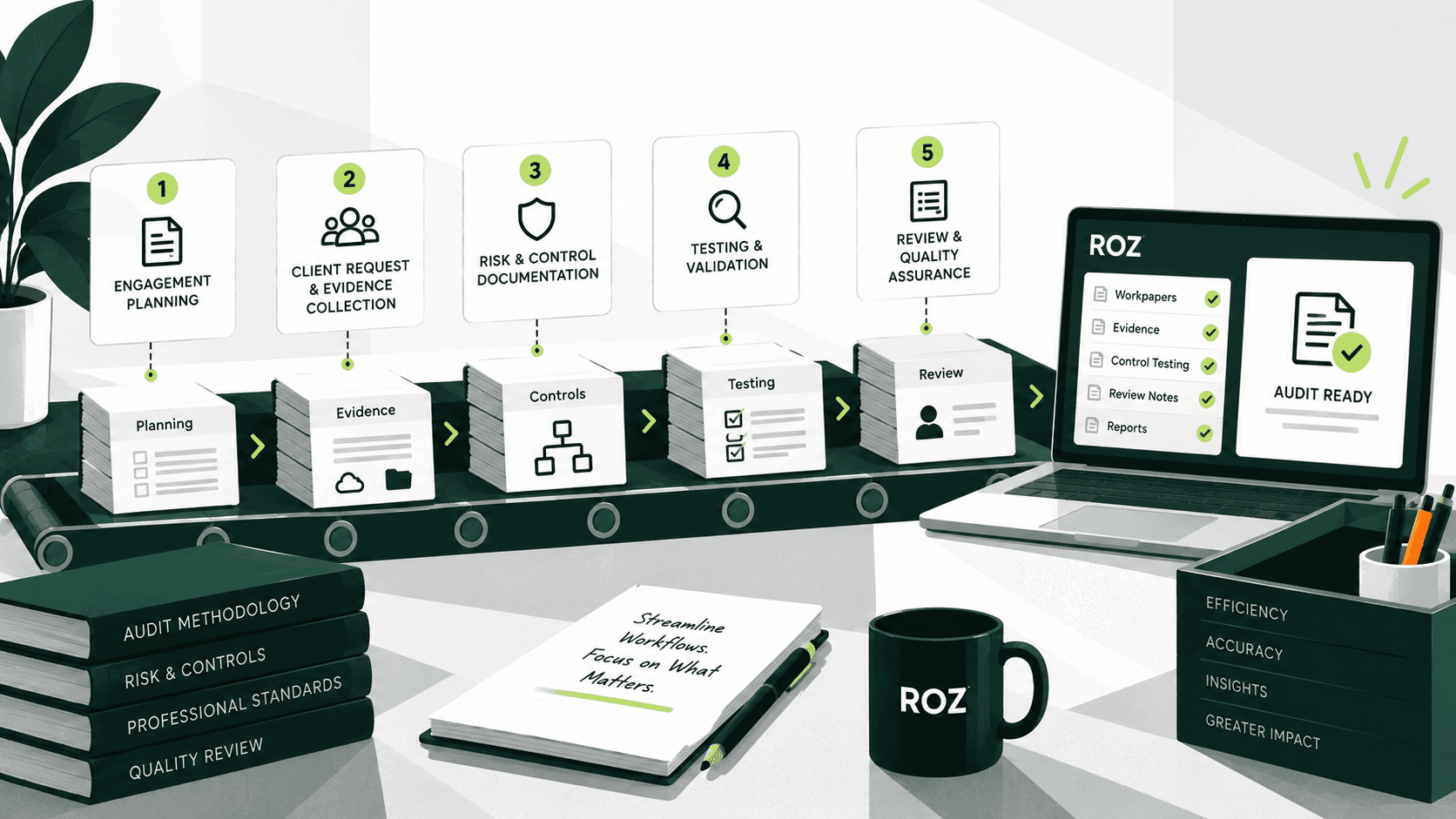
Audit trails and other audit evidence work together during control testing. Audit trails help auditors trace transactions and changes, while evidence from relevant sources supports the evaluation of the control. A typical workflow includes the following steps:
Establish the control objective: Identify the risk the control addresses and the activity expected to address that risk.
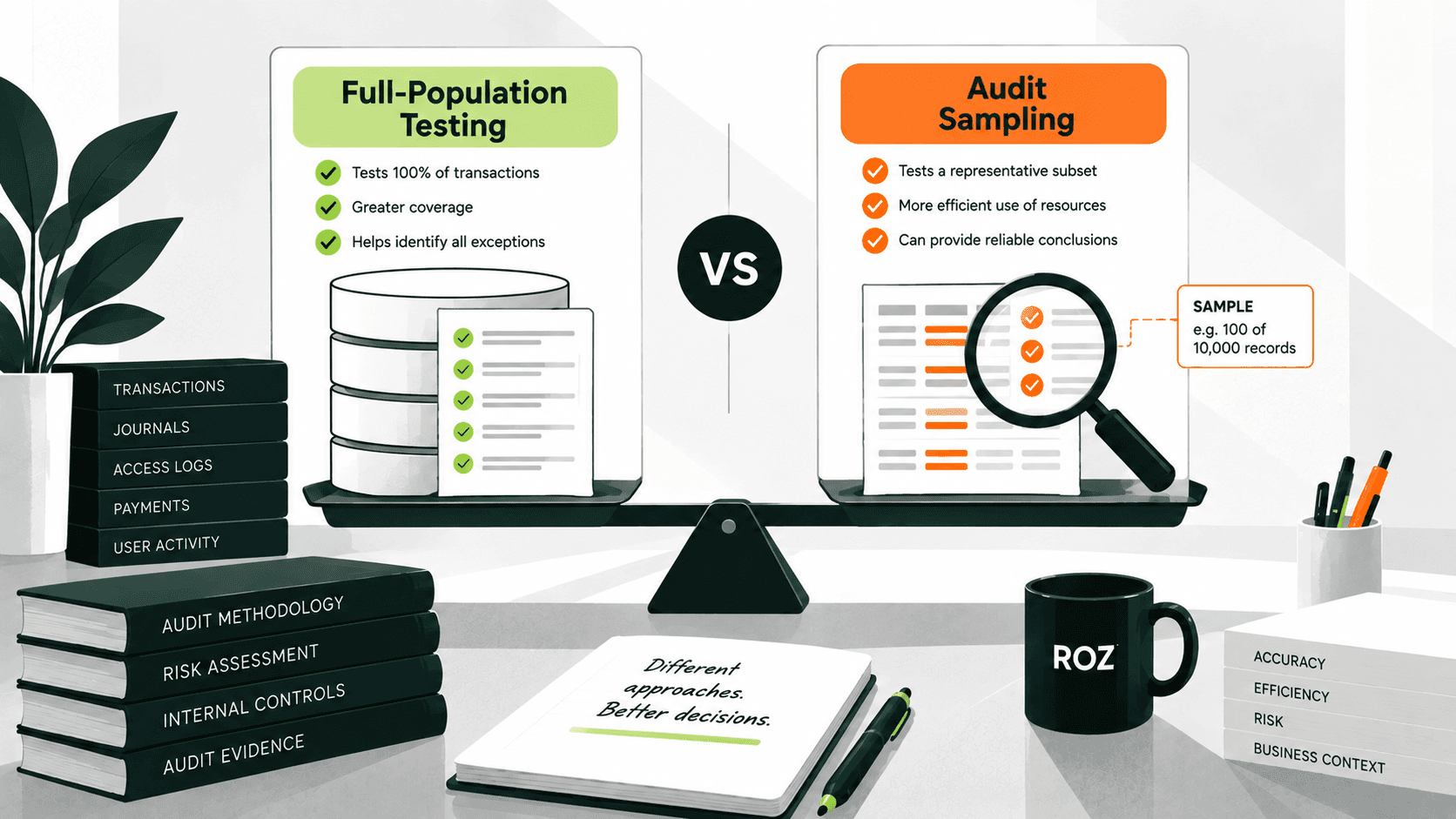
Select the population or sample: Determine which transactions, users, or changes are in scope and select items using an appropriate method.
Collect relevant evidence: Obtain supporting documents, system records, reports, and other information relevant to the control objective.
Trace the sequence of events: Use available audit trails to examine the sequence of activities, considering the completeness and reliability of the records.
Evaluate deviations: Investigate missing approvals, incomplete reviews, unusual changes, and conflicting information. Perform additional procedures where necessary.
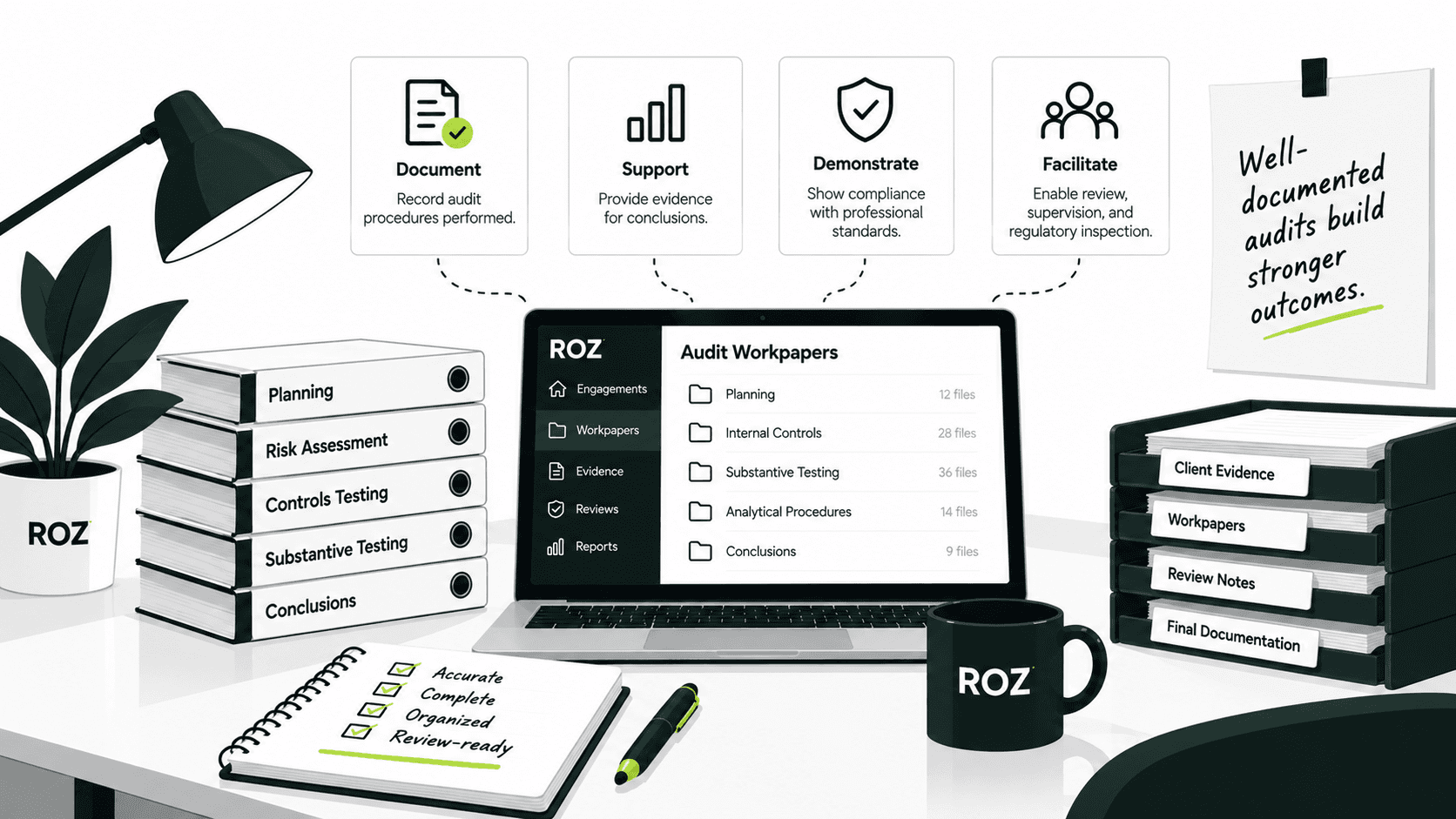
Document the results: Record the procedures performed, items tested, evidence reviewed, exceptions identified, and basis for the conclusion.
Practical tip: When evidence suggests that a control activity may not have been performed, investigate the reason and consider whether alternative evidence or additional procedures are needed. Resolve conflicting evidence before reaching a conclusion.
Common Documentation Mistakes and How to Fix Them
Weak audit documentation can delay workpaper reviews, generate repeated clarification requests, and create avoidable rework. The following table highlights common documentation gaps and practical ways to address them.
Common mistake | How to fix it |
Treating a system log as conclusive proof | Evaluate what the log establishes and determine whether additional evidence or procedures are needed. |
Failing to record the evidence source | Document the source, reporting period, and relevant parameters. |
Using reports without assessing reliability | Evaluate accuracy and completeness as appropriate to the report's intended use. |
Failing to connect evidence to the control | Link the evidence to the control objective and test procedure. |
Omitting sample details or test steps | Document the population or sample, procedures performed, and results. |
Leaving exceptions unexplained | Record the investigation, relevant corroborating evidence, and resolution where applicable. |
Failing to document significant review changes | Preserve required documentation of significant changes, their rationale, and the resolution of review comments, in line with applicable standards and firm policies. |
Writing conclusions unsupported by evidence | Reassess the evidence and document the reasoning that supports the conclusion. |
Before finalizing a workpaper, confirm that an independent reviewer could answer each of the following:
What was tested
Which evidence was examined
What exceptions were identified
How those exceptions were investigated
How the conclusion was reached
If any of these questions cannot be answered from the documentation alone, the audit workpapers need additional detail or clarification before sign-off.
How Roz Supports Audit Fieldwork and Control Testing
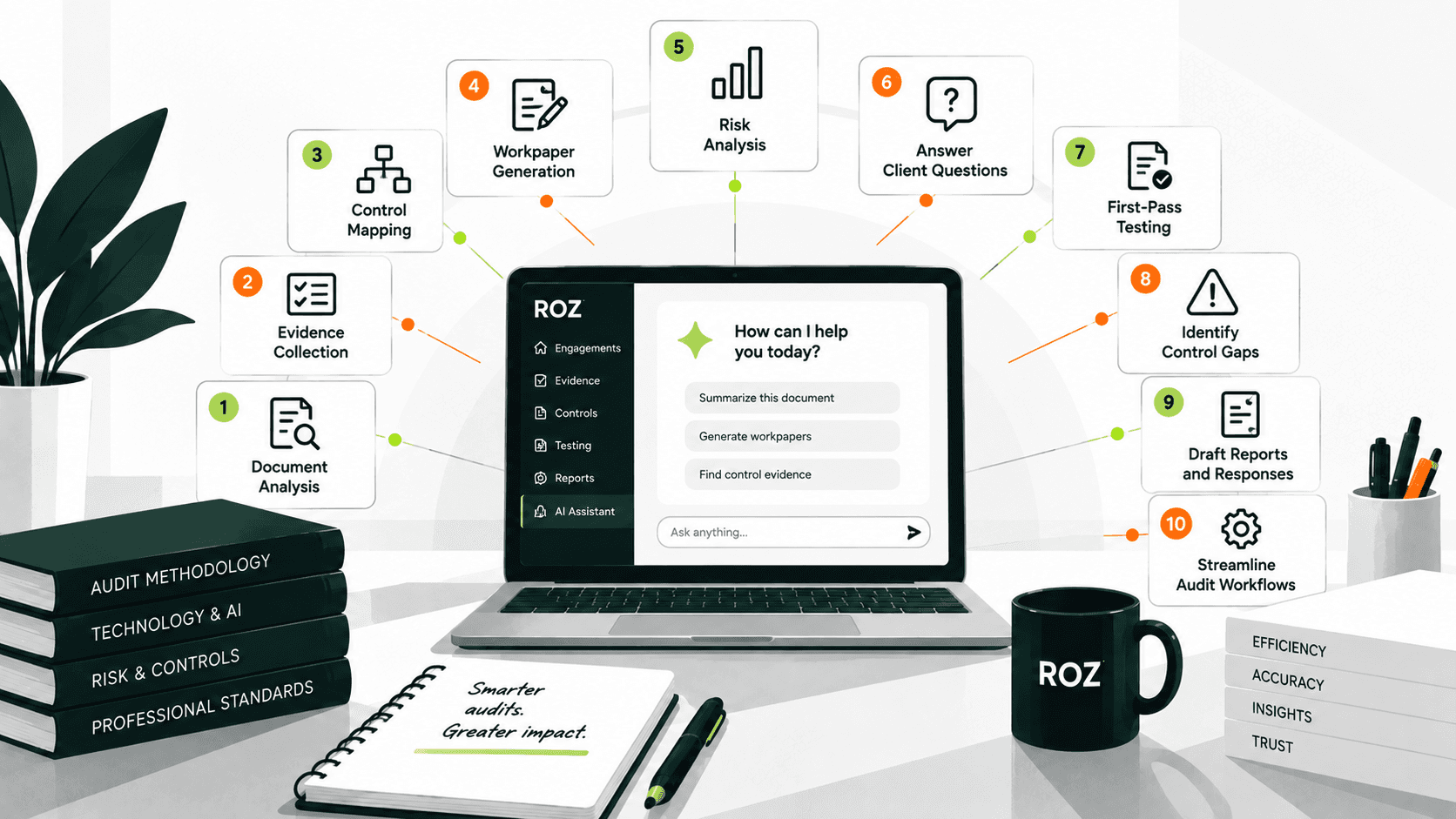
Roz is an AI-native audit fieldwork and control-testing platform built for auditors and risk advisory teams. It supports the workflow described above without replacing auditor judgment.
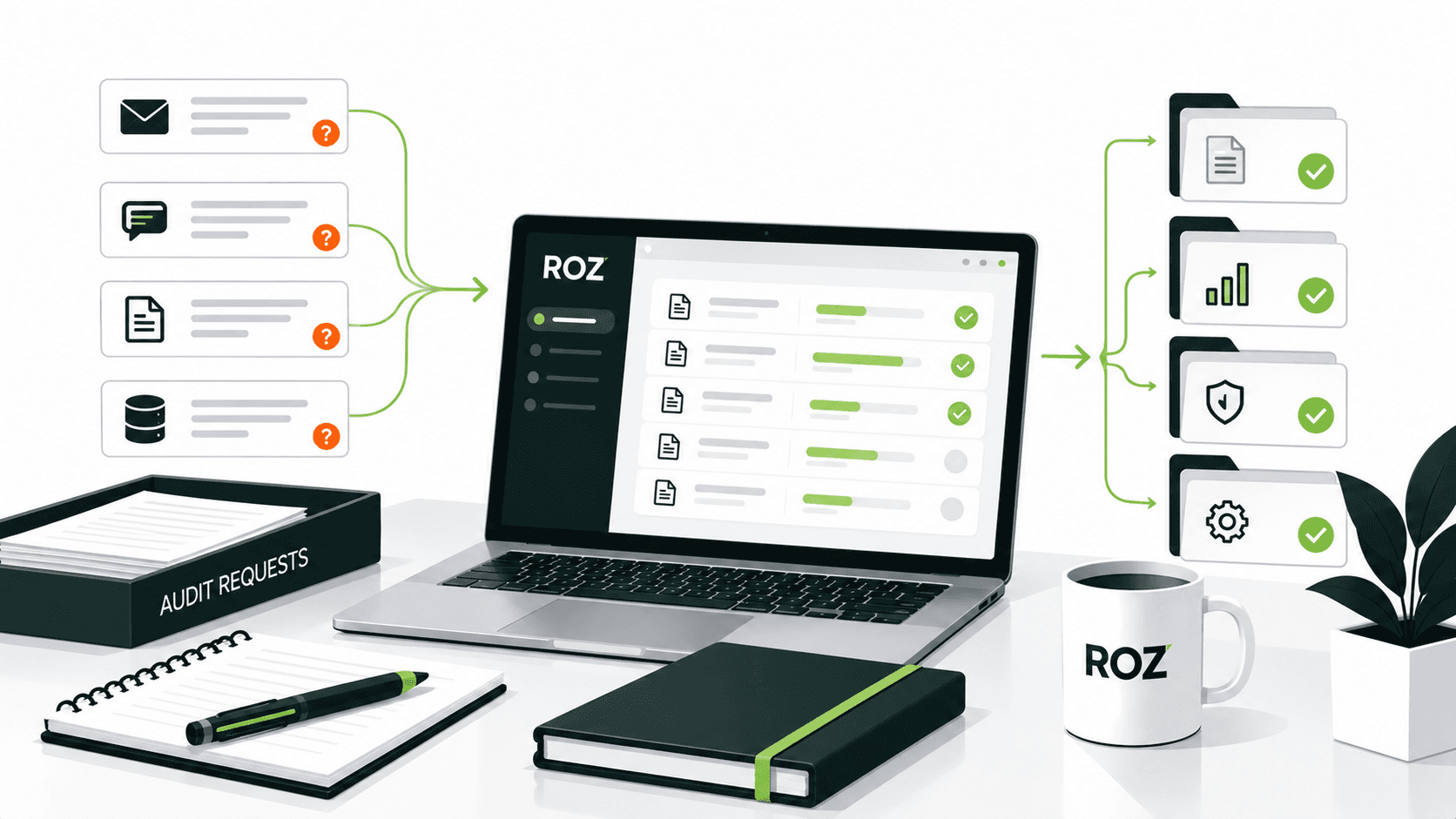
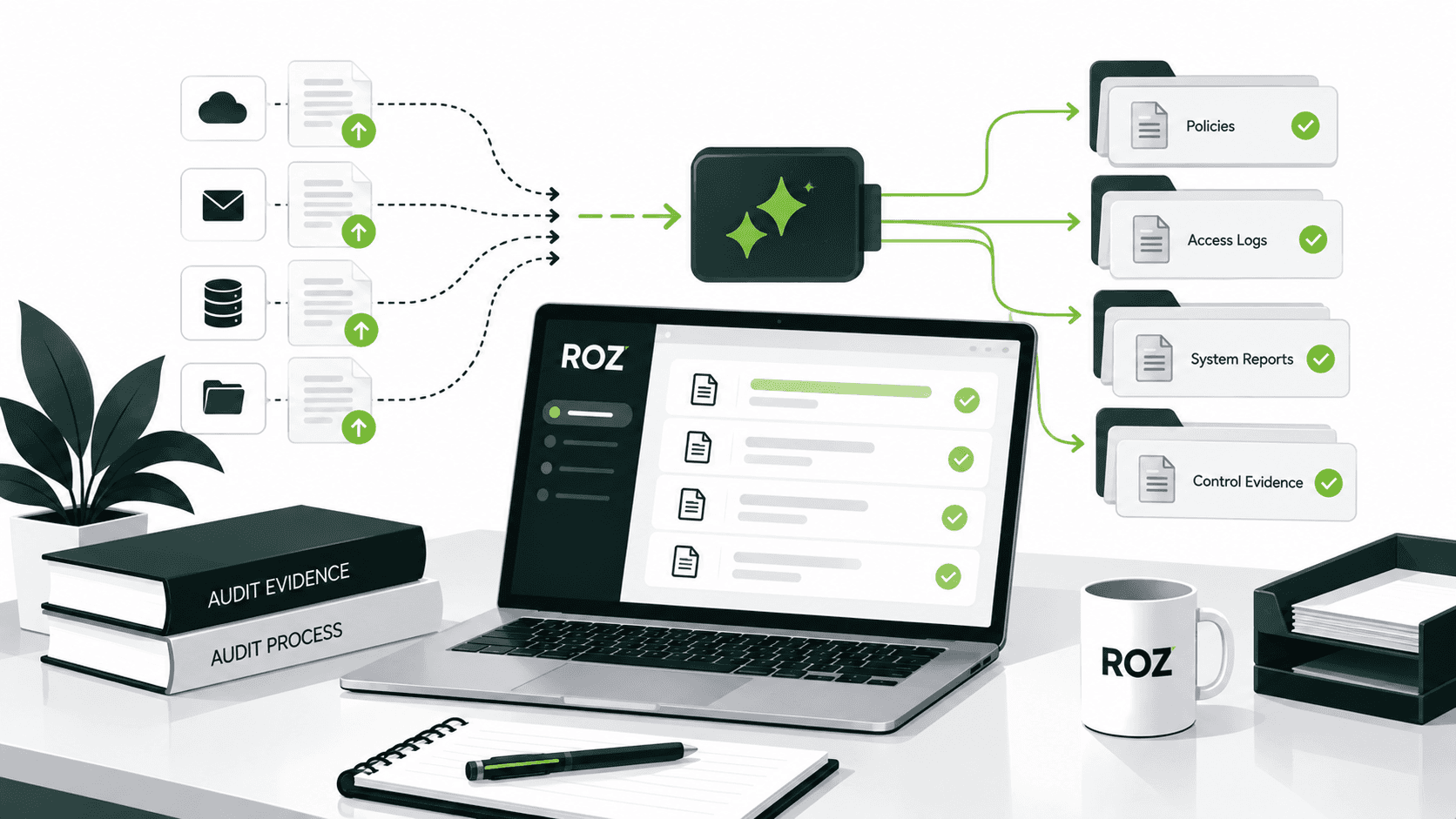
Evidence-to-control mapping: Roz helps connect client-provided evidence to relevant controls and testing criteria, keeping supporting documentation connected to the work it supports.
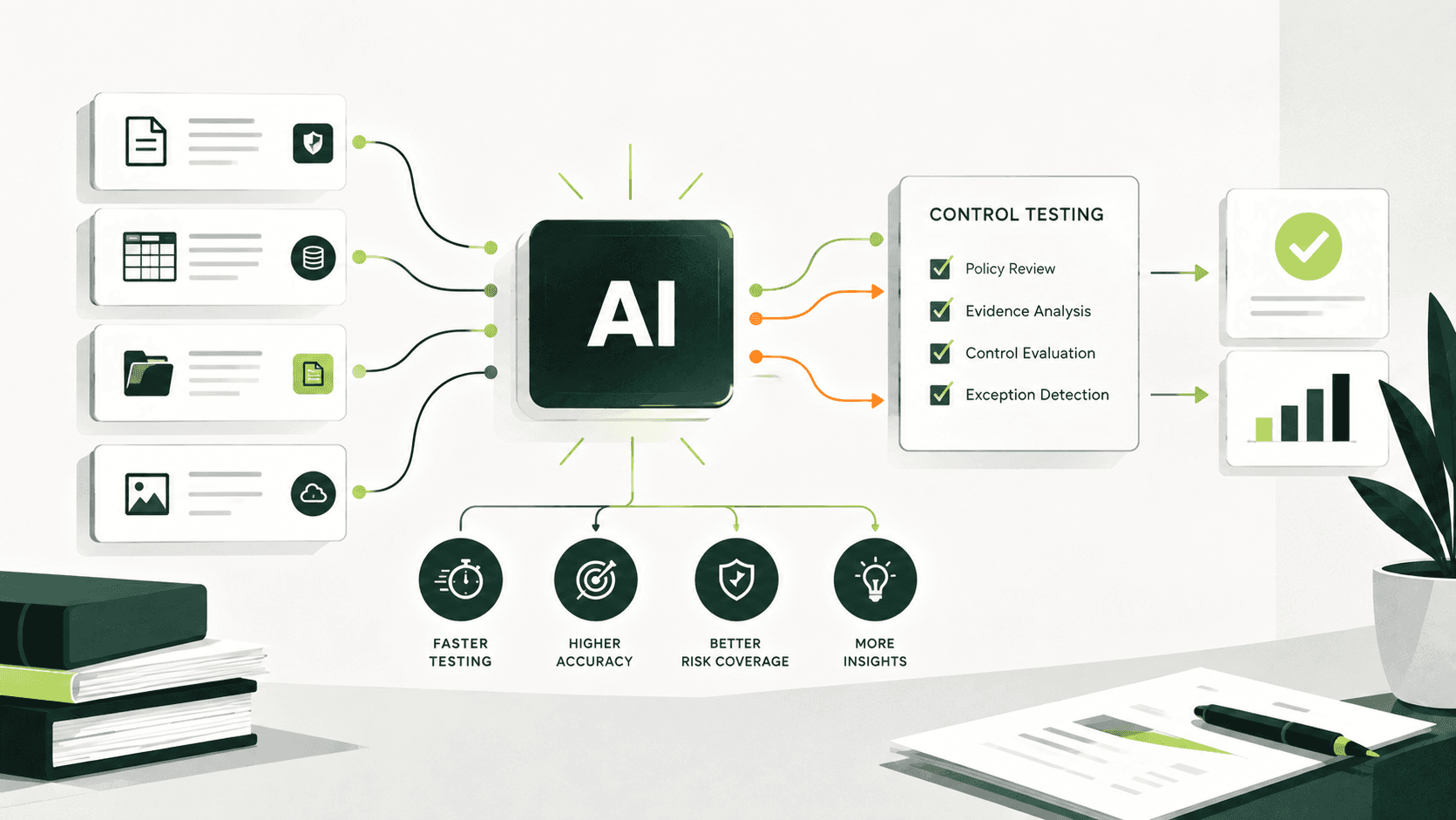
AI-assisted first-pass control testing: Roz runs defined or AI-suggested attribute checks against evidence and sample sets, surfacing potential exceptions or insufficient evidence for auditor review.
Workpaper preparation: Completed control activities can be exported as formatted workpapers with supporting evidence and annotations for auditor review.
Evidence traceability: Quote highlighting helps auditors trace testing results to relevant passages in source evidence, while annotations and audit trails support review.
Review and follow-up: Auditors can verify results, rerun tests, and override them where appropriate, with testing activity and overrides recorded in the audit trail.
Roz supports audit fieldwork and professional judgment. It does not replace the auditor or independently issue an audit opinion.
Conclusion
Audit trails describe what has happened and are supporting documentation for audit conclusions and judgments. Audit trails and audit evidence often overlap; however, an audit trail by itself may not include sufficient evidence to support a conclusion.
Effective control testing integrates evidence to control objectives, explains exceptional cases, and shows procedures performed and conclusions drawn in a manner that enables an independent reviewer to understand. AI-assisted fieldwork platforms like Roz can help auditors organize evidence and prepare reviewable workpapers. The auditor retains responsibility for evaluating that evidence and reaching conclusions.
Frequently Asked Questions
What is the difference between an audit trail and audit evidence?
An audit trail records activities, transactions, and changes within a system or process. Audit evidence is the information an auditor obtains and evaluates to support findings and conclusions. An audit trail may provide audit evidence, but not all audit evidence is an audit trail.
Can an audit trail be used as audit evidence?
Yes. Audit trail records can serve as audit evidence when they are relevant and reliable for the audit objective. Auditors must evaluate what the records establish and determine whether additional evidence or procedures are needed to support the conclusion.
Why are audit trails important in internal audits?
Audit trails are used by internal auditors to follow the path of a transaction or activity and trace it to its supporting details. They also aid in the identification of unusual or irregular activities and the sequences of control-related actions. Tracing may lead to the discovery of exceptions requiring further examination.
How should auditors document control-testing results?
When testing controls, auditors must document the relevant procedures, results, and any exceptions to the control. This documentation must be comprehensive enough to serve as a basis for an independent party to understand the procedures performed, the results obtained, the exceptions to the control, if any, and the basis for the auditors’ conclusions.