Spreadsheets are everywhere in audit work. They're familiar, flexible, and widely available and relatively inexpensive. Most audit teams started with them, and many still manage significant parts of their audit workflow on them. That isn't necessarily a problem; for smaller teams and straightforward engagements, spreadsheets can get the job done.
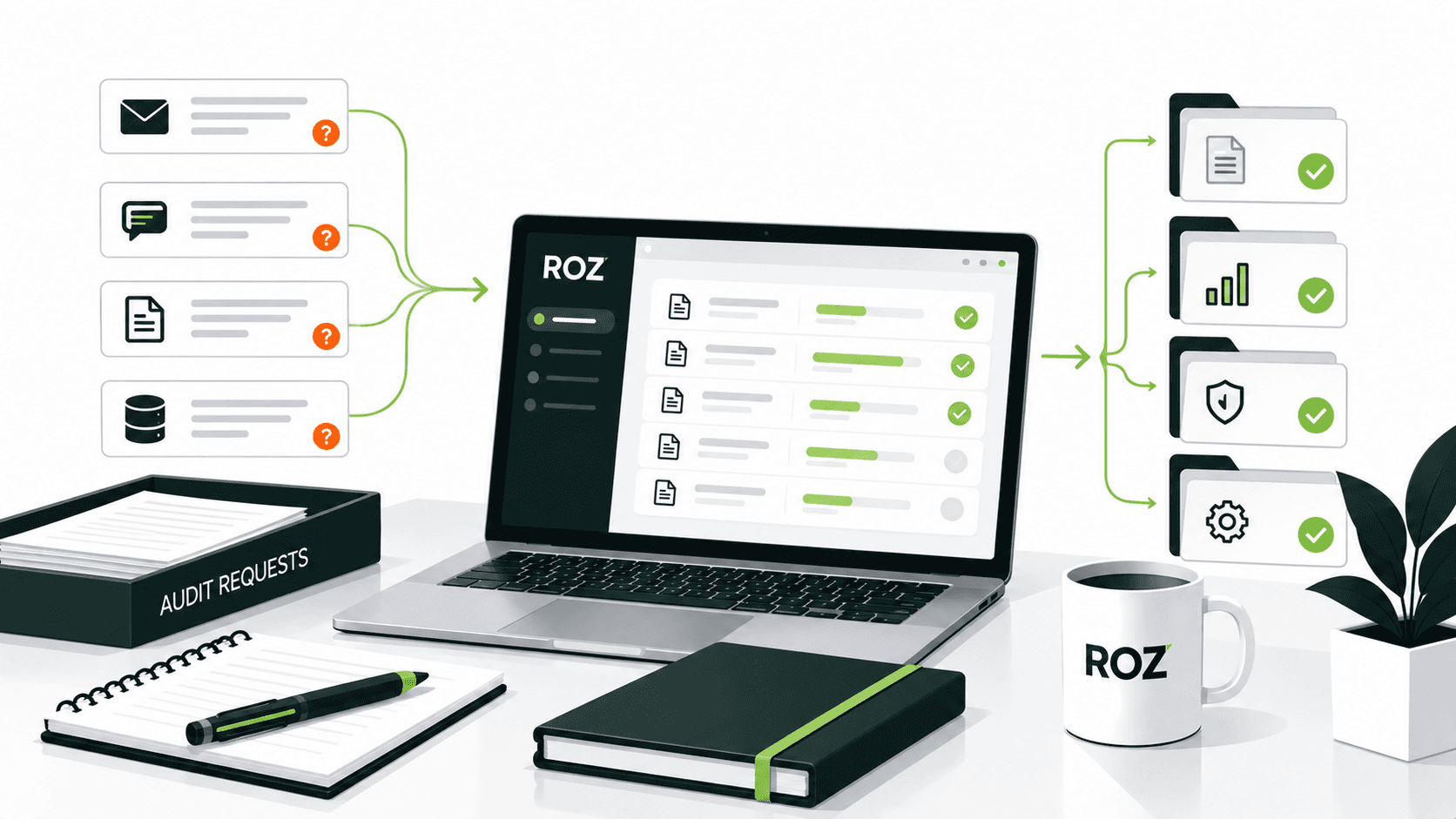
The problem isn't spreadsheets themselves. It's what happens as your audit program grows. More clients, more engagements, more reviewers, more findings to track, and suddenly your spreadsheet system starts showing cracks. Files get renamed "final_v3_REVIEWED." Evidence gets buried in email threads. Nobody can answer a simple question: who owns this? Which version is current? without making three phone calls.
In this article, I will break down the real differences between spreadsheets and dedicated audit management software, when each makes sense, and how to decide which approach fits your team. There's also a middle path worth understanding, because replacing Excel entirely isn't always the answer.
What Is Audit Management Software?

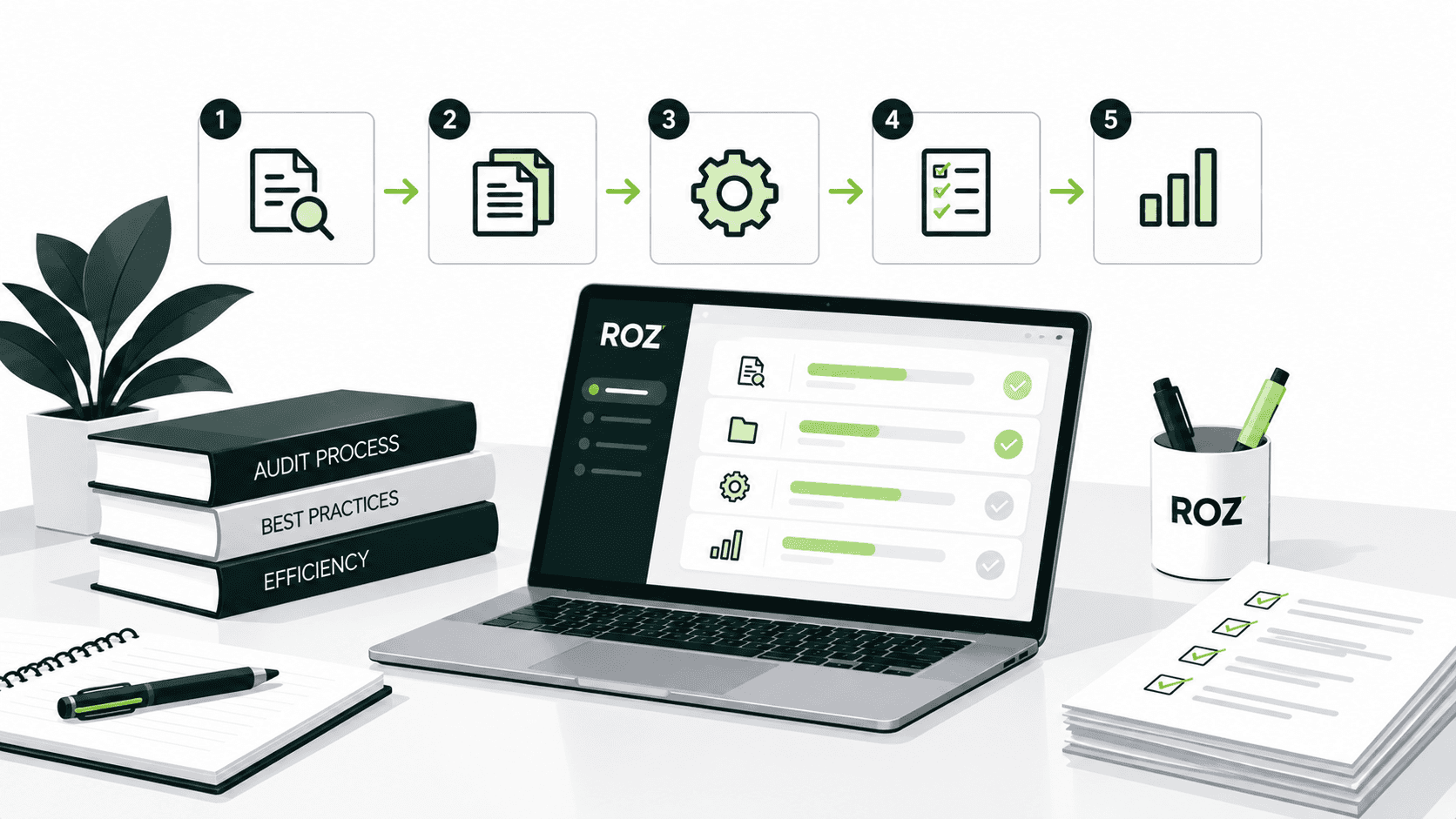
Audit management software provides a structured environment for managing different stages of the audit process throughout the engagement lifecycle, not just the data associated with an audit.
That typically includes:
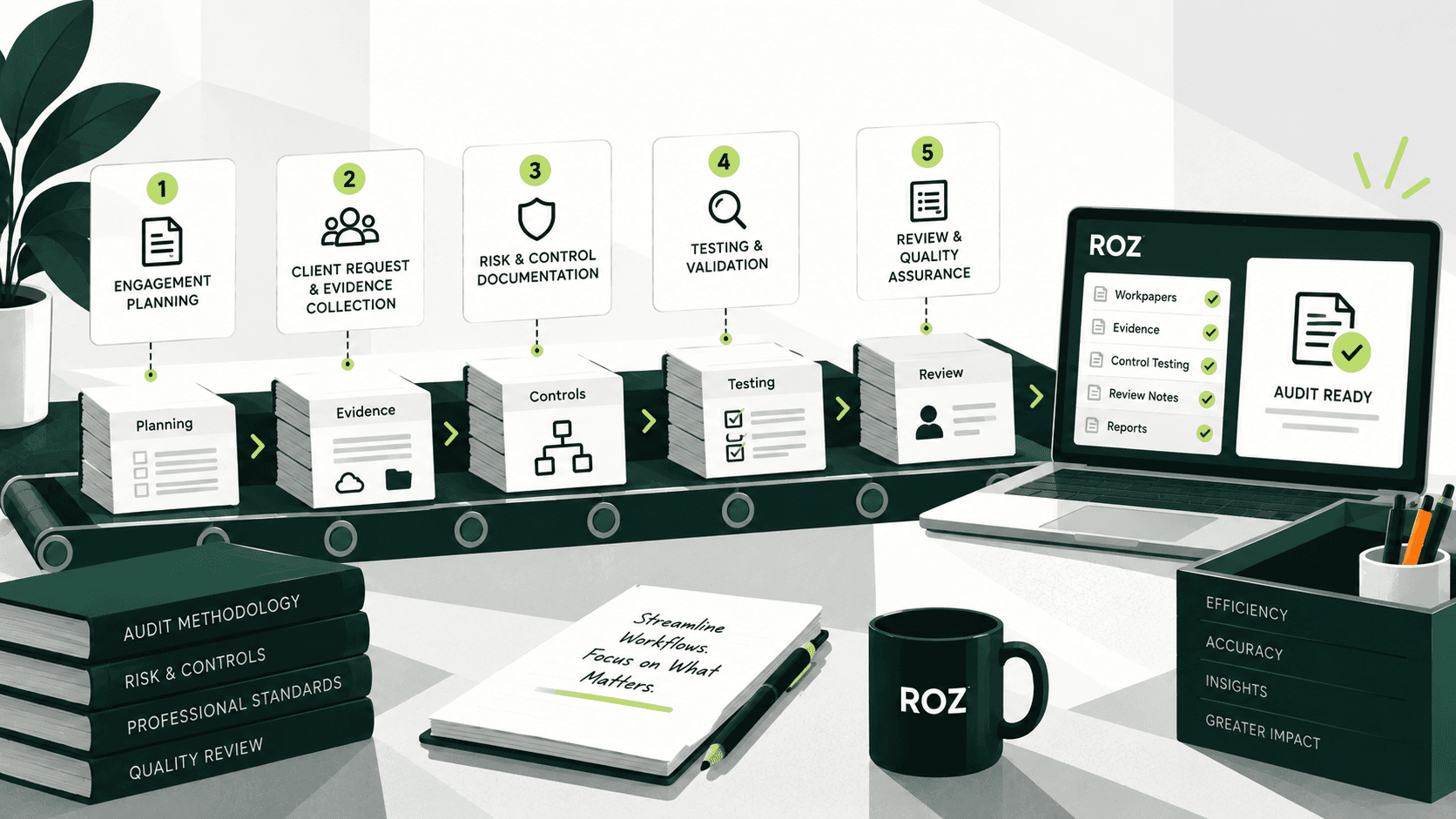
Audit planning: Schedule engagements, assign staff, and set milestones before fieldwork begins.
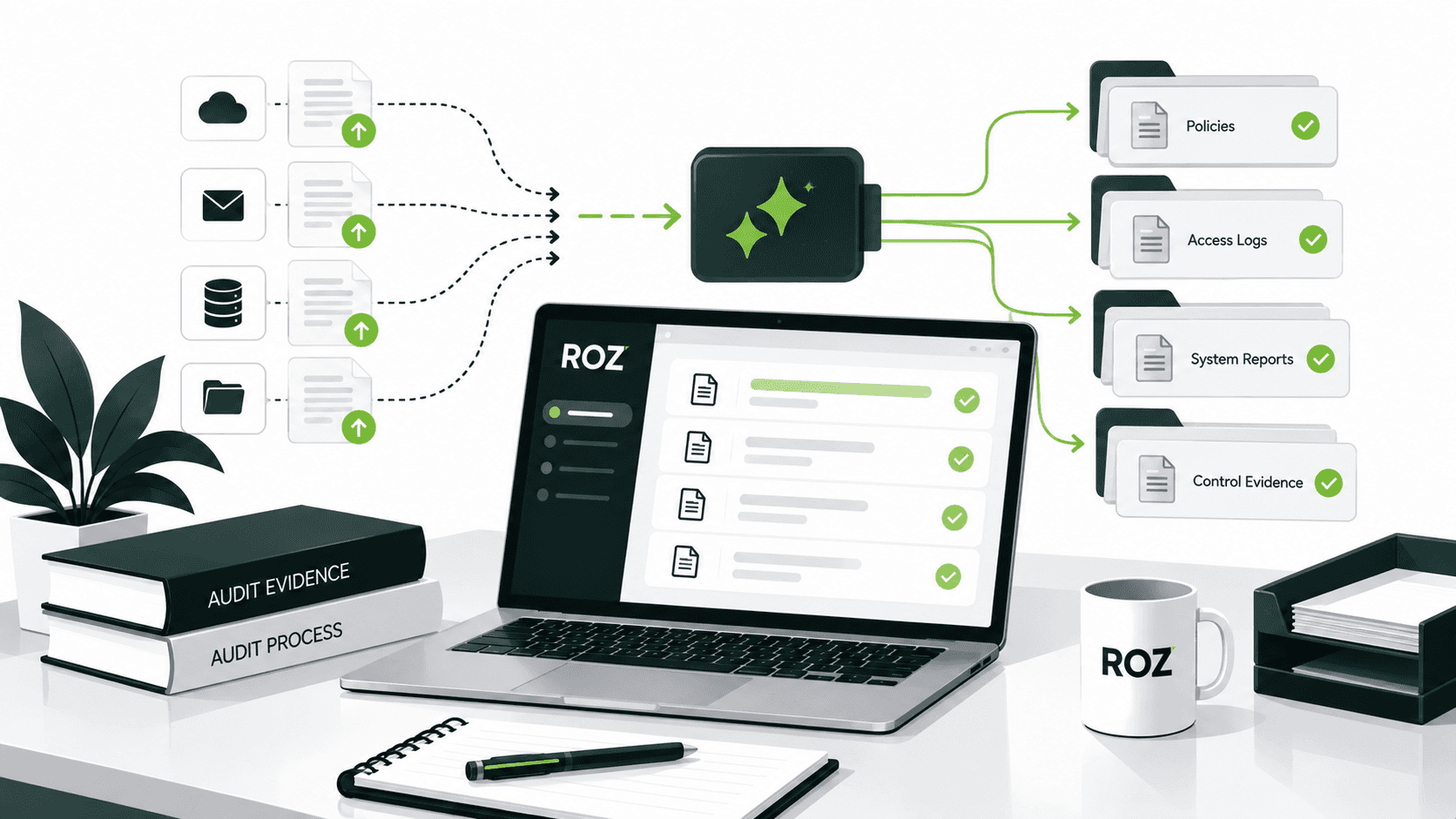
Evidence collection: Manage the collection, storage, and linking of supporting evidence to the controls under assessment.
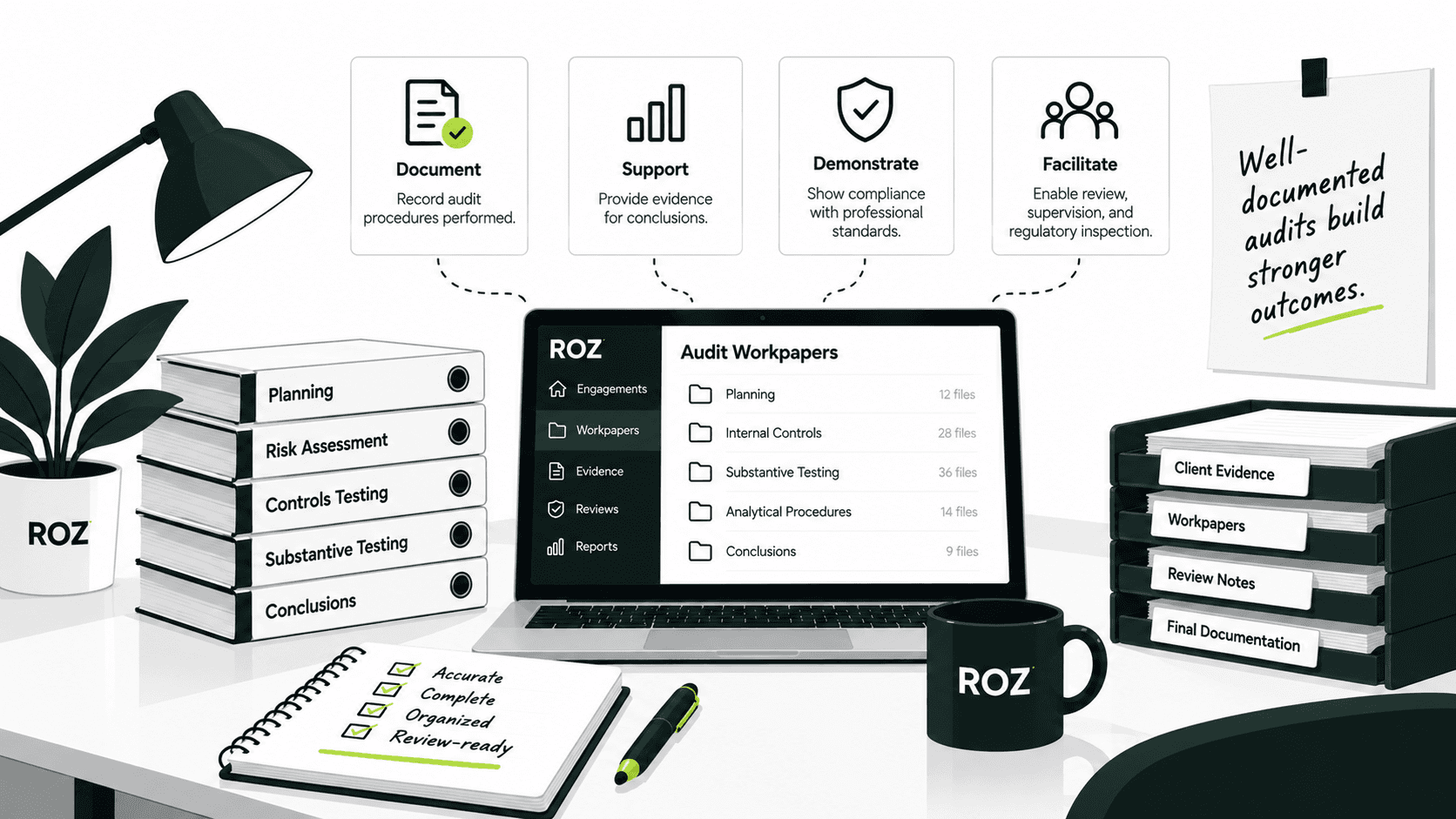
Workpapers: Prepare, review, and approve audit documentation in a formalized, traceable, and manageable structure.
Testing: Document procedures and results against each control as work progresses.
Review and sign-off: Structure the review and sign-off process through workflow management, with ownership assigned to each step.
Findings: Log issues, assign owners, and set remediation deadlines to reduce the risk of items going untracked.
Remediation tracking: Follow open items through to resolution rather than losing them in an email thread.
Reporting: Consolidate engagement data to support reporting at both the engagement and portfolio levels.
In contrast with other software, audit management software focuses on how the audit work is structured, rather than simply addressing the data that is being stored. It structures audit workflows and maintains a history of engagement activities, creating a more consistent record of how work progresses.
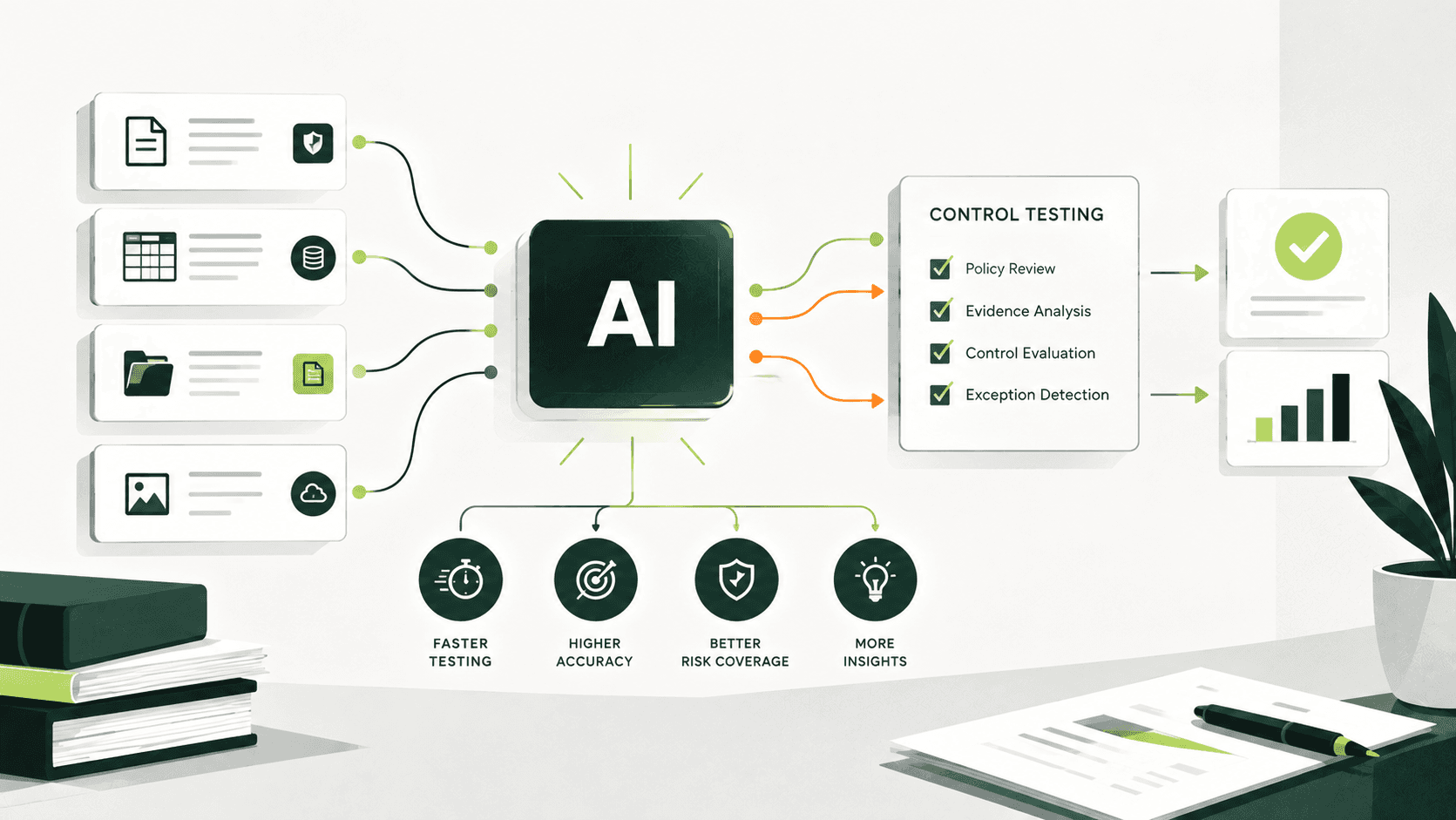
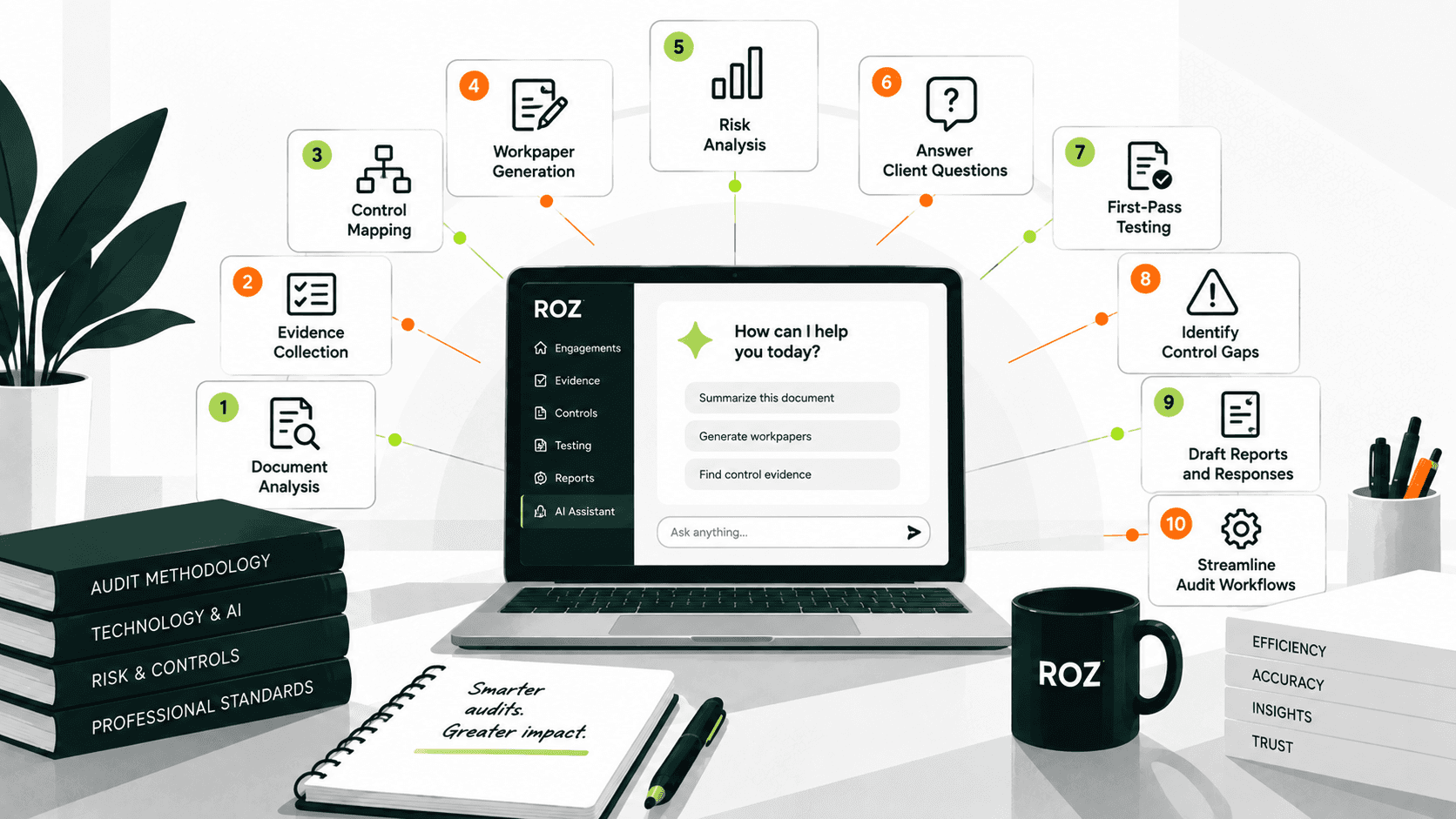
Platforms such as Roz take this one step further. Roz is an AI-native audit fieldwork platform built for auditors and advisory firms performing control-based engagements across SOC 2, ISO 27001, CMMC, SOX, and other frameworks. Roz supports audit fieldwork by helping teams organize evidence, perform AI-powered control testing, and generate first-pass workpapers with links to supporting documentation, annotations, and audit trails.
What Are Spreadsheets Used for in Audits?
Spreadsheets are extremely flexible, and so audit teams use them extensively for different elements of the audit process, including:
Audit schedules and timelines
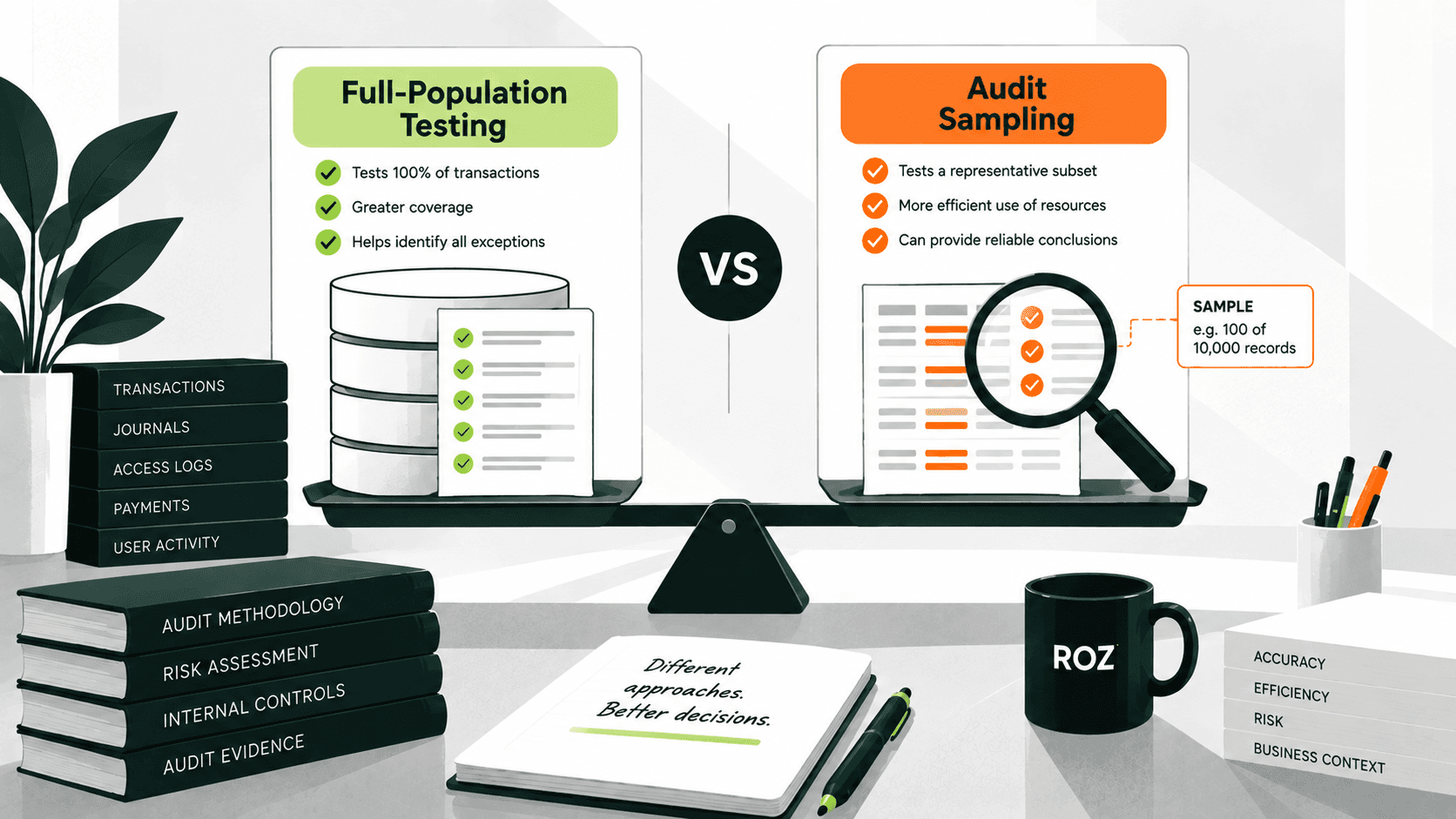
Sampling calculations
Reconciliations
Evidence trackers
Testing documentation
Findings logs
Data analysis
There are many reasons why teams continue to use spreadsheets. For starters, most auditors are familiar with using spreadsheets. There is a great deal of flexibility, as a spreadsheet can be customized to meet the exact requirements of the auditors. Spreadsheets are also inexpensive and simple to adapt and customize for various engagements.
This flexibility makes spreadsheets practical for smaller audit programs with straightforward procedural requirements. A team of five or six individuals conducting twelve audits per annum may actually have no requirement for more sophisticated solutions and may even be better off with well-organized spreadsheets and a controlled document management system. Given the low resource consumption for maintenance of the system, the benefits may not be sufficiently significant.
Key Differences Between Audit Management Software and Spreadsheets
Area | Spreadsheets | Audit Management Software |
Audit planning | Manual trackers | Structured workflows |
Evidence collection | Files, folders, email | Centralized evidence management |
Workpapers | Separate files and tabs | Connected workpapers |
Review | Manual comments and statuses | Structured review and sign-off |
Version control | Manually managed | Centralized version history |
Findings | Separate trackers | Integrated findings workflow |
Remediation | Manual follow-up | Assigned actions and tracking |
Reporting | Manual consolidation | Centralized reporting |
Collaboration | Depends on team processes | Shared workflows |
Flexibility | Highly flexible | More structured |
Four differences are particularly notable:
Workflow and accountability
Spreadsheets can be used to indicate the status of certain aspects of work and can capture columns for assignments. However, it is up to the team to maintain the integrity of the information, thus removing accountability and workflow from the process. In audit management in the software, the workflow is defined, and each step is built into the software, which indicates the preparer and reviewer status, as well as the status of the engagement.
Evidence traceability
The most common tracking systems are spreadsheets. Evidence in audits is scattered across emails, shared folders, and individual workbooks. Most teams develop naming conventions and folder systems to manage this evidence. Evidence in audit management software is directly linked to workpapers, requests, and findings, making it easier to trace the evidence supporting a conclusion.
Review and audit trails
Spreadsheets can be designed to support an effective review process if you introduce version control, logs, and sign-off sheets. Audit management software integrates control design directly into the workflow, rather than adding it as an overlay. The software can capture review comments, approvals, and changes within the workflow, making the engagement record easier to trace, review, and support during an audit or quality review.
Findings and remediation
Tracking an open finding through resolution in a spreadsheet is convenient at low volume. It relies on someone updating the correct cell and following up if they don’t. Audit management software keeps remediation status updated and enhances the process by setting reminders and due dates. The primary difference is that the software can assign ownership, track due dates, and provide centralized visibility into outstanding remediation activities.
When Should an Audit Team Move From Spreadsheets to Audit Management Software?

There's no universal number here. Complexity and volume of workflows, rather than headcount, will determine when the time is right to make the change.
Here's why your team may have outgrown spreadsheets:
Evidence is scattered across email, folders, and individual files with no clear record of where it came from or how it was used.
Tracking engagement status requires asking people rather than checking a system.
Multiple versions of workpapers exist, and it's unclear which is current.
Document and email review comments make it difficult to understand and follow the findings.
Findings require repeated manual follow-up with no centralized view.
Monthly reporting means consolidating data from a dozen separate workbooks.
Audit volume or team size has grown, and coordination is consuming audit time.
Your junior staff spends a significant amount of time managing files rather than doing auditing work.
One commonly cited Forbes article (based on an aggregate analysis of many studies) states that around 90% of spreadsheets contain considerable errors, typically the result of manual data entry. Obviously, the figure should be taken with a grain of salt, as this is neither a metric nor an industry benchmark, and it is an estimate. But the point remains. Audit documents used for compliance-related purposes should not be built upon poorly designed systems that have a high risk of error.
Audit Management Software Doesn't Have to Replace Excel
This is worth saying clearly: the choice isn't always between "spreadsheets only" and "replace everything with software."
A hybrid model works well for many teams. Audit management software handles the engagement layer:
Workflow and planning
Evidence requests and management
Workpaper preparation and review
Findings and remediation
Reporting and portfolio visibility
Excel stays where it's strong:
Complex calculations and data analysis
Sampling methodologies
Reconciliations
Custom testing schedules
Specialized formulas
In this model, the audit management platform becomes the central system for managing the engagement workflow, while Excel remains a useful tool for analysis. Roz, for example, supports workpaper preparation, evidence requests, and control testing within the engagement, helping teams streamline repetitive fieldwork while keeping auditor judgment and review at the center of the process.
How to Choose Between Audit Management Software and Spreadsheets
Use this as a decision framework, not a rigid rule:
Continue using spreadsheets when:
Engagements are relatively small and straightforward.
Audit volume is manageable.
Evidence is easy to organize, and version control is straightforward.
Most of the work involves analysis, calculations, or customized testing rather than workflow coordination.
Consider audit management software when:
Multiple engagements are running at the same time.
Evidence collection and workpaper organization are becoming difficult to manage.
Review workflows need more structure and accountability.
Findings and remediation require ongoing tracking.
Leadership needs centralized visibility without manual report consolidation.
Consider a hybrid approach when:
Your team relies heavily on Excel for analysis but needs stronger workflow management.
You want to preserve existing analysis or workpaper processes while adding structure around them.
The main bottleneck is coordination and visibility rather than the analysis itself.
Audit Management Software vs Spreadsheets: Which Is Better for Audit Teams?
Neither option serves the same role.
Spreadsheets make data analysis, calculations, testing, and basic tracking easier to work with. They can manage the first stages of an audit well as long as the workflow and the amount of work needed to be coordinated are not too substantial.
Audit management software is designed for the more demanding case. It is able to manage the multiple dimensions of audit work, including engagements, evidence, workpapers, reviewers, findings, and reporting. When the number of engagements, stakeholders, evidence items, or any combination of the three exceeds what would be manageable through the use of spreadsheets, then audit management software may become the more practical option.
One good way to think of the use of both software is to imagine audit management software as the central engagement management layer, while spreadsheets remain useful for analysis, calculations, and complex testing that benefits from their flexibility.
Conclusion
Audit management software becomes more valuable when a more systematic approach is required for collecting evidence, organizing workpapers, coordinating reviews, tracking findings, and generating reports. Although spreadsheets can perform these tasks, they become unmanageable as the number of activities to manage increases.
A practical reason to consider specialized software is when your current system makes it difficult to answer basic questions: Who owns this item? Which version is current? What still needs to be addressed? It is worth considering the alternative options.
If your firm performs control-based engagements for SOC 2, ISO 27001, and CMMC along with other compliance and assurance work, Roz provides a centralized environment for organizing engagement workflows, evidence, workpapers, and reporting. It supports the coordination and documentation around each engagement while keeping professional judgment with the engagement team.
Frequently Asked Questions
Is audit management software better than Excel?
Neither is universally better. Excel is well suited to analysis, calculations, and simple tracking, while audit management software is better suited to coordinating evidence, reviews, findings, remediation, and reporting across more complex engagements.
Can Excel be used for audit management?
Yes. Many teams use Excel for scheduling, testing, sampling, analysis, and findings tracking. As the number of engagements and workflow dependencies grows, however, version control, evidence organization, and coordination can become more difficult to manage.
When should an audit team stop using spreadsheets?
An audit team should consider moving beyond spreadsheets when basic questions about ownership, status, evidence, versions, or outstanding findings require significant manual effort to answer. Workflow complexity should generally matter more than team size.
Is audit management software worth the cost?
Audit management software can be worthwhile when a firm is managing multiple complex engagements, substantial evidence volumes, recurring reviews, or ongoing findings and remediation.