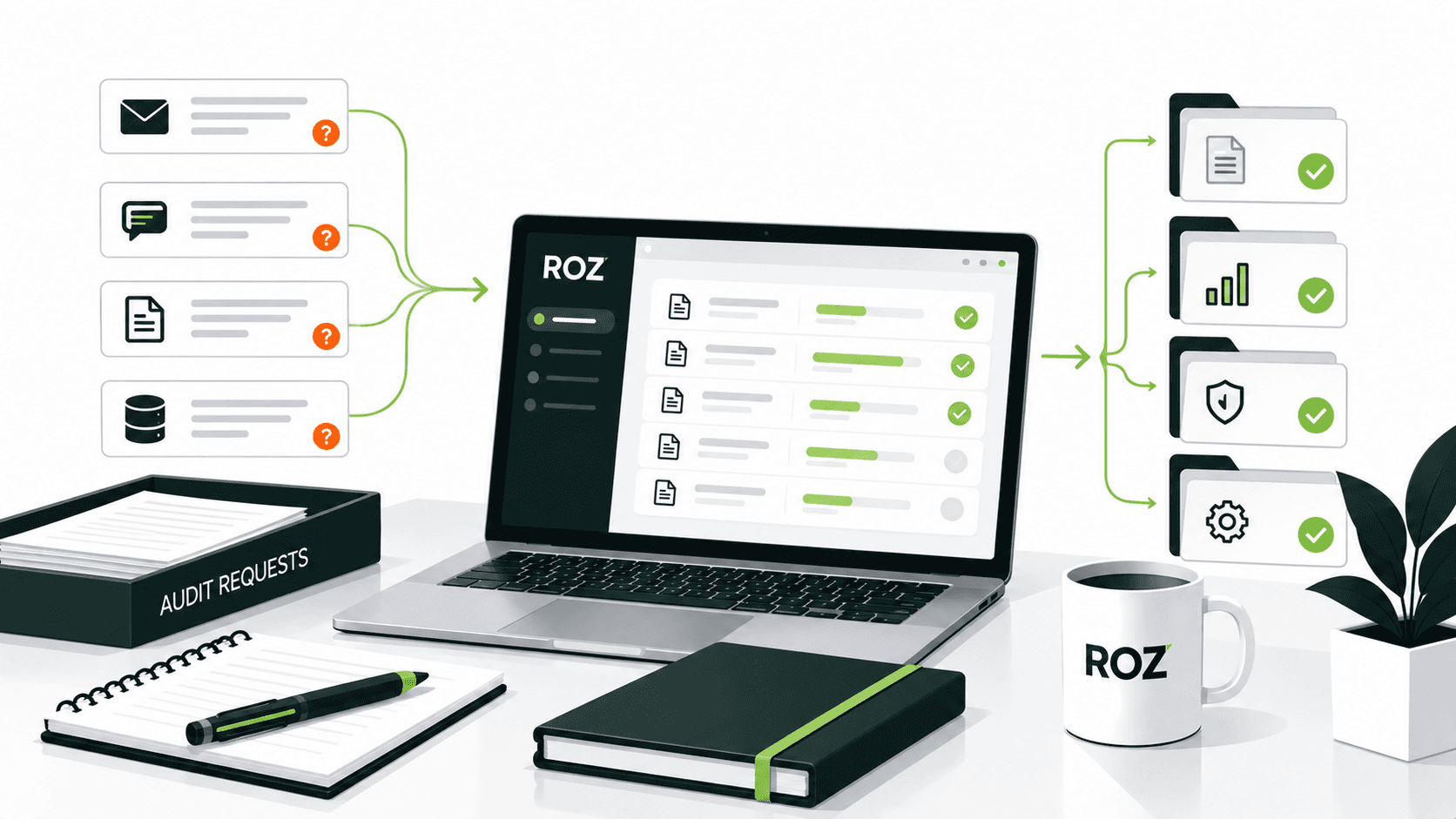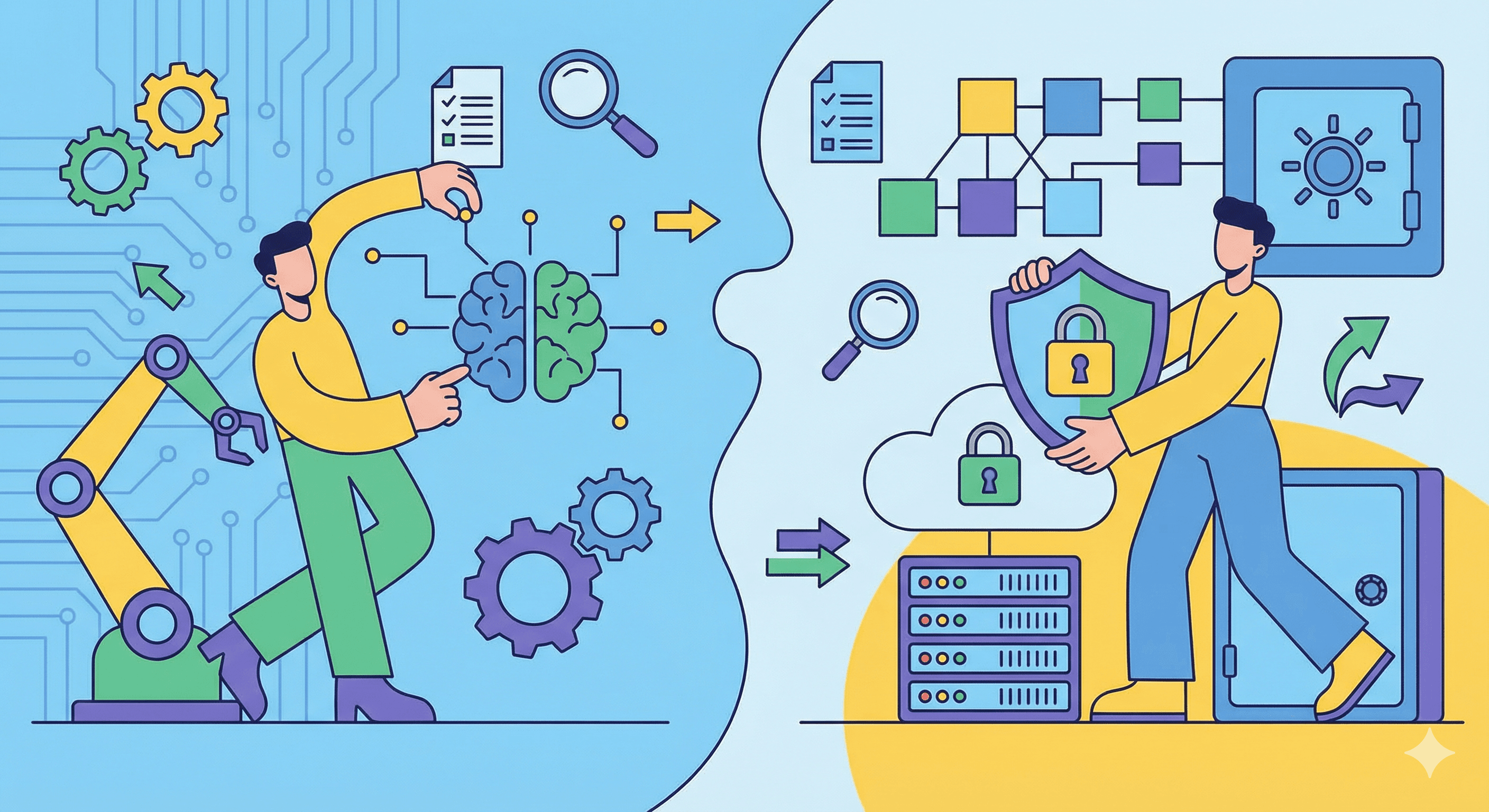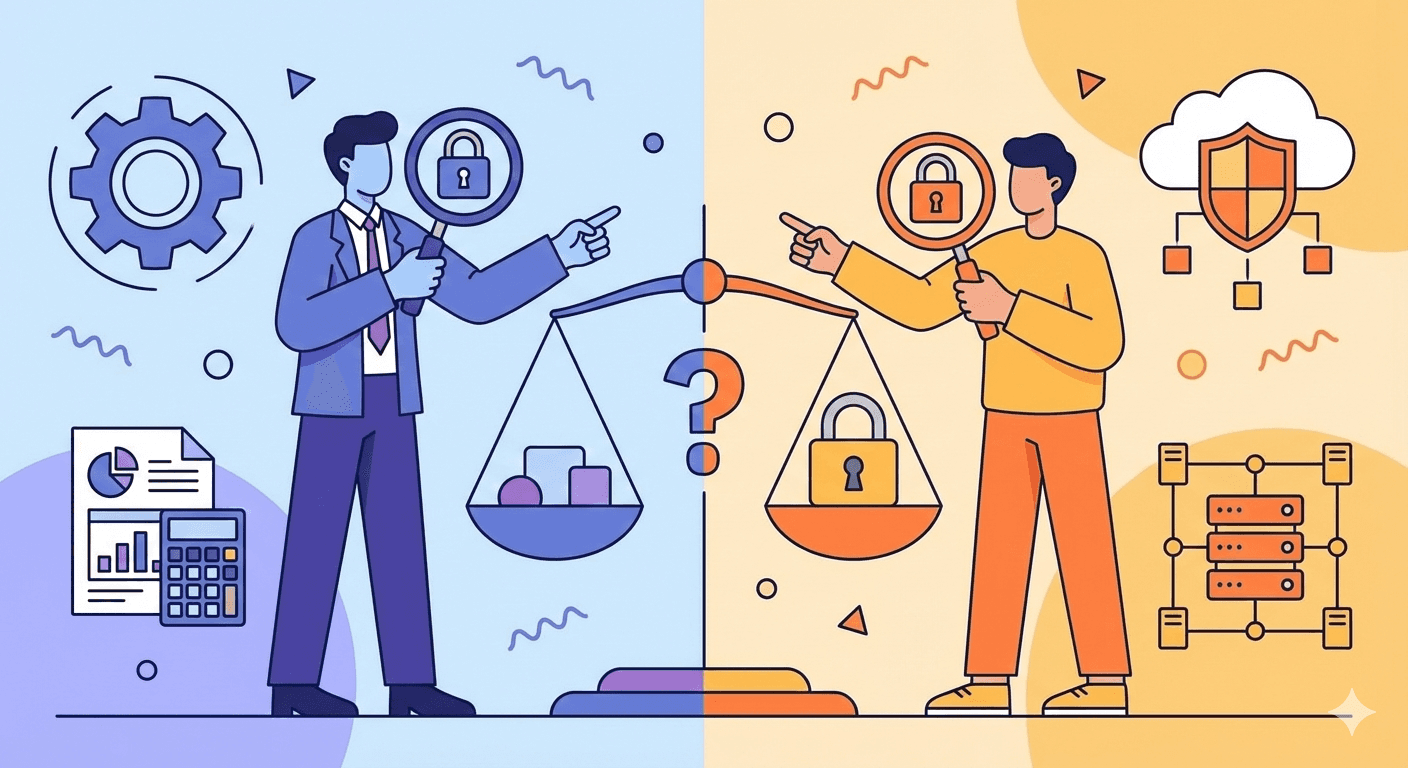
The words "AI agent," "AI assistant," and "agentic AI" get thrown around like they mean the same thing. In audit software marketing, the term can be used loosely, which makes it harder for you to judge what a tool actually does.
The distinction matters more in auditing than in most fields. Audit work carries professional responsibility, regulatory scrutiny, and defensibility requirements that don't disappear because software wrote the first draft. Whether a tool suggests an answer or executes a workflow changes how you supervise it, how you document it, and what level of ongoing oversight and review the engagement requires.
In this article, I will break down the real difference between AI audit agents and AI assistants, with concrete audit examples, a comparison table, and questions to ask when you evaluate a product. Human judgment stays at the center throughout, as it should.
What Is an AI Audit Agent?
An AI audit agent is a system capable of carrying out multiple authorized steps within an audit workflow to achieve a defined goal without requiring the user to direct each step individually.
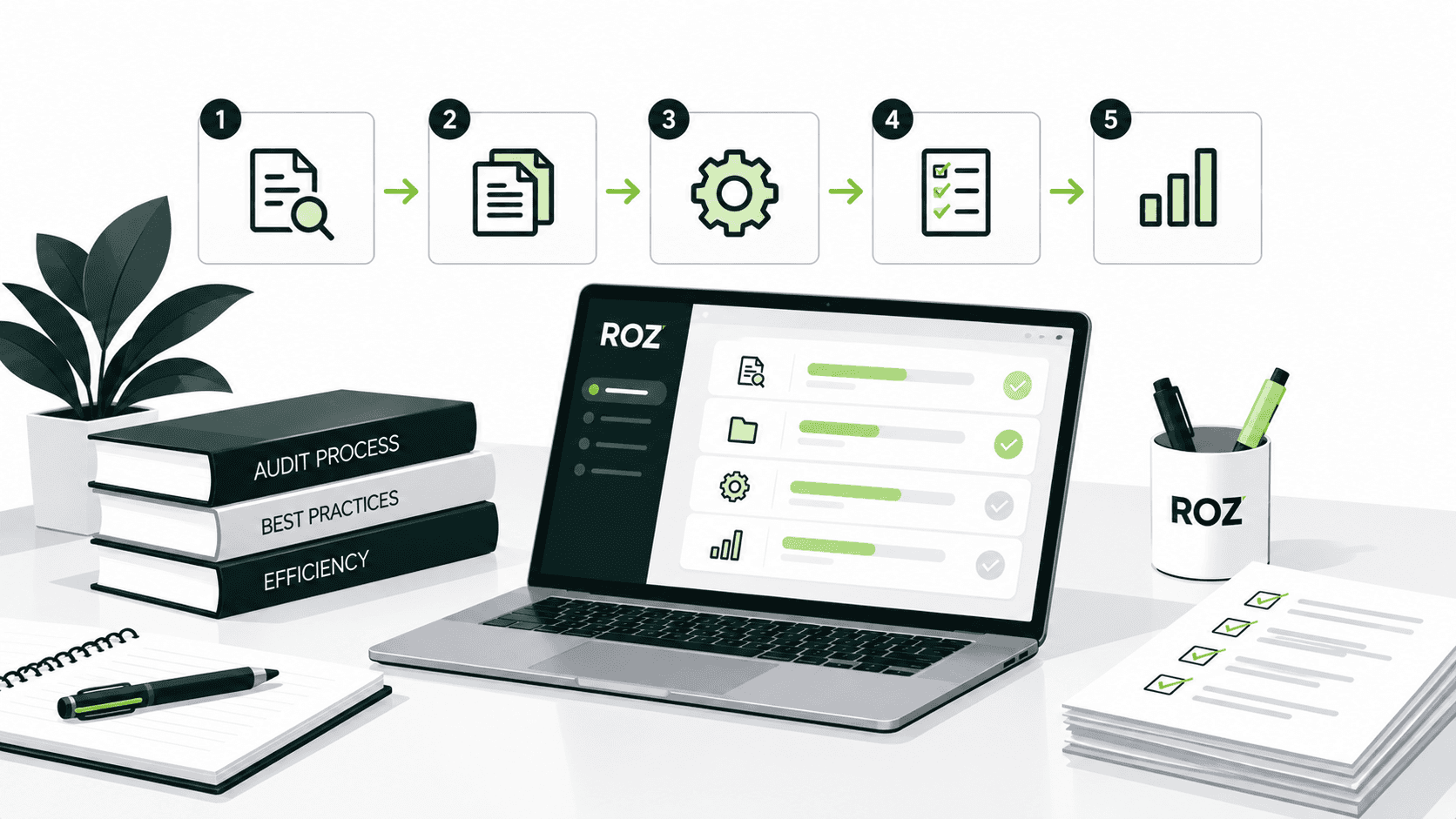
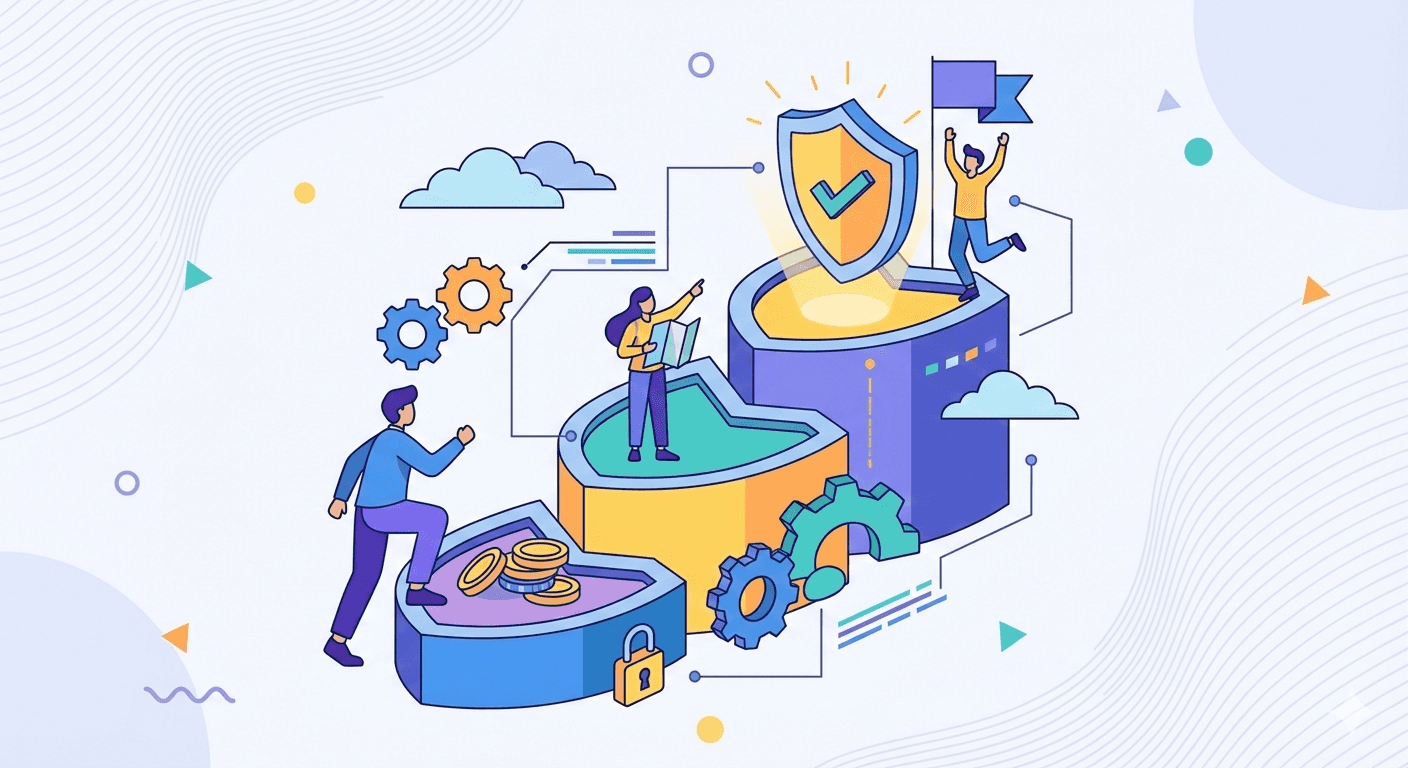
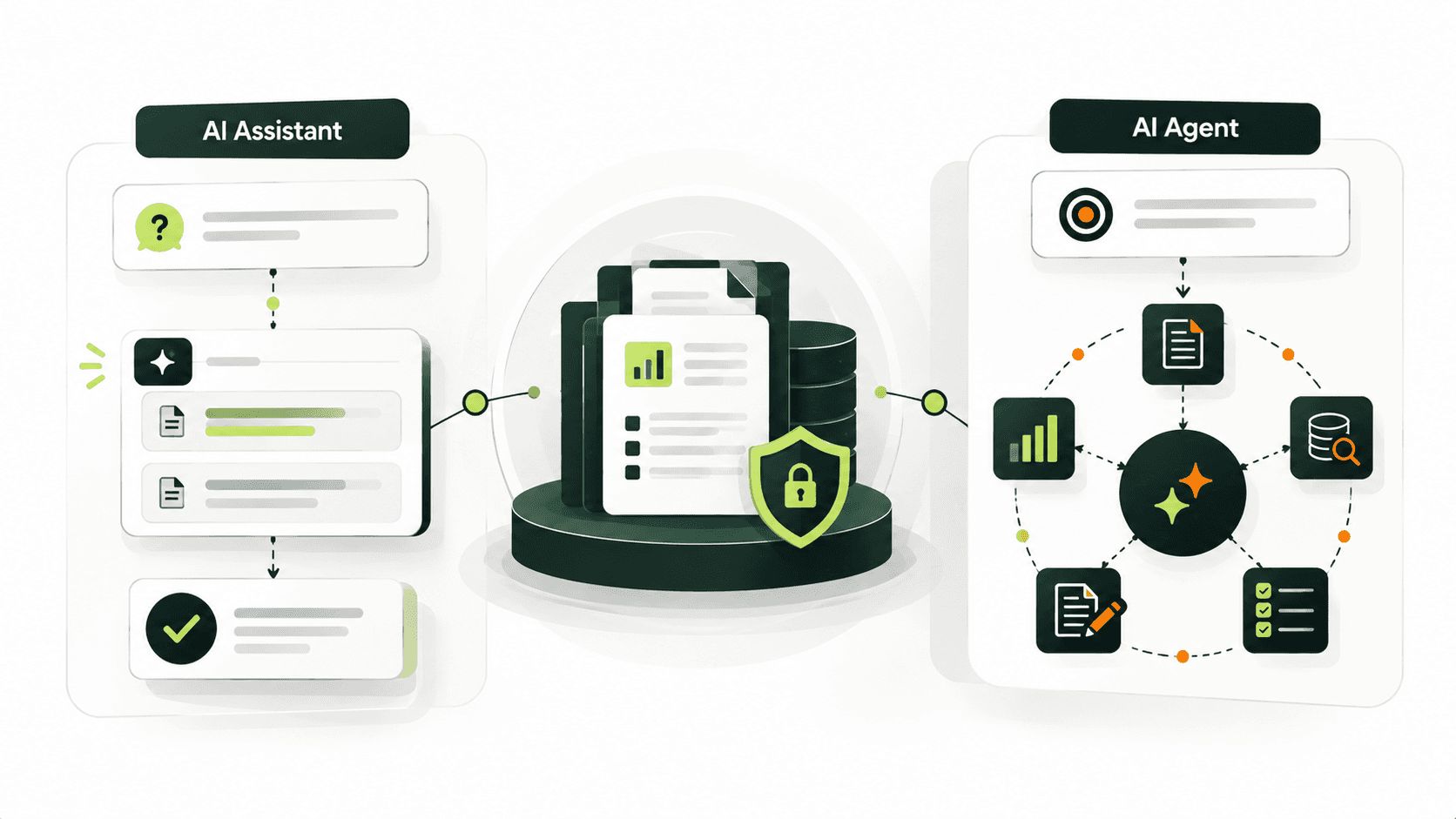
As described, agents follow a certain process or cycle: goal → plan → execute → evaluate → escalate. The goal is set by the user, e.g., "test this access control across configured sample populations." The agent then understands and breaks the goal into subtasks, uses the tools and data it is permitted to use, evaluates workflow results against defined criteria, and determines the next authorized workflow step, escalating when the situation falls outside its defined scope.
Typical audit tasks an agent can support include:
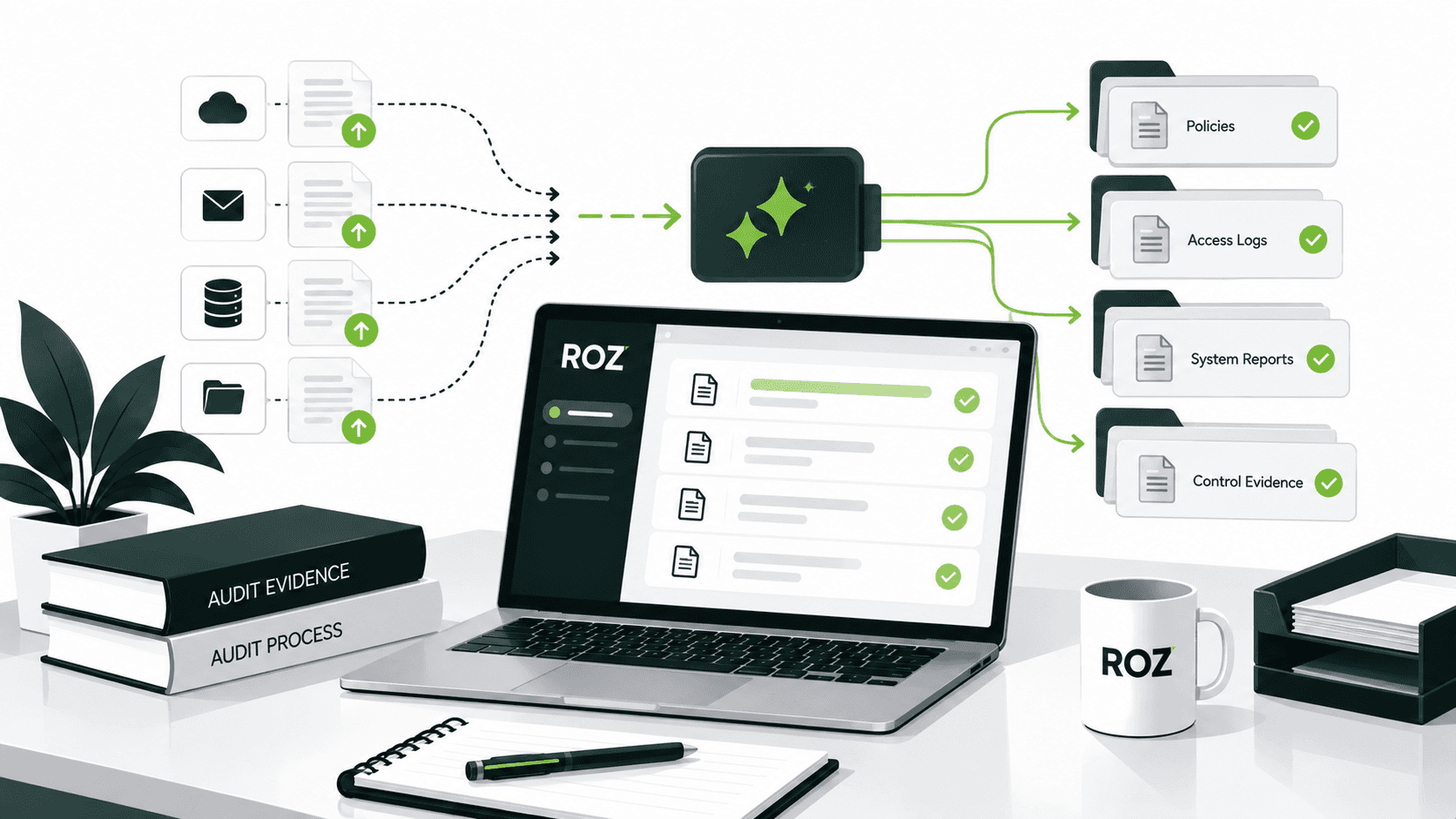
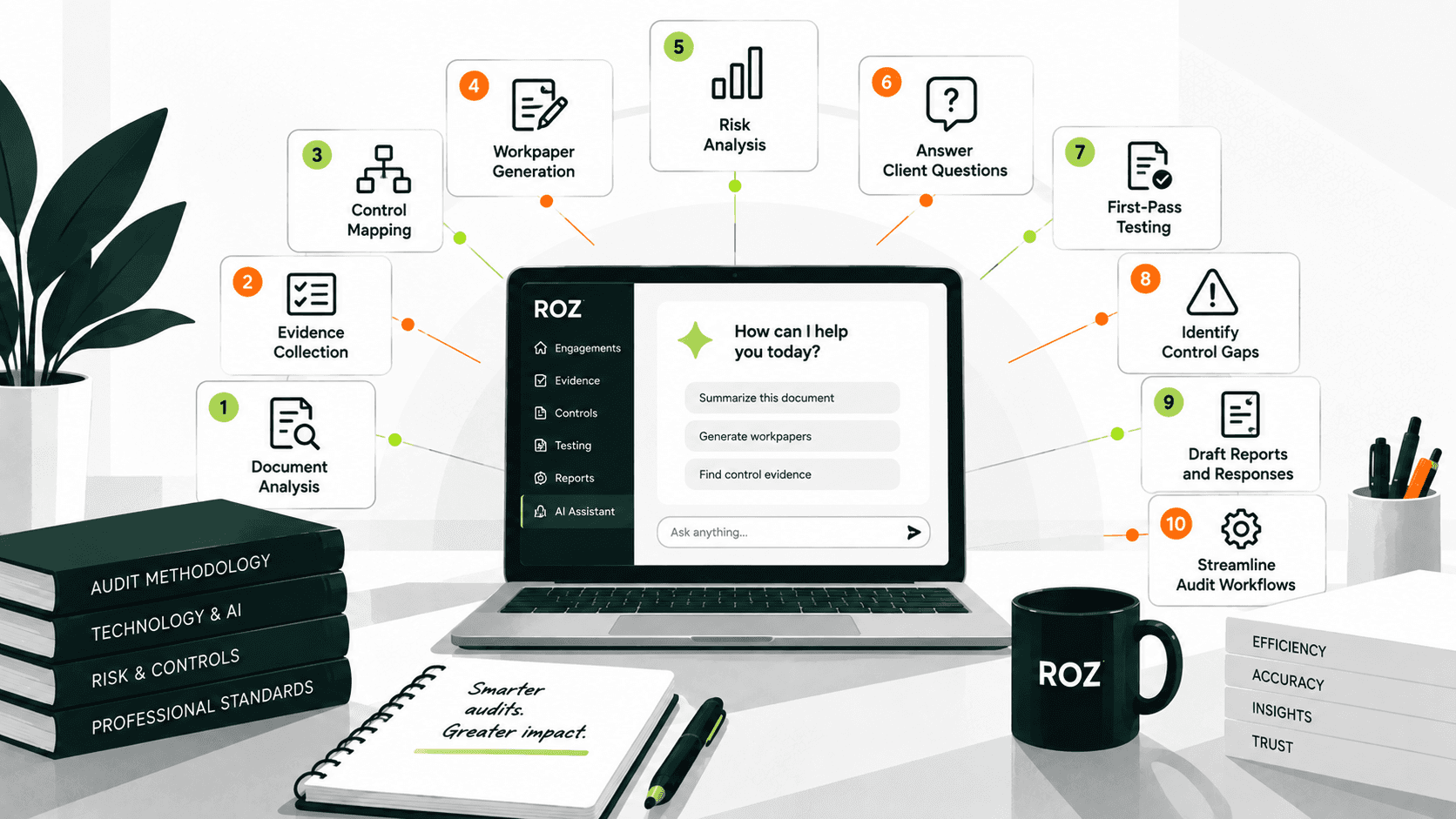
Collecting and organizing audit evidence across engagement documentation.
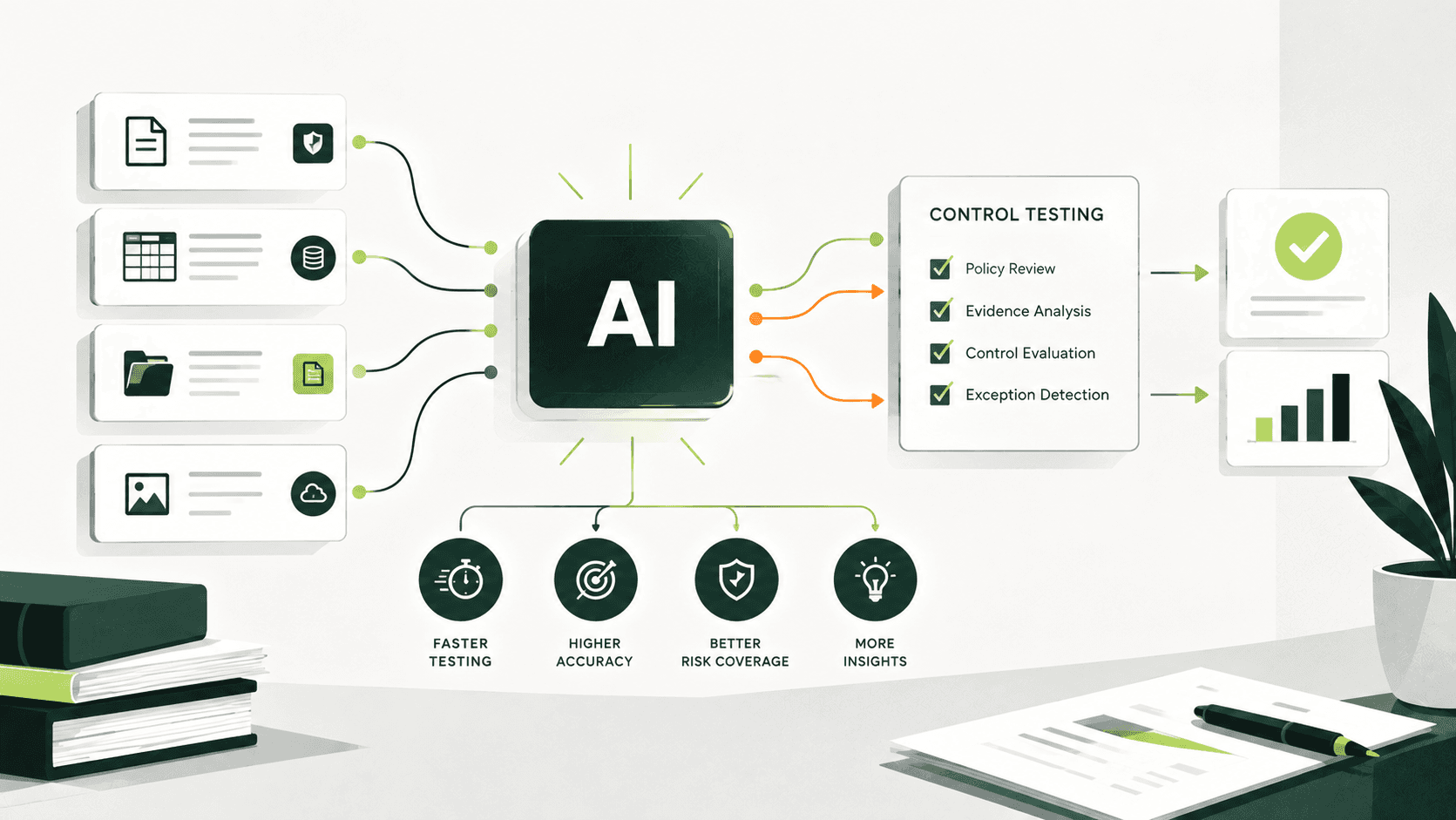
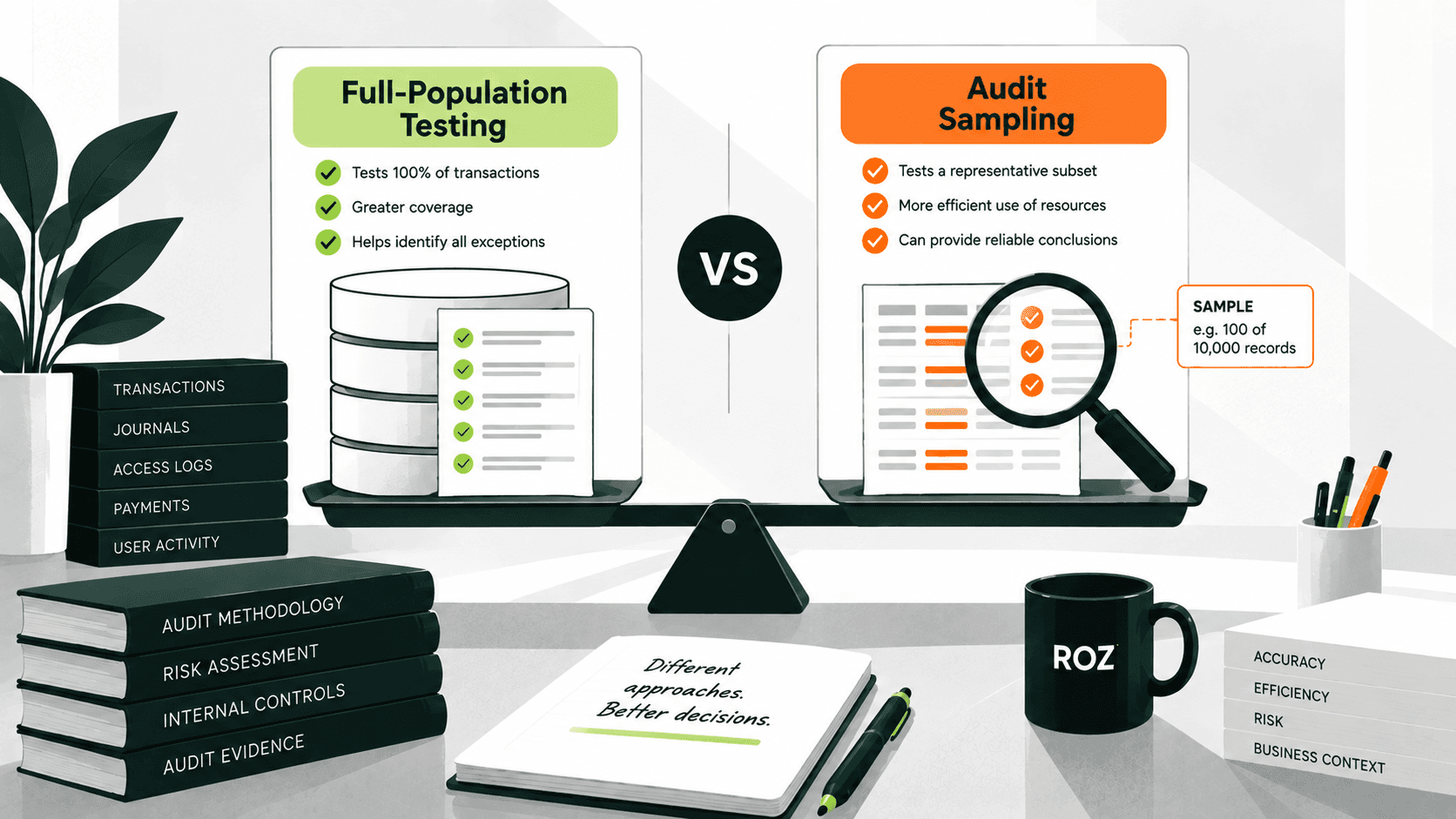
Supporting first-pass control testing across defined samples or populations.
Mapping controls to framework requirements as a component of a larger integrated control workflow.
Identifying potential control gaps and routing exceptions to an auditor for review.
The main differentiating component is autonomy. An agent is not idle waiting for the next job. However, the agent should stop and ask for guidance if it encounters something beyond its scope.
What Is an AI Audit Assistant?
An AI audit assistant is a responsive tool that performs a task after receiving a user instruction.
Assistants follow a simple prompt model: prompt → analyze → respond. You provide a question or command, they process it, and they return an answer or a draft. Some assistants can connect to external systems or can use tools to retrieve information, but the main difference is you should be in control of each of the steps. The assistant doesn't control or decide to execute a workflow or determine and initiate the next workflow step without further user direction.
Common uses for an AI audit assistant include:
Analyzing a specific framework requirement or control definition.
Summarizing a lengthy report or policy from the prior year.
Reviewing and explaining a piece of evidence.
Drafting a section of a workpaper or email for a client.
Consider the assistant as a capable analyst that executes what you ask for, brings back the answer, and is ready to accept the next instruction. The assistant generally remains user-directed, with the user deciding what task or step should happen next.
AI Audit Agents vs AI Assistants: 7 Key Differences

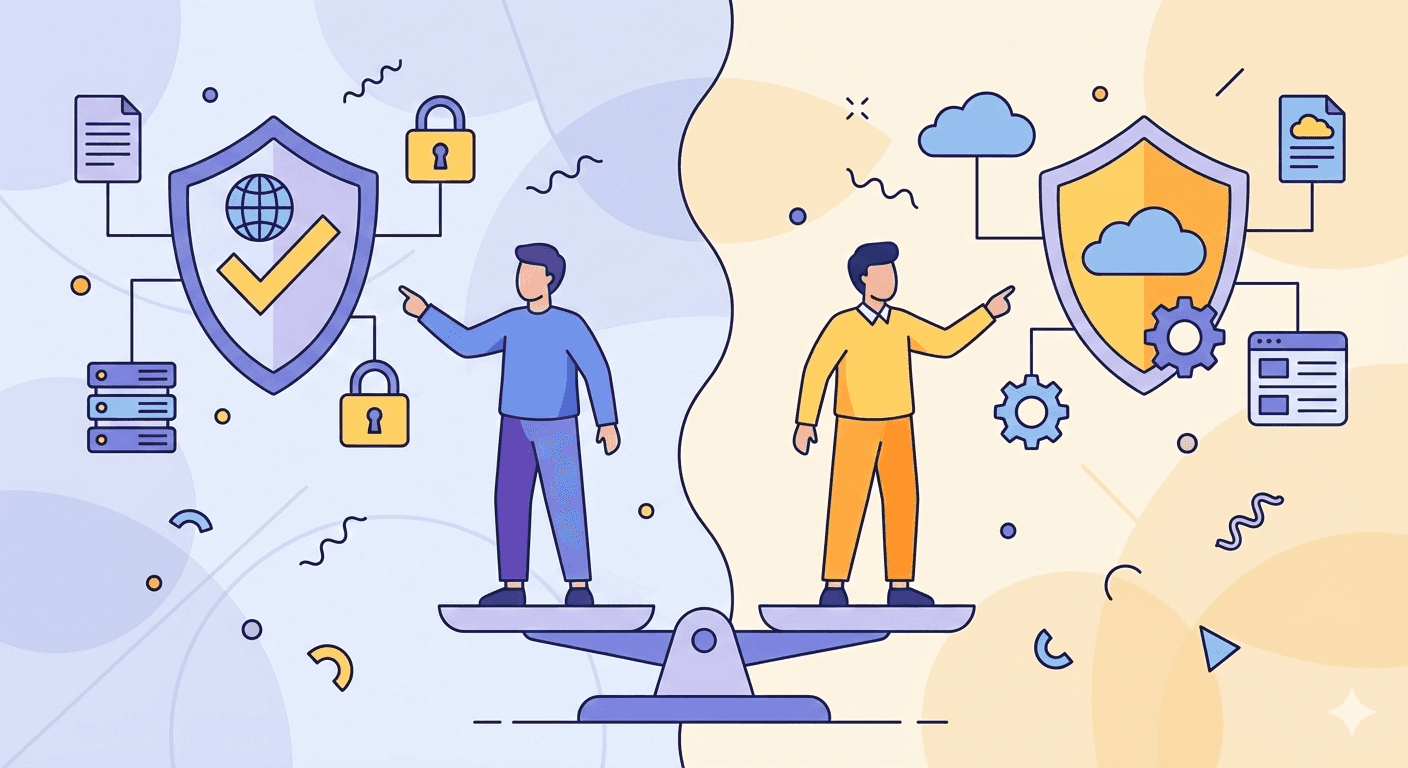
The distinction is not just marketing language; they relate to how a system participates in a workflow. An assistant primarily responds to user commands. An agent can perform various steps in a given workflow.
Here's what that looks like across seven dimensions that matter in practice.
Task vs. workflow execution: An assistant helps a user with individual tasks, such as answering a question or synthesizing the evidence. An agent can help a user with a connected workflow involving tasks, such as evidence intake, analysis, routing, and documentation, without requiring a new prompt.
Prompt-driven vs. goal-driven: An assistant will only do what you tell them to do. An agent can take a defined goal and select among authorized workflow steps based on the instructions, tools, and permissions provided.
Single-step vs. multi-step: An assistant waits for the next instruction after completing a task. An agent can determine a set of subtasks from a goal and determine a workflow to accomplish that goal.
User-directed vs. authorized tool use: An assistant can perform a task requiring a tool only if instructed to do so. An agent can determine when to use a tool in a task if that tool is within its authorized toolset.
Recommendations vs. workflow actions: An assistant gathers information and provides analysis and recommendations to the auditor for an action. An agent is authorized to perform certain actions, for instance, drafting a section of a workpaper, placing a potential exception tag, or updating an authorized workflow status.
Reactive vs. workflow-triggered: An assistant waits for an interaction. An agent responds to an assignment, an event in the workflow, or a defined condition and continues to operate within its scope until it reaches an exception, an outcome, or a point requiring human review. Not all agents are required to operate on a continuous basis.
Human-directed vs. human-supervised: Interaction with an assistant is directed, step by step, by the auditor. With an agent, the auditor specifies a goal and an approach and defines the constraints and review points and then oversees the agent to the extent that professional judgment dictates.
The key difference is not how intelligent the system appears. Rather, it is how much of a defined workflow it can carry out without the auditor having to direct each intermediate step.
AI Audit Agent vs AI Assistant: Real Audit Examples

The distinction becomes clearer when applied to common audit activities. Here are some examples of how some of the more common audit activities differentiate the Agent vs. Assistant tools.
Evidence collection: Assistant - You upload a document, and the assistant provides a summary. Agent - Depending on the configuration, the tool has the capability to traverse the workspace, organize the evidence by control, and document exceptions.
Control Testing: Assistant - It provides the definition of a control and tests one instance that you provide. Agent - can support testing across a defined population and surface potential exceptions for auditor review.
PBC request management: Assistant - It provides a draft of the PBC (Prepared by Client) request list. Agent - It maintains work item status, links evidence to requests, and provides an action list of outstanding tasks.
Workpaper preparation: Assistant - It provides a single answer when requested. Agent - Can populate first-pass workpapers from approved templates and supporting evidence, with source traceability for auditor review.
Notice that the assistant answers the question, while the agent drives the workflow. In both cases, you take ownership of the conclusions.
What Makes an AI Audit Agent Actually Agentic?
The term "agentic" is likely the most stretched term used in sales presentations, so let us take a closer look at the system and not what the system is called.
An AI audit agent is truly agentic when it can perform many of the below tasks:
Goal-oriented execution: One of its tasks is to achieve a particular goal rather than take a single action.
Multi-step workflow capability: It can execute a defined sequence of authorized steps and handle applicable subtasks within that workflow.
Authorized tool and system access: Accesses relevant data or systems and performs authorized actions within defined boundaries.
Workflow context: Maintains relevant state and context throughout the workflow, not just for a single exchange.
Exception handling and escalation: Identifies conditions for which human review is required and escalates these conditions as needed.
Audit trails and traceability: Actions and outputs should be logged in a way that allows them to be traced back to relevant inputs, instructions, tools, and evidence.
Permissions and governance: Access and authority should be scoped, controlled, and enforced according to defined policies.
A conversational tool to answer audit questions is a useful starting point, but answering questions does not make it a capable agent. The true distinction is whether a system is capable of executing defined steps in a workflow, accessing authorized tools, and maintaining context across those steps in order to escalate issues for human review.
The "agent" label should describe what the system actually does, not where the system may rank in a vendor’s marketing strategy.
How to Choose Between an AI Audit Assistant and an AI Audit Agent
The distinction isn't academic; it determines what you can actually delegate within defined permissions and where you still need a human in the loop.
Start with the work itself.
Use an assistant when:
The task is exploratory or one-off (researching an unfamiliar framework, summarizing a policy document)
The output requires your judgment before anything happens next
You need drafting support, not execution
Use an agent when:
The workflow repeats on a defined schedule and follows documented rules
The work spans multiple steps or systems, pulling evidence, mapping controls, flagging gaps
You want the process to execute defined workflow steps with appropriate human review and surface potential exceptions for auditor evaluation
Most audit teams end up using both, and that's the right answer. An assistant helps you think through a new problem. An agent can support repetitive, rule-bound workflow steps at scale so your team spends less time manually coordinating evidence across dozens of controls.
When you're evaluating an AI audit product, cut through the marketing by asking five specific questions:
Does it execute workflows or only respond to prompts? A platform can include both assistant and agent capabilities; the key question is whether it can execute multi-step workflows autonomously, not just generate responses.
What can it access, and under what permissions? Agents need scoped, auditable access to systems. Vague answers here are a concern.
How does it handle exceptions and escalation? A credible audit agent should have defined escalation logic for situations that require human review.
Can every output be traced back to source evidence? Audit work lives or dies based on traceability. If you can't trace the output to its source, you can't approve it.
Where exactly does the auditor review and approve? The system can execute defined workflow steps. The auditor remains responsible for the conclusion. If this boundary isn't clear, keep asking.
How Roz Uses AI Agents and AI-Assisted Workflows
Roz is an AI-native audit fieldwork platform built for auditors and advisory firms performing control-based engagements across frameworks such as SOC 2, ISO 27001, HITRUST, HIPAA, and CMMC. It combines AI-assisted capabilities with structured workflows while keeping auditors responsible for review and conclusions.
AI-assisted research: Auditors can ask Roz to find relevant information, controls, and evidence across engagement documentation, with source links back to the underlying files.
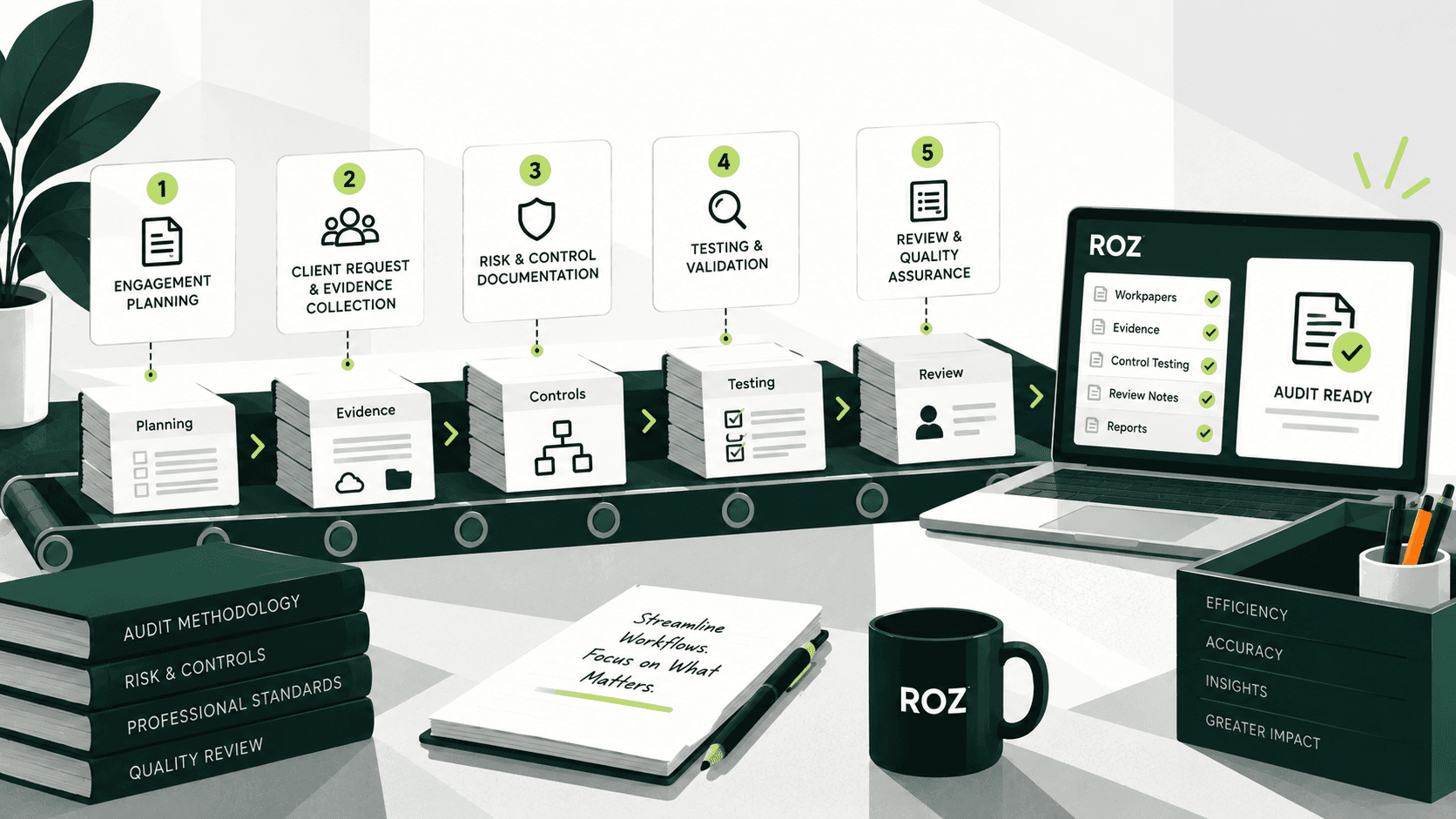
AI-assisted audit workflows: Roz supports evidence organization, control mapping, and AI-powered control testing, helping teams move from documentation to first-pass analysis while keeping outputs available for auditor review.
Agent-style workflows: For multi-step tasks, Roz can support workflows that move from evidence review to analysis and draft outputs, including control-testing results and workpapers. Auditor review remains part of the workflow.
Human-in-the-loop review: Auditors validate outputs, investigate potential exceptions, exercise professional judgment, and make final conclusions. Roz is designed to streamline repetitive work, not replace the auditor.
Conclusion
Assistants wait for direction, while agents carry out defined workflows, act within their permitted boundaries, and escalate issues that fall outside their defined scope or require human review.
For example, an "agent" means what a tool actually does, not a marketing badge. Is it capable of carrying out defined workflows, and where does it stand on exceptions? If what the tool does is more akin to answering questions and carrying out discrete duties, then it is acting as an assistant, whatever the tool's webpage calls it.
Neither approach replaces the auditor. What matters is which tasks the system can perform, what permissions it has, and where human review is required. When those boundaries are clearly defined, AI can help audit teams work more efficiently while preserving the review, judgment, and accountability required for defensible audit work.
Frequently Asked Questions
Can AI audit agents perform control testing?
Yes. AI audit agents can support first-pass control testing across defined samples or populations by organizing relevant evidence, applying established testing criteria, and surfacing potential exceptions. The auditor remains responsible for evaluating the results and reaching the final determination.
Are AI audit agents fully autonomous?
No. Audit agents operate within defined permissions, workflows, and review boundaries. An agent can execute defined workflow steps without requiring a new prompt for every action, but professional judgment, exception evaluation, and final conclusions remain with the auditor.
How can you tell whether an AI audit tool is truly agentic?
Beyond labels. An agentic tool goes beyond single-step responses. It has the capability to understand the goal and carry out a defined task involving multiple authorized steps, using authorized tools, maintaining context inside a workflow, managing exceptions, and providing the necessary traceability. Simply responding to individual prompts indicates it is functioning primarily as an assistant.