Audit teams are facing unique challenges. Compliance and evidence demands are outpacing the resources available to many audit teams. At the same time, clients are demanding quicker responses, more transparency, and better documentation. Meeting these demands using only spreadsheets, emails, and separate work streams is increasingly difficult.
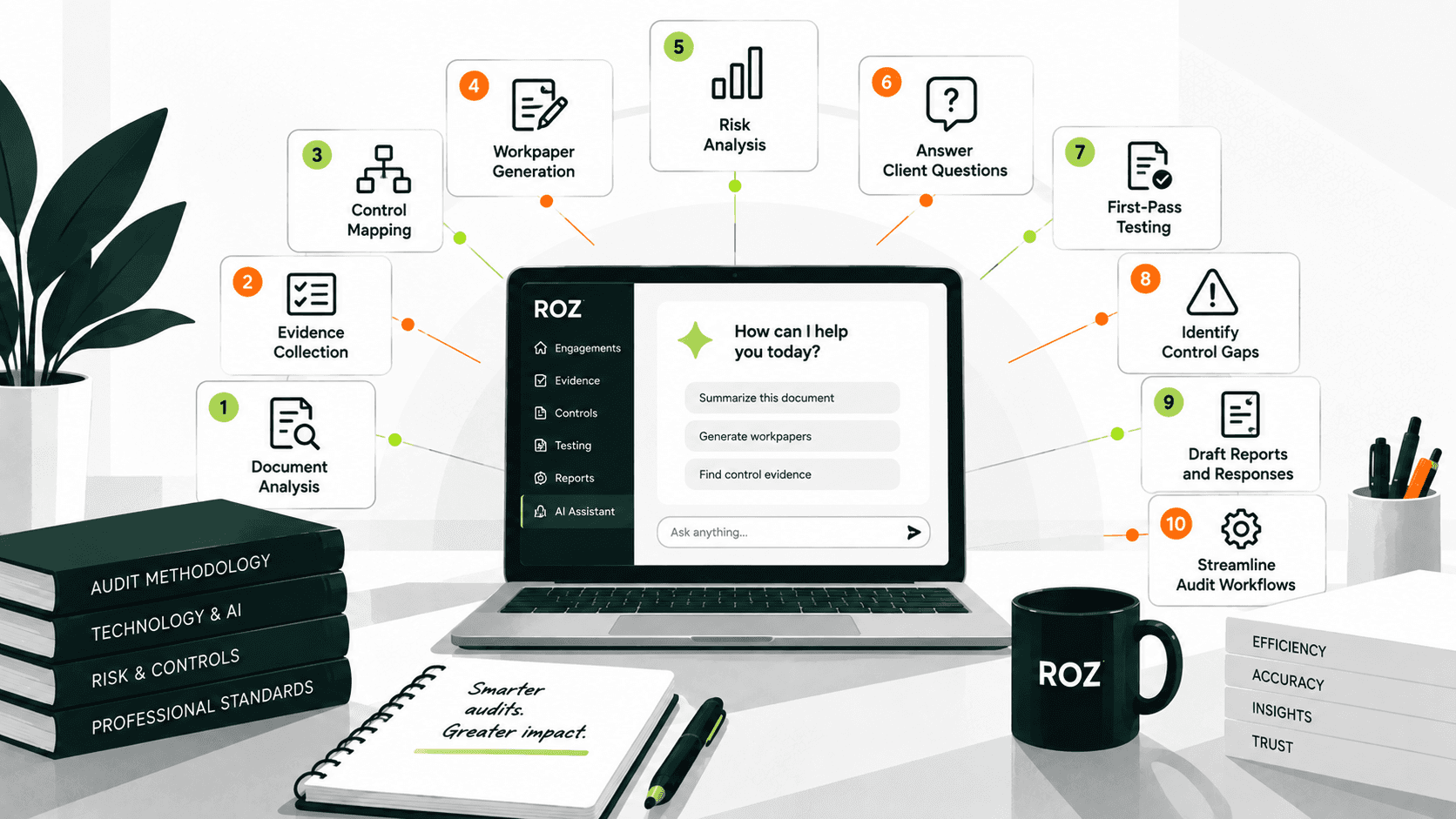
Most of these issues can be resolved by automating audit workflows, which digitizes repetitive tasks and documentation. This automation allows audit teams to spend more time on the analysis, assessment, and application of judgment. Automation can be taken a step further by using AI to assist in the analysis of evidence, the creation of workpapers, and support for first-pass control testing workflows.
In this article, I will explain what audit workflow automation is, how it works across the engagement lifecycle, and how AI platforms such as Roz support modern audit delivery workflows.
What Is Audit Workflow Automation?
Audit workflow automation refers to the digitization and orchestration of audit workflows, from planning to reporting, within a structured system. This digitization reduces manual transfers and provides audit teams with better visibility into engagement progress and workflow status. Structured workflows can reduce the time and effort taken to carry out processes like evidence collection, control assessments, workpapers, and reporting.
Task automation and audit workflow automation differ in scope. Task automation refers to the automation of micro-level tasks like reformatting a document or sending a notification. This level of automation does not integrate disparate tasks. In contrast, audit workflow automation encompasses the entire audit process, including the automation of structured processes within the audit planning, evidence collection, control assessments, review, and reporting processes.
What Audit Workflow Automation Is Designed to Do
The five main purposes of audit workflow automation are the following:
Improvement in the engagement of audit teams through reduction in the time required to carry out repetitive tasks.
Improved consistency across audits and engagement teams.
Improved documentation quality and evidence traceability.
Visibility of the audit engagement by partners and managers in real time.
Improved efficiency across audit, review, and client communication activities.
Streamline collaboration among auditors, reviewers, and clients.
Why Audit Teams Are Investing in Workflow Automation
Several pressures are making audit workflow automation a practical necessity rather than an optional upgrade.
Rising Audit Complexity
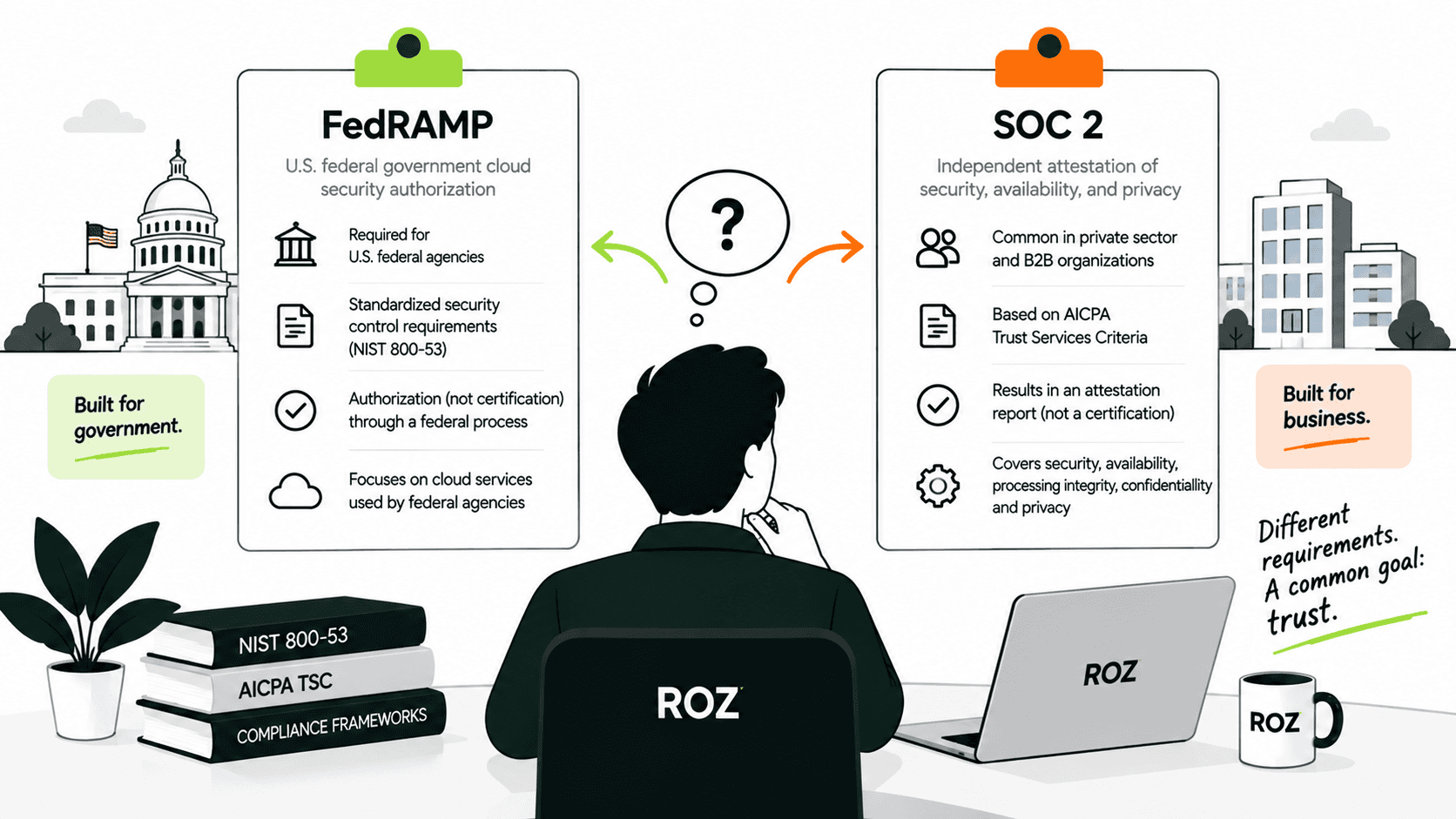
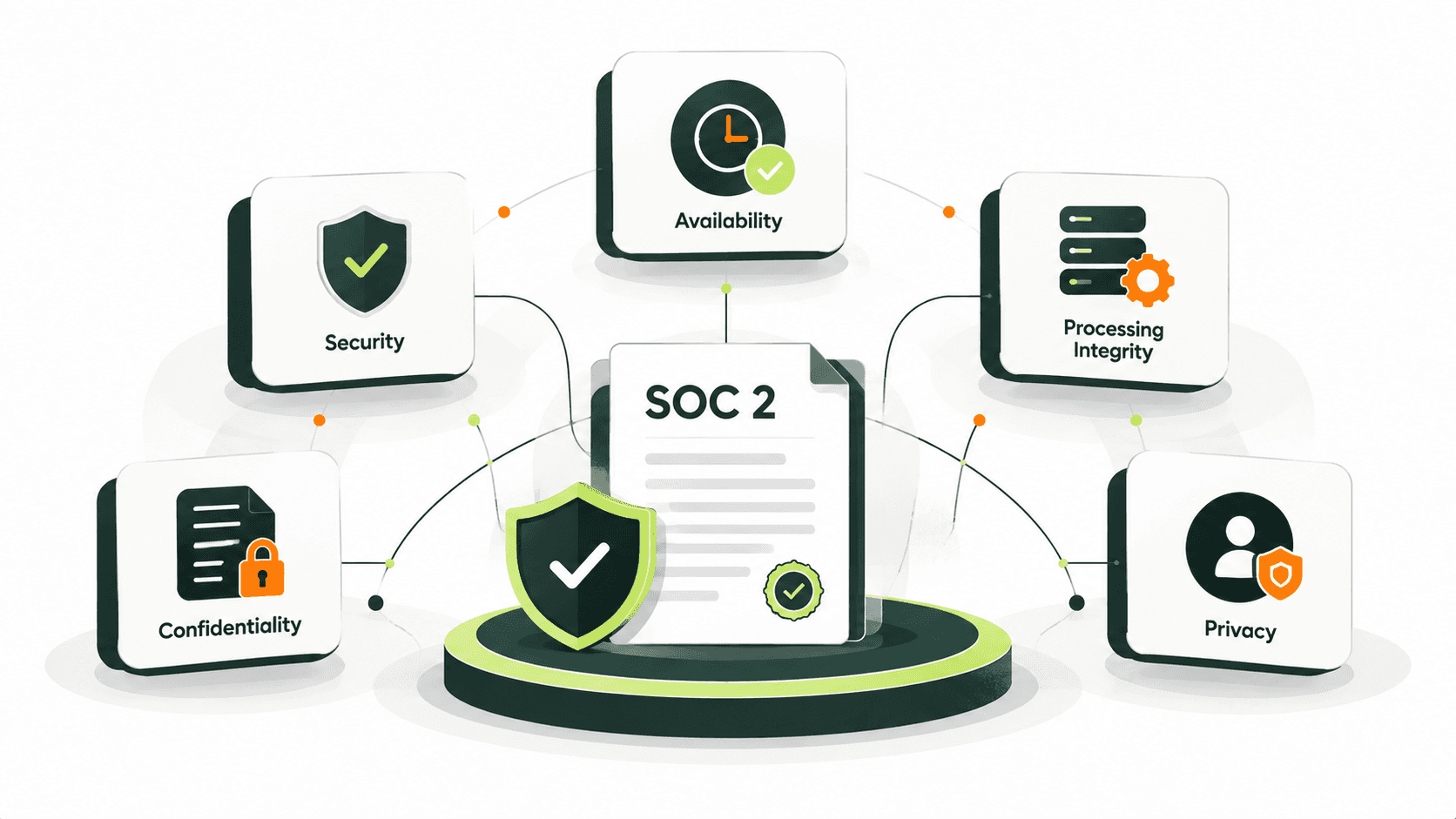
Audit standards and requirements continue to expand with the addition of SOC 2, ISO 27001, CMMC, and SOX. The addition of each control and evidence requirement means more time spent on engagements. These additional requirements often increase the amount of manual coordination and documentation effort required.
Auditor Capacity Constraints
The shortage of resources is structural. A 2024 Bloomberg analysis of U.S. Bureau of Labor Statistics reports reveals that the accounting industry is short roughly 340,000 accountants compared to five years ago. Firms use workflow automation to increase capacity by lowering the amount of time and effort for the administration of audit engagements.
Client Expectations
Clients have higher demands and requirements. This includes faster completion of engagements and transition and improved visibility and transparency. A 2025 BDO study found that 81% of finance professionals reported that the use of advanced technology by audit firms improved engagement and increased confidence. Technology-enabled audits have become a competitive advantage.
Documentation and Traceability
Email threads and shared folders cause limited visibility and control of documented evidence of engagement activities. A centralized workflow system improves control and traceability with built-in audit trails.
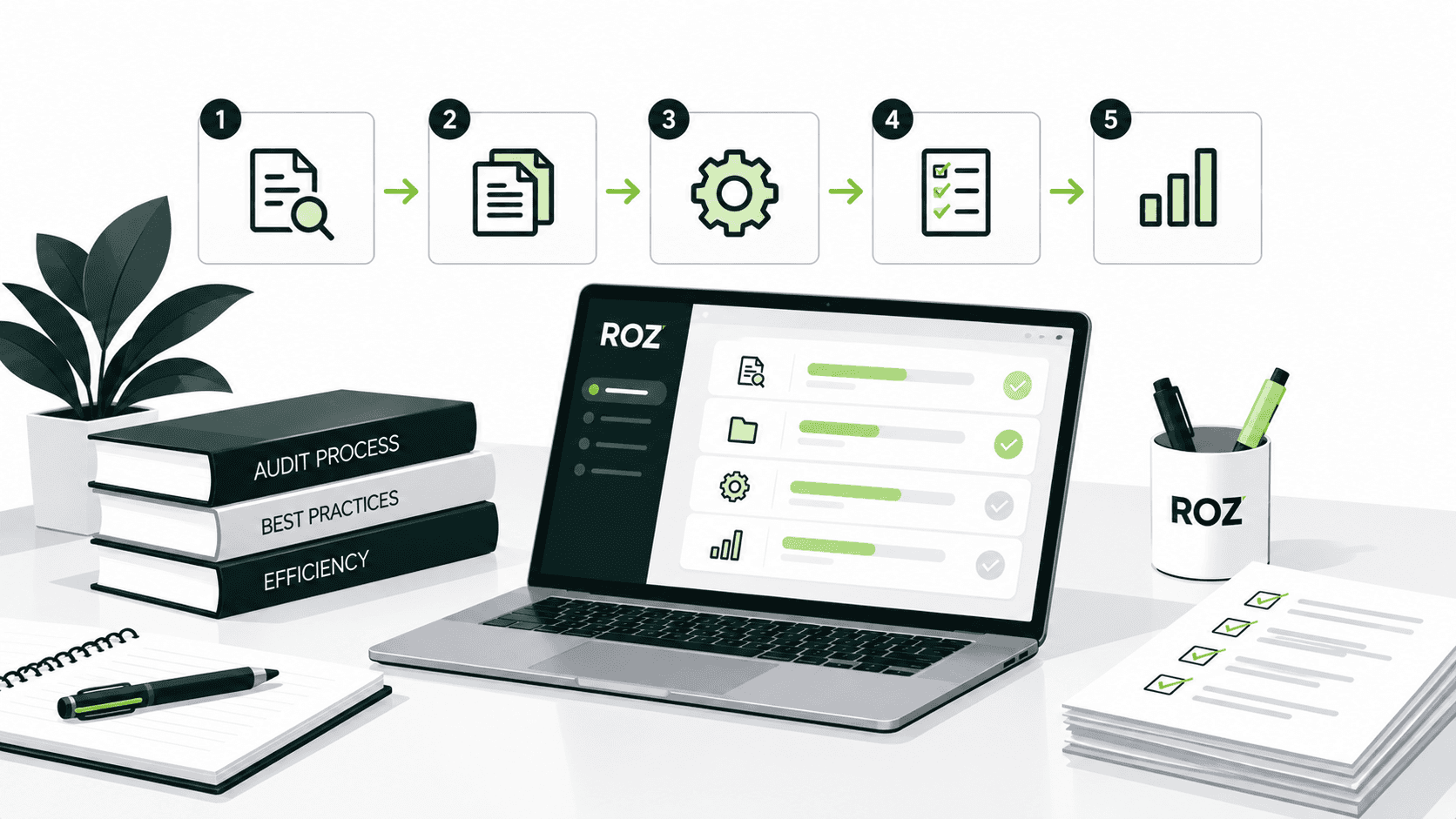
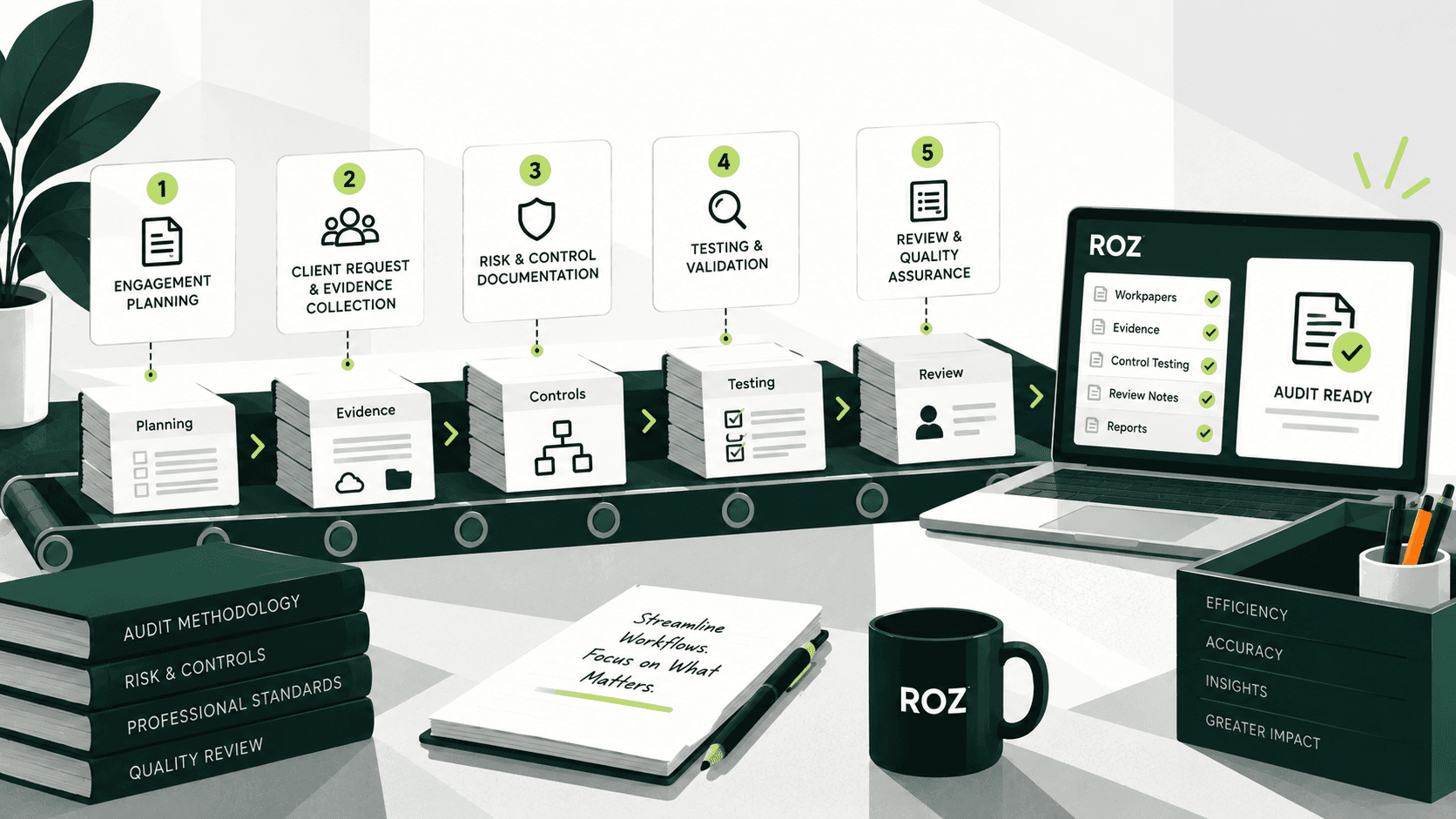
The Audit Workflow Automation Lifecycle

Audit workflow automation applies across each phase of an engagement.
Step 1: Engagement Planning
Determine the objectives and the scope of the engagement. Select the appropriate workflow templates to build engagement workflows and assign team members. Automating workflows in this phase decreases the time to set up and ensures that all engagements start with the same framework.
Step 2: Client Request and Evidence Collection
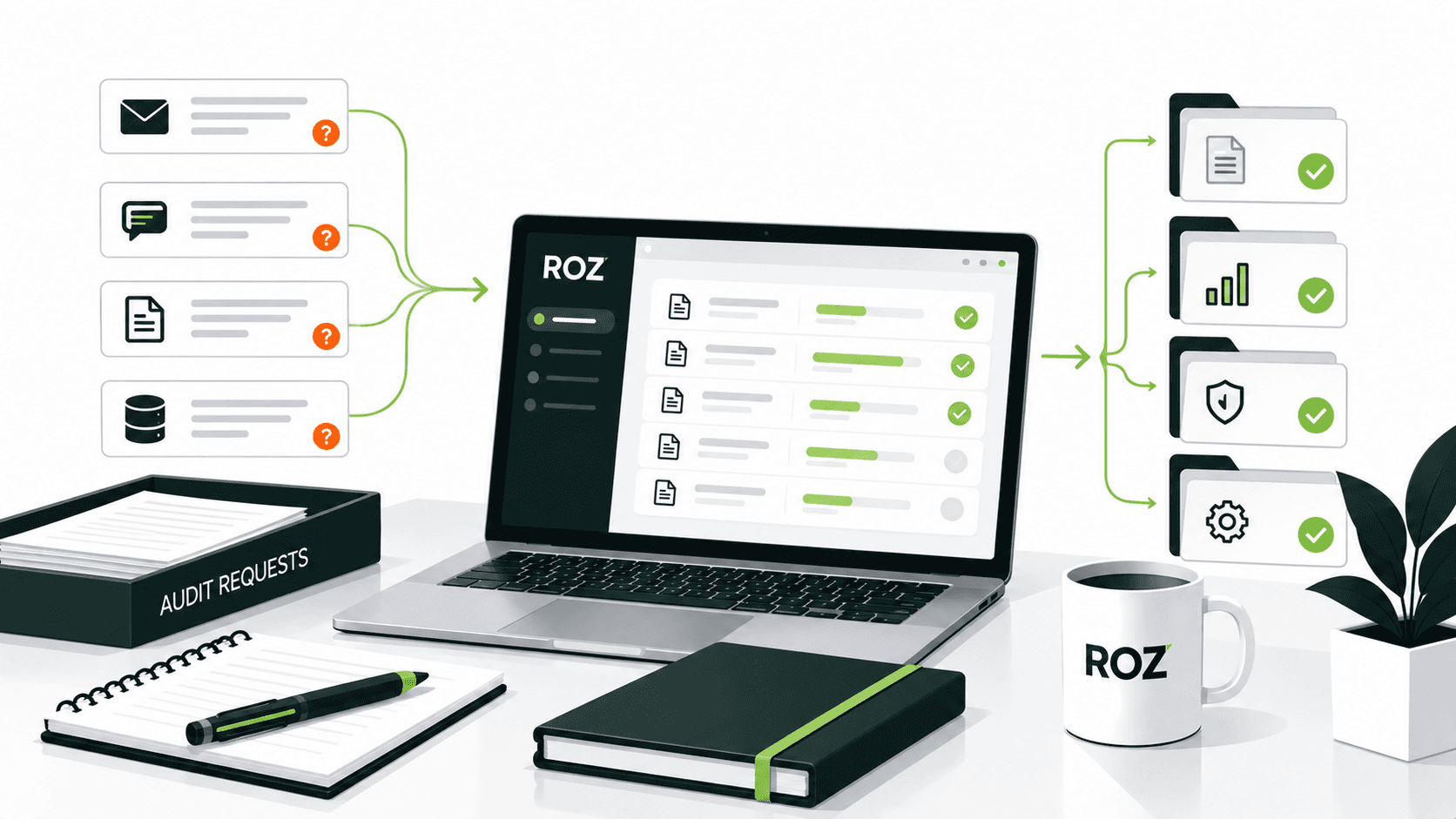
Automate the generation of the request list. Provide clients with a portal to submit evidence and automate reminders to submit evidence to track submissions. This combines what used to be a series of emails to the audit team and the client to communicate what is outstanding and what is missing.
Step 3: Risk and Control Documentation
Document the processes and controls and create a control library and a risk and control matrix for the engagement. Documenting controls in a centralized location helps save time and effort and reduces the need to create control inventories and documentation for similar engagements.
Step 4: Testing and Validation
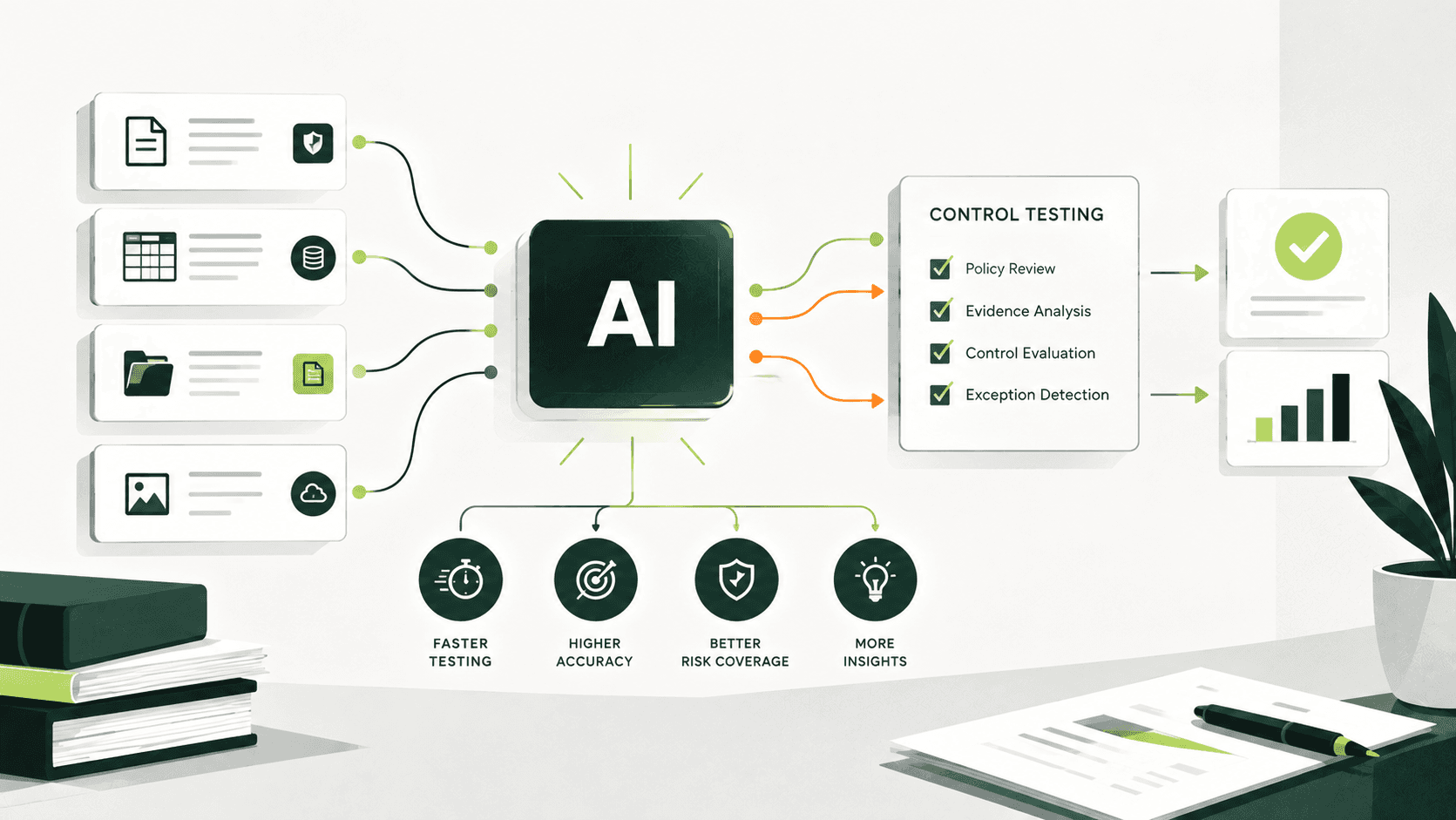
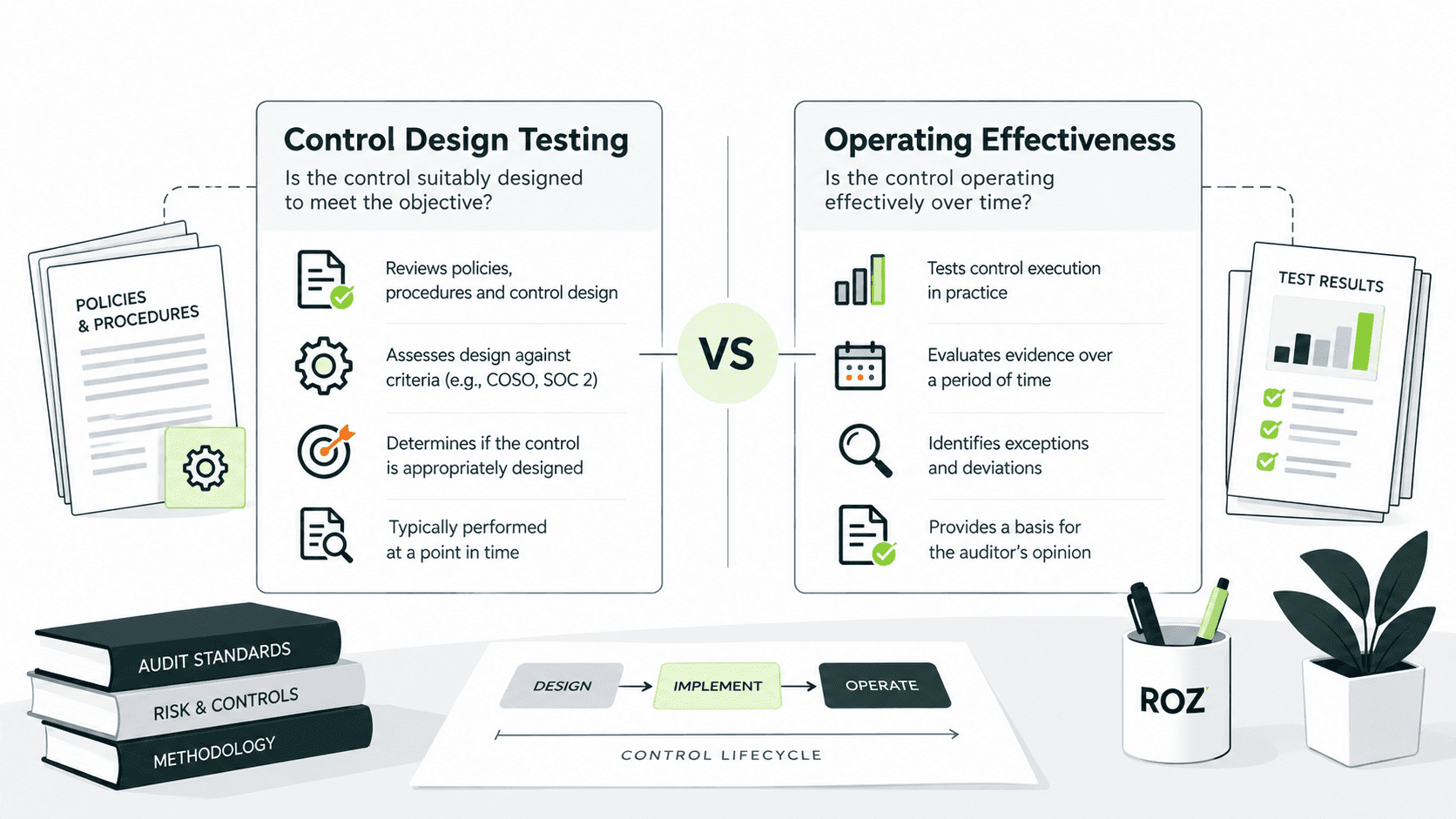
Assign test procedures and control test procedures to the team. Track the completion of test procedures for the engagement. Workflows that integrate artificial intelligence help auditors support first-pass testing activities and identify potential control issues and test exceptions.
Step 5: Review and Quality Assurance
Audit automation allows workpapers to be routed for formal review, tracking reviewer comments and approvals. Cloud-based workflows can improve the efficiency of review cycles and address version control issues that result from the use of standard email-based review workflows.
Step 6: Reporting and Final Documentation
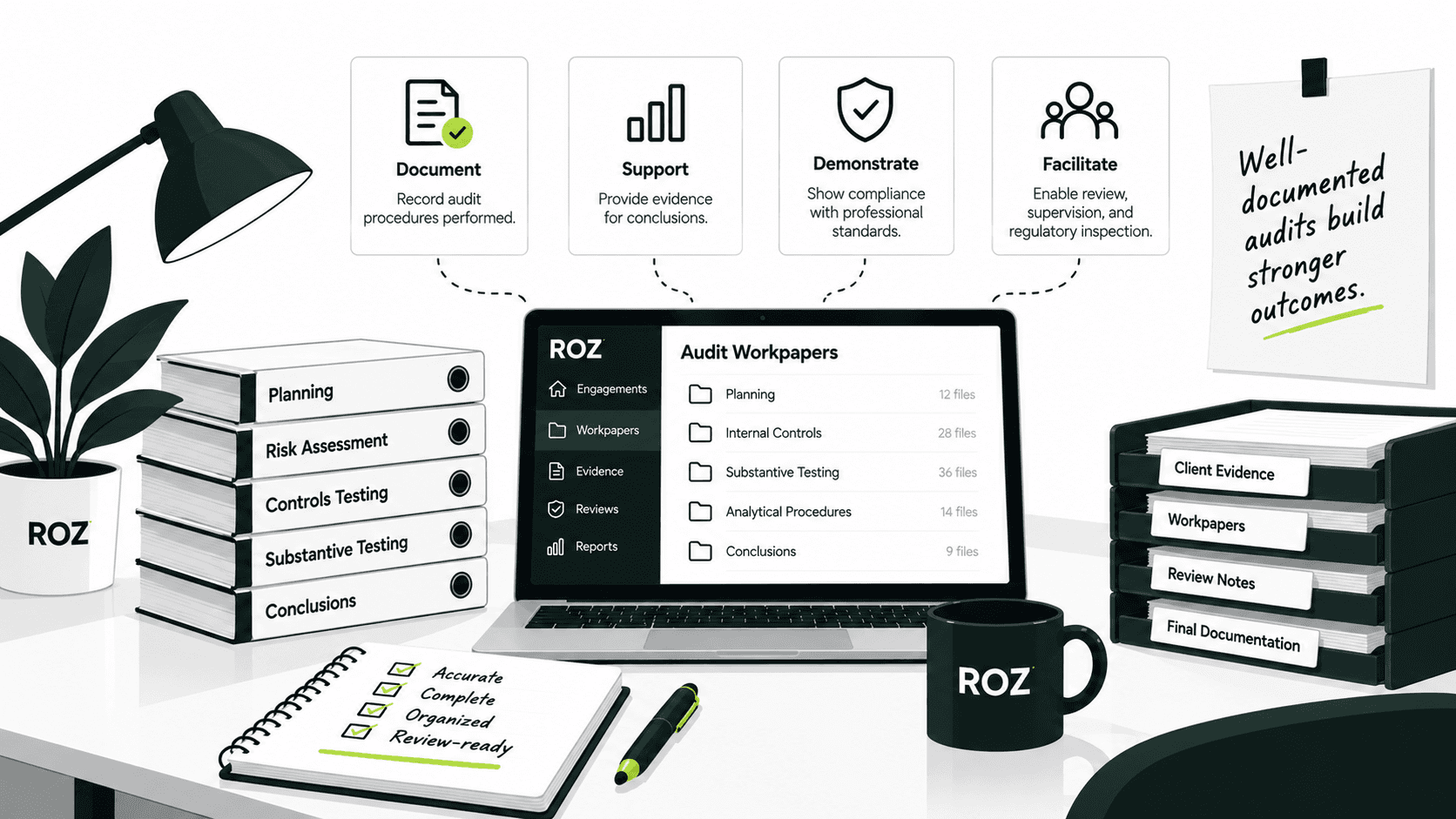
Use structured engagement data to create draft reports and supporting documentation, manage issues, and create final workpapers for retention. Structured workflows can reduce the manual effort required to prepare reports and supporting documentation.
Audit Workflow Automation vs Traditional Audit Processes
Some audit functions are better suited for automation. Knowing the difference helps firms know which processes to automate to get the best results.
Area | Traditional Audit Process | Automated Audit Workflow |
Evidence Collection | Email and spreadsheets | Centralized requests and tracking |
Documentation | Manual workpapers | Standardized workflows and templates |
Testing Management | Manual tracking | Automated assignments and linkage |
Reviews | Email-based reviews | Structured reviewer routing |
Engagement Visibility | Limited status tracking | Real-time progress dashboards |
Scalability | Resource-intensive | More scalable across engagements |
Tasks well-suited for automation:
Audit workflow templates and engagement setup
Evidence request management and organization
AI-assisted control mapping and gap analysis support
First-pass workpaper generation
Testing assignments and exception tracking
Review routing and approval
Draft reports and status dashboards
Tasks that still require auditor judgment:
Risk assessment decisions
Materiality determinations
Control effectiveness conclusions
Final audit opinions
While workflow automation can reduce administrative effort, responsibility for judgment-based activities remains with the engagement team.
How to Implement Audit Workflow Automation
Automation of audit workflows should be introduced in stages, rather than attempting a full-scale rollout across every engagement, to ensure a successful transition to automated processes.
1. Analyze manual audit processes
Observe where there are workflow delays and record the manual task workflows that are the most time consuming for your team. Tasks that are time-consuming and do not provide value to your team or the process, like evidence collection or work paper preparation, are a great starting point.
2. Standardize your audit methodology first
Automation is most useful when processes are consistent and well-defined. Create standard forms and outline what should be included in a review and the documentation. Consistency should be achieved before a tool is selected, as automation will only increase process inefficiencies if applied to an inconsistent process.
3. Select a platform built for audit work
Standard business automation tools are not sufficient for the needs of audits. Tools should allow for the management of workflows and evidence, utilize artificial intelligence, include audit trails, provide evidence at each step, and support multiple audits.
4. Limit automation in the initial phase
Use the automation tool on a small number of audits, two or three to begin with. Collect data and assess the results for the audits before making the automation tool more widely available.
5. Track the right metrics
Collecting evidence, time taken to complete audits, time reviewers spend on an audit, and the quality of documentation are good metrics to assess the impact of audit workflow automation. The metrics will help identify areas for further workflow refinement and process improvement.
How Roz Supports Audit Workflow Automation
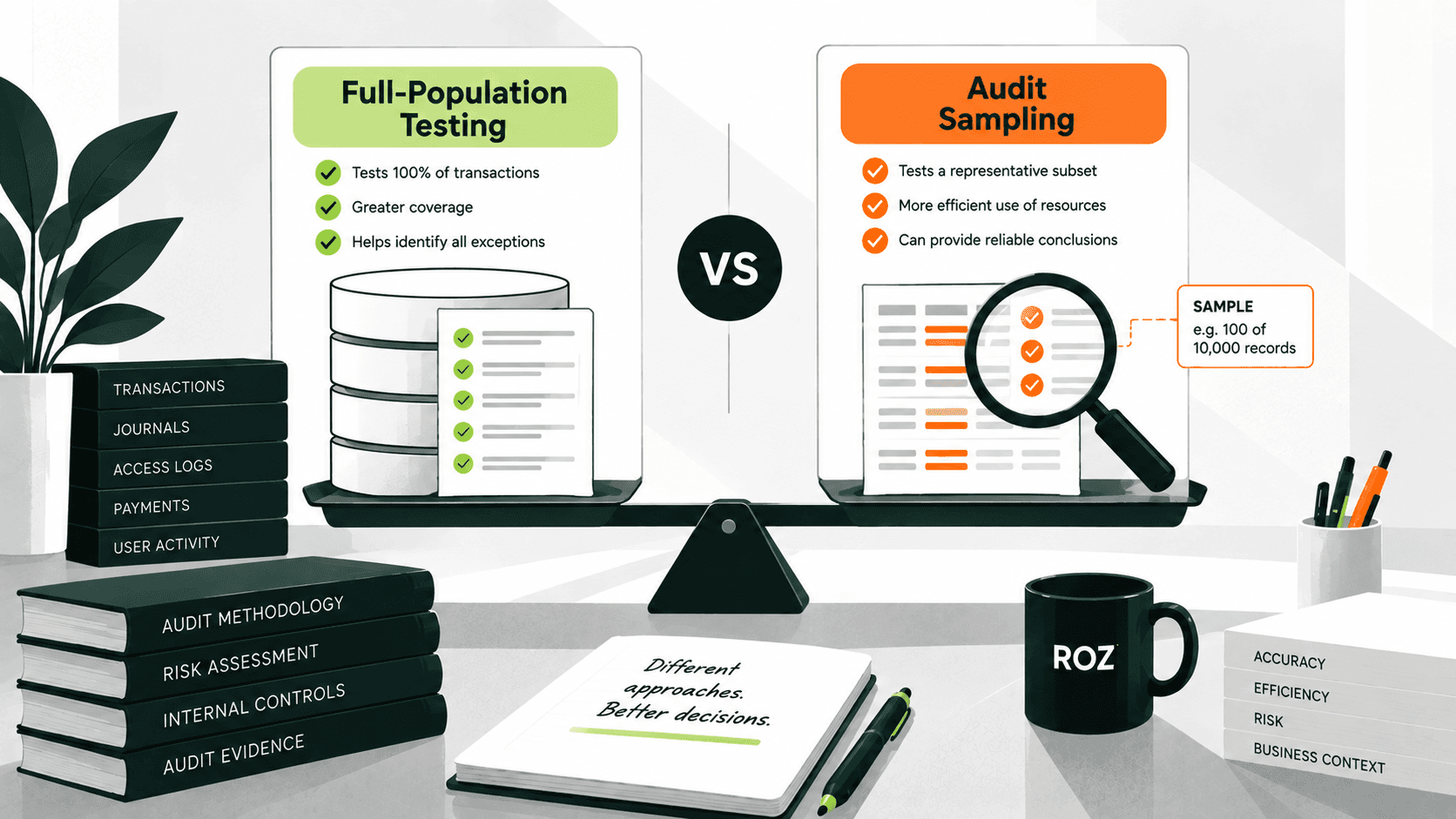
Roz is an AI platform built specifically for external audit and advisory firms. It helps teams accelerate evidence collection, perform readiness assessments, and execute control testing across sampled or full populations, with human-in-the-loop validation keeping auditor judgment at the center of every engagement.
For audit workflow automation, Roz can help firms:
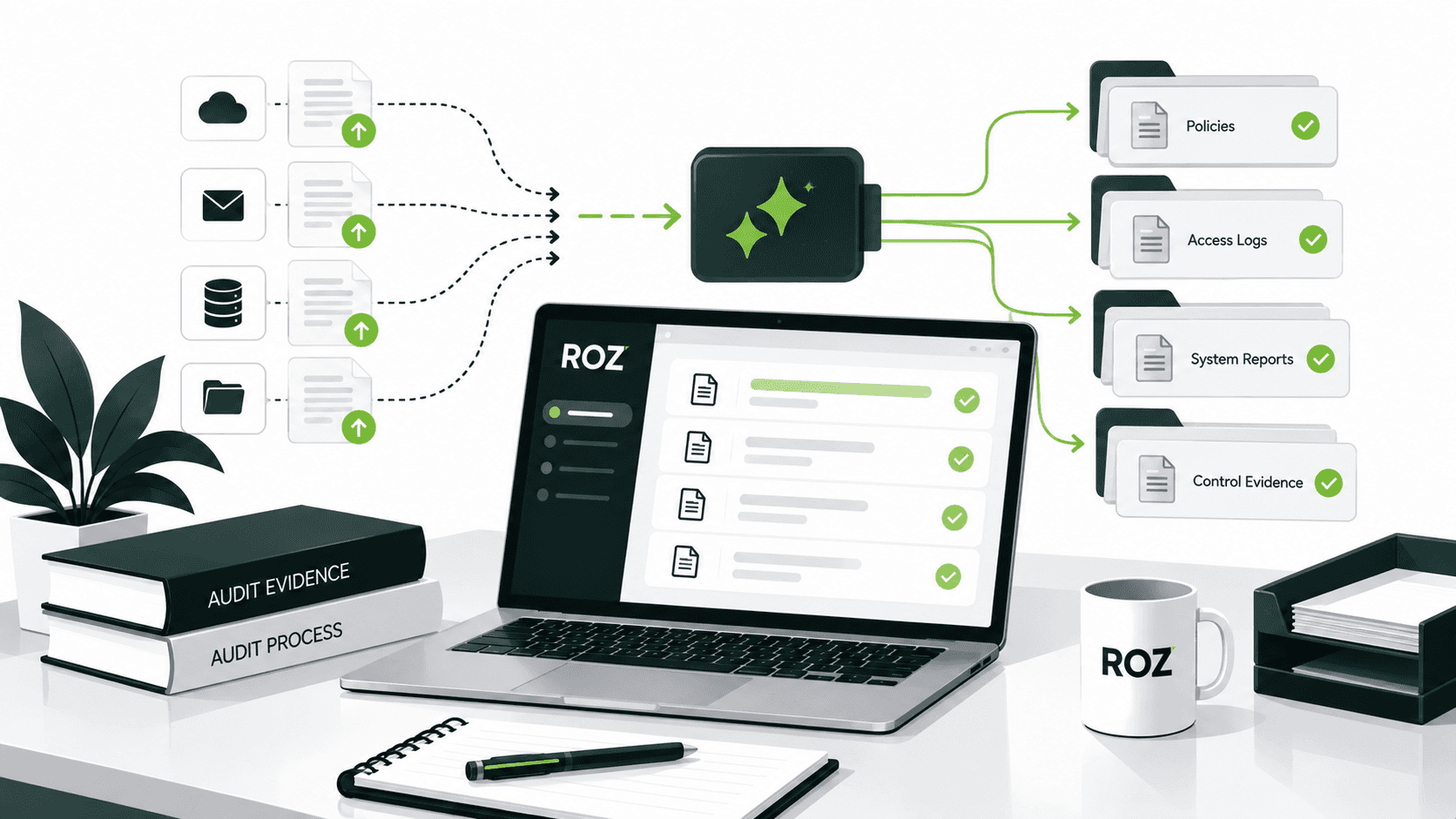
Organize evidence in secure, client-specific workspaces.
Extract controls from uploaded documentation to support testing workflows.
Identify potential documentation gaps during readiness assessments.
Assist control testing with AI-assisted first-pass analysis.
Generate first-pass workpapers with source-linked traceability and audit trails.
Improve visibility across documentation, testing, and review activities.
Roz supports audit and advisory teams by streamlining documentation-heavy workflows and reducing administrative effort. Professional judgment, testing conclusions, and final audit opinions remain the responsibility of the engagement team.
Conclusion
Audit workflow automation helps firms standardize engagement delivery, documentation, and review processes. Firms that document their engagements the way auditors complete their tasks and standardize their processes see the most productivity gains.
Automation helps address the resource constraints and increasing engagement demands. Automation allows firms to do more work and be more consistent without sacrificing the professional judgment that is the backbone of audit integrity.
To begin your journey into automation, identify the steps you take to prepare workpapers. Evidence collection and workpaper preparation workflows often provide some of the earliest and most measurable efficiency improvements.
Frequently Asked Questions
Which audit tasks can be automated?
Workflow automation can support evidence collection, workpaper preparation, and request tracking activities. The engagement team are the only people who can complete tasks that require professional judgment, like risk assessments and giving final opinions.
How does AI support audit workflow automation?
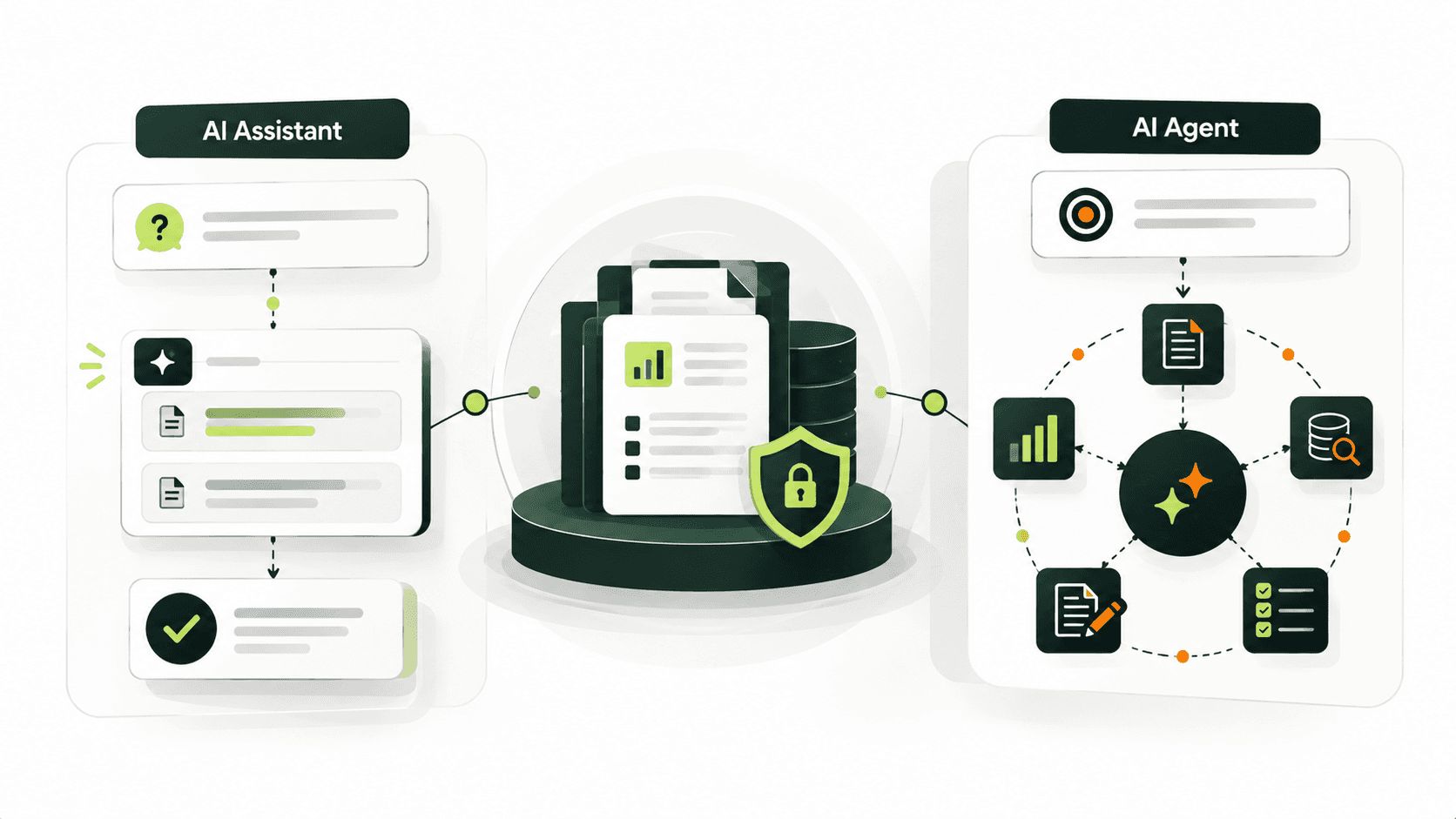
AI can support activities such as drafting workpapers, organizing evidence, and first-pass analysis. Platforms like Roz provide source-linked traceability, allowing auditors to review supporting evidence and validate AI-assisted outputs more efficiently.
How long does it take to implement?
The length of time it takes to implement workflow automation differs for every firm. Many firms doing large-scale implementations begin with limited automation on a single team and a single engagement.
Is audit workflow automation suitable for CPA firms and advisory teams?
Yes. Purpose-driven automation, like Roz, accommodates constructive compliance management across multiple frameworks while adhering to the exact documentation and audit trails that general-purpose automation tools cannot.