If you have ever planned an audit, you have probably spent hours interviewing process owners, gathering evidence, and documenting how controls are supposed to work. Walkthrough testing helps you verify whether those processes actually operate as described before you commit to extensive testing.
In this article, I will explain what walkthrough testing is, why it matters, and who performs it. You will learn the common challenges auditors face, see a step-by-step process you can follow, and understand how walkthrough testing differs from control testing and substantive testing. We will also look at how AI-assisted tools are changing the way firms prepare for and document walkthroughs.
What Is Walkthrough Testing?
Walkthrough testing is a method used by auditors to analyze a single, specific transaction example from its start to finish. This method is useful to auditors in understanding how a given process flows, pinpointing its relevant controls, and determining whether the process documentation is consistent with actual practice.
There are two main objectives of walkthrough testing:
Understand the process: Walkthrough testing provides auditors the opportunity to see and understand a process firsthand, which is not possible when only reviewing documentation.
Evaluate control design: Walkthrough testing enables auditors to analyze if the design of the process controls is sufficient to mitigate the risk of errors or control failures.
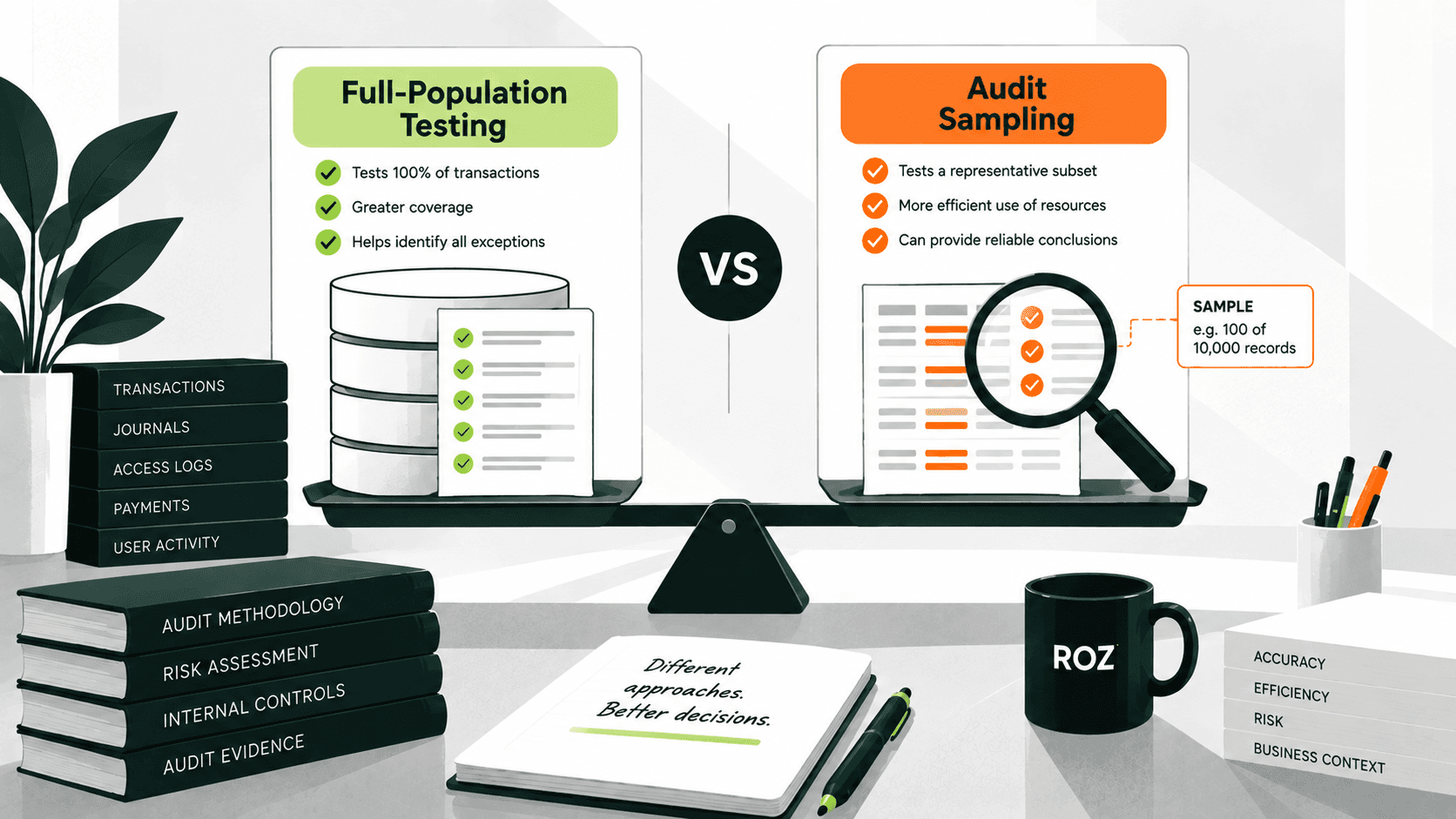
Unlike control and substantive testing, which are performed later in the audit, walkthrough testing is performed early in the audit and focuses on one representative transaction, rather than the multiple samples typically used in later testing procedures. This helps the audit team in determining the extent of the testing to be performed.
Walkthrough testing also provides auditors the ability to understand the system, which is not possible when simply interviewing the owners of the process. Descriptions of a process often do not match what is actually done in practice. By following a transaction and reviewing evidence, auditors are able to verify and understand how the system and its controls function.
Why Is Walkthrough Testing Important for Auditors?
A well-performed walkthrough sets the foundation for a high-quality, risk-based audit. According to ICAEW guidance, walkthroughs help auditors understand processes and evaluate the design and implementation of controls relevant to financial reporting. This understanding supports risk assessment, regardless of whether additional testing of operating effectiveness is planned. Here is where the value shows up.
Helps Auditors Understand Real-World Processes
A walkthrough gives you insight into how a transaction actually moves through systems and people. You see the handoffs, the approvals, and the manual steps that documentation often leaves out. This understanding lets you design an audit response that fits the client, rather than reusing a generic plan.
Validates Control Design Before Extensive Testing
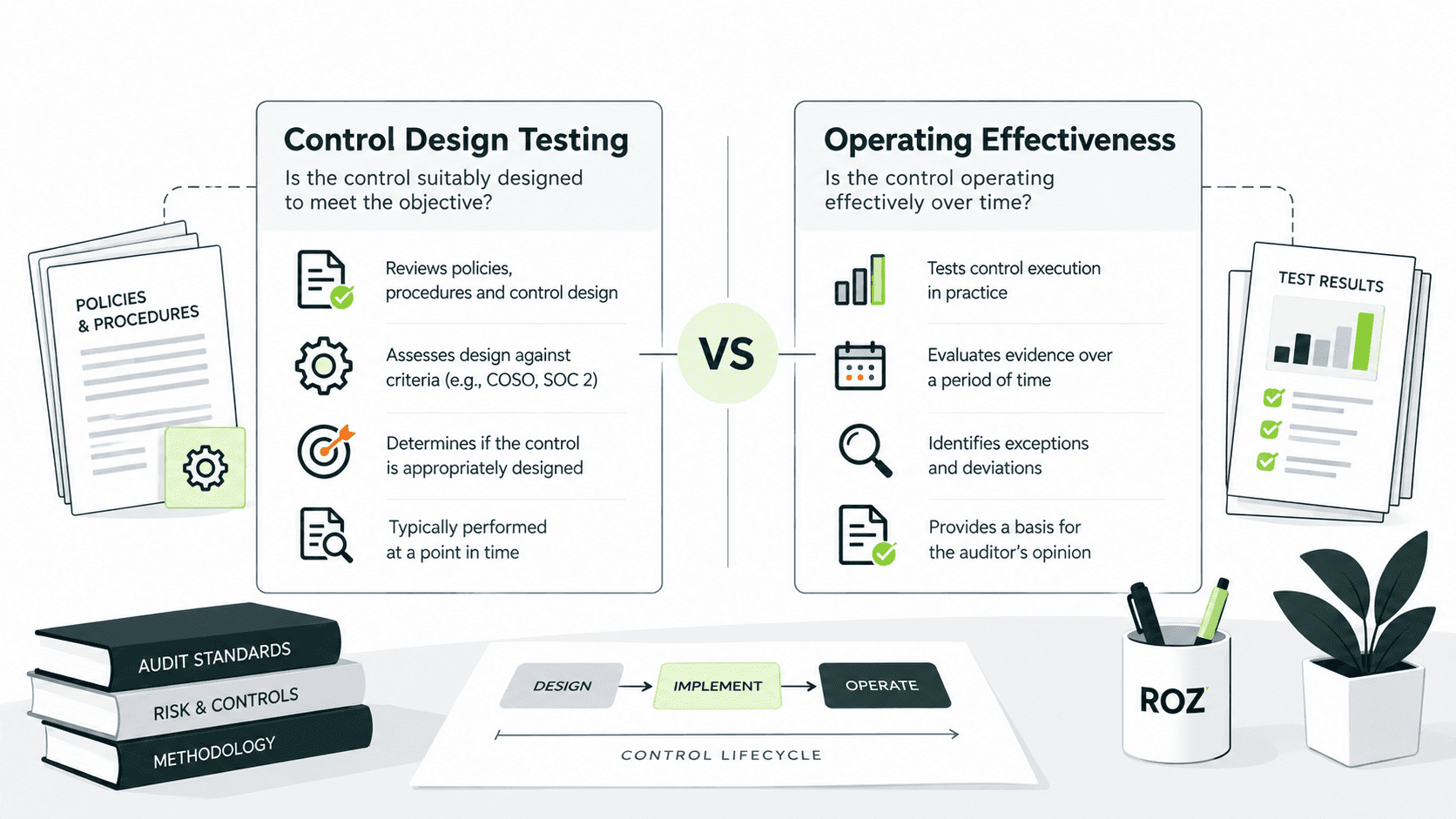
Before you test whether a control works consistently, you need to confirm it is designed to do its job. A walkthrough answers that question. If a control is not appropriately designed, testing its operating effectiveness may provide limited value because the control may not adequately address the underlying risk.
Identifies Gaps Early
Walkthroughs surface weaknesses while you still have time to respond. Common gaps include:
Missing approvals where transactions continue without any approvals
Segregation of duties issues where an individual does too many tasks
Spreadsheet dependencies where critical calculations sit outside of managed systems
Identifying gaps during the early stages of the assessment allows the approach to be changed. Late identification of gaps can increase remediation effort and affect engagement timelines.
Support Risk Assessment
When you learn a process and determine that control is well-designed, you can more easily adjust the sample and the substantive procedures. This leads to more appropriate audit procedures and makes it less likely to miss areas that contain a higher risk for a material misstatement.
Improves Audit Documentation
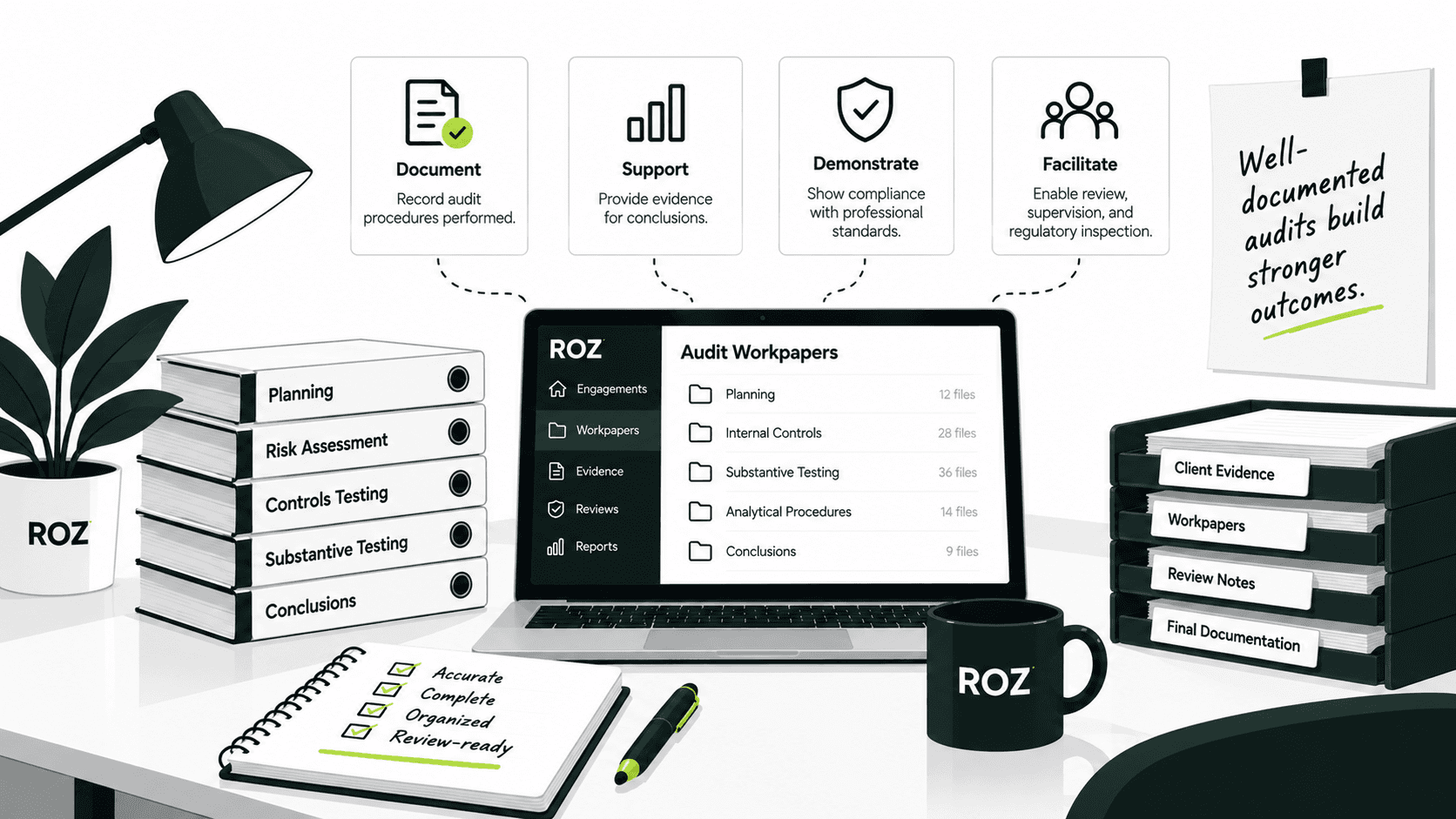
A walkthrough produces clear, current evidence of how a process works. Flowcharts, annotated screenshots, and process narratives create a record that supports your conclusions and stands up to review. Strong documentation also makes next year's audit easier.
Which Audit Engagements Commonly Use Walkthrough Testing?
Walkthrough testing applies across many types of engagements, though the reason for performing it shifts depending on the framework. The table below shows where walkthroughs typically apply.
Engagement Type | Walkthrough Testing Required? | Purpose |
SOX Compliance | Yes | Evaluate internal control over financial reporting (ICFR) |
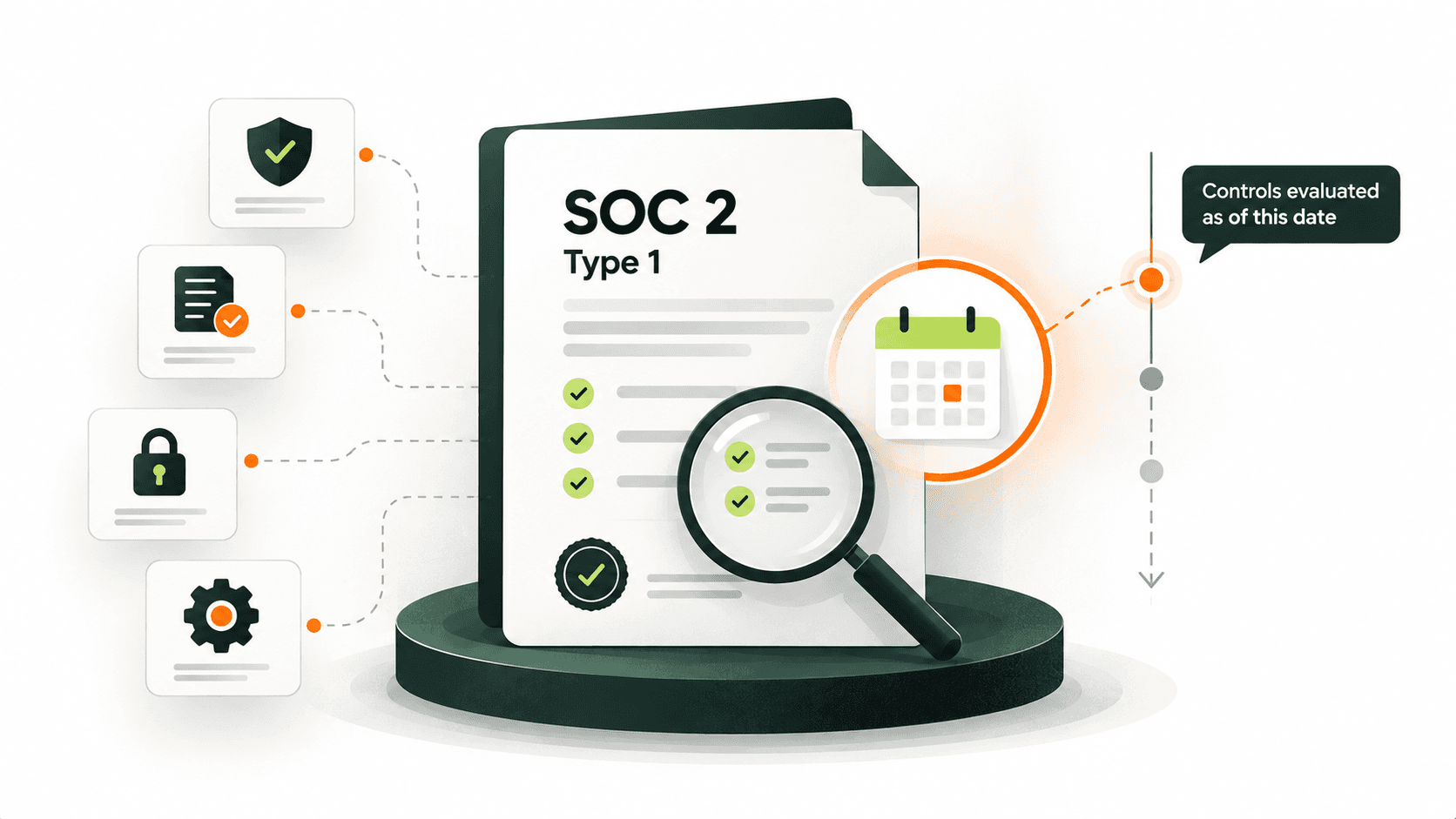
SOC 2 | Yes | Understand how controls are designed and implemented |
Internal Audit | Yes | Assess business processes and identify risks |
Financial Statement Audit | Yes | Support risk assessment |
ISO 27001 Readiness | Often | Understand security processes and assess control implementation. |
ITGC Assessments | Yes | Evaluate IT controls |
Walkthrough Testing for SOX Audits
In a SOX engagement, walkthroughs are a method to assess the internal control over financial reporting. You might trace a transaction to verify that the controls identified by management are not only present but also designed to mitigate the risk of material misstatement.
Walkthrough Testing for SOC 2 Engagements
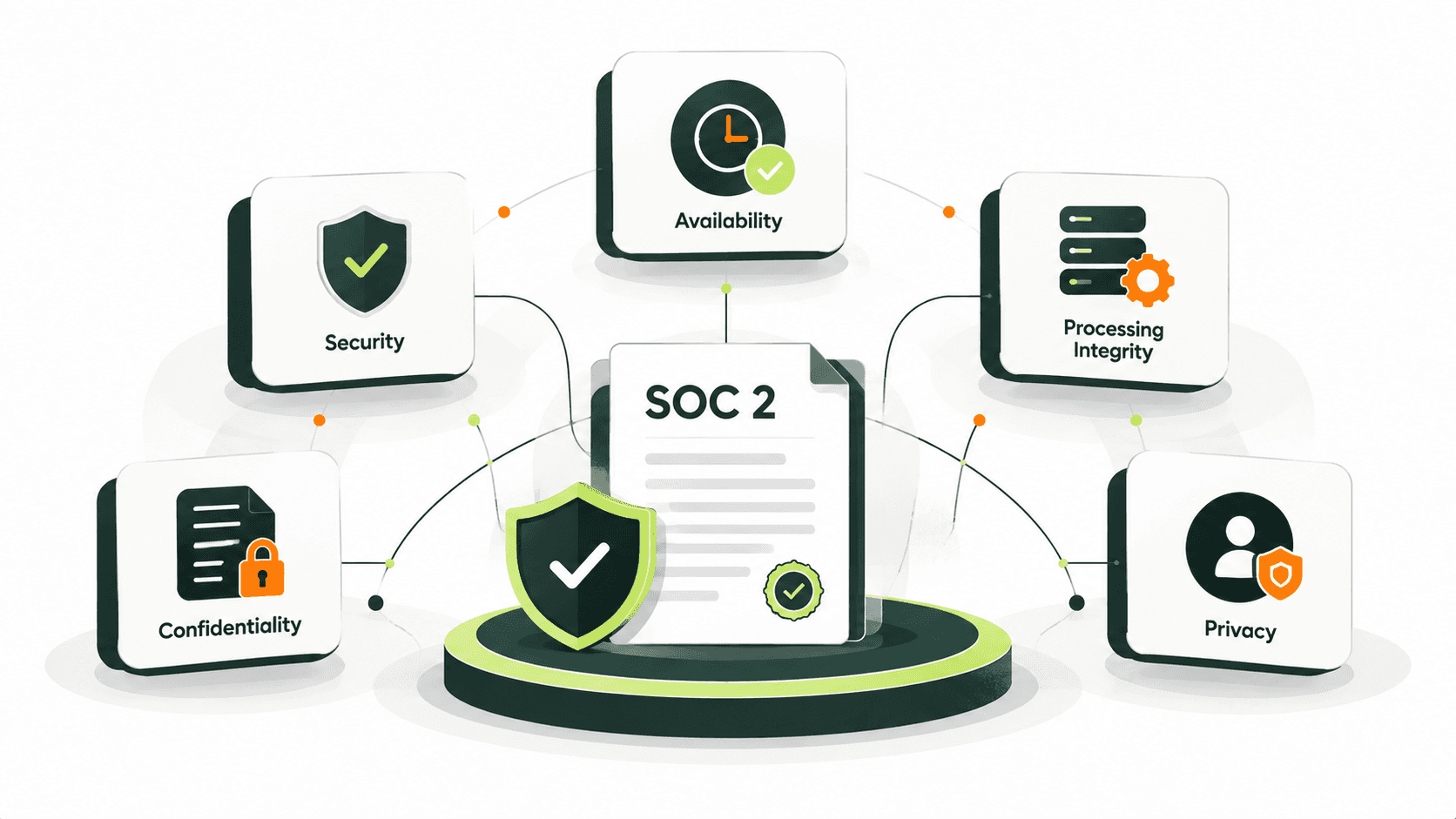
In SOC 2, walk-throughs aid in the assessment of the actual operation of controls by a service organization. You might trace how a control is performed to ensure that the control description is consistent with the actual operation of the control.
Walkthrough Testing for IT General Controls (ITGC)
ITGC relies heavily on walk-throughs to test controls over access, change, and operation. You might trace a user access request or a change to a system to ensure that the necessary approvals and reviews are performed.
The 6-Step Walkthrough Testing Process
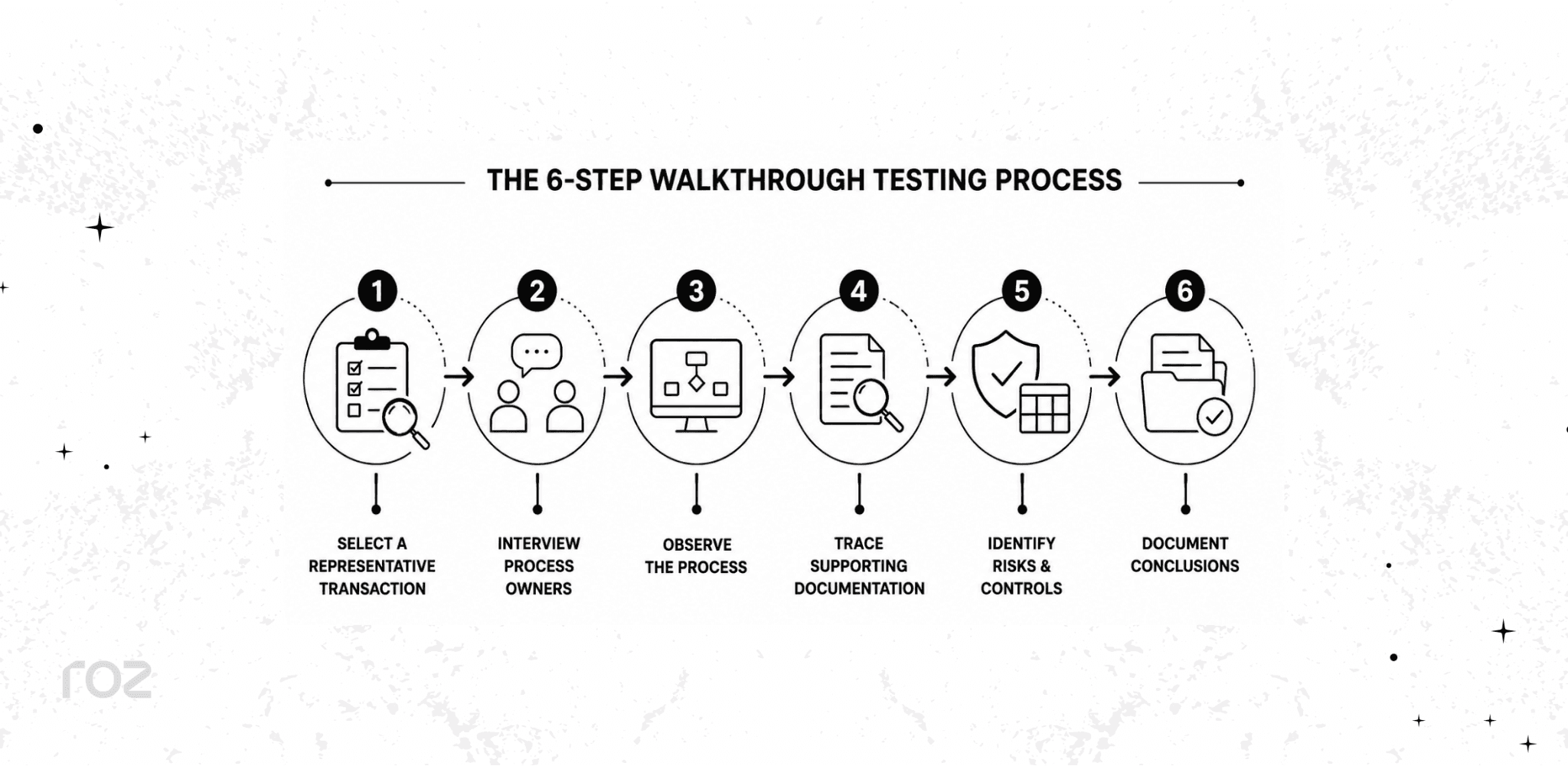
A structured approach keeps your walkthrough thorough and repeatable. Follow these six steps.
Step 1: Select a Representative Transaction
Choose one transaction that is representative of the normal operation of the process; examples include a purchase order, a vendor payment, or a user access request. When selecting a transaction, ensure that it is real, not hypothetical. This ensures that the evidence is relevant and reflects actual practice.
Step 2: Interview Process Owners
Interview the personnel responsible for each of the process steps and ask process-related questions. Some examples are:
How does the process start?
Who performs each activity?
What systems are involved?
Discussions and interviews will typically identify additional questions related to control risk and may also help to identify control activities.
Step 3: Observe the Process
Watch an actual demonstration of the process to ensure it aligns with verbal descriptions you captured during interviews. Don't observe process owners describe the process verbally; instead, ask them to show you how the process works.
Documentation should include a description of:
System workflows
Approval processes
Reports and dashboards
Evidence retention practices
Observation shows you if the way the procedures are documented is the way they are completed. It often shows you additional details you don’t get through interviews.
Step 4: Trace Supporting Documentation
Follow the supporting documentation. This will include retention policies, standard operating procedures, and audit logs. This documentation helps validate whether the process operates as described during observations and interviews.
Step 5: Identify Risks and Controls
For each step, document the risks and associated controls. A risk-and-control matrix is an ideal way to document this information, as you can list the risks and then document the controls that are designed to mitigate those risks.
Process Step | Risk | Control | Owner | Frequency |
Purchase order created | Unauthorized purchases | Manager approval required | Procurement lead | Per transaction |
Invoice received | Duplicate payments | Three-way match performed | Accounts payable | Per transaction |
Payment released | Payment sent to the wrong vendor | Vendor master review | Finance manager | Per transaction |
Step 6: Document Conclusions
Write down your observations and understanding of the process. Include your control design assessment, identified gaps, and recommended next steps for subsequent testing. The next steps in the audit will be based upon your documented steps.
Common Evidence Collected During Walkthrough Testing
A walkthrough draws on several types of evidence. Grouping them helps you confirm you have a complete picture.
Policy and Procedure Documents: These documents, such as security policies, standard operating procedures (SOPs), and process narratives, set out how the process is supposed to work.
Transaction Evidence: This evidence, which includes items like invoices, contracts, and purchase orders, shows the transaction itself moving through the process.
System Evidence: This type of evidence captures what the systems did. Examples include screenshots, audit logs, and system-generated reports.
Inquiry and Interview Notes: This is what process owners told you during your inquiry. Examples include your notes from conversations and formal meeting records.
Walkthrough Testing vs Control Testing vs Substantive Testing
These three procedures serve different goals and happen at different points in an audit. The table below shows how they compare.
Area | Walkthrough Testing | Control Testing | Substantive Testing |
Goal | Understand the process. | Verify controls operate consistently | Validate transactions and balances |
Timing | Early audit phase | Testing phase | Later audit phase |
Sample Size | Usually 1 transaction | Multiple samples | Multiple samples |
Output | Process understanding | Operating effectiveness | Assertion validation |
A simple way to remember the difference:
Walkthrough testing answers, "How should this work?"
Control testing answers, "Did it consistently work?"
Substantive testing answers, "Are the results accurate?"
Common Walkthrough Testing Mistakes Auditors Should Avoid
Even experienced teams slip into habits that weaken a walkthrough. Watch for these five mistakes.
1. Relying Only on Interviews
While inquiry is a necessary part of the audit process, it is generally insufficient on its own to support your walkthrough conclusions. You should supplement interviews with a "show me" approach and ask the process owner to walk you through a real transaction so you can observe it firsthand.
2. Not Following a Real Transaction
Hypothetical examples often hide the gaps that real transactions expose. To ensure your evidence reflects how the process truly operates, you should trace an actual transaction from start to finish.
3. Collecting Insufficient Evidence
A single screenshot usually does not provide a complete picture. Your conclusions should be supported by a combination of policies, transaction records, system evidence, and interview notes.
4. Missing System Dependencies
Processes often span multiple systems with manual handoffs in between. You must review integrations and handoffs so you do not overlook a key interface control.
5. Poor Documentation
The purpose of a walkthrough is to create a trail of evidence that another auditor can follow. If your documentation is weak, the entire test fails. You should maintain clear narratives, flowcharts, and risk-control matrices that allow a reviewer to re-perform your exact steps and reach the same conclusion without asking you for clarification.
How Roz Helps Firms Streamline Walkthrough Testing
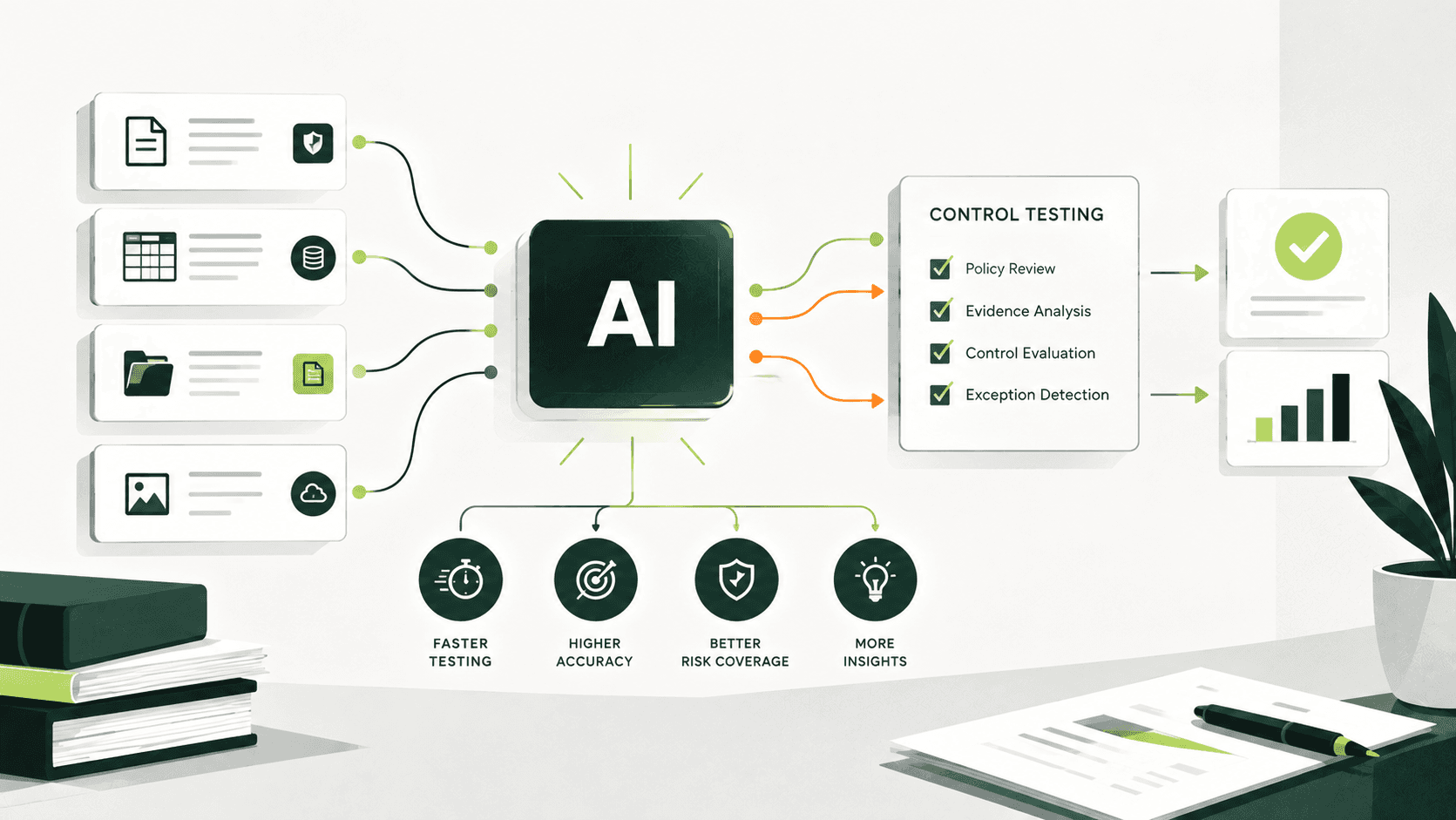
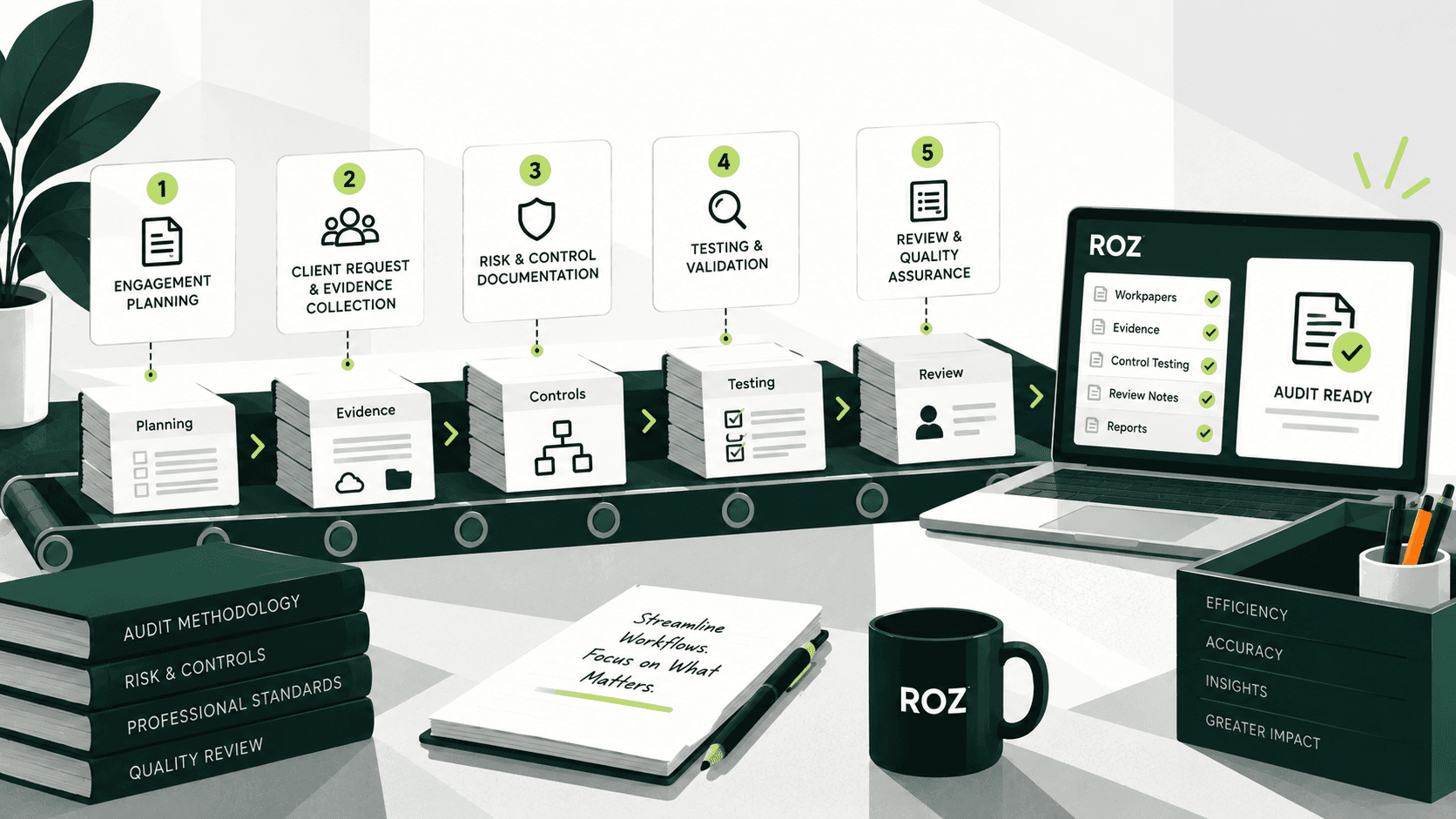
Walkthrough testing depends on organized evidence, clear documentation, and early identification of gaps. Roz is an AI platform built specifically for external audit and advisory firms, helping teams accelerate evidence collection and support audit workflows while keeping auditor judgment at the center of every engagement.
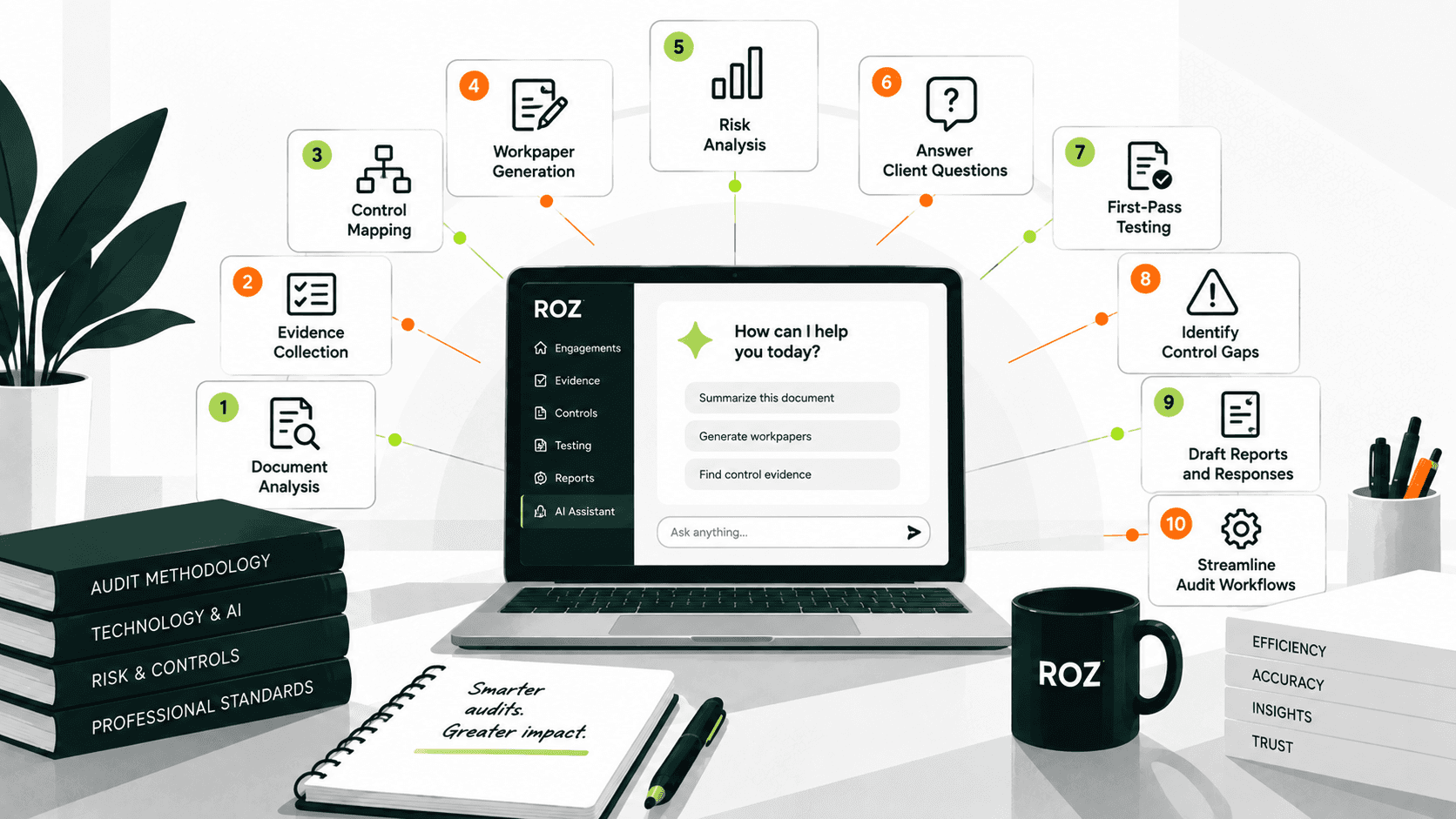
Roz can help firms:
Centralize evidence in client-specific workspaces to reduce email back-and-forth
Support walkthrough preparation by reviewing uploaded policies, procedures, and supporting documentation
Highlight potential documentation gaps early in the engagement
Generate AI-assisted first-pass workpapers from firm-approved templates
Maintain traceability with source-linked evidence and audit trails
AI-assisted workflows can help accelerate walkthrough preparation and reduce manual documentation effort, while auditors remain responsible for review, professional judgment, and final conclusions.
Conclusion
Walkthrough testing helps auditors understand how processes actually operate, validate control design, and identify risks before deeper testing begins. Without it, audit teams risk building their testing strategy on incomplete assumptions.
As engagements grow more complex, more firms are pairing traditional walkthrough procedures with AI-assisted documentation tools. The aim is to work more efficiently without giving up the professional judgment that effective auditing depends on. Start with a clear, six-step process, support it with strong evidence, and document your conclusions in a way that any reviewer can follow.
Frequently Asked Questions (FAQs)
Is walkthrough testing the same as control testing?
No. Walkthrough testing helps you understand a process and confirm its controls are designed correctly, usually by tracing one transaction. Control testing checks whether those controls operate consistently over time, using multiple samples. Walkthroughs come first; control testing follows.
What evidence do auditors collect during walkthrough testing?
Auditors typically gather four types of evidence: policy and procedure documents (such as SOPs and process narratives), transaction evidence (such as invoices and purchase orders), system evidence (such as screenshots and audit logs), and interview evidence (such as process owner notes). Together, these confirm how a process actually works.
How many transactions are used in walkthrough testing?
A walkthrough usually traces a single representative transaction from initiation to completion. The goal is to understand the process, not to test a sample. Larger samples come later, during control testing and substantive testing.
Which audits require walkthrough testing?
Walkthroughs are commonly performed in SOX compliance, SOC 2, internal audit, and financial statement audits, as well as ITGC assessments. They are often used in ISO 27001 readiness work too. The purpose varies by framework, but the procedure remains a core part of risk assessment.
Can AI automate walkthrough testing?
AI does not replace the auditor's judgment in a walkthrough. Tools like Roz can accelerate preparation, organizing evidence, reviewing documentation, flagging potential gaps, and generating a first pass of workpapers. You remain responsible for observing the process, evaluating control design, and reaching conclusions.