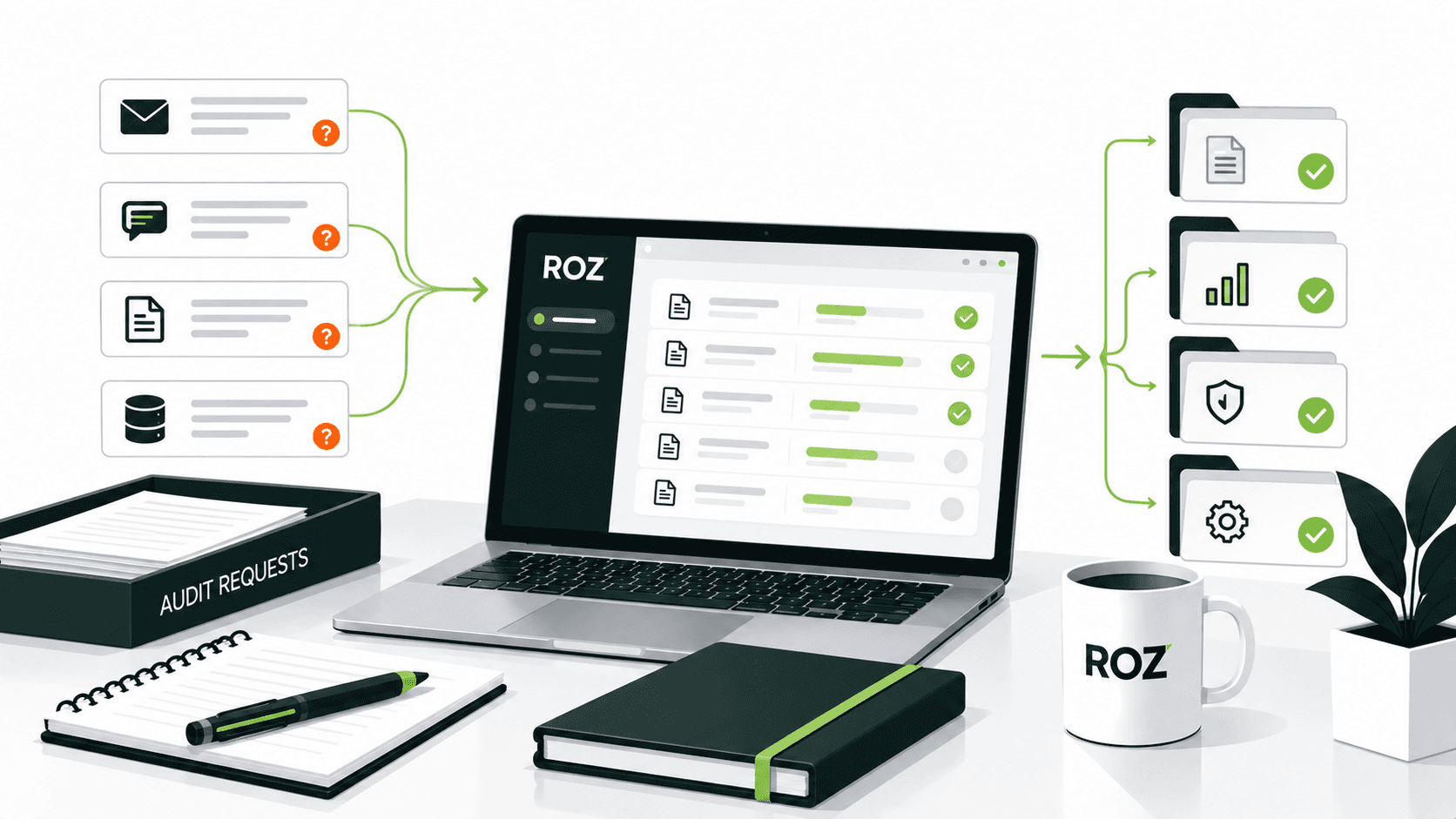
Audit teams frequently deal with incomplete submissions, unclear ownership, and documents that appear complete until they are reviewed. Incomplete emails, obscure ownership, and clear evidence that appears to be complete until someone reviews it all slow even the most skilled teams.
It is important to recognize the distinction between receiving a document and receiving a document that can be used as audit evidence. A file uploaded to a shared drive is no guarantee whether the file captures the relevant period or relates to the control under test. The gap created by request management is what is causing the issue.
In this article, I will explain what audit request management involves, how to structure requests properly, which statuses to track, and where most teams go wrong.
What Is Audit Request Management?

Audit request management involves planning and overseeing the full lifecycle of evidence requests, including drafting, reviewing, following up on, and closing requests. It encompasses client interaction, evidence collection, and engagement logging.
Most auditors are familiar with PBC requests (Prepared by Client), which consist of a client’s list of documents, reports, records, and other pieces of information to be made available to the auditor. Audit request management consists of assigning ownership, tracking progress, reviewing, and recording documentation of requests and their follow-up actions and decisions.
A well-developed process of request management includes the following elements:
Requests: Clearly defined requirements with scope, period, and expected format where relevant.
Owners: Specific individuals responsible for providing or coordinating each request.
Deadlines: Due dates aligned with the audit timeline.
Evidence: The files, data, records, or other information submitted.
Status: A clear view of where each request stands.
Review: Auditor assessment of whether the submission is complete, relevant, and appropriate for the intended audit procedure.
Audit trail: A record of submissions, reviews, clarifications, and decisions.
The distinction between collecting documents and managing the evidence workflow is important. Audit evidence tracking helps teams monitor what was requested, who owns it, whether it has been reviewed, and how it supports the engagement.
Workflow of Audit Request Management
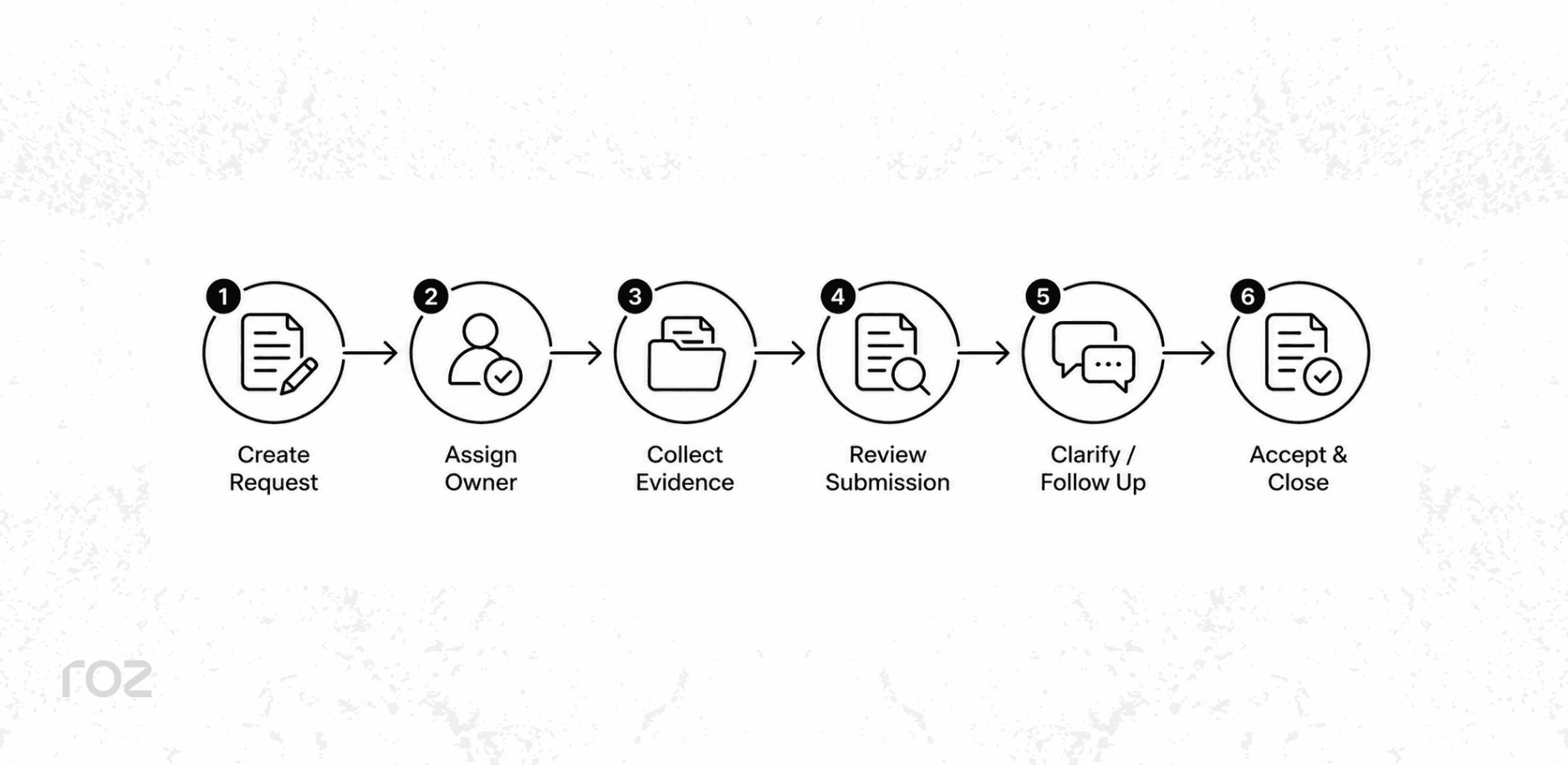
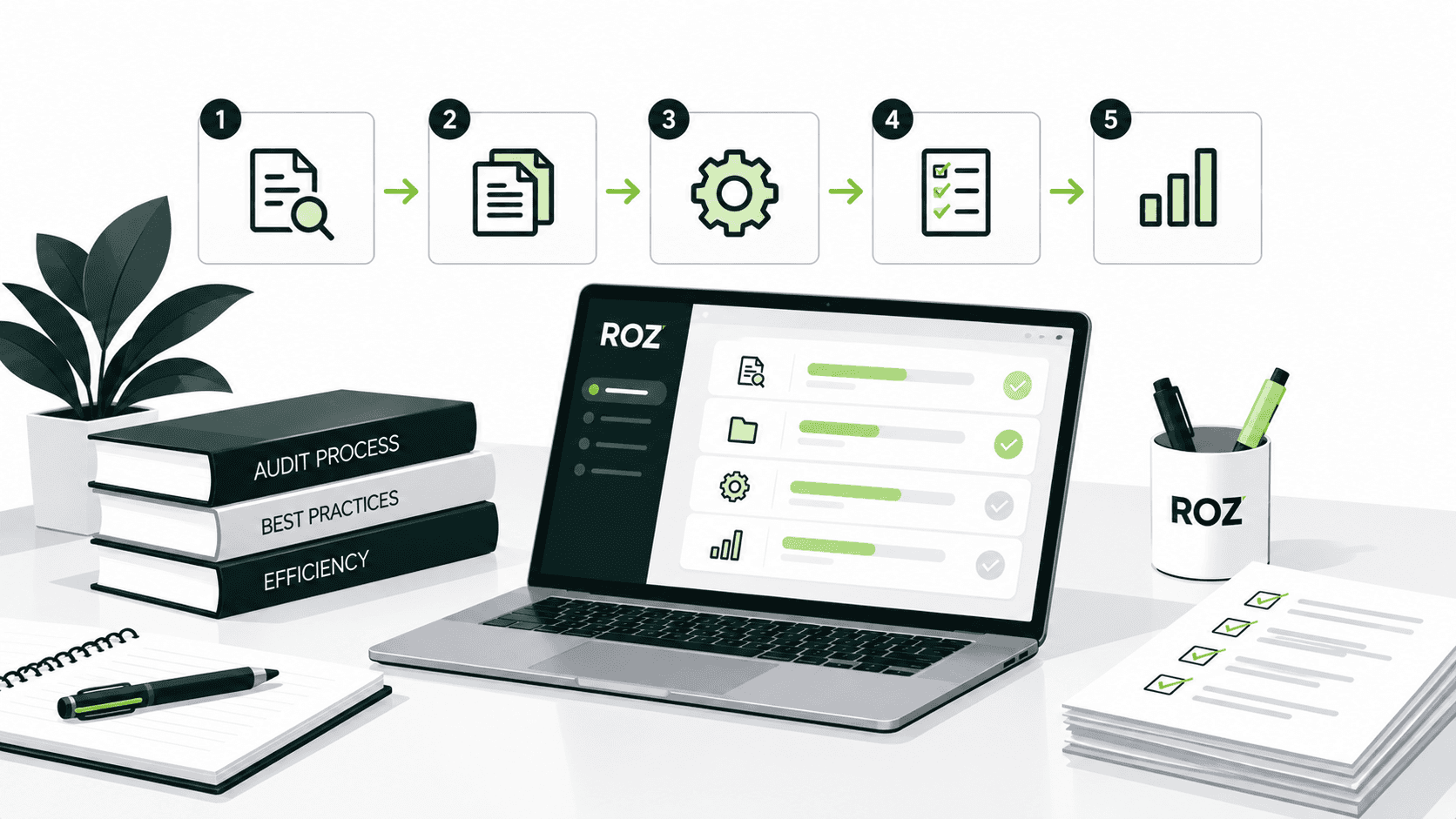
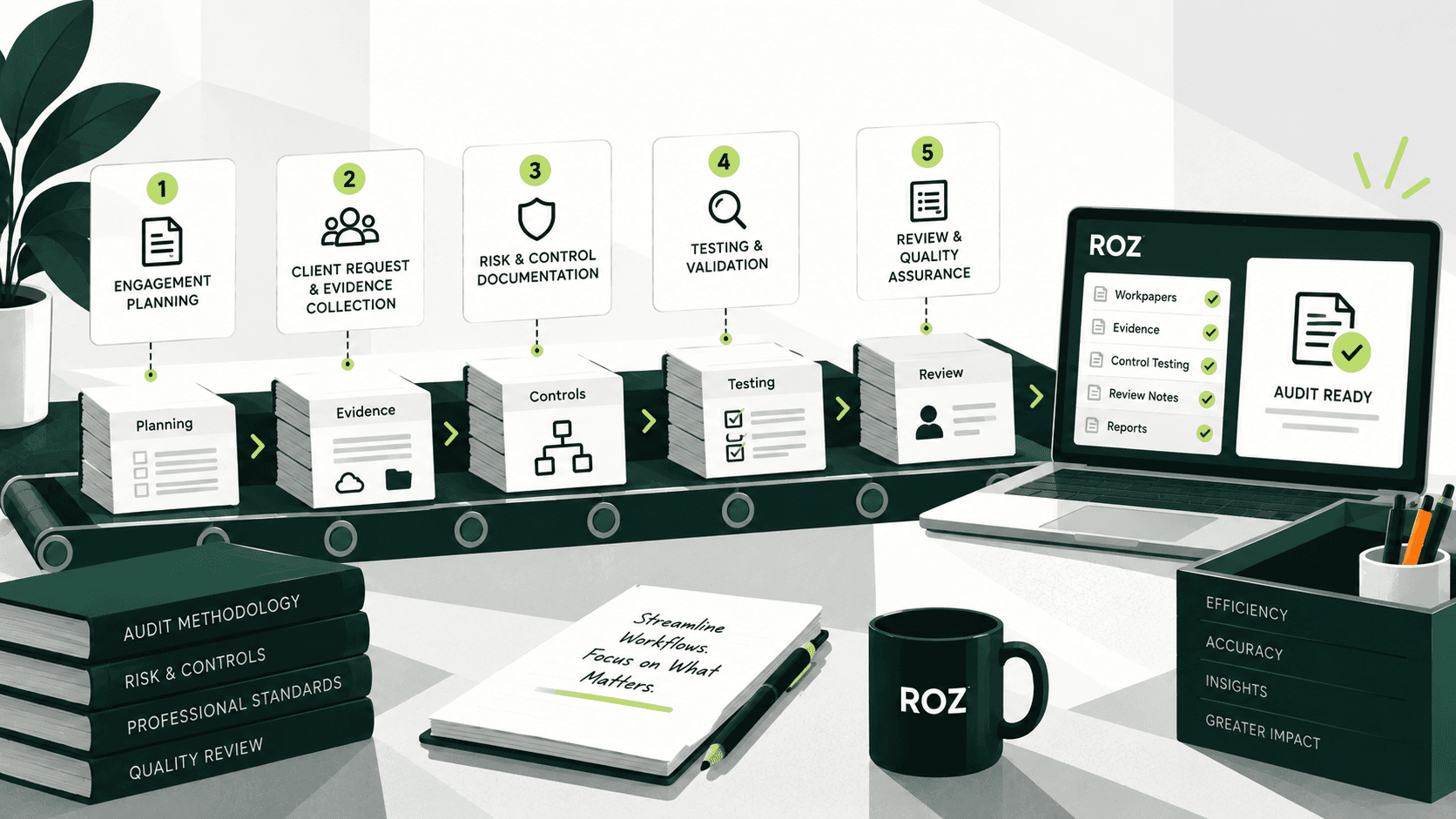
There are six sequential steps to managing an audit request.
Create and define the request: Specify the document or data needed, the audit period and scope, expected format, and any acceptance criteria.
Assign an owner and due date: Identify one specific person responsible for providing or coordinating the requested information. One request, one owner.
Collect the requested evidence: The client or internal team submits the relevant document, data, or supporting information.
Review the submission: The auditor determines if the evidence is complete, relevant, and meets the request criteria.
Request clarification or additional evidence: If the submission is incomplete, unclear, or does not meet requirements, issue a documented follow-up request rather than relying on informal reminders.
Accept and close the request: Once the submission satisfies the request, mark it accepted and complete.
The review stage is the most critical control in this workflow. If incomplete or unsuitable evidence is marked as complete, unresolved gaps may surface later in the engagement and create additional rework.
How to Write Better Audit Requests
The quality of the answer to your request is directly linked to the quality of the request you send. Asking for "provide internal controls documentation" returns something, but again, maybe not what you actually need to finish the job.
A strong audit request defines five things upfront:
What's required: Name the specific document, report, or dataset, not a broad category
The audit period and scope: State the relevant dates, entity, system, account, or population
The expected source or format: System-generated report, signed PDF, CSV export, be explicit
Required fields or supporting evidence: Approval dates, reviewer names, timestamps, transaction IDs, remediation evidence, list what the auditor will actually look for
Acceptance criteria: Tell the recipient what you'll verify before marking the request complete
Weak request: "Provide access control documentation."
Stronger request: "Please provide system-generated user access reviews for the Q4 2024 production system for the population reviewed, names of reviewers, approval dates, exceptions, and removal access with documentation where access was removed. Please provide the report in either CSV or PDF format.
The second example requests the information necessary to provide a complete response to the auditor before anything is submitted. This helps prevent incomplete responses from requestors and can reduce unnecessary follow-up requests and shorten the time required to complete fieldwork.
Which Audit Request Statuses Should Auditors Track?
A simple status solution gives you actual visibility into the status of each request, not just whether something was submitted, but whether the request was completed. Here are the statuses that capture the entire request lifecycle:
Not Started: The request has been created but not yet sent
Requested: The request has been sent to the responsible party
In Progress: The request recipient has acknowledged it and is working on a response
Received: Evidence has been submitted
Under Review: The auditor is assessing the submission
Needs Clarification: The submission was reviewed but requires follow-up or correction
Accepted: The submission satisfied the request and was closed
Overdue: The deadline passed without a submission
The most notable statuses are "Received" and "Accepted." A document being submitted does not necessarily mean it meets the request criteria. Keeping these statuses separate helps auditors distinguish between evidence that has been received and evidence that has been reviewed and accepted.
8 Best Practices for Audit Request Management
These best practices apply to a three-person audit or a firm-wide SOX program.
Assign every request to a specific owner.
Assign requests to an individual rather than a department or general team inbox. A named owner creates clearer accountability and makes follow-up more straightforward.
Include acceptance criteria in the request itself
Consider the request completed when you communicate the deadline, the scope and extent, required fields and formats, and what supporting documentation is needed. If you are clear on what is needed, you will receive complete work, and incomplete work will not delay work to be done.
Prioritize requests that unblock testing
Some pieces of evidence are on the critical path. Without such evidence, other audit procedures cannot start. Identify such evidence and follow up on those first.
Track review status separately from receipt
A file that is in your inbox does not mean that a request has been fulfilled. Have separate statuses for ‘submitted’ and ‘accepted’ so that receipt and acceptance are not treated as the same status.
Keep clarifications connected to the original request
Follow-up questions, responses from the client, and any other requests should all be related to the original request and not in an email thread that will be difficult to find six weeks later.
Standardize recurring requests
For controls that you test quarterly or annually, maintain the request and the language of the requirements over time. Variation will create confusion and result in evidence that is difficult to compare.
Track rejection and rework reasons
When evidence consists of additional work, document the reason, i.e., incorrect time period, insufficient population, or insufficient approval or documentation. Rejections are often not entirely the client’s fault.
Roll forward prior-year requests thoughtfully
Copying prior-year requests without reviewing the current period, scope, systems, and evidence requirements can result in outdated requirements being carried into the live engagement.
Common Audit Request Management Mistakes
Small issues in the request process can create significant delays later. Avoiding these common mistakes can make evidence collection more efficient and easier to manage.
Vague requests: Unspecific requests lead to either incomplete or incorrect evidence.
Unclear ownership: Each request must have a well-defined owner and a given due date.
Skipping evidence review: Receiving a file does not mean the request is complete.
Losing follow-ups in email: Keep a history of comments and requests associated to the original request in order to avoid losing follow-ups.
Blindly reusing prior-year requests: Update the period, scope, and requirements for the current engagement.
Ignoring aging requests: Keep track of how long requests have been pending to avoid a request-fulfillment issue as a last-minute delay to the audit.
Closing requests too early: Do not close a request until the submission has been reviewed.
Relying on reminders alone: Do not expect multiple reminders will fulfill a request that was originally unclear or incomplete.
Early identification of problems can reduce unnecessary follow-up and rework during an engagement.
Audit Request Management vs. Traditional Spreadsheets
Spreadsheets can be a practical solution for simple requests with a small volume and single engagement; however, the burden of managing multiple stakeholder requests with a lot of evidence and a complex review process starts to take a significant toll on manual effort.
Area | Spreadsheets | Structured Request Management |
Request tracking | Manual rows and version management | Centralized status visibility |
Ownership | Name entered in a cell | Assigned owner with request history |
Evidence organization | Linked files or folder references | Evidence connected to the request |
Status visibility | Manually updated | Updated through a defined workflow |
Follow-ups | Email threads outside the file | Follow-ups logged with the request |
Audit trail | May be inconsistent or limited | Timestamped activity history |
As the number of clients, controls, team members, submissions, and audit periods increases, managing request status, ownership, follow-ups, and request history becomes more time-consuming. Without a structured workflow, teams may spend more effort maintaining status accuracy and locating prior communications, while important requests can become difficult to track.
How Does Roz Support Audit Request Management
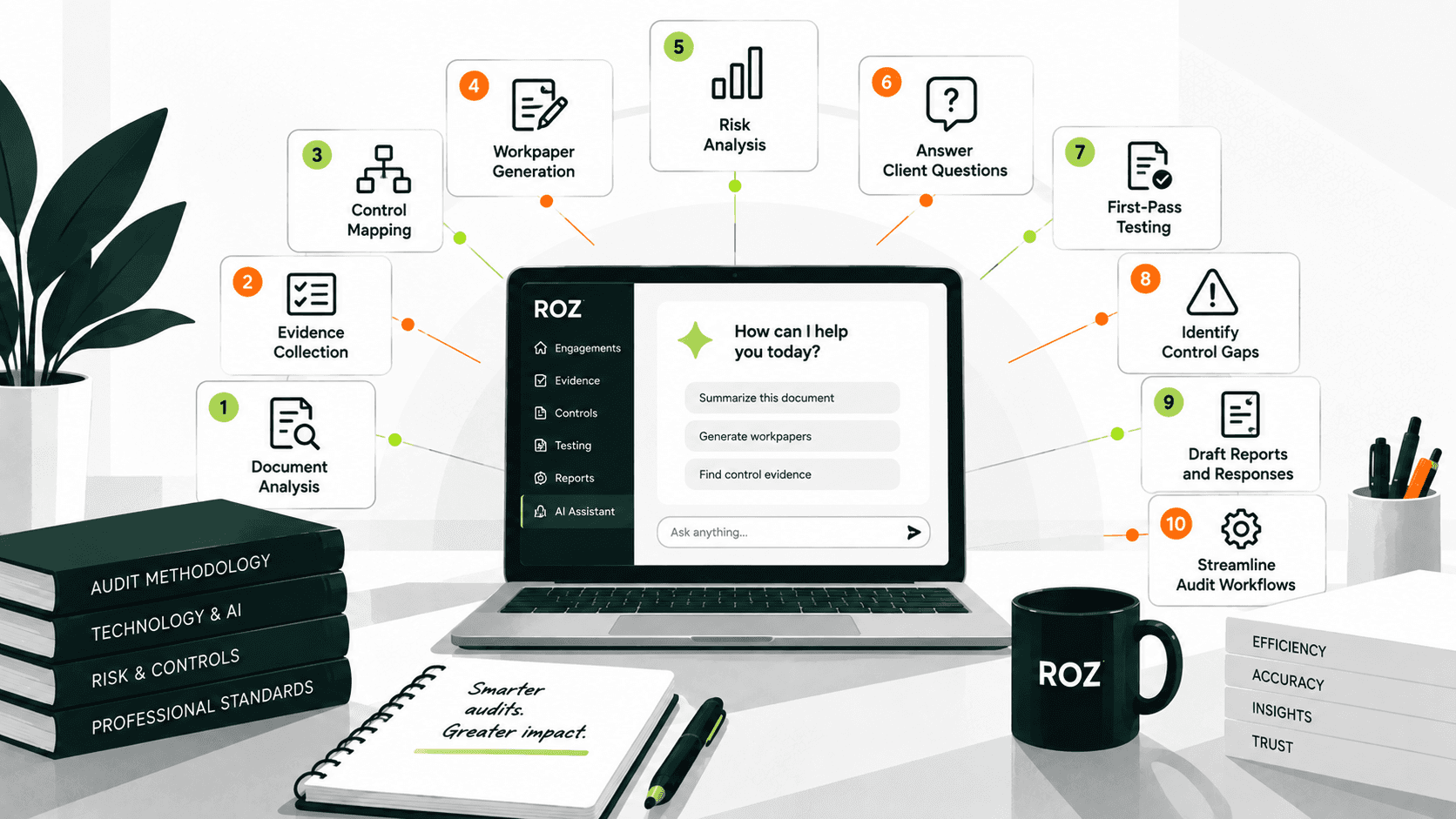
Roz is an AI-native audit fieldwork platform built for auditors and advisory firms. It helps teams organize client evidence, manage evidence requests, accelerate control testing, and support engagement workflows.
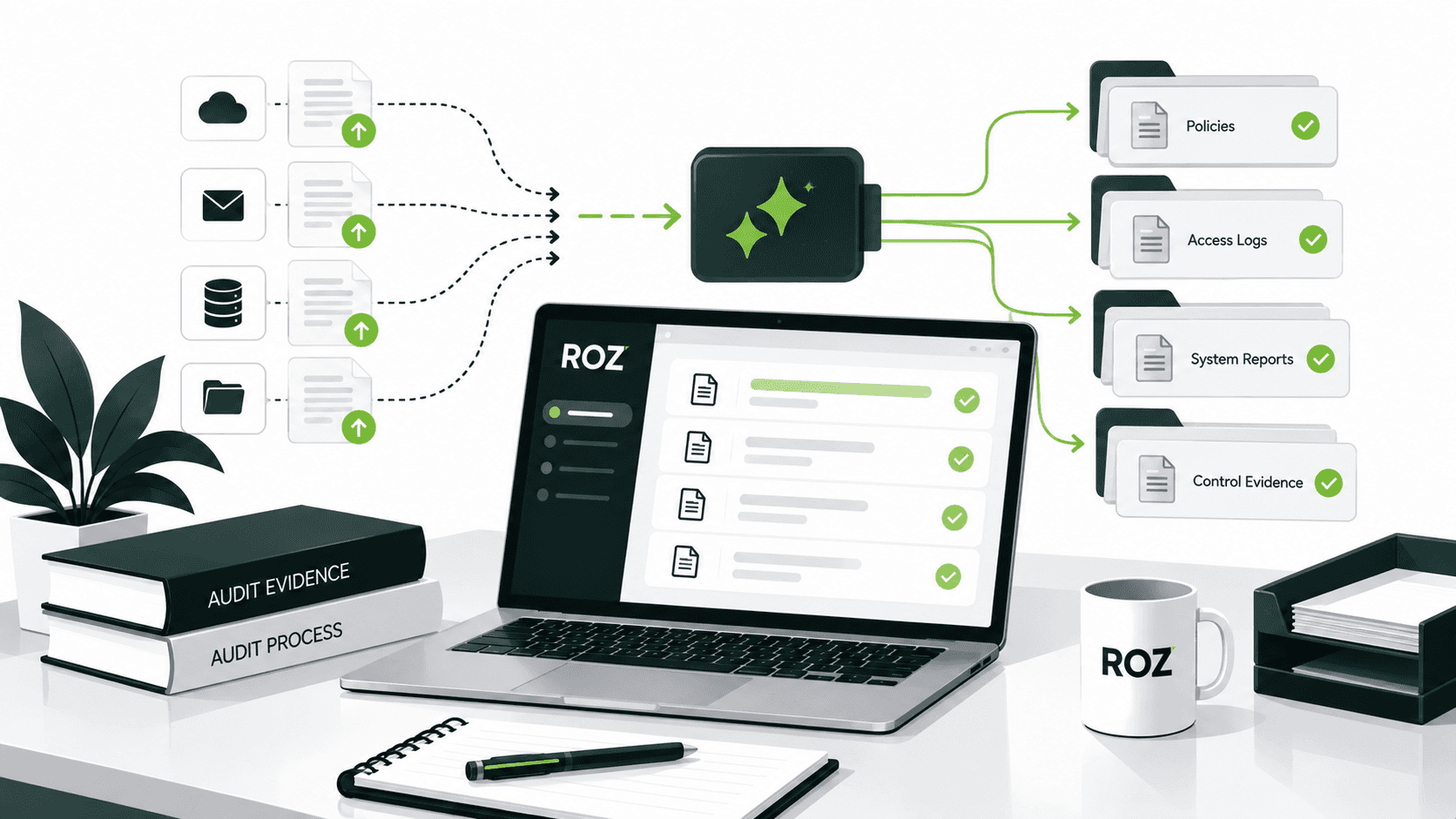
For audit request workflows, each client engagement has a structured workspace where teams can organize controls, policies, procedures, evidence files, and workpapers. Evidence requests can be tied directly to relevant controls, giving engagement teams a central place to manage supporting documentation rather than relying on scattered files and email threads.
Roz can support request-related workflows by:
Analyzing client documentation: AI-assisted review can help identify relevant evidence and surface potential gaps for auditor review.
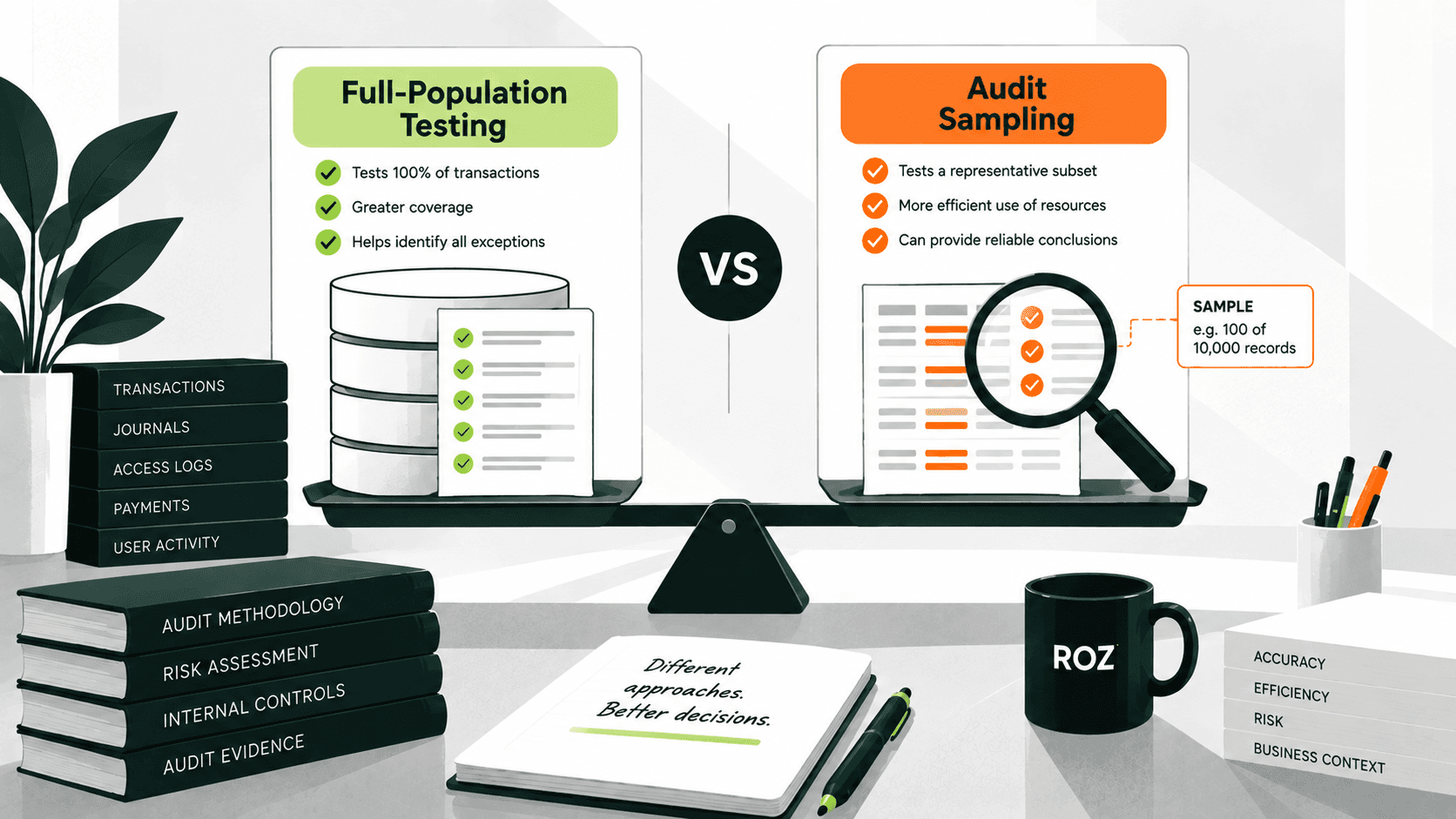
Supporting control testing: Roz can run AI-powered attribute checks against evidence and sample sets, helping teams move from evidence collection to first-pass testing.
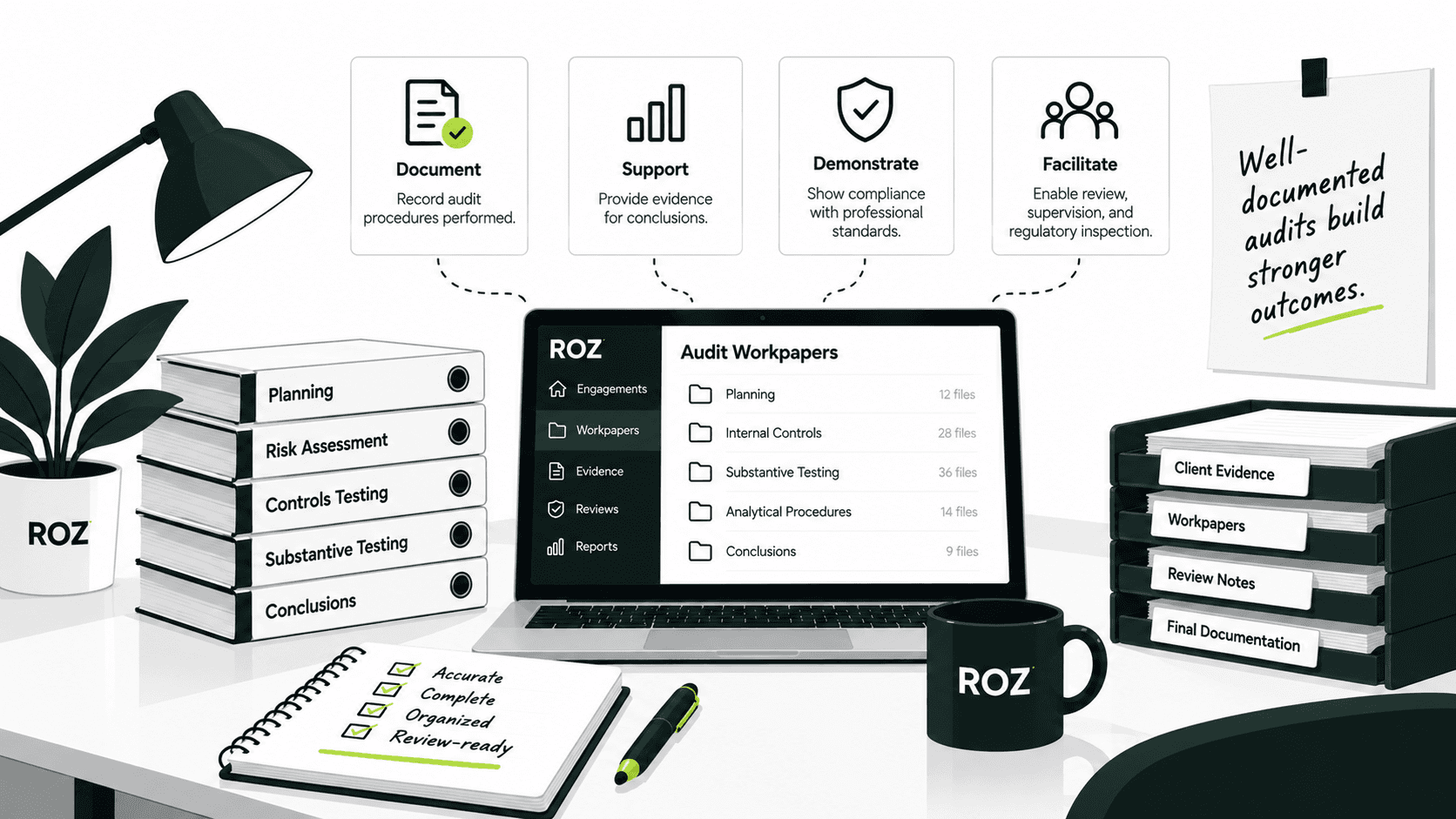
Supporting workpapers: Completed control activities can be exported as formatted workpapers with supporting evidence and annotations.
Maintaining traceability: Source links, evidence mappings, annotations, and audit trails help reviewers connect testing results and documentation back to the underlying evidence.
Roz supports the evidence collection and first-pass control-testing workflows surrounding audit requests while keeping evidence evaluation, professional judgment, and final conclusions with the engagement team.
Conclusion
The most effective audit request management systems prioritize getting what is relevant and logical over getting a lot of paper trails. The end goal should be to support well-communicating audit conclusions.
Clear requests reduce ambiguity. Structured ownership improves accountability and makes aging requests easier to manage. Reviewing evidence before acceptance helps identify gaps earlier and creates a clearer audit trail. Together, these practices can reduce unnecessary follow-up and rework during the engagement.
Manual spreadsheets are effective to a certain extent, but for larger and more complex engagements, gaps in tracking and review begin to surface. An engagement operating model becomes more reliable with the use of structured software and AI-assisted workflows.
Good request management means every submission is reviewed and every accepted item is traceable to the work it supports. Clarity in each request is the foundation of strong request management.
Frequently Asked Questions
What is a PBC request in an audit?
A PBC (Prepared by Client) request is a formal request made by the auditor to the client for relevant documentation, data, reports, or other information pertaining to the audit. PBC requests are generally made in a list format and are progressively maintained. A well-defined request should describe the evidence, the time period, the scope, and the required format or standard.
How can auditors reduce evidence collection delays?
Get organized. Break the process into specific requests, assign an owner and deadline to each, and prioritize requests based on their importance to the audit timeline. Clear acceptance criteria can also reduce incomplete submissions and unnecessary follow-up
What is the difference between received and accepted audit evidence?
Received indicates the client has submitted the information. Accepted indicates the auditor has determined the information provided satisfies the requirements of
Can audit request management be automated?
Portions of the request management process, such as request tracking, reminders, document organization, and certain first-pass document reviews, can be streamlined through technology. Roz supports structured evidence workflows and AI-assisted document analysis, while auditors retain responsibility for reviewing evidence, determining whether requests are satisfied, and making final judgments.