Manual evidence collection still eats up a large share of SOX testing time. Auditors sort through spreadsheets, PDFs, and screenshots, track down missing documentation, and then document every step for reviewer sign-off. When reviewers find gaps, the team may need to perform additional work or revise the workpapers.
AI tools promise to speed up this process, but generating a workpaper faster does not automatically mean less total effort. If an auditor still has to verify unsupported conclusions, reorganize evidence manually, or rebuild a workpaper from scratch, the time saved at the surface may be lost downstream.
Audit firms adopting AI for SOX testing need to preserve evidence traceability, testing quality, and auditor oversight at every stage.
In this article, I will provide a practical framework for assessing tools, running vendor demos, and measuring results so your firm can make an informed decision. Audit firms should evaluate AI SOX testing tools by how well they move evidence through the full testing workflow, not simply how quickly they generate a conclusion.
What Is AI for SOX Testing?

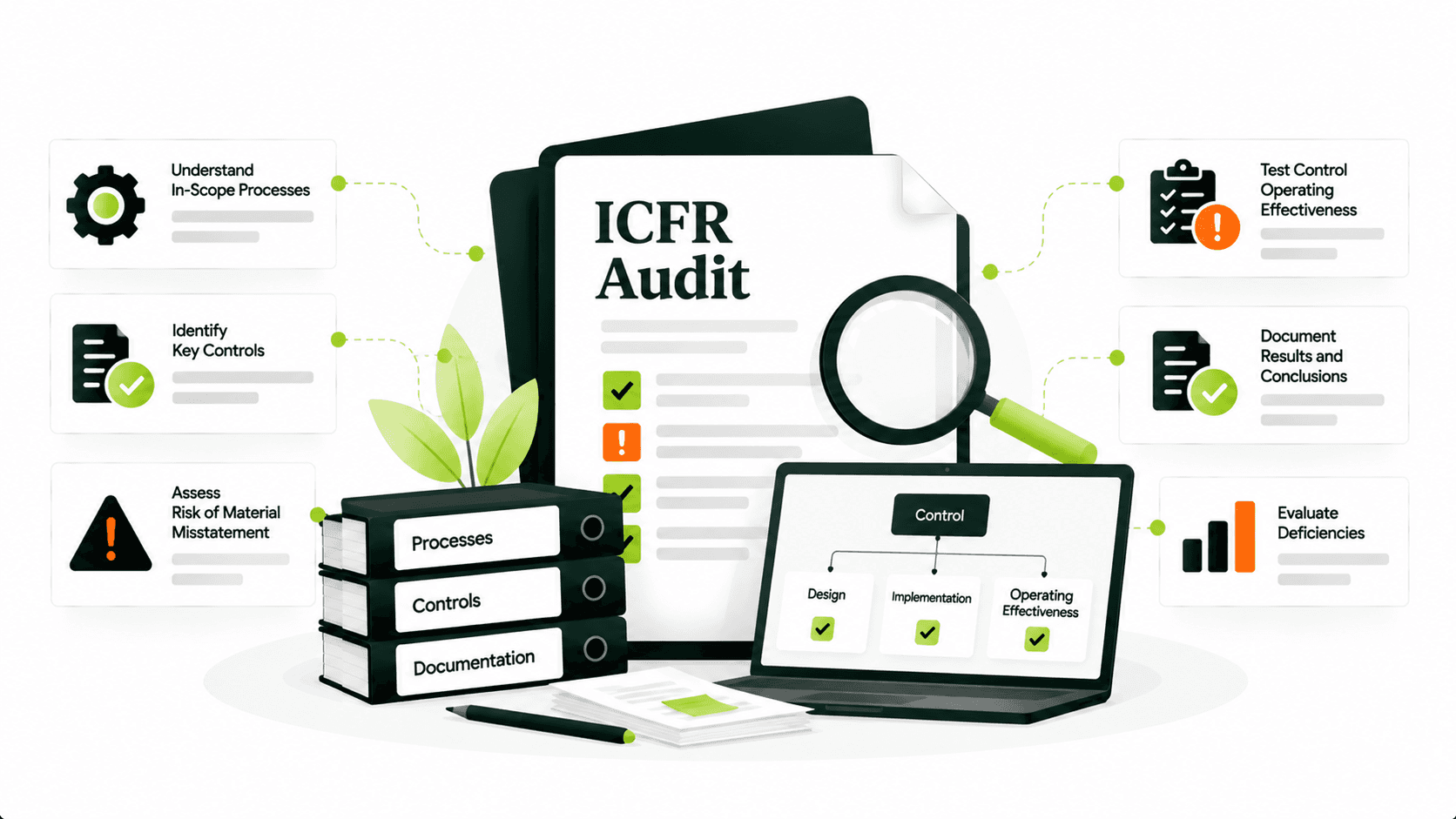
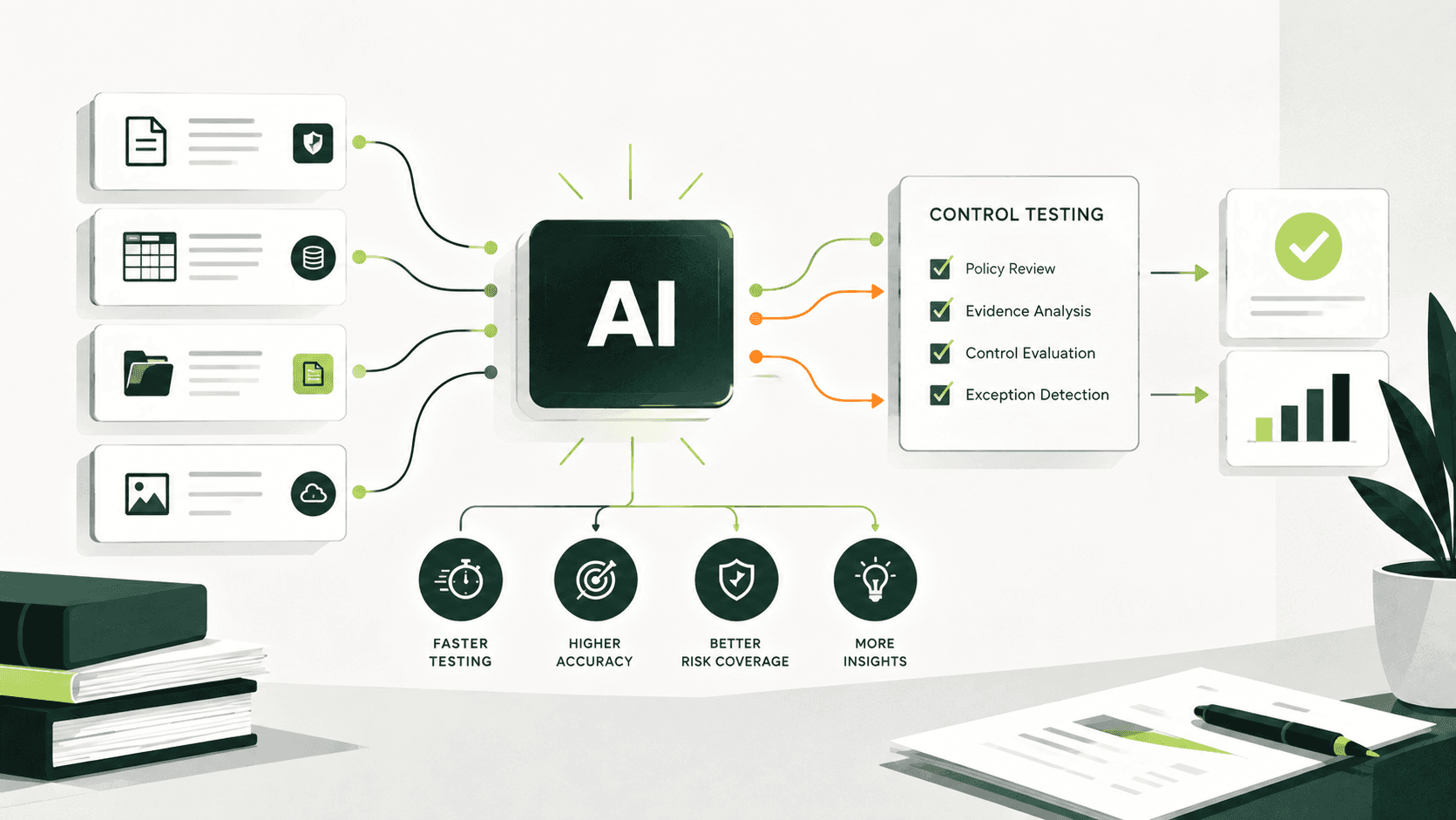
AI for SOX testing refers to the use of artificial intelligence to assist with procedures related to internal control over financial reporting (ICFR), including evidence review, control mapping, first-pass testing, exception identification, and workpaper drafting.
Let’s say an auditor is reviewing a user access review and is using AI to organize supporting evidence, identify missing sign-offs, compare documentation to the testing criteria, and draft a workpaper with the results of the review.
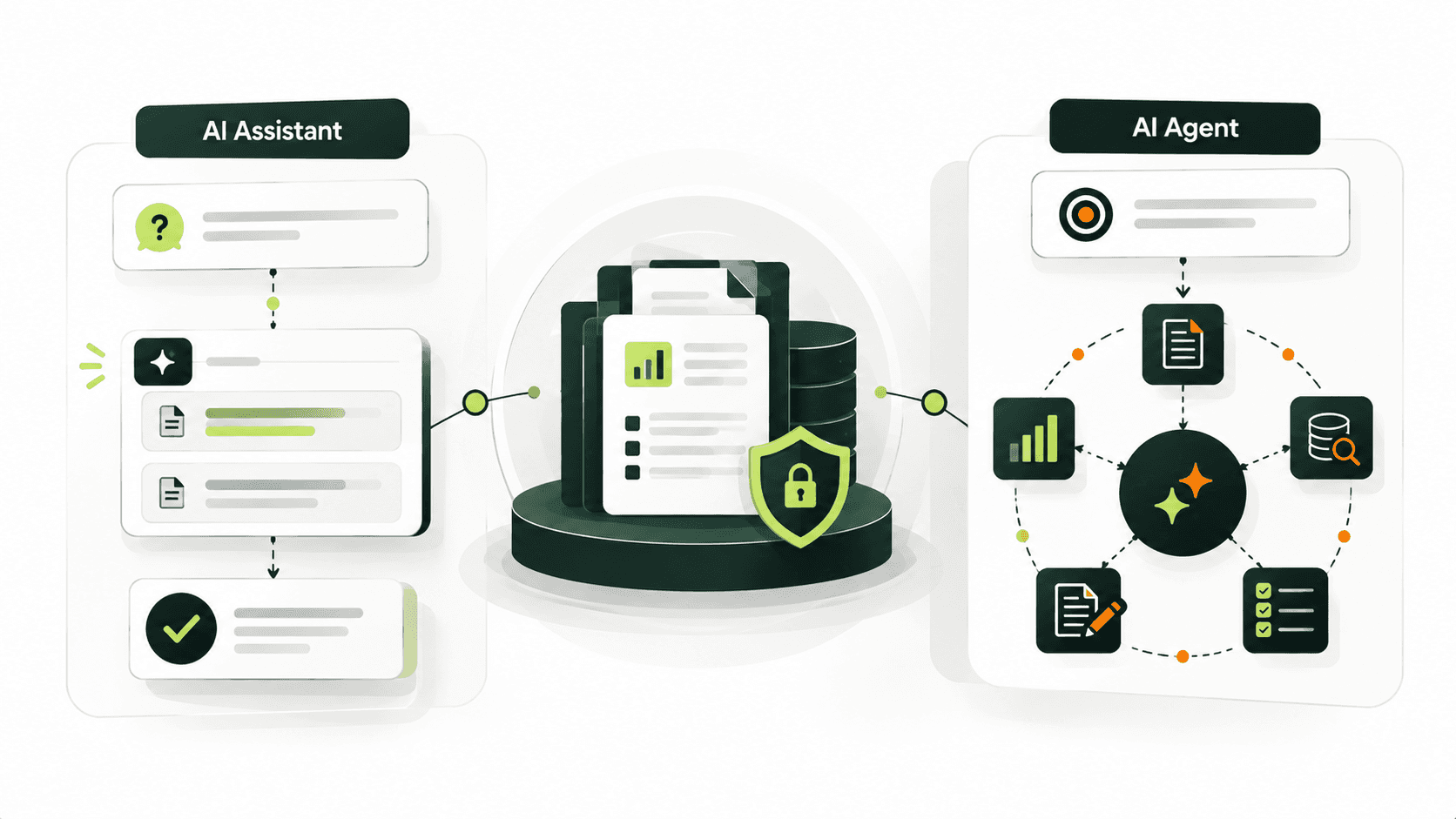
AI assistance is not the same as fully automated testing. Auditors should evaluate the evidence, determine the appropriateness of the methodology in achieving the control goal, and analyze the conclusion reached. AI-generated outputs must be validated by the auditor before they can be relied upon to support the results or conclusion reached in the audit file.
Where Can AI Help in the SOX Testing Workflow?
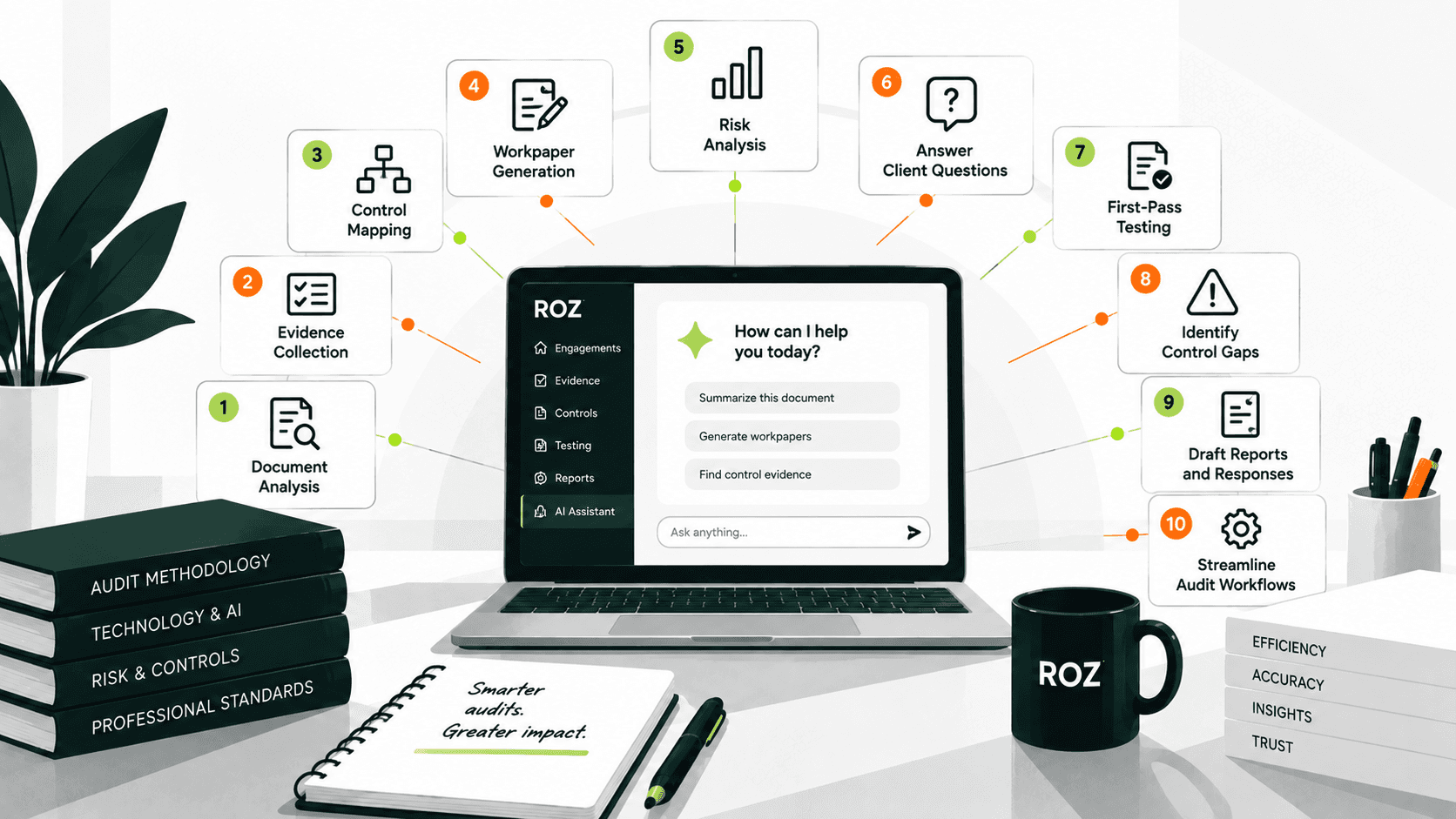
AI has the potential to help with several aspects of SOX fieldwork, depending on the capabilities of the AI tool and the firm’s SOX testing methodology.
Evidence review and collection
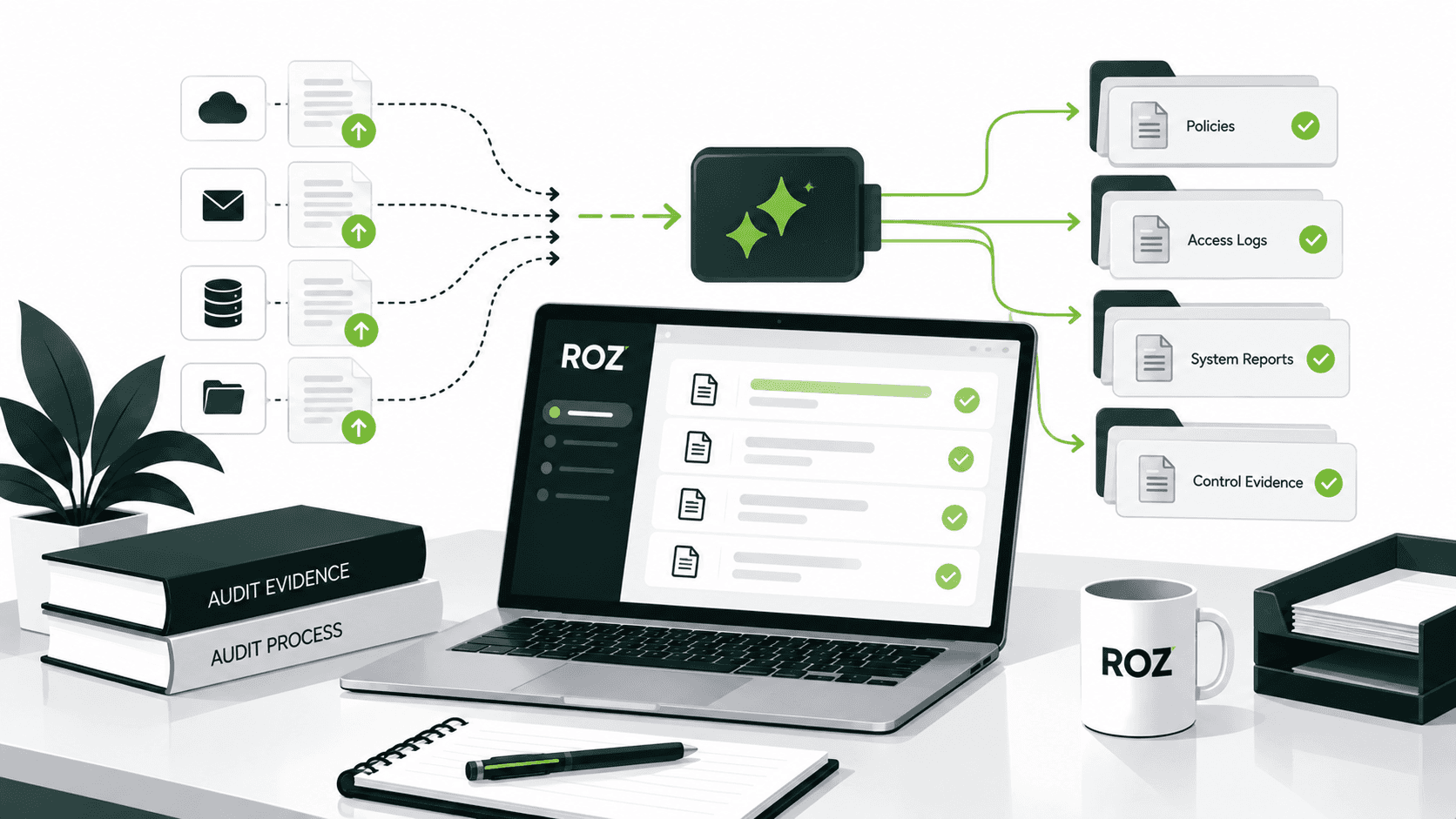
AI can help organize evidence, flag missing documentation, and compare submitted records with the evidence requirements for a control. It can also help auditors assess whether the available information appears relevant and complete for the planned procedure. Auditors remain responsible for determining whether the evidence is sufficient and appropriate to support their conclusions.
Control mapping and test preparation
Some AI tools can assist with control mapping and identification and documentation of testing criteria and evidence. This can help reduce the amount of repetitive work required across engagements that use similar methodologies.
First-pass control testing
AI can help compare evidence to the defined criteria and flag exceptions for investigation. Auditors must validate findings and determine whether to draw a conclusion.
Workpaper preparation and review
AI tools can assist auditors with drafting and summarizing workpapers, as well as preparing preliminary testing results. Auditors should verify those results against the defined control criteria and supporting evidence before relying on them.
While AI tools can help with file uploads, evidence collection, and sampling, some practitioners indicate that there are aspects of the process that still require significant manual effort. This is a practitioner-reported pain point rather than a universal finding and should be evaluated during your software assessment.
7 Criteria Audit Firms Should Use to Evaluate AI SOX Testing Tools

Look beyond the steps AI can perform. Evaluating how a tool handles the remaining manual work provides a clearer picture of its overall value to your team.
1. Does the tool support the firm's actual testing workflow?
A tool may offer advanced document analysis while leaving evidence collection, population validation, sample preparation, or workpaper management to your team. Evaluate whether it addresses the most time-consuming parts of your actual testing workflow, including the work that occurs before and after AI processes the evidence.
Questions worth asking:
Can it work with your existing control matrices and test procedures?
Does your team still need to organize and upload each piece of evidence manually?
Does the tool cover business controls, ITGCs, or both?
Is it designed for audit practitioners, or primarily for client-side compliance management?
2. Can every finding be traced to its supporting evidence?
For auditors to trust the AI tool, they need to be able to look at the evidence. When a tool cannot easily trace a finding back to its supporting evidence, it will create more review work for auditors rather than less.
Does the tool preserve links to original records, relevant source passages, sample identifiers, and other supporting documentation so reviewers can independently verify the testing results?
Practical test: Ask the vendor to open a completed test result and demonstrate which piece of evidence supports the conclusion.
3. How accurately does it identify exceptions?
When evaluating the tool, consider the tool’s ability to distinguish compliant evidence, missing documentation, conflicting information, and genuine exceptions.
Practical test: Prepare a representative set of test cases with known outcomes, including compliant evidence, missing documentation, conflicting information, and genuine exceptions. Have experienced auditors review the results against the defined testing criteria.
4. How does the tool handle populations and samples?
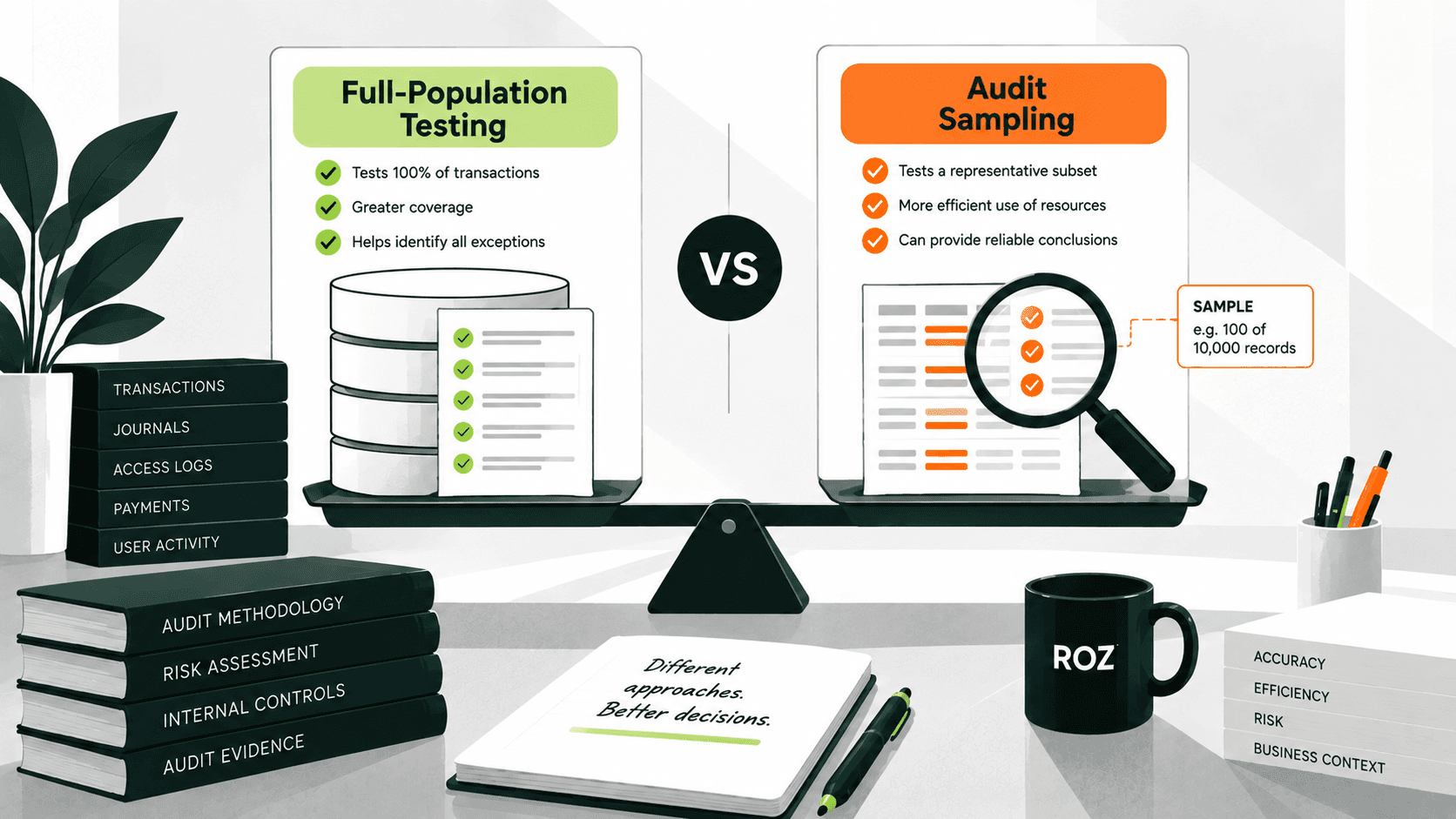
The steps taken prior to evidence analysis (completeness of the population, sample selection, period coverage, report parameters, and sample-to-source traceability) are as critical as the analysis itself.
The PCAOB amended AS 1105, Audit Evidence, and AS 2301, The Auditor’s Responses to the Risks of Material Misstatement, to clarify auditor responsibilities when using technology-assisted analysis. The amendments address areas including the reliability of electronic information used as audit evidence and the investigation of items identified during testing. They apply to audits of financial statements for fiscal years beginning on or after December 15, 2025, conducted under PCAOB standards. When evaluating AI-assisted SOX testing tools, firms should assess whether the workflow supports their applicable audit requirements and enables auditors to investigate identified items and evaluate the supporting evidence.
Practical test: Provide a sample population with a deliberately missing record or an incorrect reporting period. Check whether the tool flags the issue and allows the auditor to investigate its potential effect on the testing results. This is a suggested vendor-evaluation exercise, not a procedure specifically mandated by the PCAOB.
5. Does it produce reviewable workpapers and an adequate audit trail?
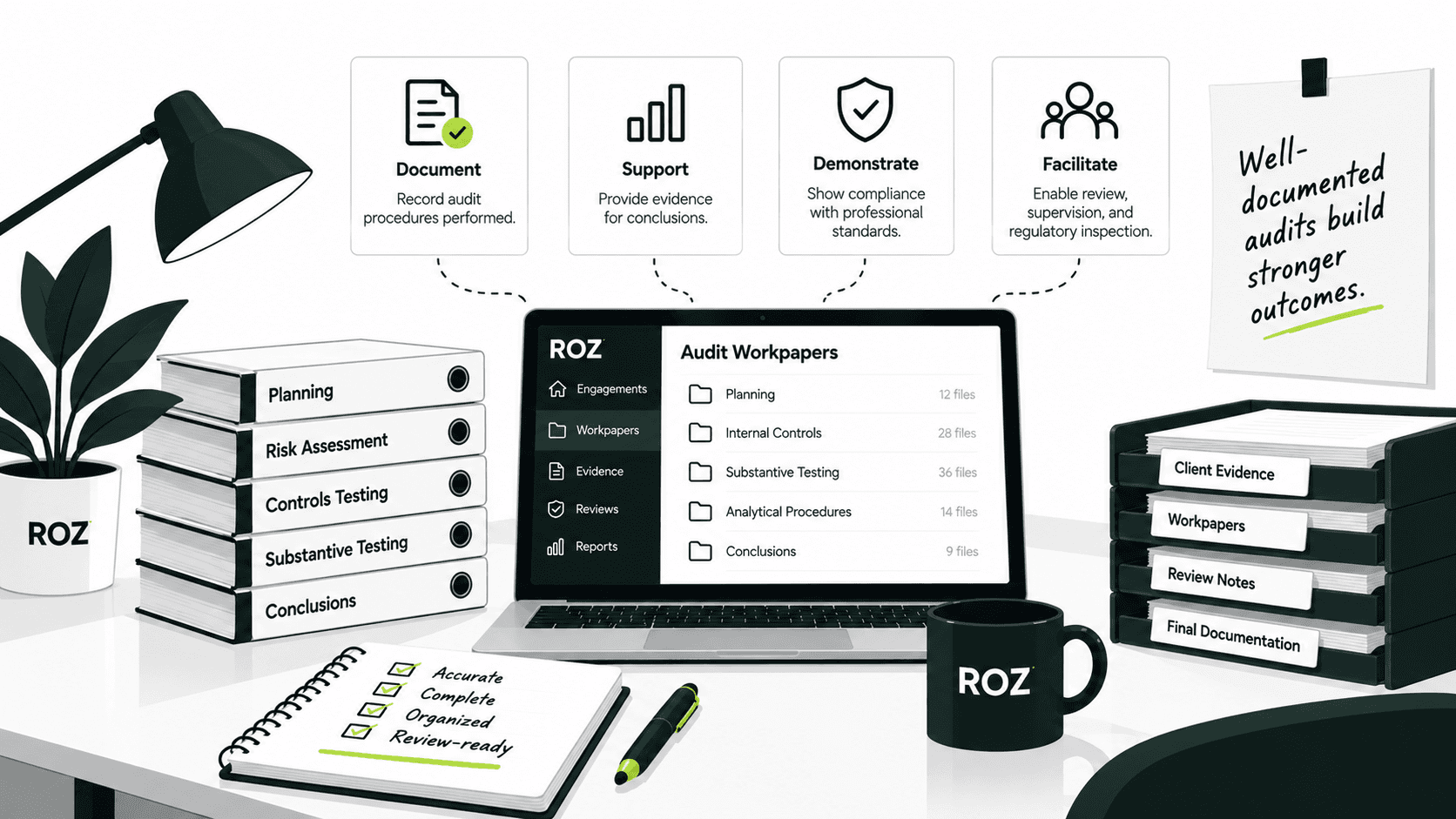
Not all drafts of documentation are equally useful. Audit documentation must capture the evidence reviewed and tested, as well as comments and suggestions made by the reviewer, including any changes and approvals.
Ask the vendor to use your firm’s workpaper template to create a workpaper and then assess how much work remains to make the workpaper suitable for engagement review.
6. Are security and data governance appropriate?
Work done under SOX engagements may include reviewing and verifying the integrity and accuracy of sensitive financial records and internal company documents. Evaluate data retention and data deletion practices, data protection and data encryption, subprocessors, and whether client data is used to train the AI.
In addition to the demonstration, ask the vendor to explain how engagement information is processed and stored throughout the lifecycle of the engagement, including how it is reviewed and exported.
7. Does it integrate with existing tools and reduce total effort?
An AI feature may not add overall value to the engagement if users still need to transport results between the applications manually. Evaluate integration with other applications, including case management and audit and engagement management systems.
Practical test: Measure the total time required to complete the workflow, including evidence preparation, testing, workpaper drafting, review, and rework, not just the time AI takes to process documents.
Common Mistakes When Evaluating AI SOX Testing Tools
Choosing tools based on demos: Vendor demonstrations may use clean evidence that does not reflect real engagement conditions. Ask vendors to test the tool with representative cases containing missing documentation, conflicting information, and potential exceptions.
Focusing only on speed: Faster document processing does not necessarily reduce total testing effort. Measure the time required for evidence preparation, testing, workpaper review, and rework across the complete workflow.
Trusting AI conclusions without verification: AI-generated results may be incorrect conclusions based on insufficient evidence. In a sample testing environment, define conclusions through source-linked results and auditor validation.
Ignoring sampling and data quality: Incomplete populations or incorrect reporting periods may result in adverse testing results. Ensure that the populations tested are complete and sample frames are traceable.
Overlooking security and audit trails: Insufficient controls and governance may create risks for the confidentiality and integrity of the data. Ensure that the data, evidence, and reviewer approval workflows are secure and controls are appropriately designed and operating effectively.
A Practical Vendor Demo Checklist for AI SOX Testing
Ask the vendor to demonstrate these four scenarios during the software demo:
Normal control test: Does the tool produce a source-linked, first-pass testing result?
Missing evidence: Does it flag evidence gaps without assuming the control passed or failed?
Conflicting evidence: Does it identify discrepancies for the auditor to investigate?
Control exception: Does it flag the potential exception and preserve the supporting evidence for review?
Then ask the vendor to show how workpapers are reviewed, revised, and approved, and how supporting evidence and changes are documented.
The key decision rule: Do not judge a tool only by what it generates. Confirm that another auditor can independently verify its findings and understand how it reached them.
How to Measure ROI From AI for SOX Testing
Establish a baseline before you measure time savings. Without a clear picture of your existing workflows, you cannot tell whether AI reduces effort or simply moves it elsewhere.
Recommended metrics to track:
Time spent preparing evidence and performing testing.
Time spent drafting and reviewing workpapers.
Number of reviewer corrections and rework cycles.
Overall time from evidence availability to reviewed workpaper completion.
Percentage of testing results with traceable supporting evidence.
Missed exceptions and unsupported findings identified during validation.
Efficiency metrics show where a tool saves time. Quality metrics show whether its outputs stay reliable and reviewable. Do not rely on unsupported claims about percentage reductions in audit effort. A controlled pilot using comparable testing cases gives you a stronger basis for an adoption decision than a vendor's marketing figures.
How Roz Supports AI-Assisted SOX Testing
Consider how an AI audit platform can support a user access review, a control that can create significant documentation work during SOX engagements.
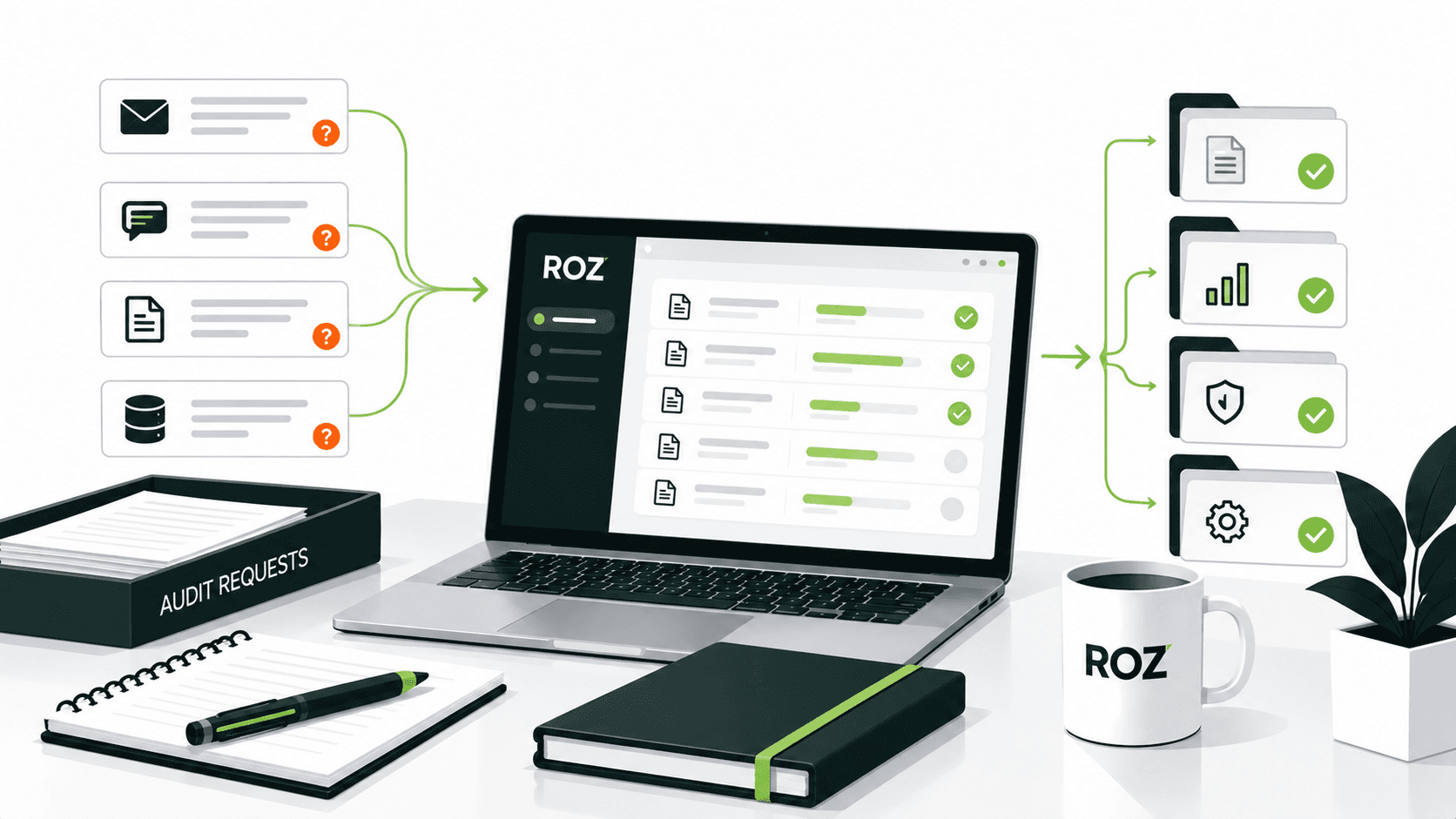
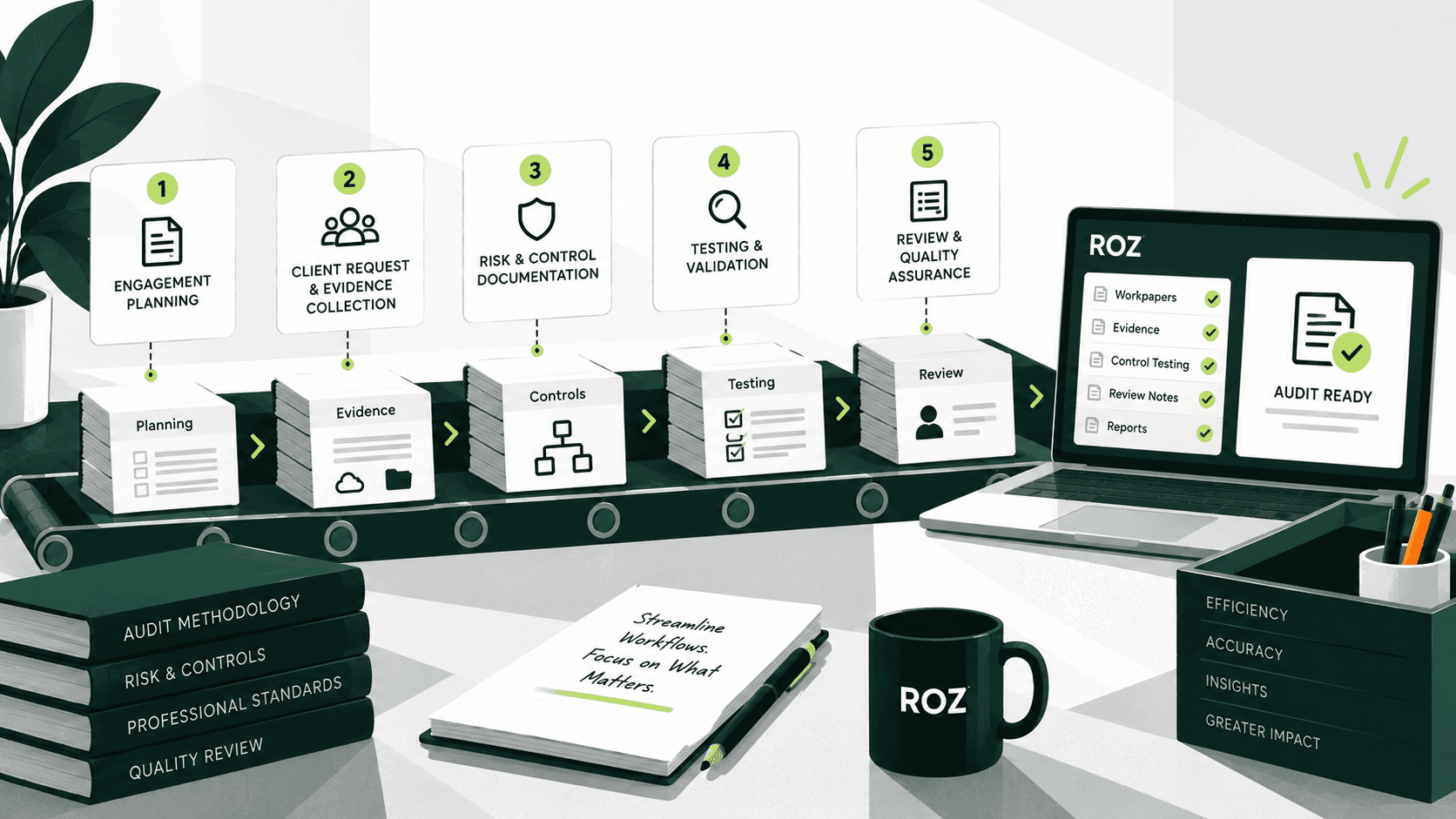
In Roz, each engagement lives in an isolated client workspace, separate from other client data. The auditor sends an Evidence Request tied directly to the access review control, rather than tracking requests through email or spreadsheets. Once evidence arrives, Sample Set Evidence Mapping connects specific files to relevant sample entries so testing draws on the appropriate documentation.
Roz then runs defined or AI-suggested attribute checks against the evidence, returning PASS, FAIL, N/A, or INFO results with reasoning. Reviewers can use Quote Highlighting to jump directly to the relevant passage in the source evidence and verify the result. Annotations can link evidence to the specific attribute checks they support; annotation auto-generation is currently in beta.
Once testing is complete, the auditor can export the control activity as a formatted workpaper with supporting evidence, annotations, and an audit trail recording test reruns, verifications, and overrides.
Roz helps auditors move from client evidence to first-pass control-testing results and reviewable workpapers. It does not replace professional judgment or independently determine control effectiveness or SOX compliance. The engagement team remains responsible for evaluating evidence and reaching testing conclusions.
Conclusion
Evaluating AI for SOX testing comes down to a handful of consistent criteria: workflow fit, evidence traceability, testing accuracy, population integrity, reviewable workpapers, security, and measurable efficiency. A tool that excels at one of these while neglecting the others may create new review work rather than reduce it.
AI is most useful when it helps auditors perform and document their work more effectively, while the engagement team retains responsibility for evaluating evidence and reaching conclusions. A structured pilot, built around realistic scenarios rather than a polished demo, is the most reliable way to confirm that value before you expand adoption across your engagements.
Frequently Asked Questions
What should audit firms look for in AI SOX testing software?
Look for source-linked evidence, accurate exception identification, population and sample traceability, reviewable workpapers, appropriate security controls, and compatibility with your firm's existing testing methodology and templates.
Can AI perform SOX control testing without manual evidence review?
No. AI can assist with evidence analysis and first-pass testing, but auditors still need to evaluate the reliability and sufficiency of the evidence and validate results before reaching a testing conclusion.
How can auditors verify AI-generated control-testing results?
Auditors can take four actions: inspect the supporting source records, compare findings against defined testing criteria, investigate inconsistencies, and document the procedures performed along with the conclusions reached during review.
Does AI SOX testing software support IT general controls?
Some tools cover both business process controls and ITGCs, while others focus on one or the other. Confirm coverage during evaluation, since it determines whether the tool fits your full testing scope.