Every audit generates a large volume of evidence, notes, and decisions. Audit workpapers organize that material into something a reviewer, regulator, or future audit team can actually follow. Without them, an audit conclusion is just an opinion with nothing behind it.
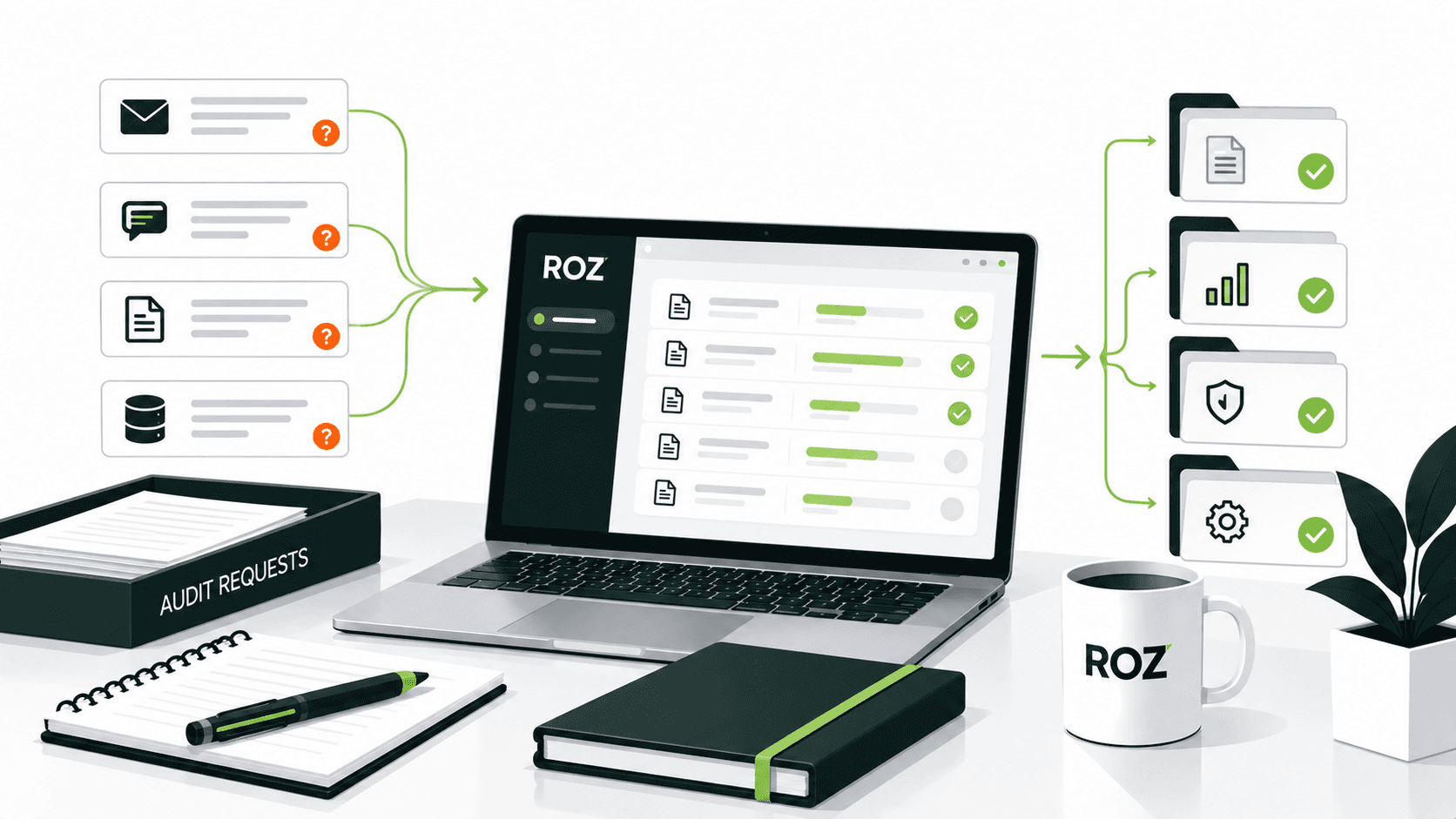
For years, most firms managed workpapers in spreadsheets, shared drives, and folders scattered across systems. That approach still works, but it creates version-control problems, duplicated effort, and audit trails that are difficult to trace. Many teams are now moving toward centralized, structured documentation, and increasingly, AI tools that handle first-pass drafting.
In this article, you will learn what audit workpapers are, why they matter, what they should include, and how to document them well. You will also see real examples, a breakdown of how workpapers differ from audit evidence, and where AI fits into modern audit workflows.
What Are Audit Workpapers?
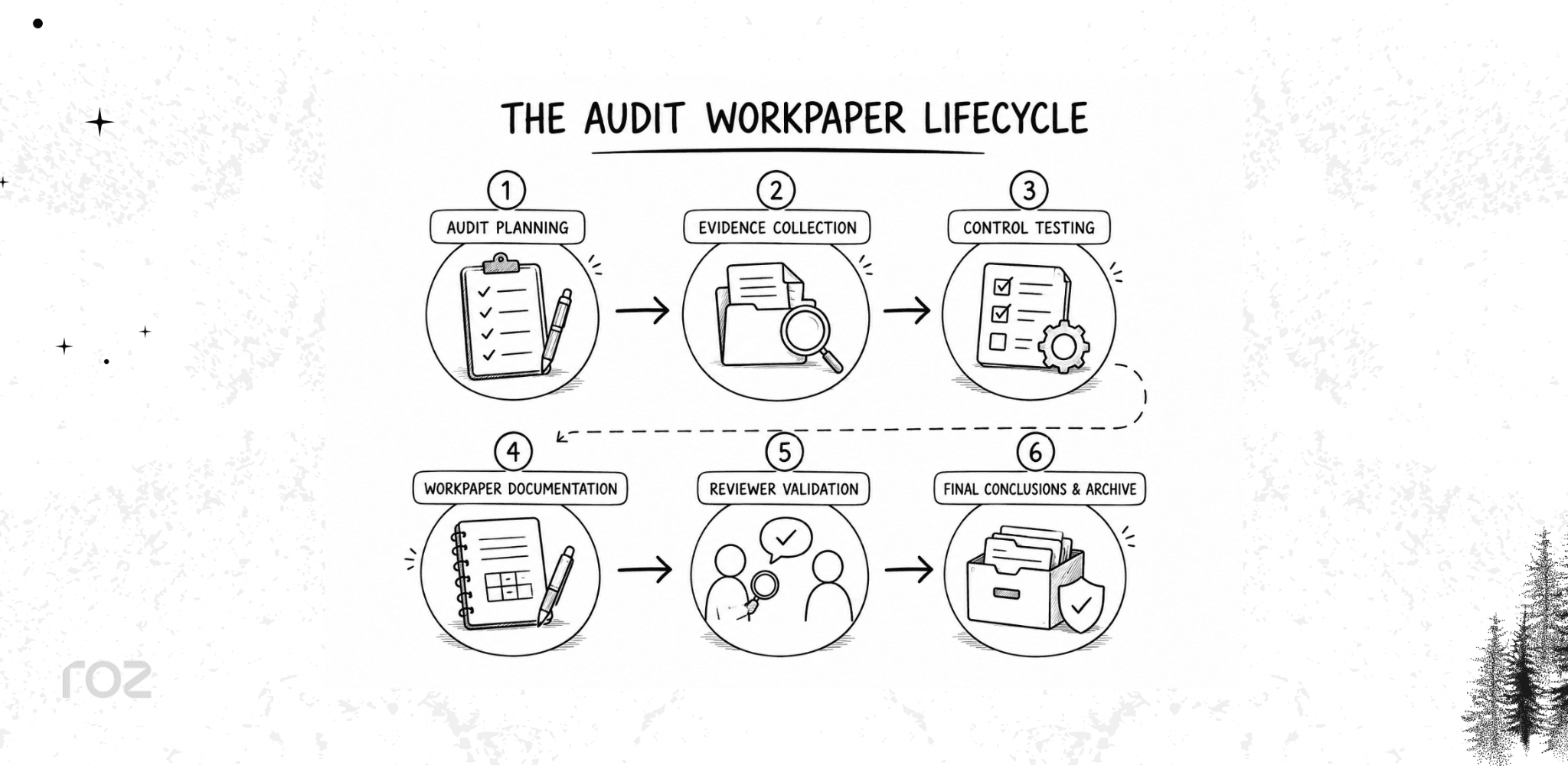
Audit workpapers are documents that professional auditors compile and collect as a part of the audit process. They include descriptions of the procedures auditors perform, document evidence, and include auditor conclusions. Related terms include audit working papers, audit documentation, and audit files, although these terms may have different meanings depending on the applicable standard or firm methodology.
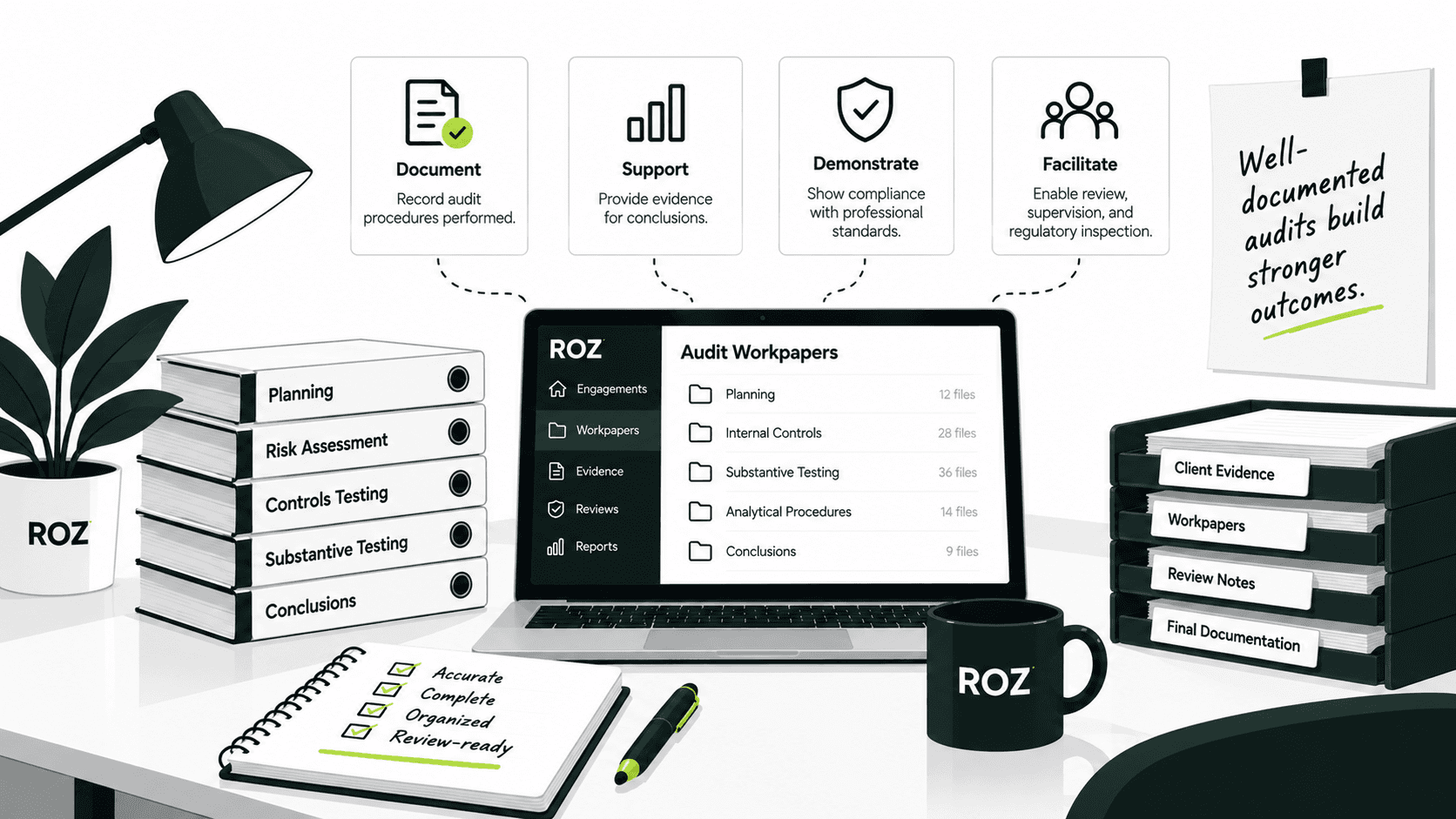
Audit workpapers have four main purposes:
Document procedures so anyone can see what work was performed
Support conclusions by tying each finding back to evidence
Create an audit trail that traces decisions from start to finish
Enable reviews by senior auditors, regulators, and inspectors
Are Audit Workpapers Required?
Yes. Documentation is generally required by professional standards; however, requirements differ by audit type. Three commonly referenced standards govern audit documentation requirements:
ISA 230 (International Standard on Auditing) sets documentation requirements for audits conducted under international standards
AICPA AU-C 230 governs audit documentation for U.S. private company audits
PCAOB AS 1215 sets documentation rules for audits of U.S. public companies
Each standard requires auditors to record who performed the work, who reviewed it, and when. Documentation also supports related work such as control testing, audit evidence collection, and risk assessments.
Why Are Audit Workpapers Important?
Audit workpapers are not just administrative records. They protect the credibility of the entire audit. Here is what they deliver.
They Support Audit Conclusions
Every conclusion in an audit should trace back to documented evidence. Workpapers create that connection. When a finding is questioned, the workpaper shows exactly what was tested, what was found, and why the auditor reached a given conclusion.
They Improve Audit Quality
Reviewers rely on workpapers to validate the work performed by staff. Clear documentation lets a senior auditor confirm that procedures were completed correctly without re-performing the work. Poor documentation forces rework and slows the engagement.
They Create Defensible Audit Trails
During peer reviews and regulatory inspections, the workpaper file is the evidence. A complete trail shows that the audit followed professional standards. As peer reviewers often emphasize, undocumented work cannot generally be treated as completed work.
They Reduce Manual Rework
Centralized, well-organized documentation saves time. When evidence is easy to find and conclusions are clearly referenced, teams spend less time hunting for files or recreating work that was already completed.
They Preserve Institutional Knowledge
Workpapers carry forward matters of continuing significance to future engagements. Next year's team can see how issues were handled, what judgments were made, and where the risks were, making each subsequent audit more efficient.
Audit Workpapers vs. Audit Evidence: What's the Difference?
People often use these terms interchangeably, but they are not the same. Audit evidence is what you collect. Audit workpapers are what you produce to document and interpret it.
Audit Evidence | Audit Workpapers |
Source documents | Auditor-created documentation |
Policies | Testing sheets |
System logs | Auditor notes |
Screenshots | Findings summaries |
Reports | Conclusions |
Who Uses Audit Workpapers?
While most people associate audit workpapers with external financial auditors, many teams consume them almost on a daily basis.
CPA Firms: CPA and assurance firms use workpapers for engagements like SOC 2, ISO 27001, SOX, etc., where the reviews done document are subjected to external scrutiny.
Internal Audit Teams: Internal audit staff document operational audits and risk assessments for reporting to management and the board.
Compliance Consultants: Consultants performing readiness assessments use workpapers to capture gaps and advisory recommendations prior to a formal audit.
Risk and GRC Teams: Governance, risk, and compliance teams use workpapers to support the continuous control monitoring efforts across the enterprise.
Advisory Firms: Advisory teams performing multi-framework assessments use workpapers to capture evidence in a manner that is structured and organized for the assessments.
What Should Audit Workpapers Include?
A complete workpaper should have enough detail for the reviewer to comprehend and justify the work. The checklist below can be used to confirm that workpapers have addressed the requirements.
Engagement Information: The workpaper should include the name of the client, the period of the audit, and the objectives and scope of the audit. This will help identify the workpaper and prevent the reviewer from confusing it with those of other clients or periods.
Risk Assessments: The risks and the associated control objectives should be clearly documented. This helps link the testing to the risks the testing was intended to cover.
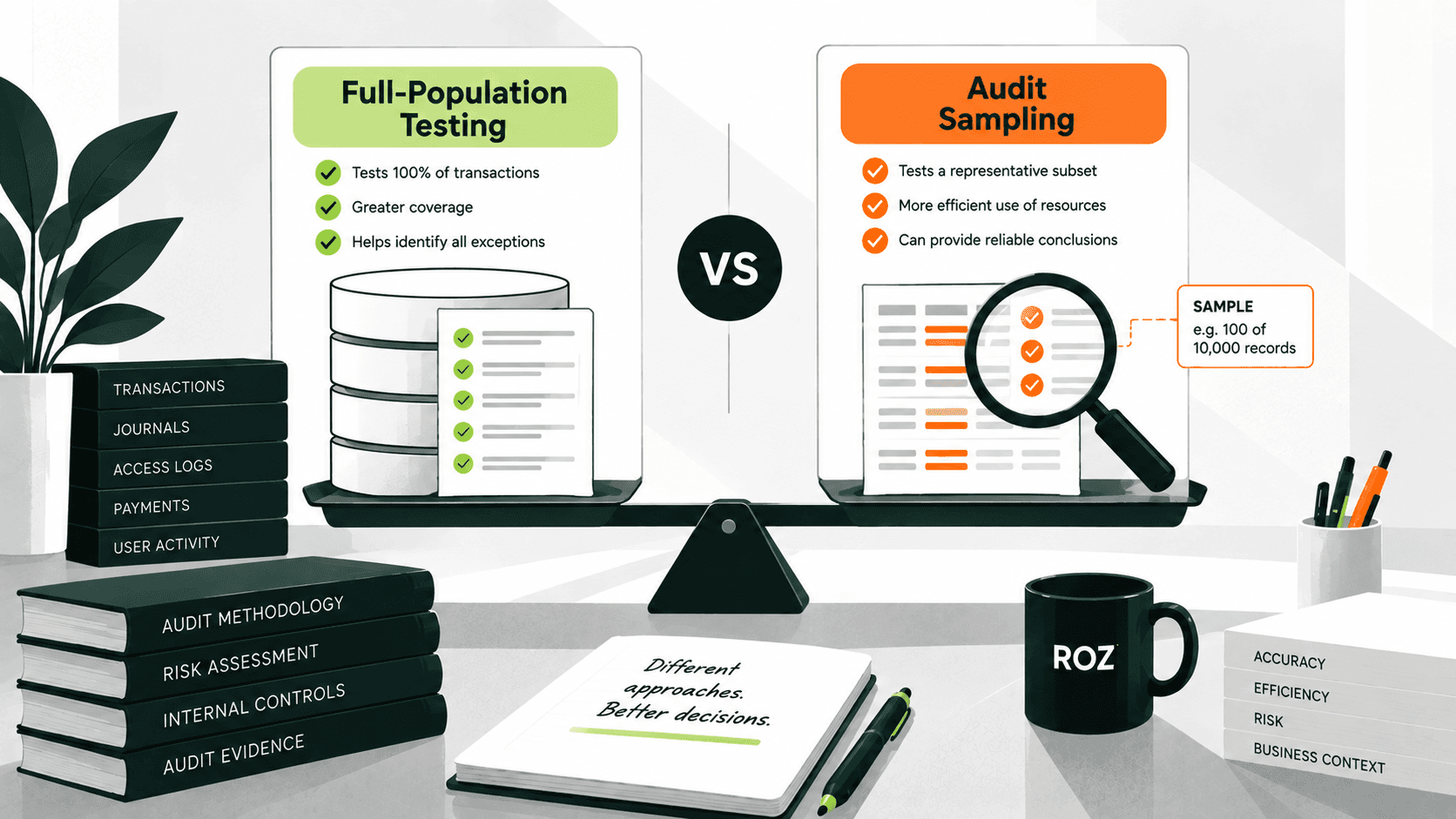
Audit Procedures: The procedures should include the detail of the walkthroughs and testing, as well as the number of items tested and the basis for that number.
Supporting Evidence: Policies, reports, screenshots, logs, and other materials that support the work should be included or referenced. Every conclusion should be linked to the evidence.
Findings and Exceptions: The report should include a clear and objective statement of the absence of control and the audit impact of the exceptions.
Conclusions: This should include a clear and objective statement of the absence of control and the audit impact of the exceptions.
Reviewer Sign-offs: This should include the preparer, the reviewer, and the dates of both. Sign-offs create accountability and help satisfy quality-control standards
Audit Workpapers Examples
The fastest way to understand workpapers is to see them. Below are four common formats.
Example 1: Control Testing Workpaper
Control testing workpapers are perhaps the most common workpaper, as they show the testing of a particular internal control.
Control: All privileged user accounts are required to have multi-factor authentication (MFA) enabled.
Testing Procedure: For a selection of privileged user accounts, review the system configuration to verify that MFA is enabled.
Evidence: Screenshots of the IAM system with evidence of MFA.
Result: The control operated as intended based on the evidence reviewed.
Example 2: Evidence Tracking Workpaper
Evidence-tracking workpapers show the audit evidence requests. They help track the requests and indicate from whom the evidence was requested and if the request was fulfilled.
Evidence Requested: Q3 2025 user access review reports
Owner: IT Security Lead
Status: Received
Due Date: March 15, 2026
Example 3: Audit Findings Workpaper
Test workpapers capture issues identified during the testing. Findings workpapers describe an issue and its resolution plan.
Finding: A former employee's user account retained active system access for 14 days after their termination date.
Root Cause: Deprovisioning request was completed after the former employee’s termination.
Recommendation: An automated process should be designed to execute deprovisioning on an employee’s last day of employment.
Owner: IT Operations Manager
Audit Documentation Best Practices for 2026
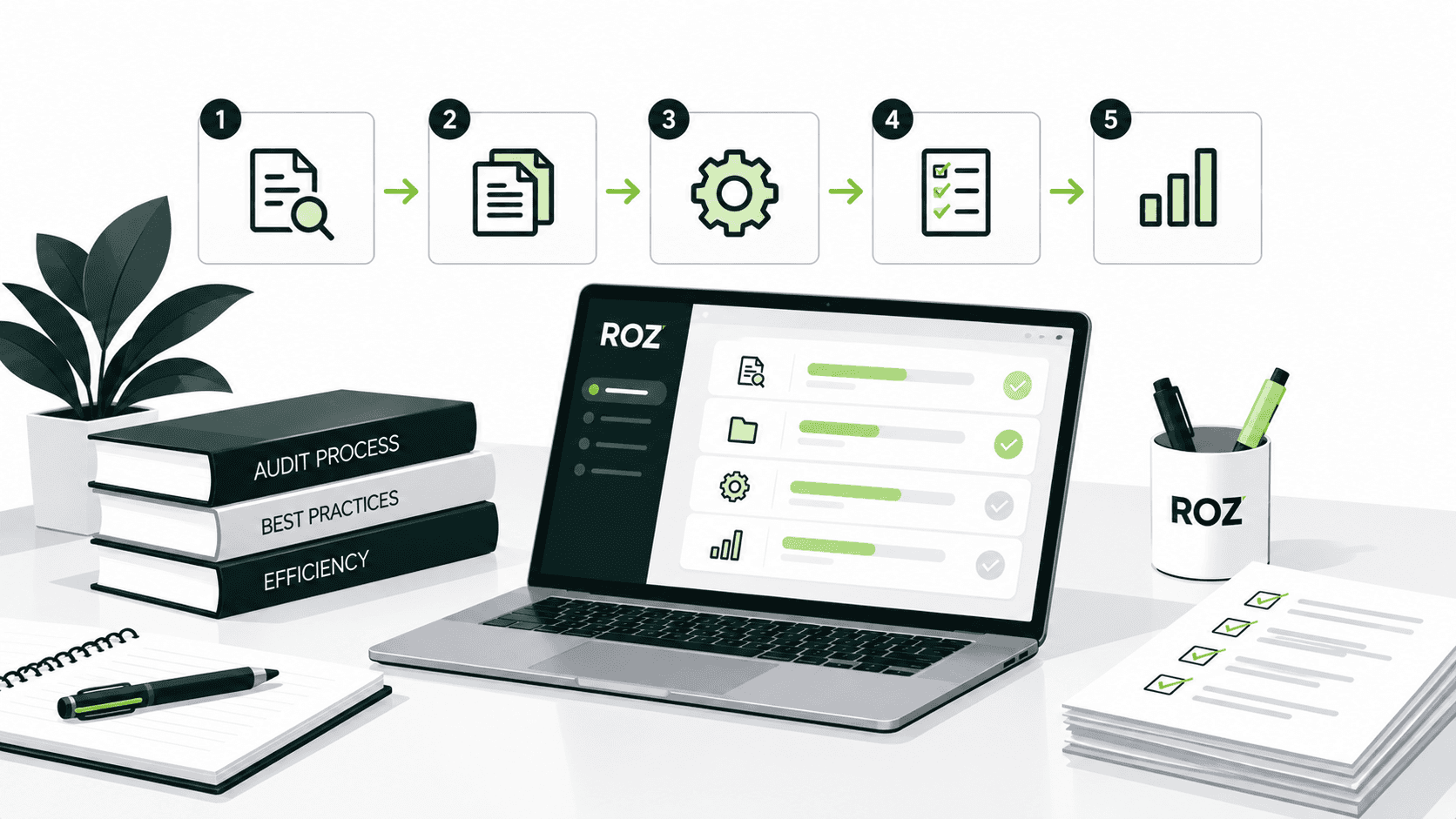
Strong documentation comes from consistent habits, not last-minute cleanup. Apply these practices throughout the engagement.
Standardize templates. Use consistent structures across audits and teams so every workpaper looks and reads the same way.
Build traceability. Map every conclusion to the evidence that supports it, with clear references between documents.
Centralize documentation. Keep all workpapers in one secure location instead of scattered folders and drives.
Establish version control. Track changes so reviewers always work from the current version and can see what was modified.
Use evidence cross-referencing. Link related documents to reduce duplicate evidence requests and repeated testing.
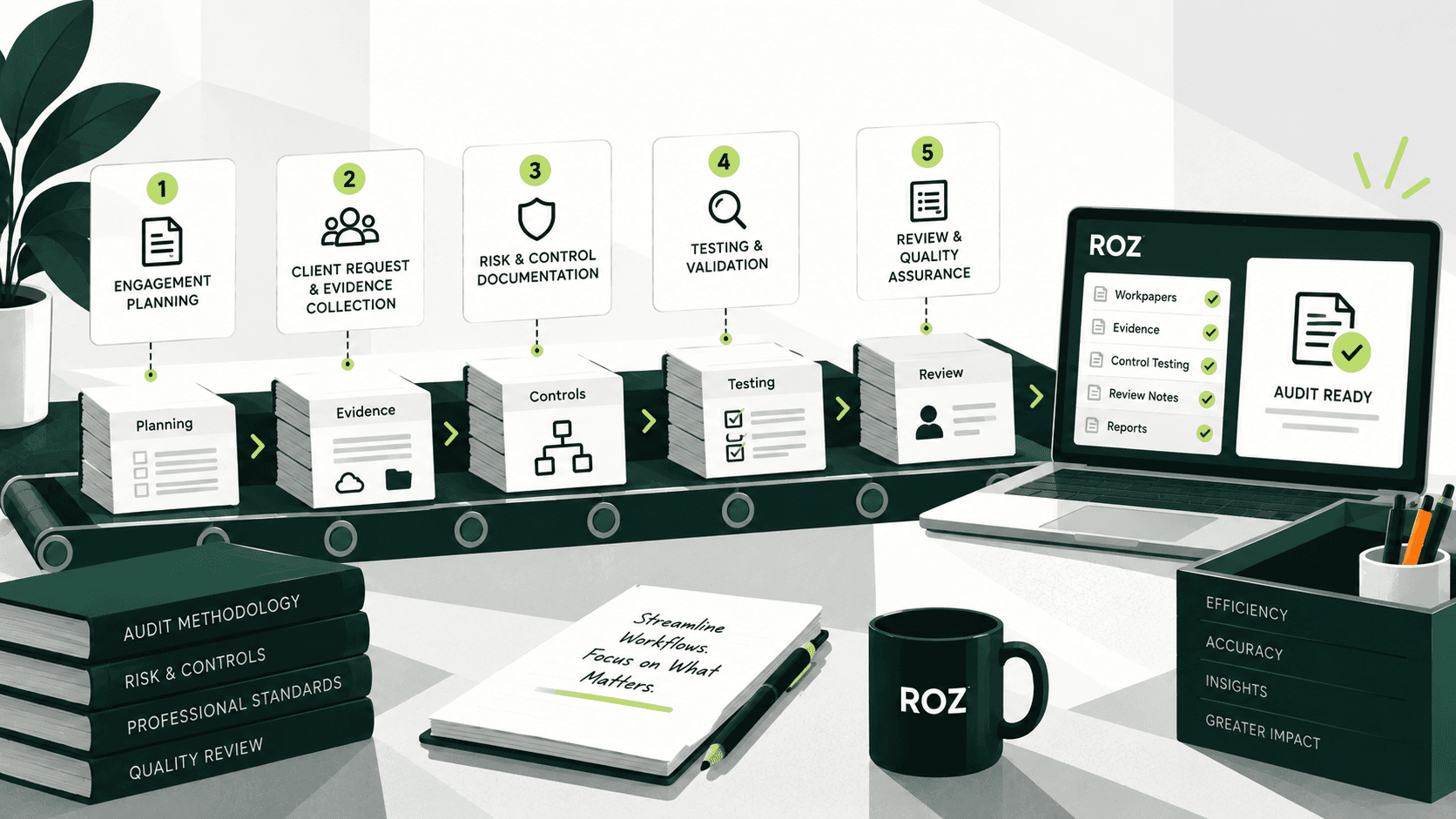
Automate repetitive documentation tasks. Use ROZ to support first-pass drafting so staff can focus on judgment and analysis.
Review workpapers continuously. Review work as it is completed rather than letting bottlenecks build up at the end of the engagement.
Common Audit Workpaper Challenges Teams Face
Most documentation problems come from a handful of recurring issues. Recognizing them early helps you avoid them.
Manual Evidence Collection
When documents live across email, drives, and client portals, gathering evidence becomes slow and error-prone.
Spreadsheet Overload
Managing dozens of spreadsheets makes consistency hard to maintain and increases the risk of broken references.
Duplicate Testing
Without clear cross-referencing, teams repeat work that another team member already completed.
Missing Audit Trails
When evidence is not linked to conclusions, the trail breaks, and findings become difficult to defend.
Review Bottlenecks
Senior reviewers spend too much time validating documentation when workpapers are inconsistent or incomplete.
Knowledge Loss Across Engagements
When templates and insights are not reused, each new engagement starts closer to scratch than it should.
How AI Is Changing Audit Workpapers
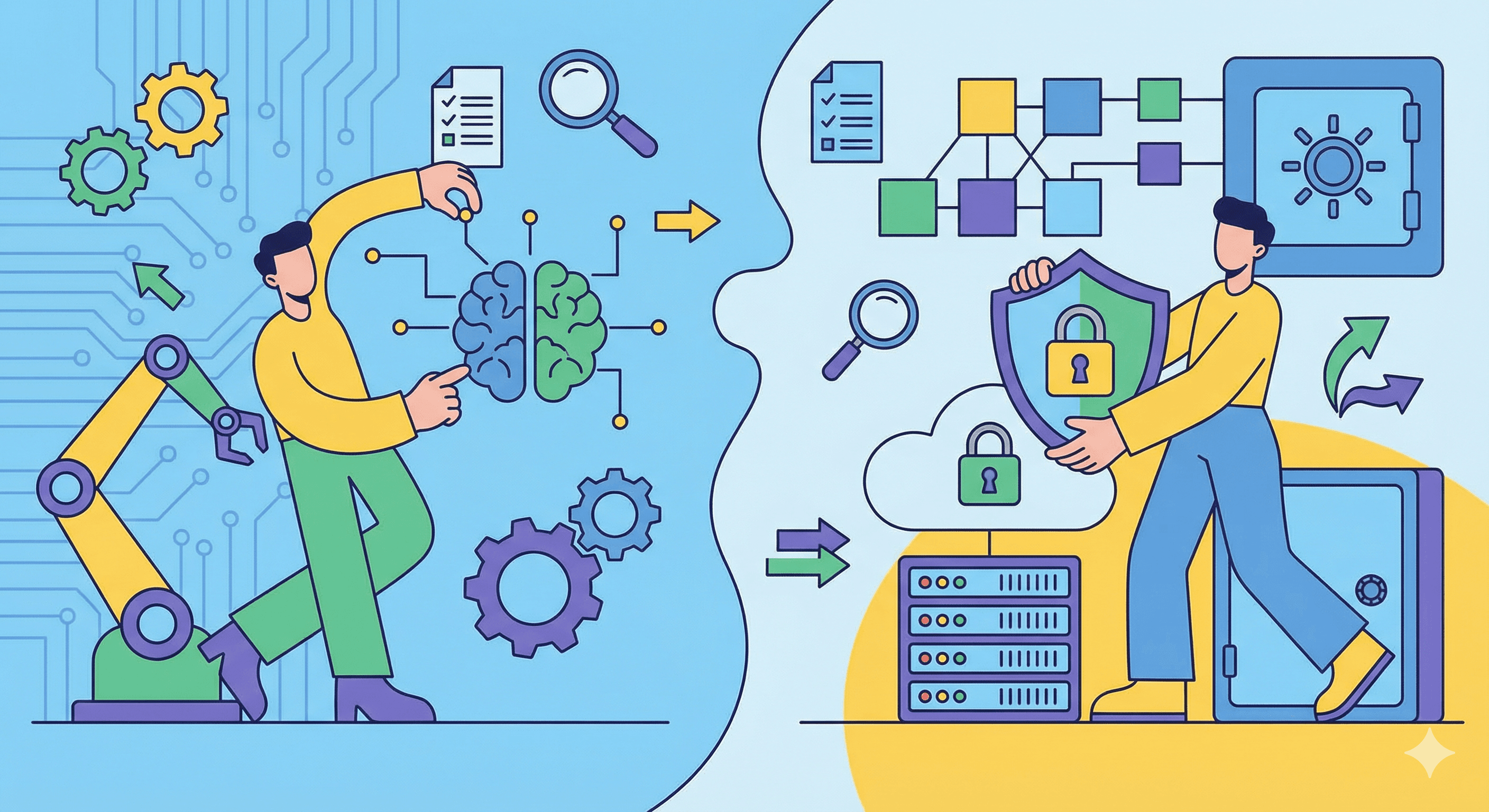
AI is shifting where auditors spend their time, away from manual drafting and toward review and judgment. The difference shows up clearly in the workflow itself.
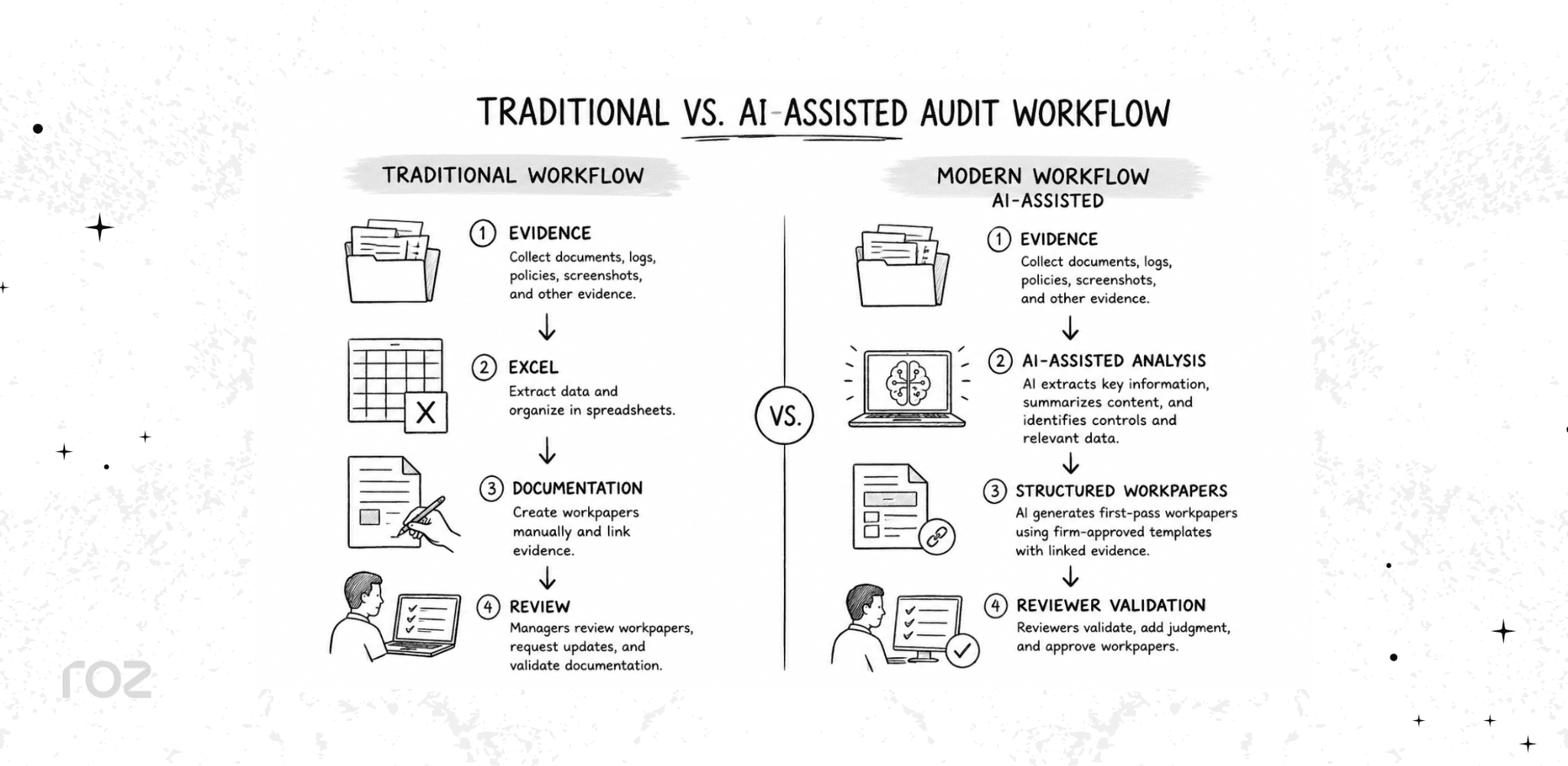
In the modern approach, AI can help auditors:
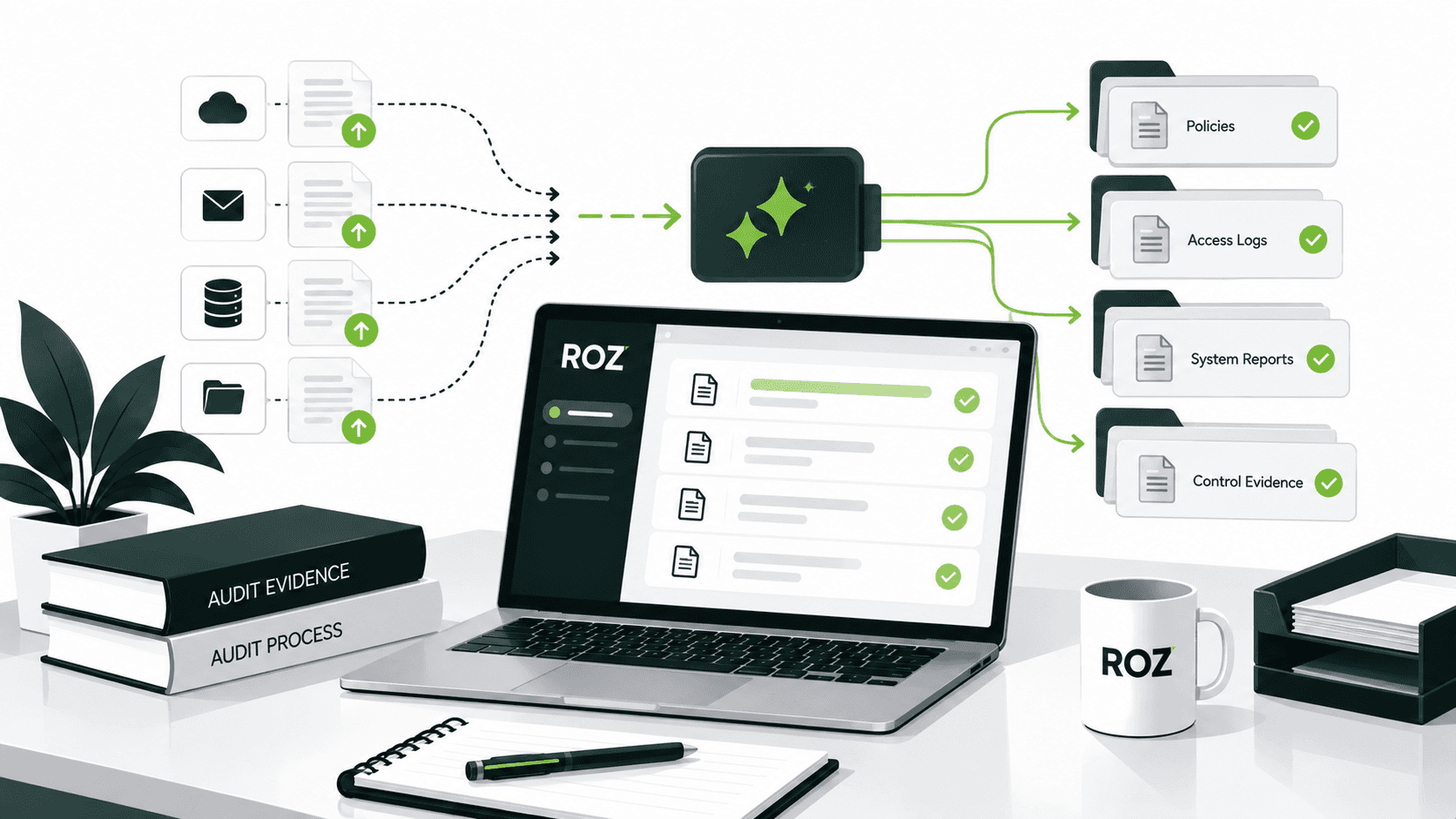
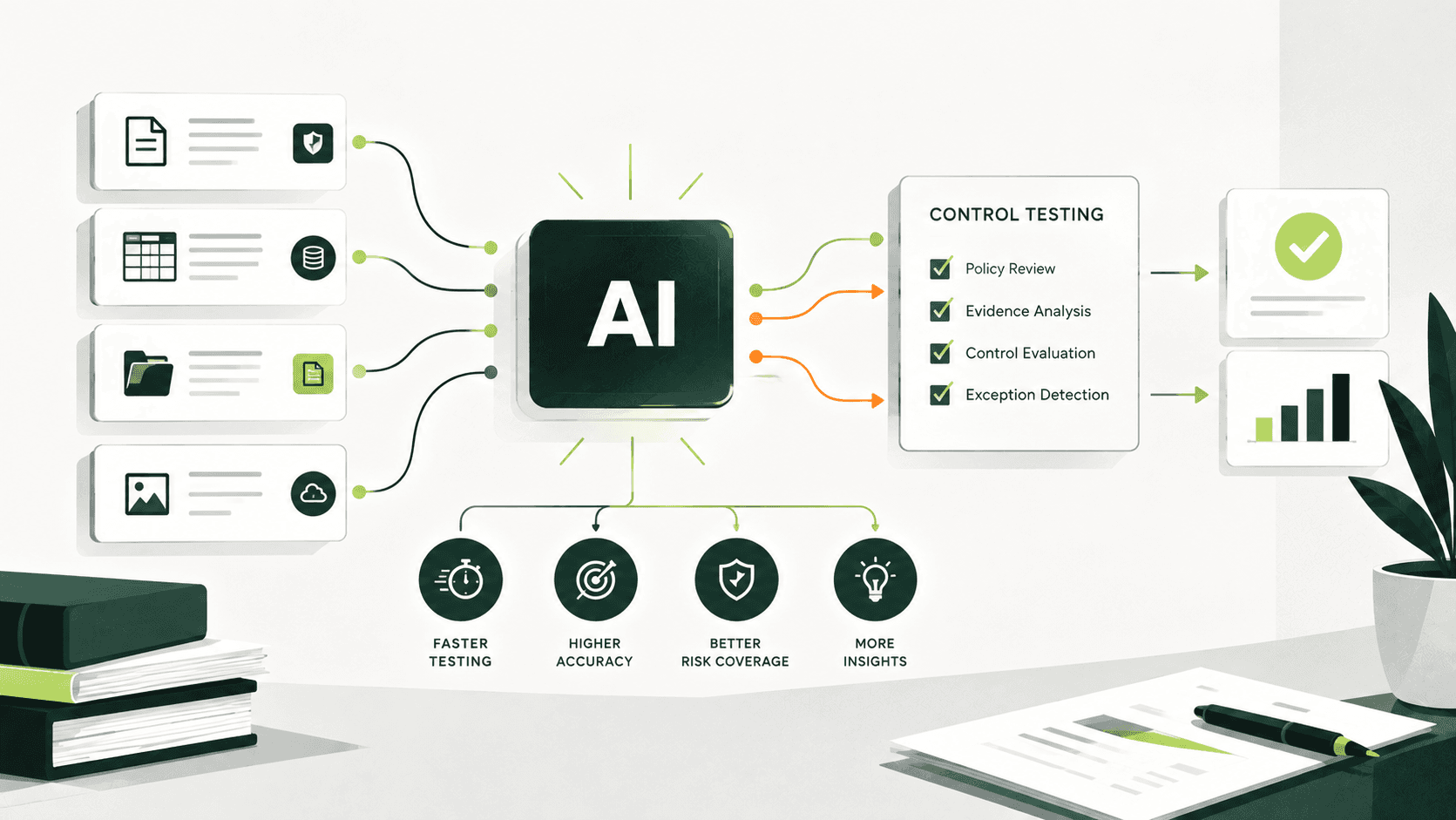
Extract controls from policies and procedures
Summarize large volumes of evidence
Generate first-pass workpapers from templates
Flag missing or insufficient evidence
Organize documentation into structured workpapers
Reuse templates across engagements
One point matters here. AI supports auditors by reducing manual work. Professional judgment and final conclusions remain the responsibility of human auditors. The tools draft and organize; people decide.
How Roz Supports Audit Documentation Workflows
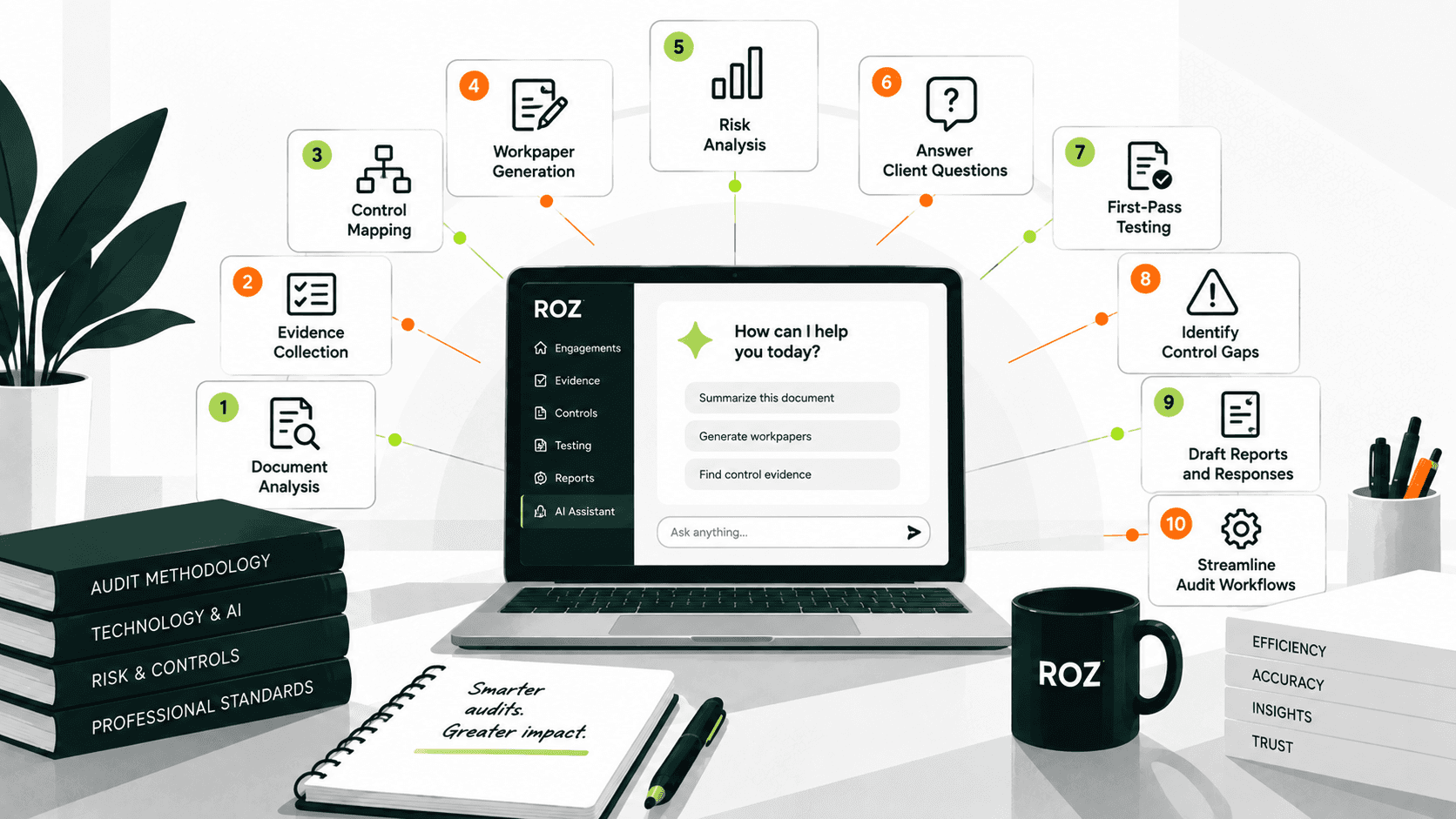
Roz is an AI platform built specifically for external audit and advisory firms. Our tool accelerates evidence collection, performs readiness assessments, and executes control testing while keeping auditor judgment at the center of every engagement through human-in-the-loop validation.
For documentation-heavy engagements, Roz can help teams:
Organize evidence and supporting documentation in client-specific workspaces
Generate AI-assisted first-pass workpapers using firm-approved templates
Surface missing documentation earlier in the engagement lifecycle
Support multi-framework engagements across standards such as SOC, ISO 27001, and SOX
Maintain traceability with source-linked evidence and audit trails
Roz supports audit workflows and documentation management, allowing auditors to spend more time on review and professional judgment rather than administrative tasks.
Conclusion
Audit workpapers are foundational to every engagement. They document what was tested, support each conclusion, and create the trail that reviewers, inspectors, and stakeholders rely on. Strong documentation improves audit quality and makes findings defensible; weak documentation invites rework and questions.
The way teams produce workpapers is changing. Spreadsheets and scattered folders are giving way to centralized, structured documentation, and AI is helping generate first-pass documentation so auditors can focus on judgment. The standards have not changed: evidence, traceability, and review still define high-quality audit documentation, but the tools used to support these activities have evolved.
Start by reviewing your current documentation habits against the best practices above. Small improvements compound across every engagement you run.
Frequently Asked Questions
What is the difference between audit workpapers and audit evidence?
Audit evidence is the information you collect, such as source documents, system logs, and reports. Audit workpapers are the documents you create to record how that evidence was tested and the conclusions you reached. Evidence is the input; workpapers are the documented output.
Who prepares audit workpapers?
Audit workpapers are prepared by the auditors performing the engagement. Each workpaper is signed by the preparer and a reviewer. In some cases, client staff may prepare supporting schedules, which your audit team must then verify.
What should be included in audit workpapers?
A complete workpaper should include the engagement scope, the risks and control objectives being tested, the procedures performed, the supporting evidence, any findings or exceptions, the conclusion, and dated signatures from the preparer and reviewer.
How long should audit workpapers be retained?
Retention periods vary by standard and jurisdiction. For example, PCAOB AS 1215 requires a seven-year retention period for public company audits. You should always confirm the specific requirement that applies to your engagement.
Are audit workpapers required by auditing standards?
Yes, documentation is a core requirement of all major auditing standards, including ISA 230, AICPA AU-C 230, and PCAOB AS 1215. These standards require auditors to document the procedures performed, evidence obtained, and conclusions reached.