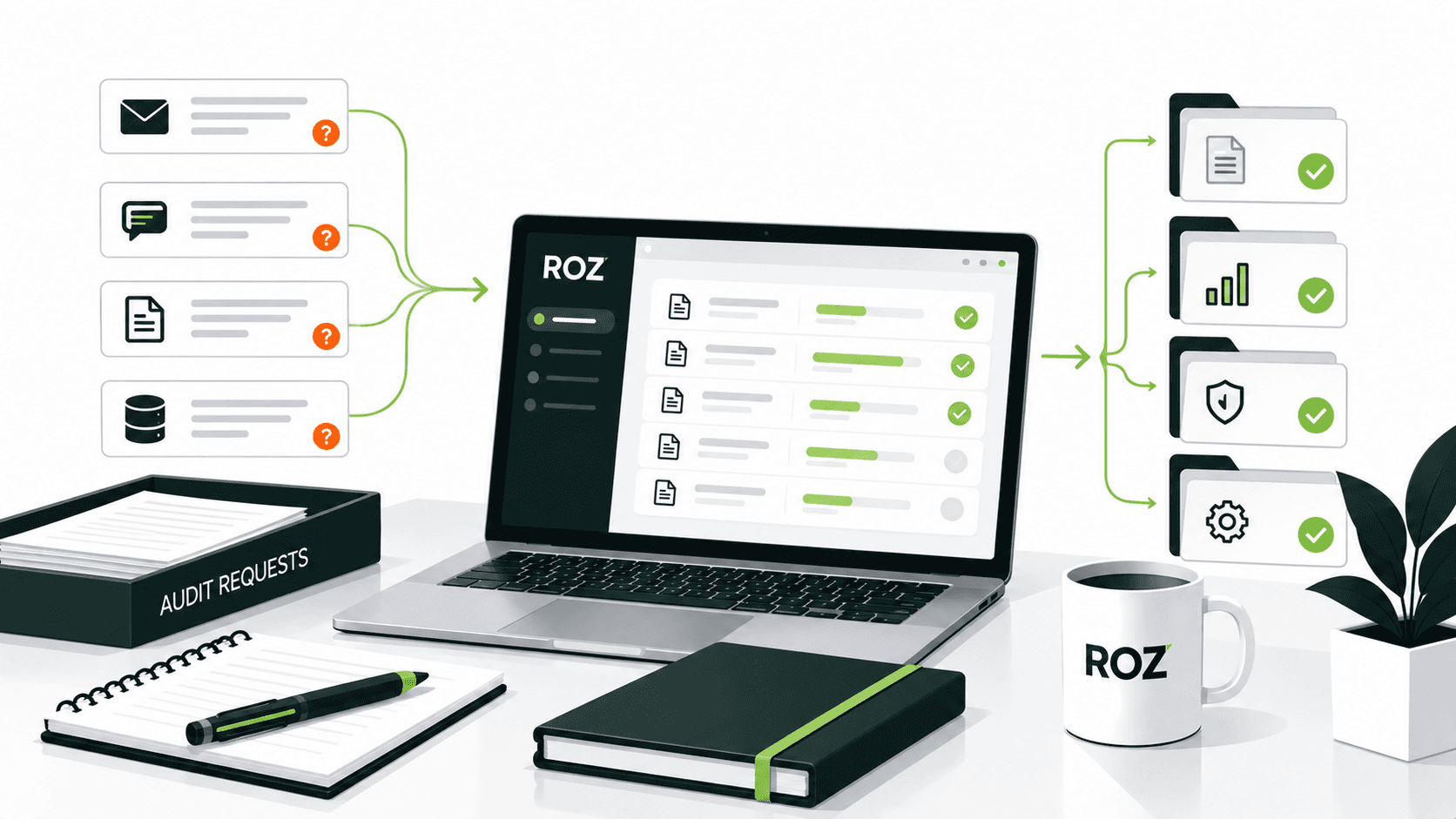
Complying with SOX is complex and demands on programs continue to outpace manual processes, leading to an increasing gap. Managing control populations and complex evidence takes a lot of time, and teams spend hours sending emails, organizing files, and creating workpapers.
The pressure is significant. KPMG's 2025 survey found that organizations reported an average SOX program cost of $2.3 million, with 45% reporting year-over-year cost increases. SOX automation might be the answer, as it structures and manages the repetitive work surrounding an auditor’s subjective judgement without replacing the auditor.
In this article, we will explore what SOX automation is, how it works, which controls are best suited for automation, and how platforms like Roz can help audit firms run more efficient engagements.
What Is SOX Automation?
SOX compliance automation involves adopting software or integrations to perform repetitive SOX compliance tasks that would otherwise involve human effort or time.
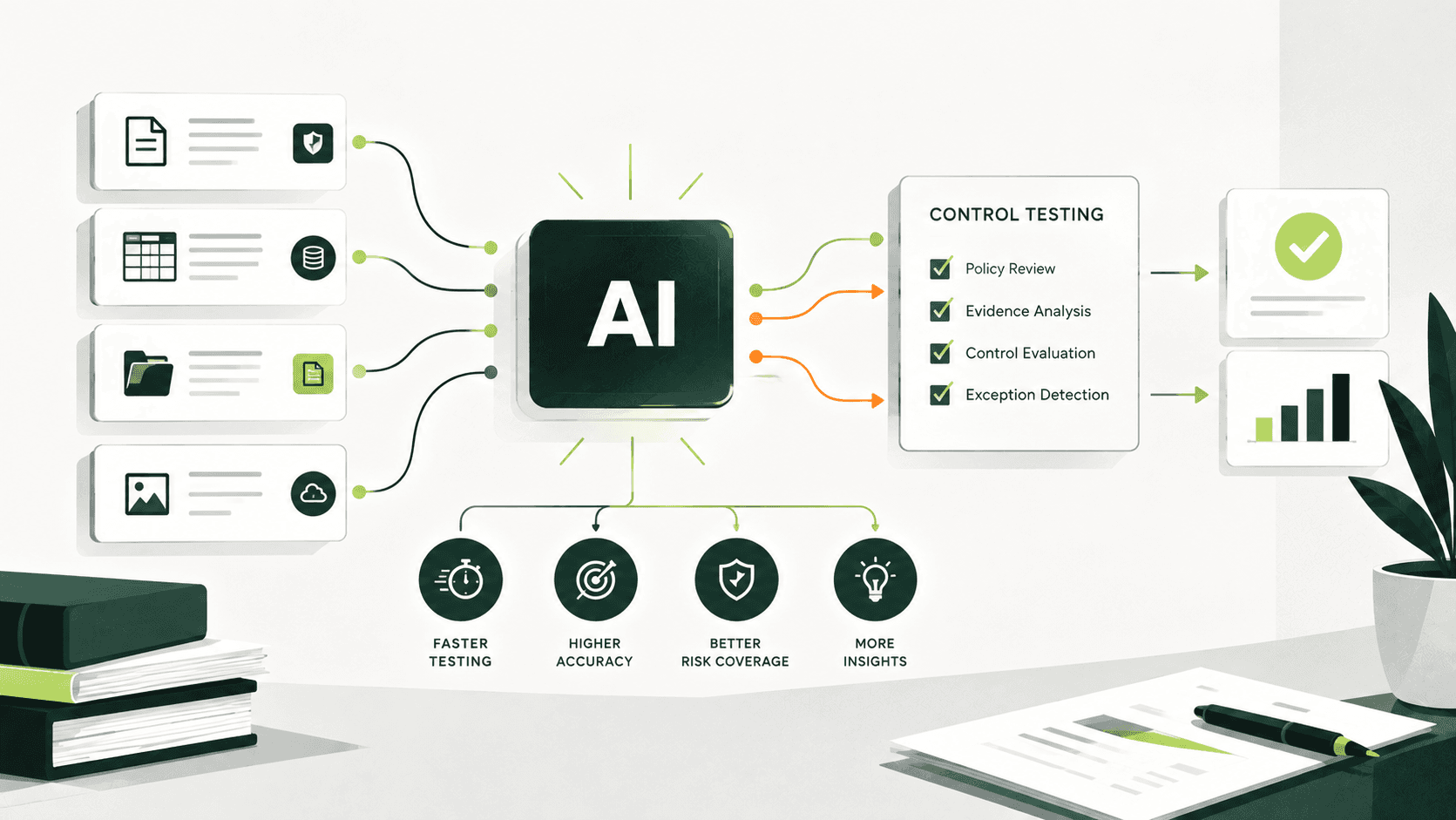
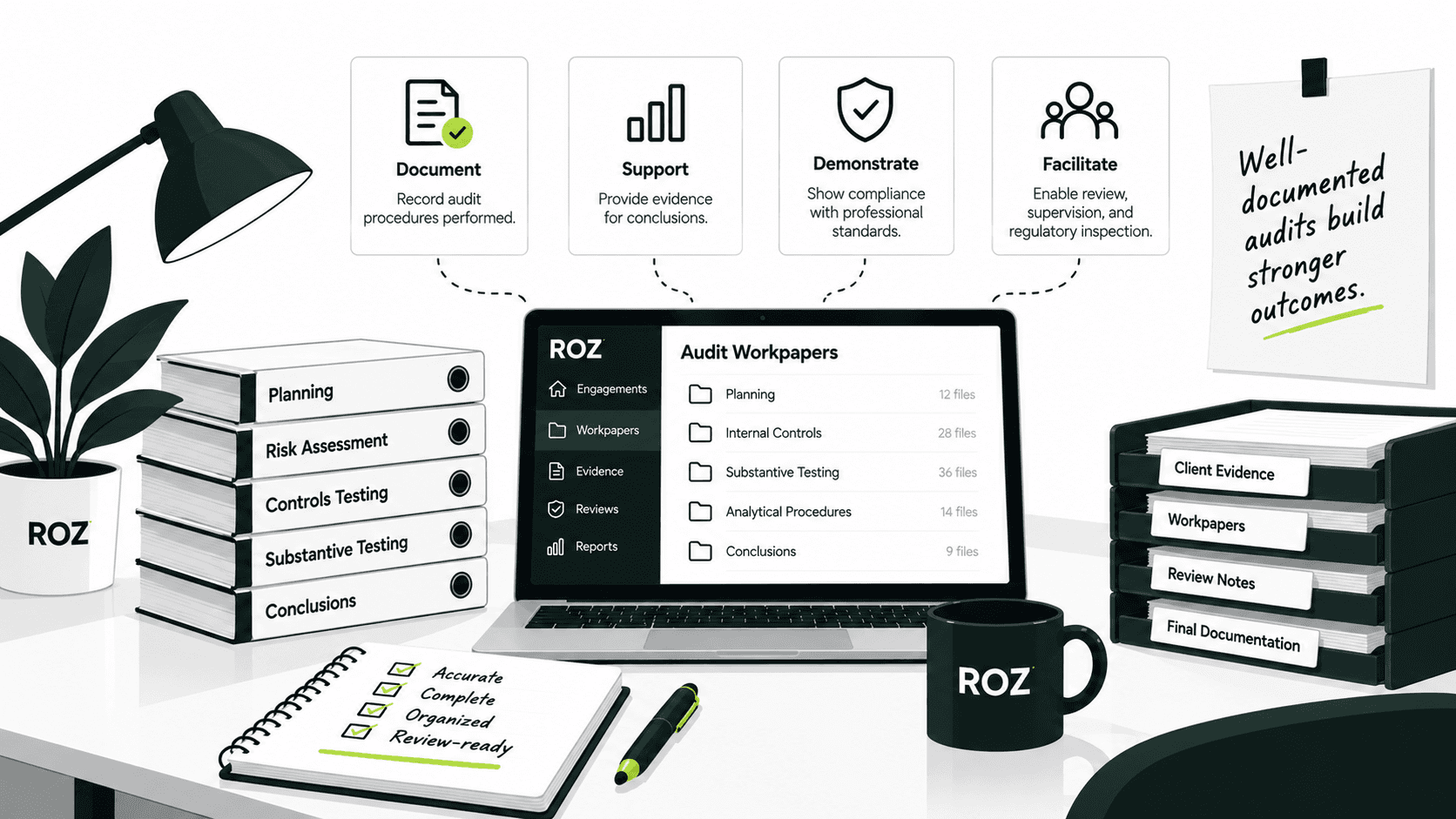
SOX compliance automation is capable of accomplishing a variety of tasks, including electronic evidence collection, support for defined control testing procedures, identification of exceptions, and the production of audit workpapers, as well as the control of audit trails. Comprehensive automation builds these tasks into one unified workflow. Otherwise, users have to deal with various unintegrated and unstructured spreadsheets, emails, and file-sharing systems.
It must be noted that buying a GRC platform to implement SOX automation is not the same thing. A GRC platform consolidates compliance information and documentation. Technology-supported SOX workflows can retrieve evidence, apply defined testing procedures, and present results for practitioner review. GRC platforms and automation capabilities can be complementary rather than mutually exclusive.
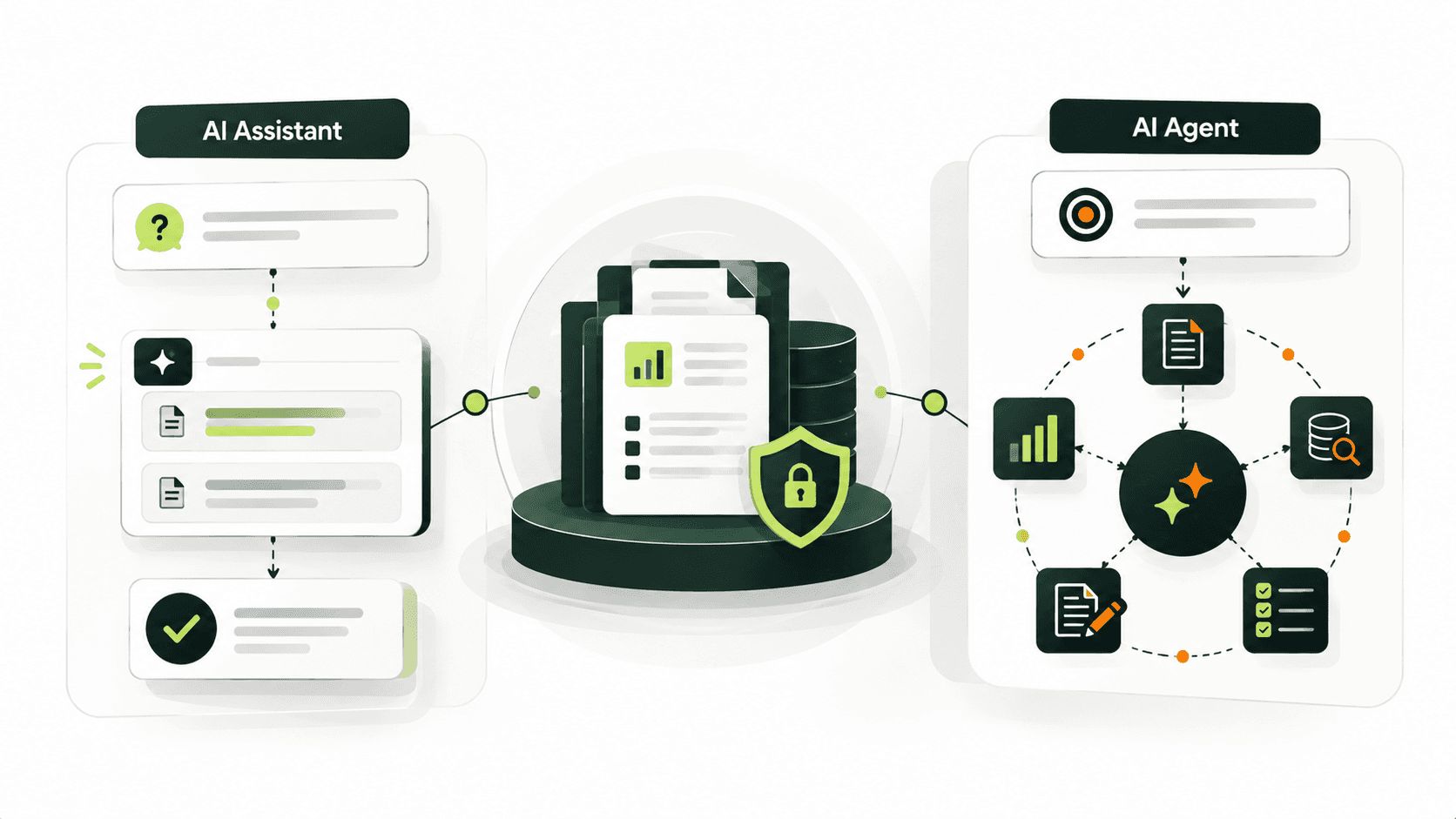
Automation shouldn't be perceived as a replacement for professionals. Automation supplements unstructured compliance work. The most significant thing that automation provides is support for eliminating tedious compliance work, which reduces this work and allows professionals to focus on activities that require professional judgment and evaluation.
How Does SOX Automation Work?

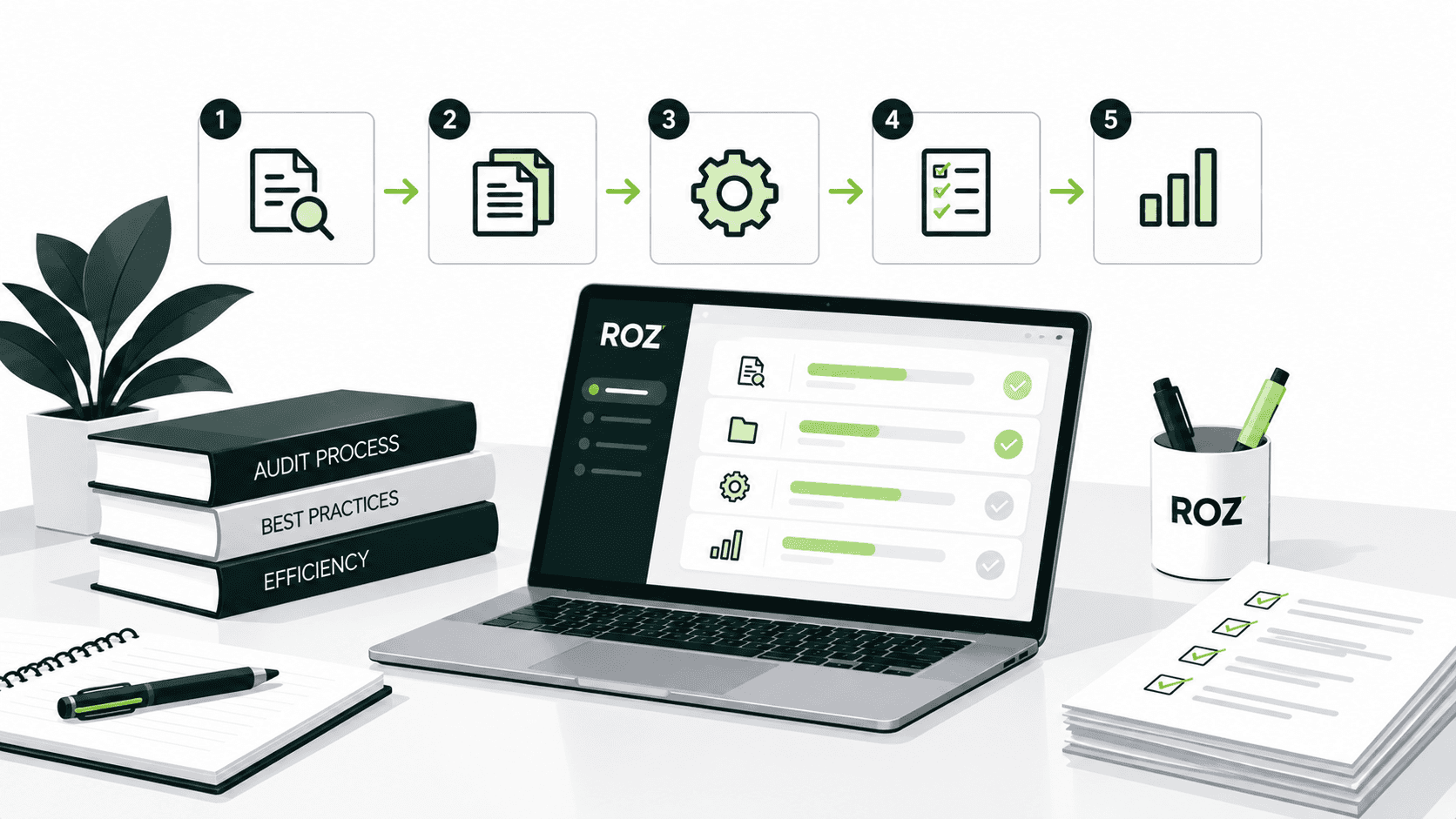
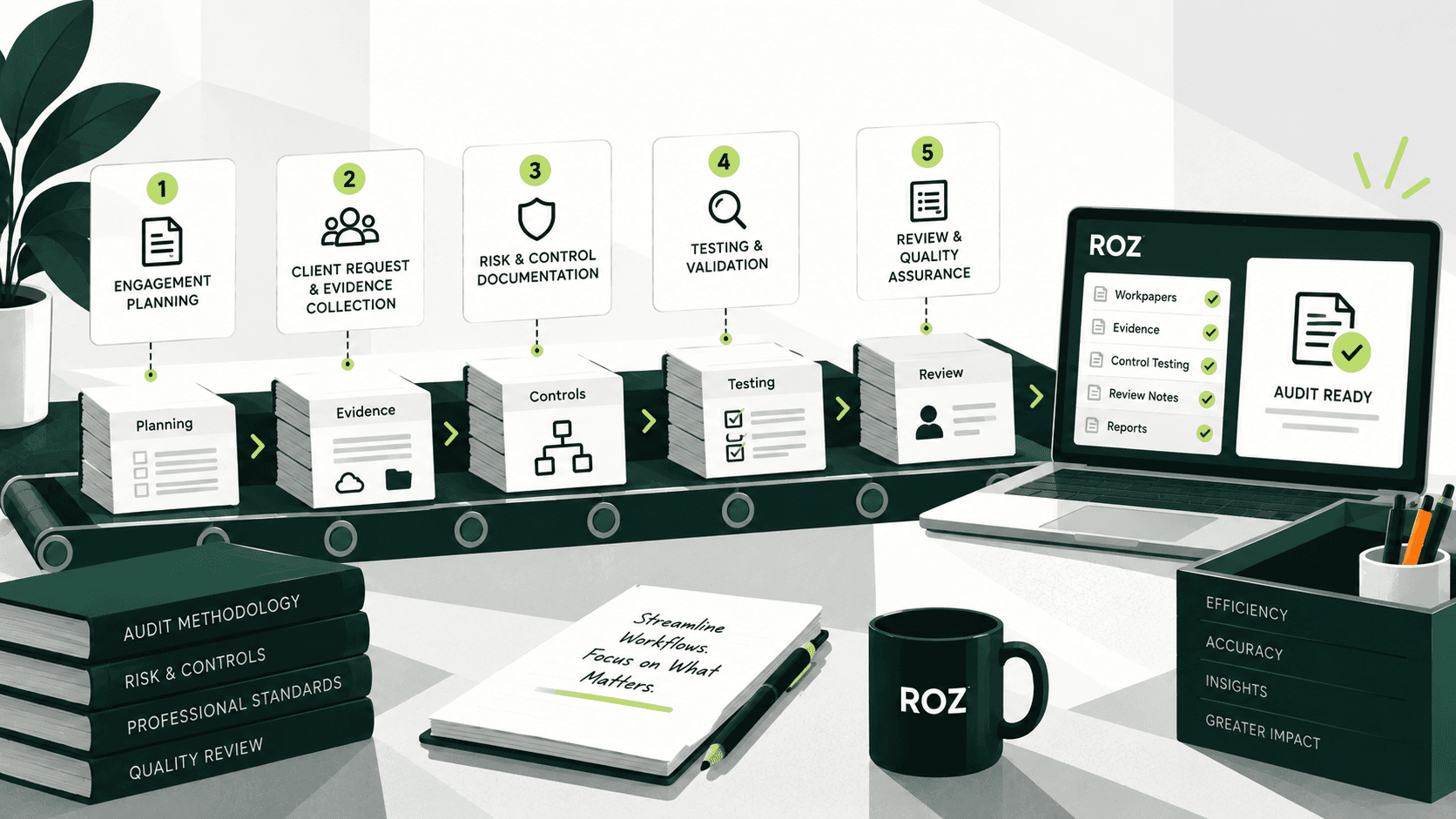
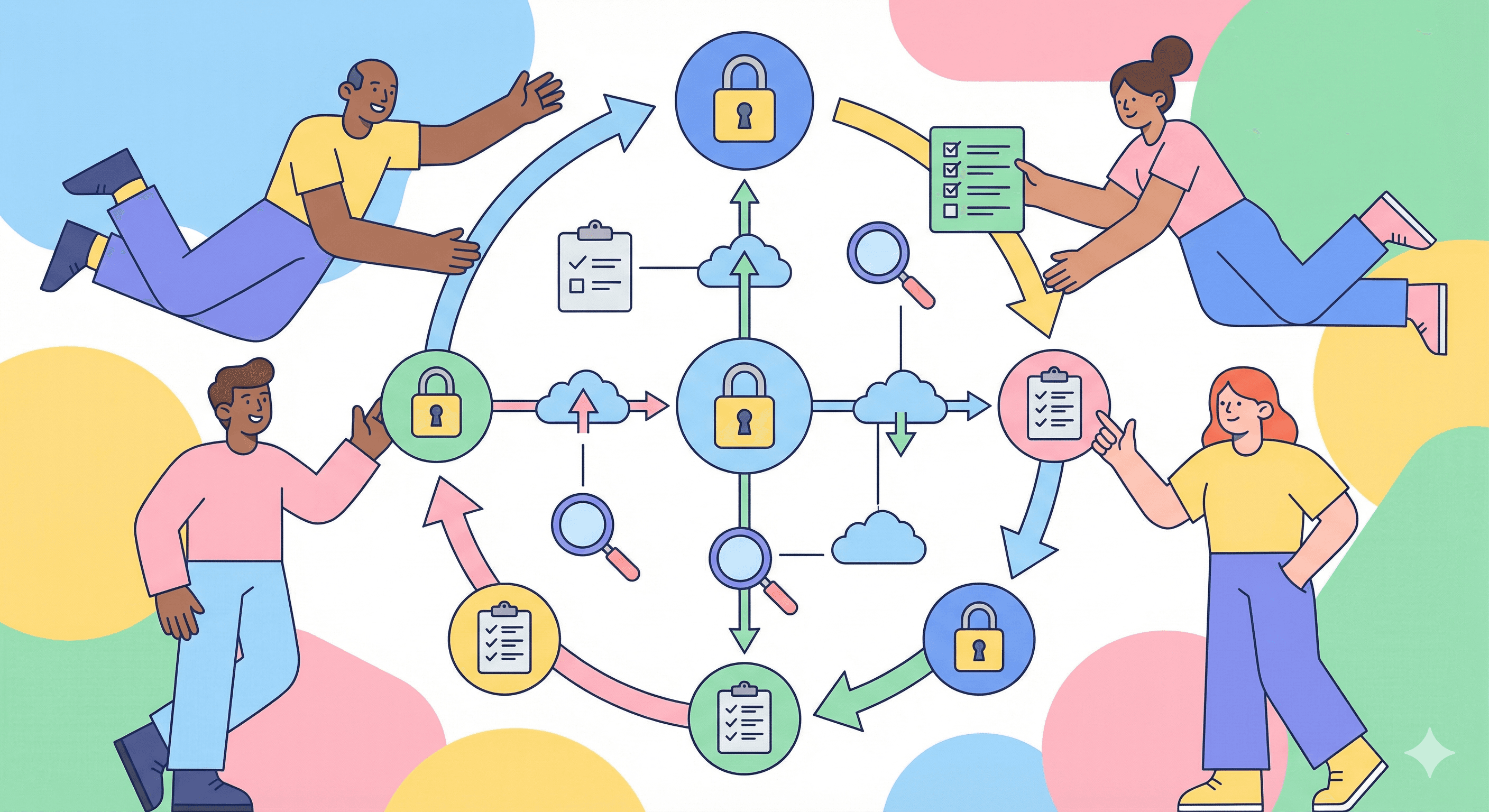
At a high level, SOX automation moves compliance activities through a structured workflow, from evidence collection through to the documented audit trail.
1. Connect to Source Systems
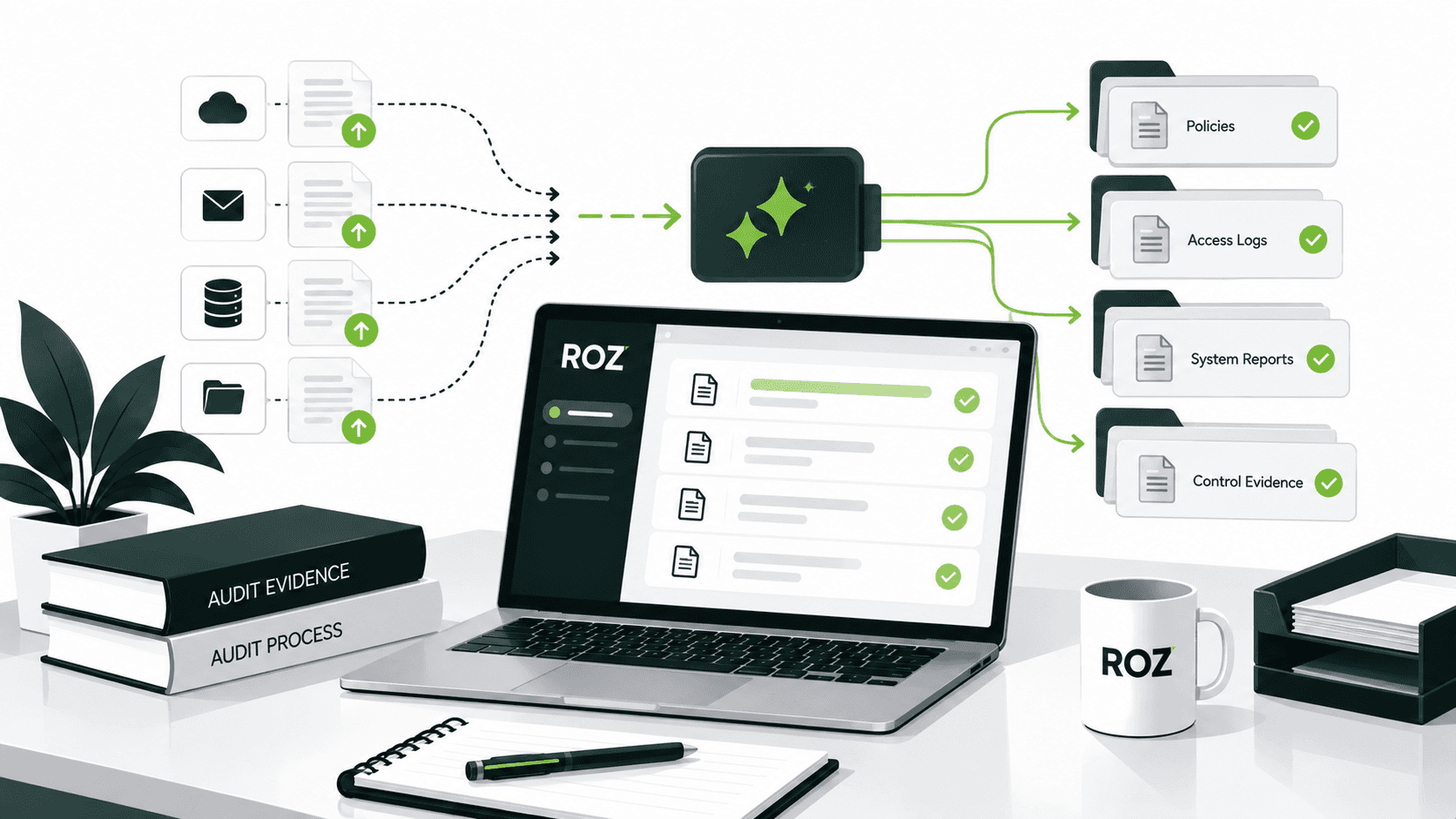
Automation requires integrations. Compliance automation platforms connect to your data source systems for controls, which could be your ERP platforms, HRIS, IAM, cloud, ticket, and finance apps. Integrations to source systems can reduce the need for manual evidence requests, although not all controls have a direct integration.
2. Collect and Organize Evidence
If a control has a direct integration, the platform can retrieve the evidence and organize it to be made available to other controls. Evidence is not guaranteed to be organized for controls without a direct integration and will require manual collection. The platform will notify you if evidence is missing or outdated.
3. Map Evidence to Controls
The platform helps you associate evidence with control objectives and maintain traceability to the underlying control documentation. AI can classify documents and evidence, identify relevant controls, and recommend supporting documents for your review.
It can also support attribute testing by checking defined criteria such as approvals, timing completeness, and reviewer authorization. Tickmarks can document the procedures performed and testing results directly in the workpaper, with links back to the supporting evidence. This helps create a clear link between the evidence, testing performed, results, and reviewer conclusion.
4. Execute Control Tests
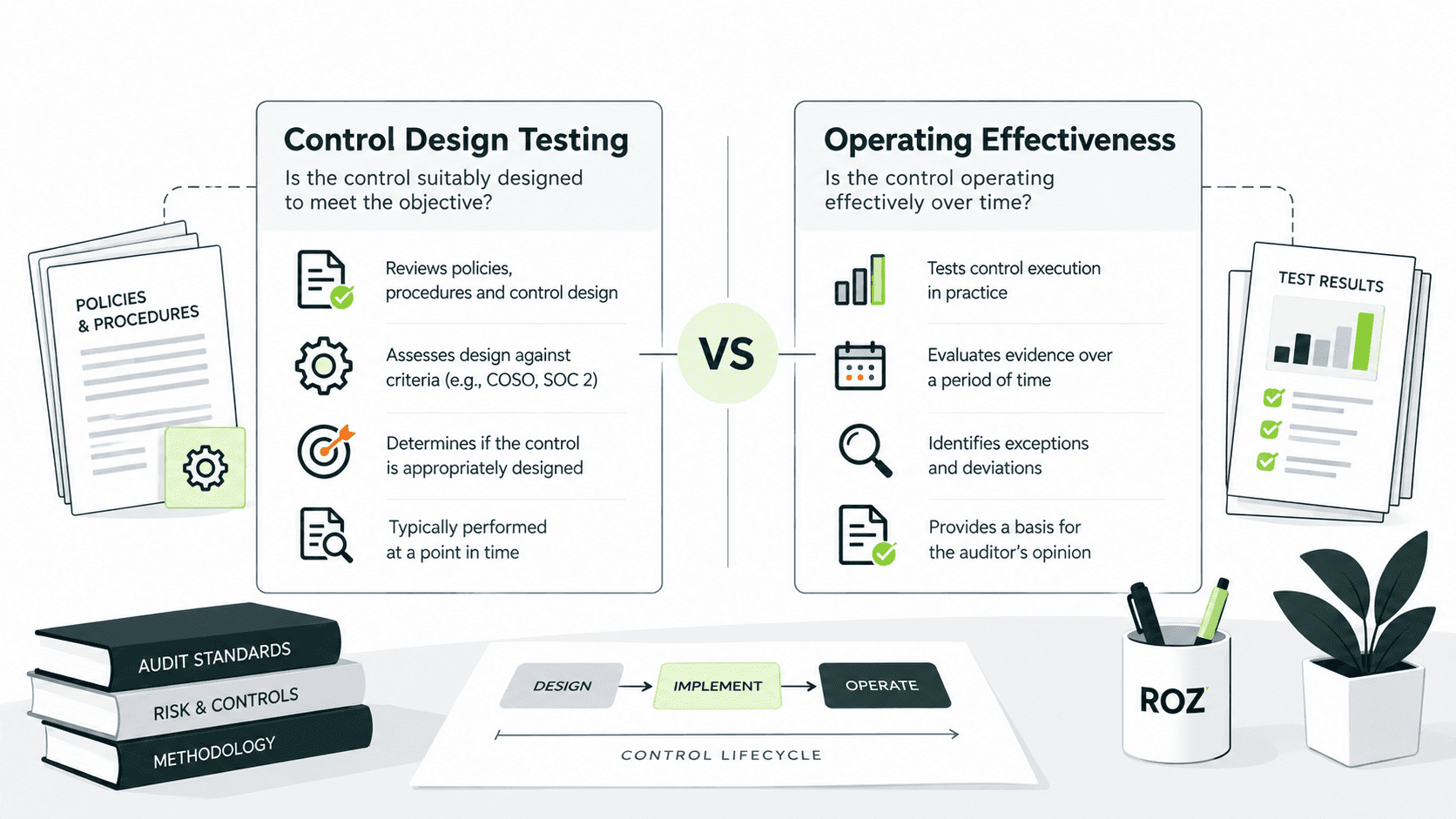
The platform can apply practitioner-defined logic to evidence populations and surface potential exceptions for review. The scope, criteria, and interpretation of the testing procedure remain defined by the engagement team.
5. Route Exceptions for Review
Flagged items for exception are prioritized and routed to specific reviewers. Platforms help focus reviewers' effort on exception items and reduce the need to manually review large evidence sets.
6. Generate Workpapers
Some platforms have the capability of creating initial drafts of workpapers using the firm's templates, populating them with the results of the testing, and providing supportive evidence. With this feature, reviewers can edit and finalize workpapers, whereas on other platforms, they have to create the documents from scratch. The difference in automation across platforms is significant.
7. Maintain the Audit Trail
Strong audit platforms can record key workflow steps, evidence sources, testing procedures, results, and reviewer actions, thereby creating a traceable chain from the source to the conclusion. The extent of the audit trail depends on the platform's workflow design, integrations, and configuration.
How AI Streamlines SOX Compliance Automation

AI builds on basic automation of workflows and can analyze evidence, identify patterns, and help with control testing, all of which can lessen the manual work required for SOX engagements.
Automating SOX Evidence Collection
Automation can retrieve documentation from integrated source systems, decreases manual requests for evidence, and identifies gaps and incompleteness in evidence. AI can then assist in classifying and organizing the evidence pertinent to each control.
Automating Evidence Classification and Control Mapping
Classifying evidence and associating it to controls is a labor-intensive part of an SOX engagement. AI can assist in first-classifying evidence, identify relevant documents, and help practitioners in organizing evidence.
Automating SOX Control Testing
AI can help in first-pass control testing by applying criteria defined by practitioners to control evidence and data populations, identifying outliers, and supporting anomaly testing. Potential exceptions are surfaced for practitioner review, and they are not lost in spreadsheets.
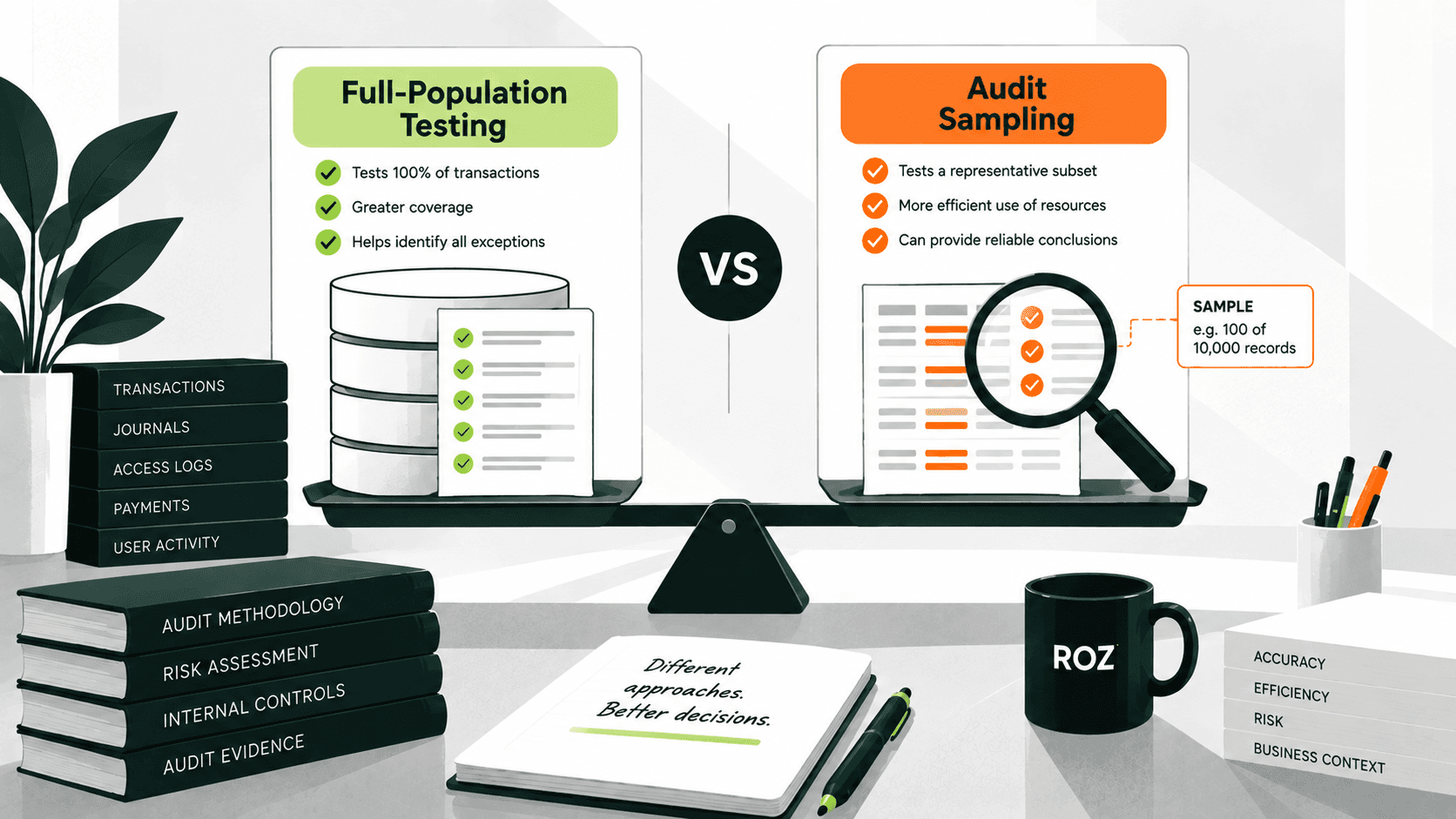
Moving Toward Full-Population Testing
SOX testing is often performed using sampling rather than reviewing the entire population. Automation can make it easier to analyze larger populations when the data and testing objective are suitable. However, broader testing does not replace practitioner judgment. Practitioners still need to evaluate results, investigate exceptions, and determine the appropriate conclusion.
Automating SOX Workpapers
AI can generate first-draft workpapers using supporting evidence and testing results and use templates to remove the manual work associated with drafting. Roz can reduce the manual effort associated with first-pass drafting while auditors review, edit, and finalize the resulting workpapers.
Detecting Exceptions Earlier
Rather than waiting to discover issues at the end of a testing cycle, automation can facilitate scheduled or continuous monitoring if the situation permits. Exceptions can be identified sooner, allowing more time for the team to examine and correct them.
Supporting Reporting and Audit Readiness
Automation can help summarize exceptions, track evidence, and record review histories, giving teams a more detailed view of the progress being made during an engagement. Maintaining evidence and documents in an organized manner during an engagement can lessen the time required to be ready for an external audit review.
Which SOX Controls Can Be Automated?
Automation works best for controls that are repeatable, rules-based, data-rich, and high-volume. The following examples show common SOX automation opportunities.
SOX Control Area | Automation Opportunity |
User access | Access review and privilege analysis |
Privileged access | Identify elevated or unusual access |
Change management | Match changes to approvals and tickets |
Segregation of duties | Detect conflicting access |
Journal entries | Analyze transaction populations and flag unusual entries |
Approvals | Check evidence against defined authorization criteria |
Account reconciliations | Monitor completion and surface exceptions |
ITGC | Support recurring IT control testing |
Evidence collection | Retrieve and organize supporting evidence |
The level of automation that can be used for a particular control depends on the design of the control, the data that is available, and the purpose of the testing. Controls that have a significant element of professional judgment or require risk assessment, deficiency evaluation, or control conclusion require significant human review, and automation will not change that.
SOX Automation vs. Manual SOX Compliance
Area | Manual SOX | Automated SOX |
Evidence collection | Email and manual requests | System-connected evidence collection |
Evidence organization | Spreadsheets and folders | Centralized, structured workflow |
Control testing | Manual procedures | Technology-supported and AI-assisted testing |
Testing coverage | Often sample-driven | Larger populations where appropriate |
Exception detection | Identified during testing | Potential exceptions surfaced earlier |
Workpapers | Manually prepared | First-pass generated |
Monitoring | Primarily periodic | Scheduled or continuous, where supported |
Audit trail | Manually maintained | System-tracked evidence and review history |
Scalability | Depends heavily on staff capacity | Greater operational capacity |
The key point is that SOX automation does not eliminate the need for human judgment. It reduces repetitive tasks so that professionals can focus on determining risks, evaluating controls, reviewing exceptions, and reaching defensible conclusions.
How AI Improves SOX ITGC Automation

IT general controls (ITGCs) are controls that support the reliability of an organization's information systems and the processes used to manage access, changes, and system operations. Automating these controls is feasible, given that much of the data upon which these controls are based is system-generated and structured.
User Access Reviews
Automation can assist in analyzing user populations to identify access issues and exceptions, compare user access to the roles for which they are approved, and do so without requiring the practitioner to download and sort access reports.
Privileged Access
Additional controls and review procedures are typically applied to privileged accounts. Automated systems can identify privileged users and access and support reviews.
Joiner-Mover-Leaver Controls
Automation can compare HR events with system access records to identify whether access changes were made appropriately and on time when employees join, move, or leave the organization.
Change Management
Automation can support change management controls by verifying that changes made to a system are approved and documented and by identifying any changes made to a system in an unapproved or undocumented manner.
Segregation of Duties
Automation can analyze combinations of user roles and permissions to identify potential conflicts of access, for example, when a user can both initiate and approve a transaction, and prioritize higher-risk conflicts for review.
ITGC Evidence Collection
Automation can retrieve evidence from source systems, organize it against the relevant controls, maintain a history of evidence, and reduce the back-and-forth involved in ITGC testing. This can reduce reliance on screenshots and manual uploads where direct system evidence is available.
How to Build an Audit-Ready SOX Automation Program
A successful SOX automation program automates repetitive tasks while allowing for the documentation of professional judgment and evidence traceability.
1. Identify the Right Controls to Automate
Prioritize controls that are repeatedly performed, rules-based, supported by structured data, and suitable for technology-assisted procedures. Automation works best for controls with clear procedures and structured data. Avoid attempting to automate too many controls at once. Instead, prioritize controls where technology can meaningfully reduce repetitive manual effort.
Automation won't fix a poorly designed process. Standardize and simplify the process before automating it.
2. Connect Your Source Systems
Automations should be integrated into the systems of record for evidence and data. This can reduce manual evidence requests and duplicate work. Traceability is improved, but automations should not be blindly integrated into source systems. The data and evidence remain subject to controls and must be validated for accuracy, completeness, and relevance.
3. Define Clear Testing Logic
Document what an automated procedure tests, what a pass or fail outcome is, what exceptions are, and what evidence supports the outcome. Automated procedures should be traceable, and clear testing logic reduces ambiguity during review. Testing logic should be defined for AI-assisted testing as well as where in the process human review is required.
4. Build Human Review Into the Workflow
Not every SOX decision should be automated. Define exceptions for ambiguous evidence, judgment-based conclusions, and deficiency assessments. Route these exceptions for human review rather than attempting to automate the judgment involved.
Automation can process large volumes of data; professionals provide the context and judgment needed to interpret the results.
AI should be used to speed up analysis and help with repetitive tasks, leaving the analysis of results and the making of judgments to the professionals.
5. Make Evidence Traceable
All technology-assisted results should be traceable to the underlying evidence, testing procedures, and reviewer decisions. A clear audit trail should allow one to understand:
where the information came from → what control it supported → what test was performed → what result was produced → who reviewed it → what conclusion was reached
This traceability helps support both external audit scrutiny and internal quality review.
6. Continuously Monitor and Improve
Automation needs to be evaluated and improved upon routinely.
Testing accuracy should be reviewed, the causes of false positives and negatives should be investigated, the logic of testing should be updated when controls and systems change, and the candidates for good automation should be reassessed.
There is an important difference that should be kept: continuously monitoring controls is not the same as periodically reviewing the automation itself. Both matter.
7. Preserve a Complete Audit Trail
Track the entire chain from beginning to end for each individual engagement:
Source → Evidence → Control → Test → Result → Reviewer → Conclusion
A complete audit trail should show what the automated system produced, as well as the evidence behind the result and the review made by a human. It is important to keep in mind that, as stated by the PCAOB standards, technology-assisted analysis by itself does not give the auditors sufficient appropriate audit evidence.
How Roz Helps Streamline SOX Compliance
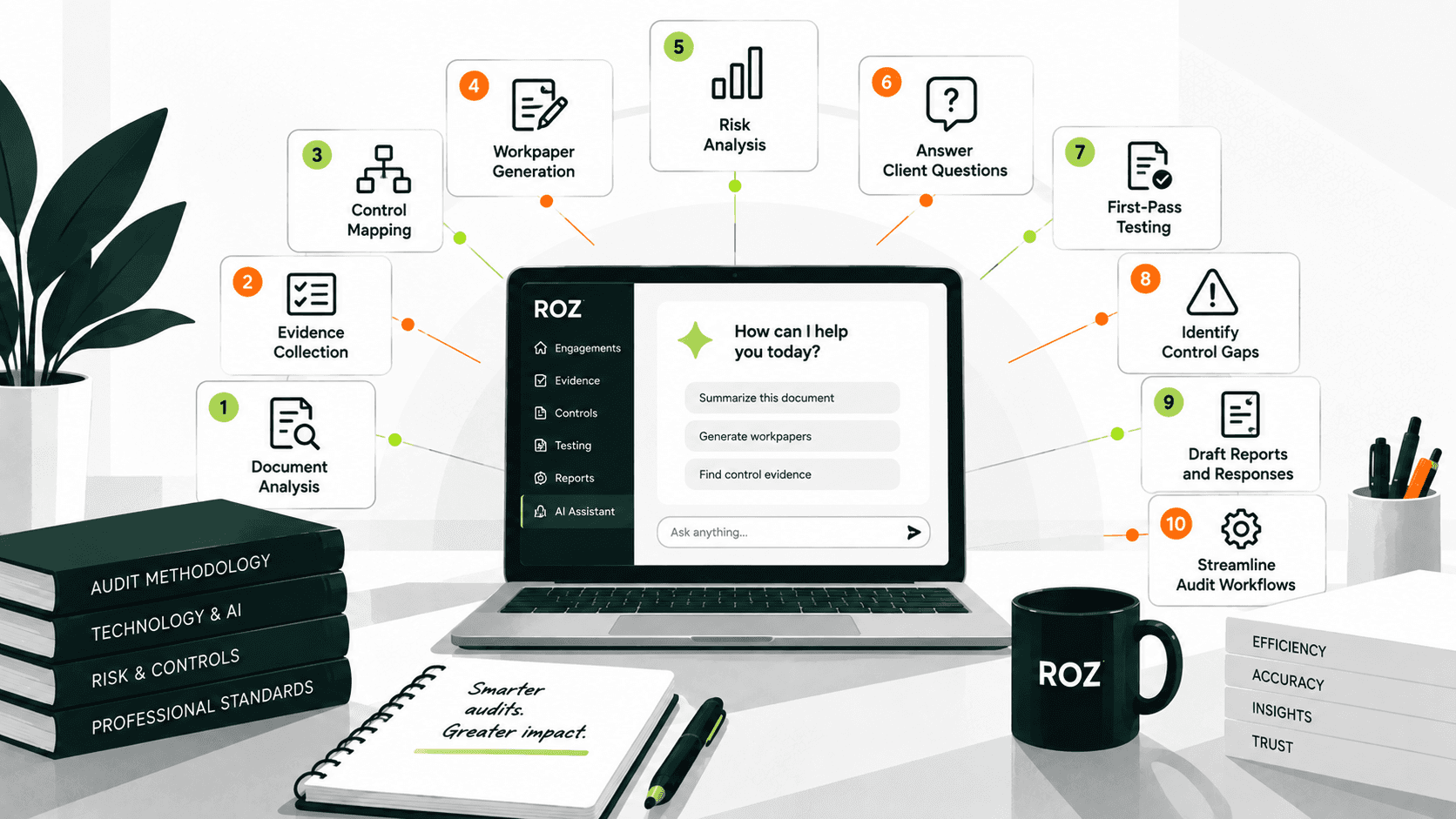
Roz is an AI-native audit fieldwork platform built for auditors and advisory firms. For SOX engagements, it supports evidence collection, control testing, workpaper preparation, and review while keeping professional judgment with the engagement team.
Centralize and organize evidence: Each client engagement has an isolated workspace where policies, procedures, evidence, and prior reports can be organized and accessed in one place.
Connect evidence to controls: Roz ties supporting evidence to relevant controls and testing requirements, helping maintain source-linked traceability throughout the workflow.
Accelerate control testing: AI-assisted testing applies defined attribute checks to evidence and sample sets, surfacing PASS/FAIL/N/A/INFO results and potential exceptions for auditor review.
Generate AI-assisted first-pass workpapers: Testing inputs and supporting evidence can be used to prepare draft workpapers from firm-approved templates, with source links for reviewer validation.
Preserve audit trails: Test reruns, verifications, overrides, and source-linked documentation help reviewers trace how testing results and workpapers were developed.
Keep professionals in control: The workflow remains straightforward: AI-assisted testing → professional review → final judgment. Auditors remain responsible for evaluating evidence, investigating exceptions, determining control effectiveness, and reaching final conclusions.
For audit and advisory firms, the value of streamlining SOX compliance goes beyond collecting evidence more efficiently. It connects evidence, controls, testing, workpapers, and review into a more consistent workflow while preserving auditor oversight.
Conclusion
SOX programs are becoming more complex, and manual collection of evidence becomes a constraint on growth as the volume of transactions and the count of controls increase. Automation of high-volume, repeatable SOX processes allows firms to perform more work of greater value, perhaps even without a proportional increase in headcount.
The goal of automation is not to take away the professional judgment of personnel. It is to eliminate the tedious work surrounding judgment so that auditors can perform what they have been trained to do, that is, assess risk, evaluate controls, and come to a conclusion.
The future of SOX compliance software is not simply more automation. It is a better-connected workflow that gives auditors more time to apply judgment and less time to move evidence.
Frequently Asked Questions
What is SOX control testing automation?
SOX control testing automation software helps practitioners define testing logic and evolves to analyze data populations and exceptions within defined parameters. The technology can support the procedural aspects of testing, while practitioners evaluate the results and apply professional judgment.
What are the key benefits of SOX automation?
The key benefits are less time spent on tedious documentation, broader testing of larger data populations, exception traceability, more consistent workpapers, and improved audit readiness. Automating SOX controls can reduce compliance costs; PwC estimates a 15% increase in automation can result in a 10% decrease in compliance costs.
Is SOX automation the same as continuous monitoring?
No, SOX automation can automate compliance activities, testing, gathering evidence, and generating workpapers on a scheduled or triggered basis. Continuous monitoring is the observation of controls and transactions to capture exceptions as they occur or at defined intervals, depending on the monitoring design. Automation can be used to aid continuous monitoring, but the two are distinct from one another.